
Features
✔ Adjust the keyboard size.
✔ Select the typing sound and vibration.
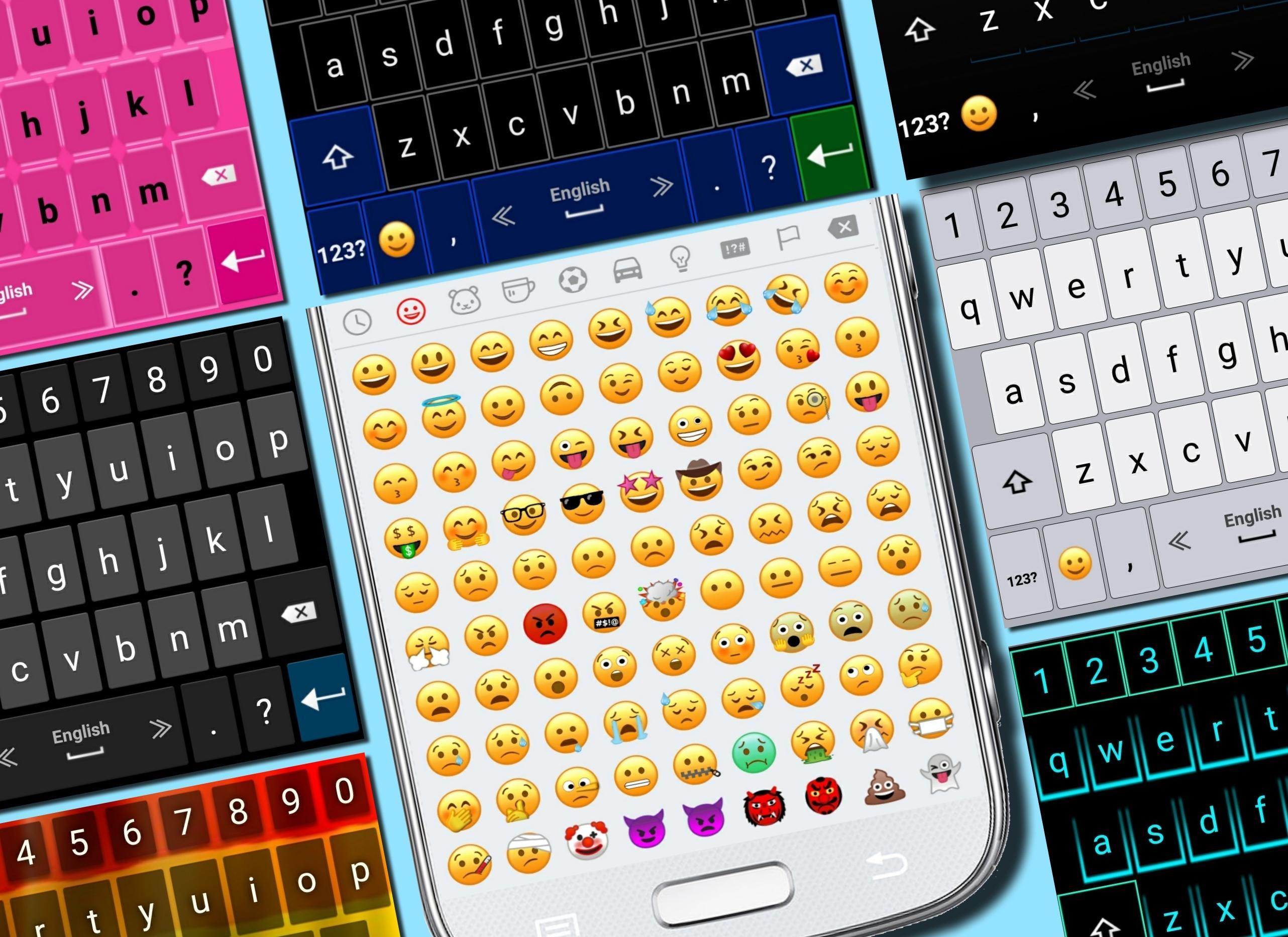
✔ Select your favorite theme.
✔ Select the top and bottom rows of the keyboard for whatsapp.
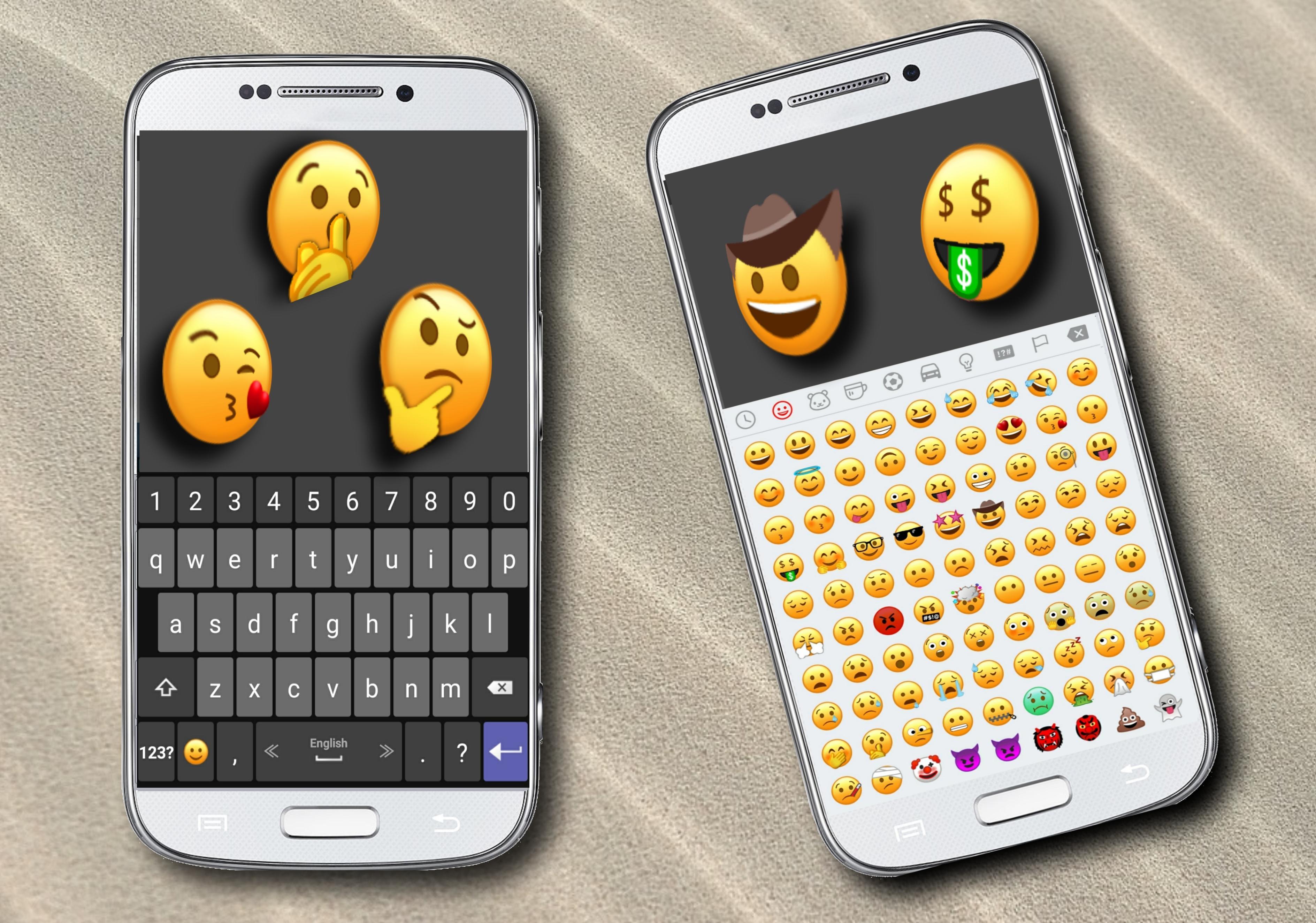
✔ The newest emojis.
✔ Emoji skin color.
✔ Microphone - translate speech into text.
✔ Settings of typing and display.
✔ Dictionary settings.
✔ Supports multiple languages.
Tips
• For switching between languages, swipe the spacebar from side to side.
• To open the keyboard settings, press and hold the "Enter" button.
• Press and hold the emoji button for textual emoji.
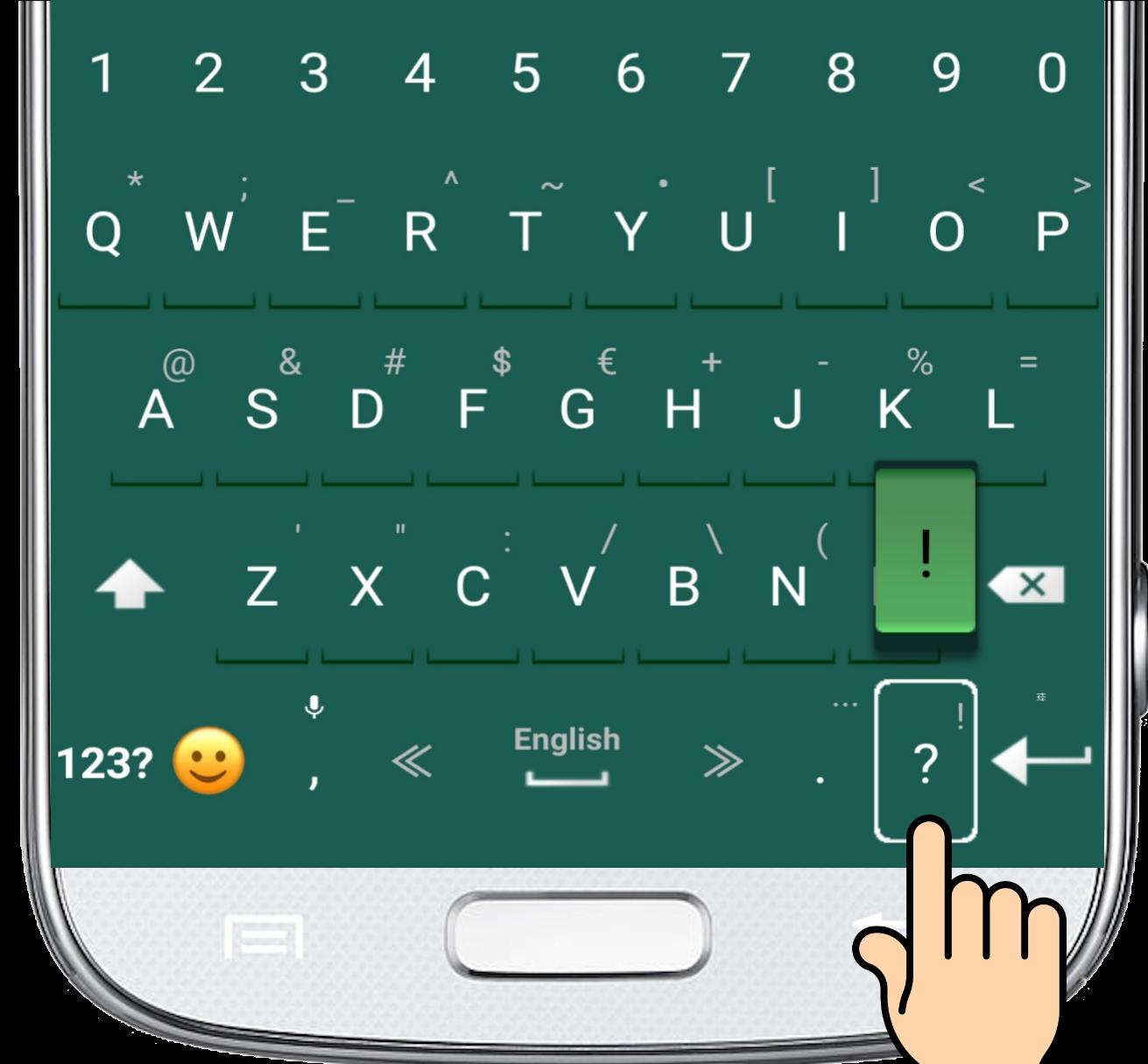
• Press and hold every key for additional characters.
• Microphone - Press and hold the comma button to translate your speech into text.
Latest Version
6.1Uploaded by
Bryar Yusf
Requires Android
Android 4.1+
Category
Free Tools AppContent Rating
Mature 17+ · Sexual Content, Strong Language
Report
Flag as inappropriateLast updated on Jan 5, 2020
Fixes and Improvements.




APKPure - A multi-platform app store primarily focused on Android, providing extensive app-related content. Discover the app you want easier, faster, and safer, with quick and efficient downloads and installations.









