

Kamen Rider Double Henshin Belt suits fans looking for a quick way to simulate transformations and hear recognizable cues without extra setup. It focuses on belt interactions on a touch screen so you can revisit favorite combinations during short breaks or longer practice. Additionally, the flow stays simple for casual use and easy repetition. You can download Kamen Rider Double Henshin Belt to try the simulator on your device whenever you want a portable belt experience.
Basic belt interaction
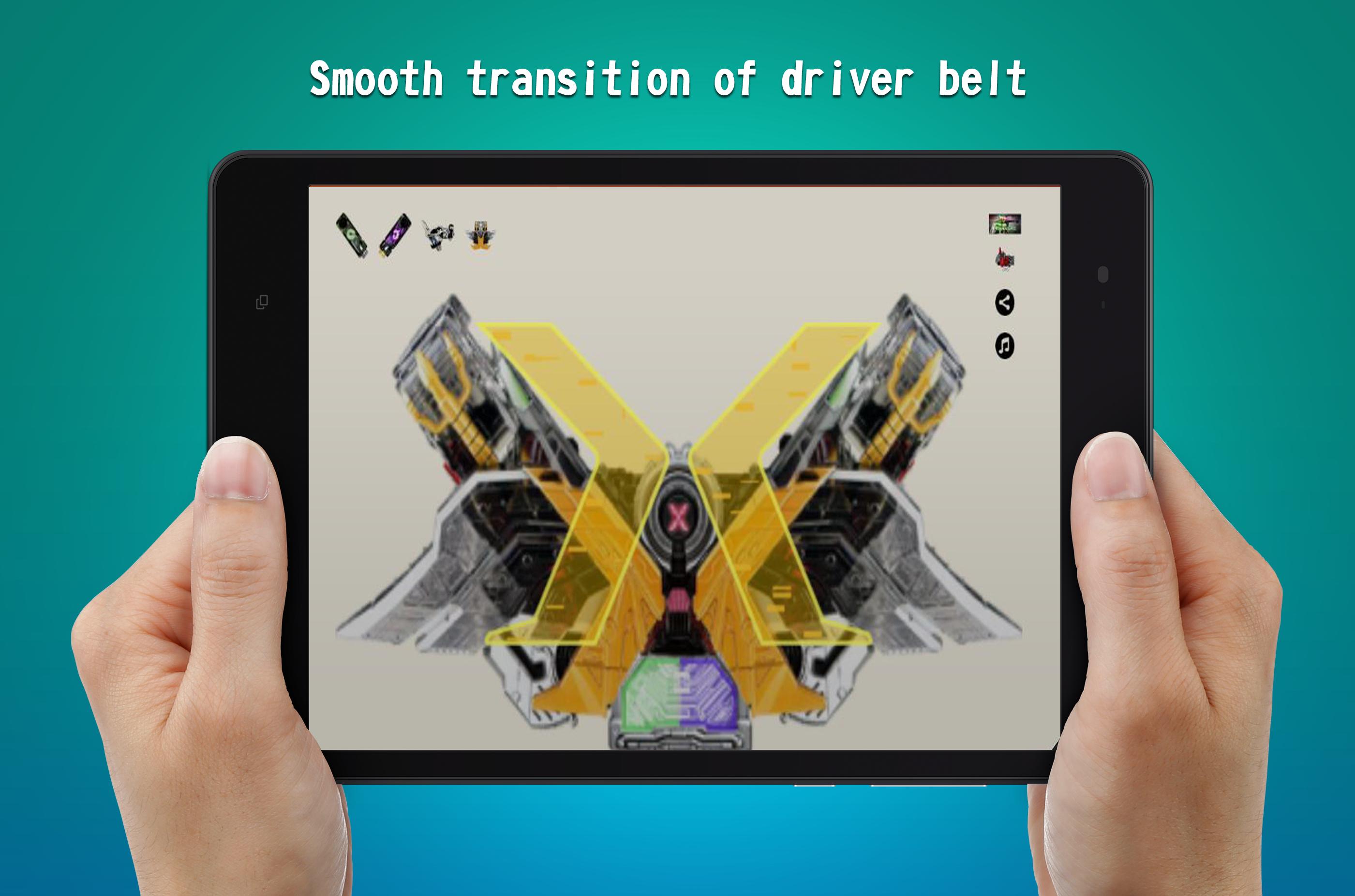
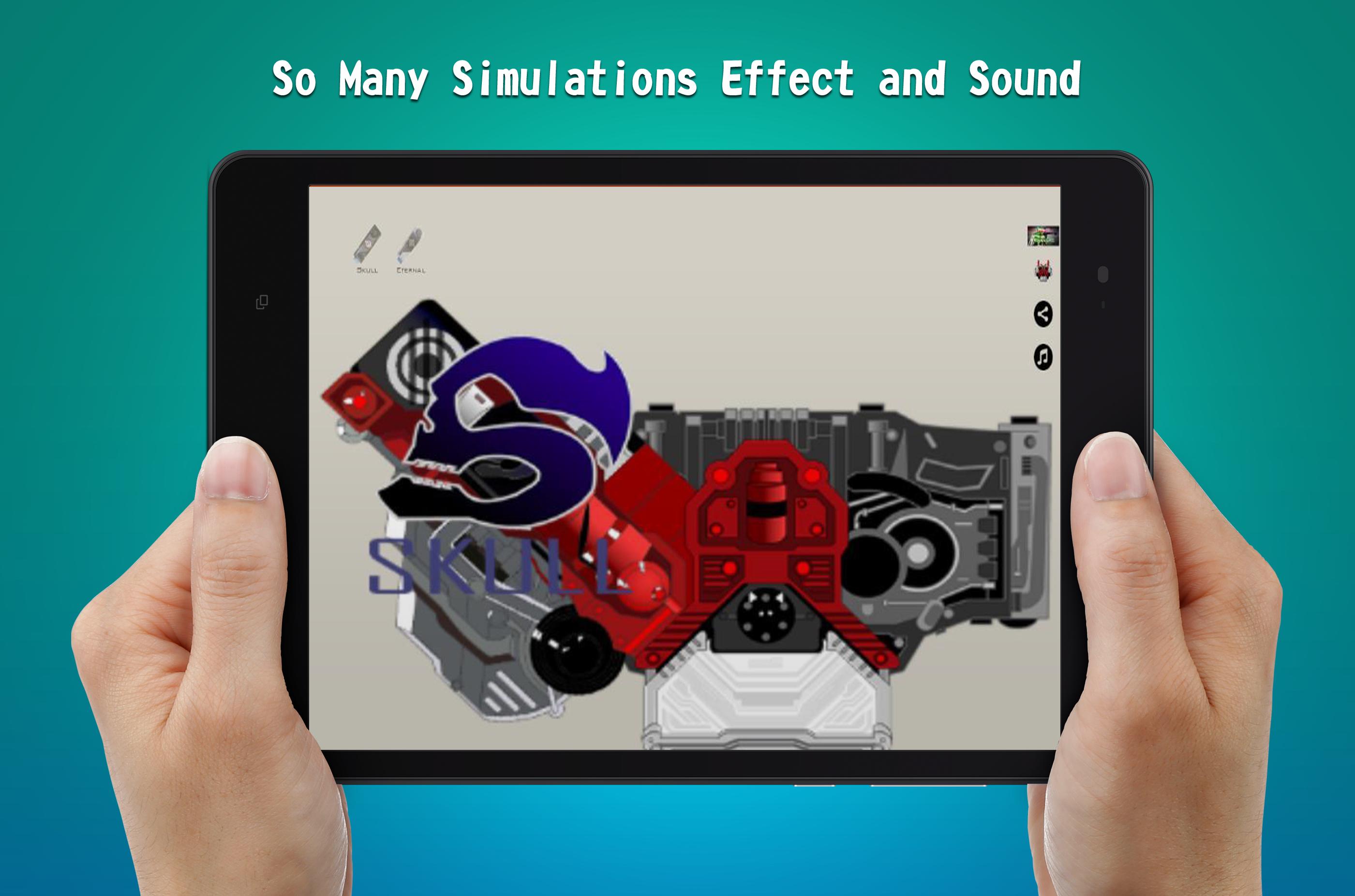
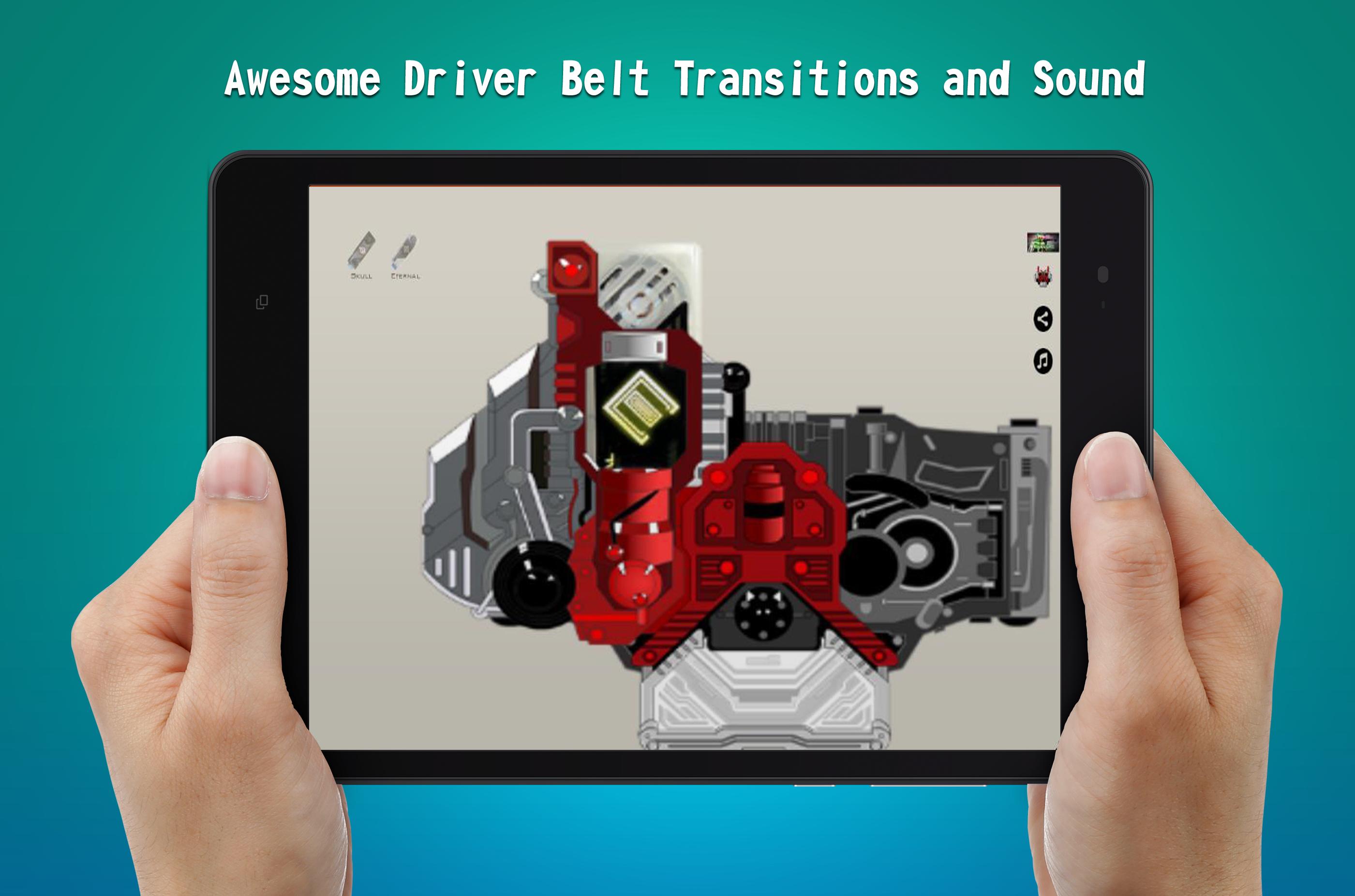
In the Kamen Rider Double Henshin Belt latest version, you tap the Double panel, choose a henshin memory, and the simulation begins right away. If you want to switch to another memory, repeat the selection step to change the transformation flow.
Attack and finisher sounds
After selecting a memory, you can trigger specific effects directly. Tap a memory three times to play the attack sound for that choice. Tap the Double panel to play the final attack sound when you are ready to finish the sequence.
Ringtone setup
When you want to personalize your phone, open the ringtone section from the main screen. Touch the ringtone icon to preview a memory and hear its sound. Long press the selected item to set it as your device ringtone so the cue plays for incoming calls.
This app centers on clear belt interactions and precise sound playback for fans who want a straightforward simulator. Install the Kamen Rider Double Henshin Belt APK and follow the on screen tips to explore transformations and set tones with familiar audio.
Latest Version
1.0Uploaded by
Galih Kembara
Requires Android
Android 4.0.3+
Category
Free Simulation GameContent Rating
Everyone
Report
Flag as inappropriateLast updated on Apr 4, 2018
Kamen Rider Double Henshin Belt Ver 01







APKPure - A multi-platform app store primarily focused on Android, providing extensive app-related content. Discover the app you want easier, faster, and safer, with quick and efficient downloads and installations.