Scan Date:Apr 29, 2026
Show More

Features
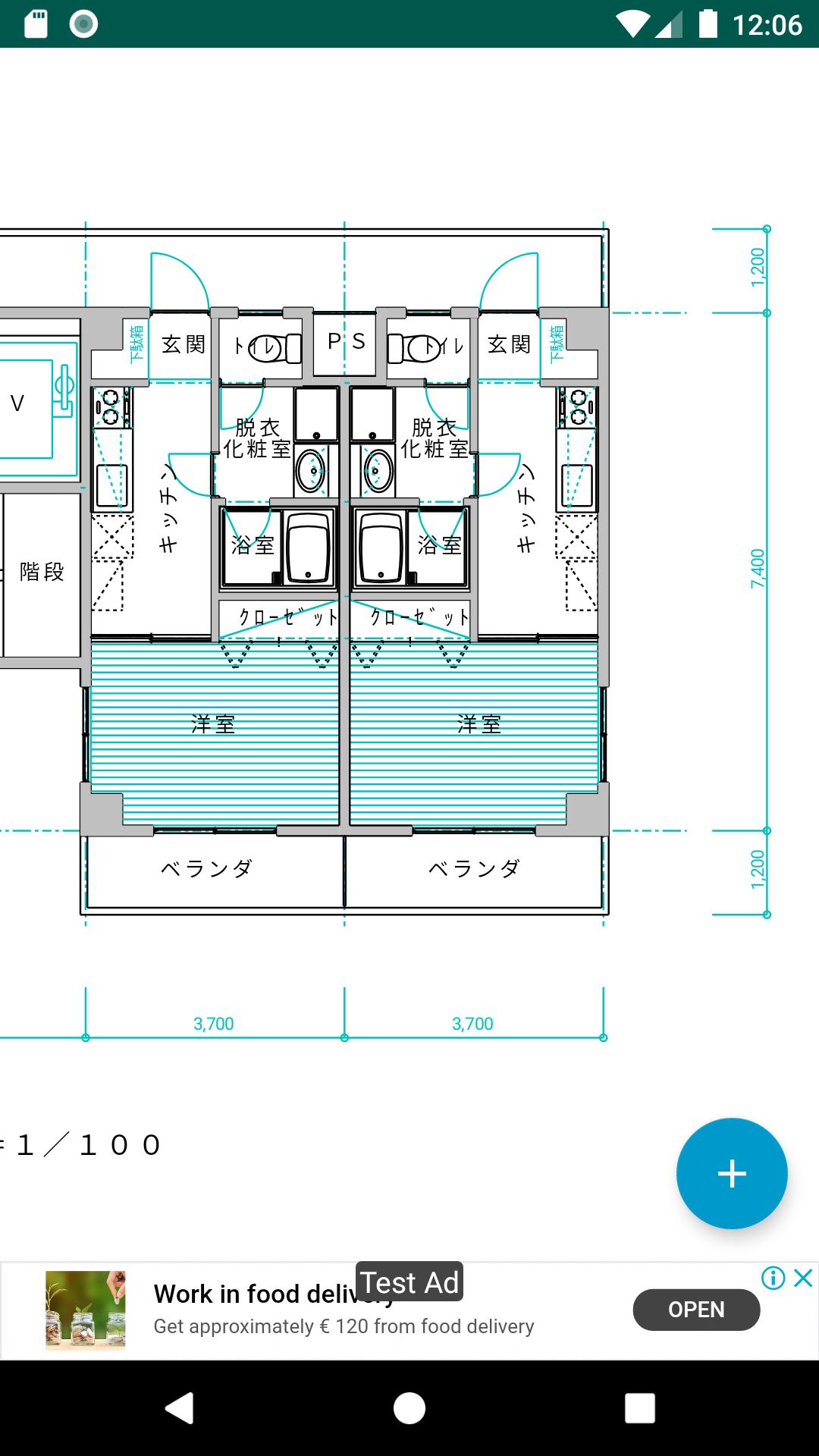
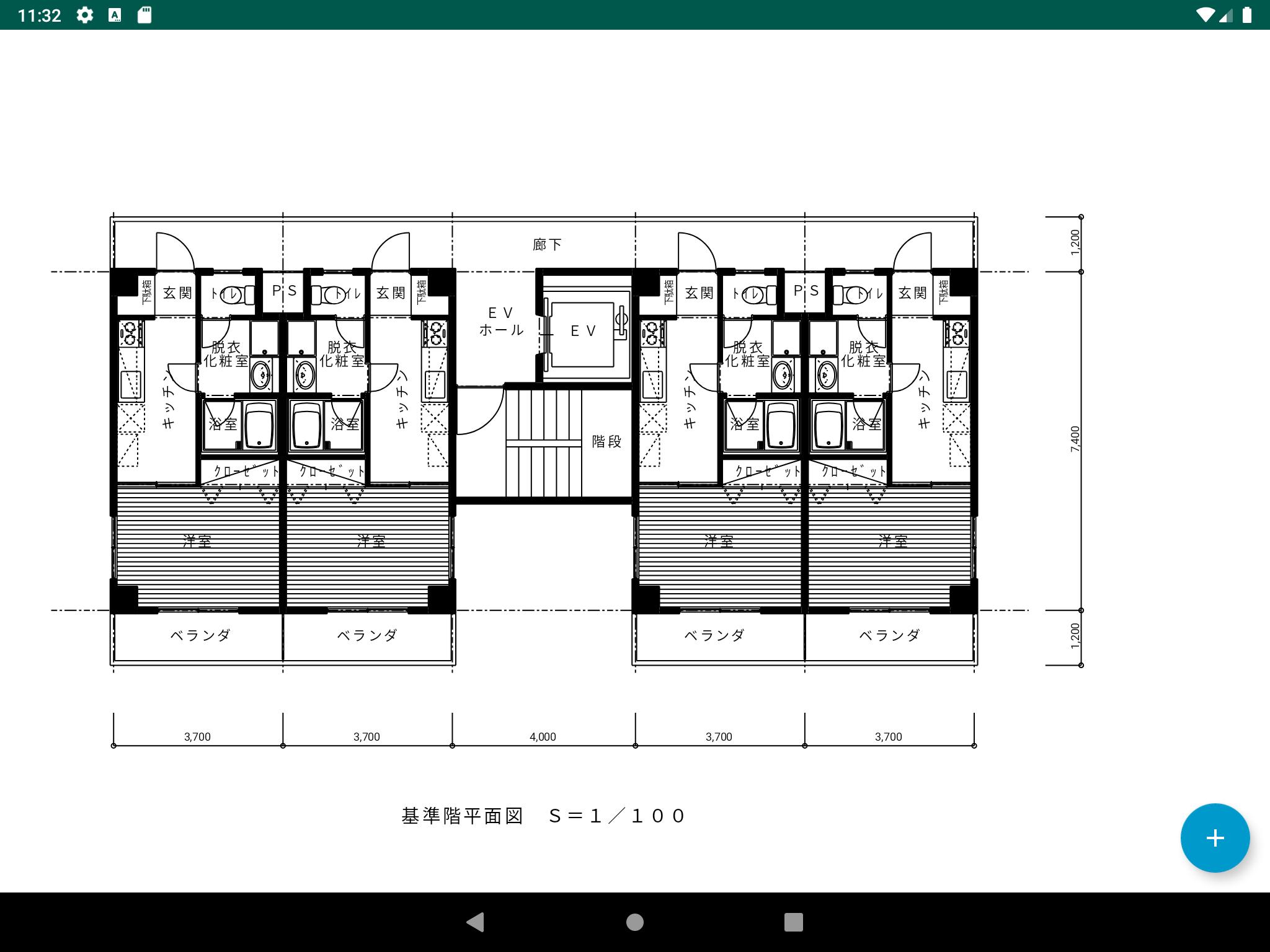
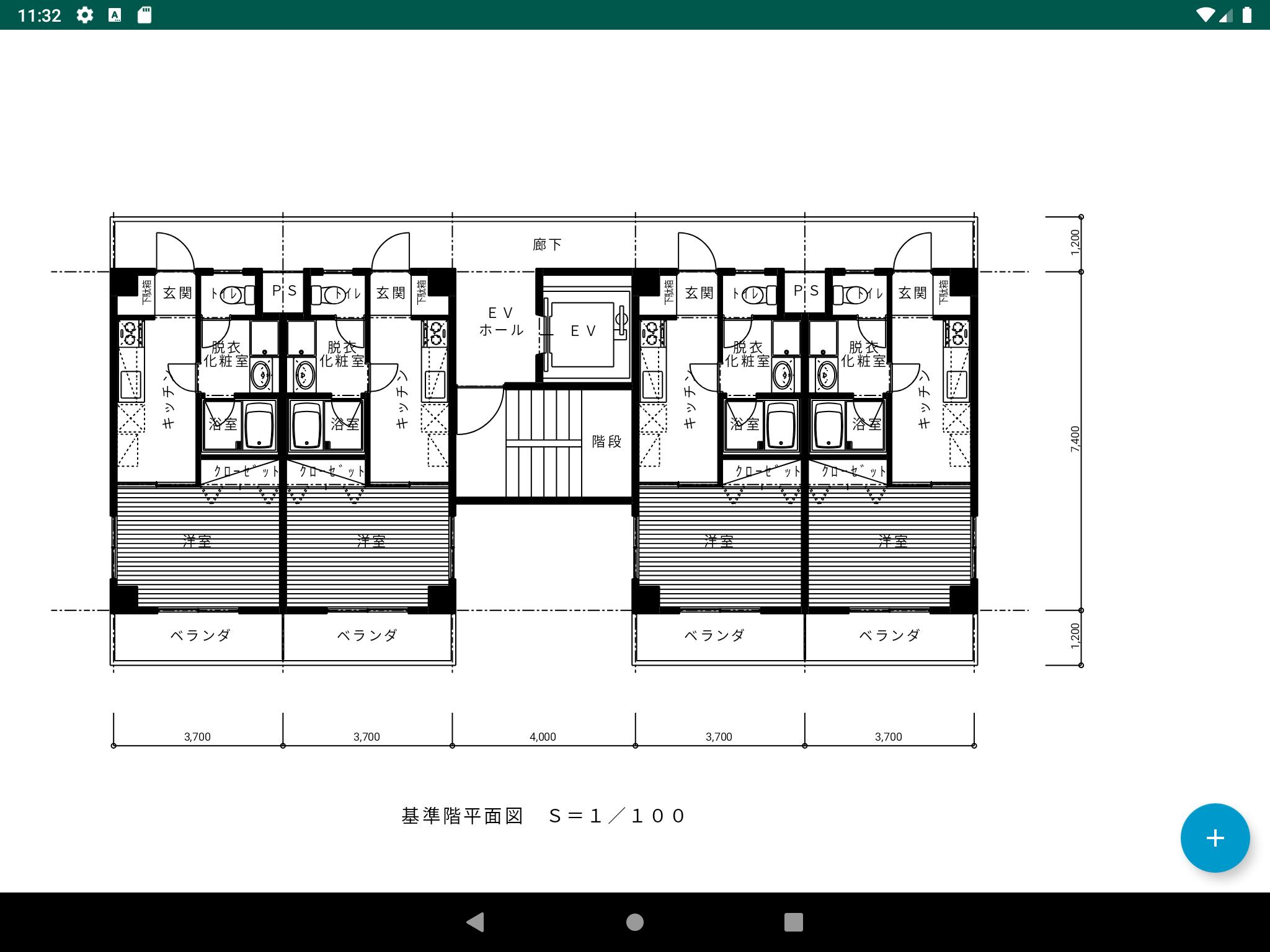
- You can view JW_CAD file (JWW, JWC) and DXF file on your Android smartphone or tablet.
- There is a dimension measurement function.
- You can choose to show or hide the layer.
- You can select a file from the file manager and open it (some file managers are not available).
How to use
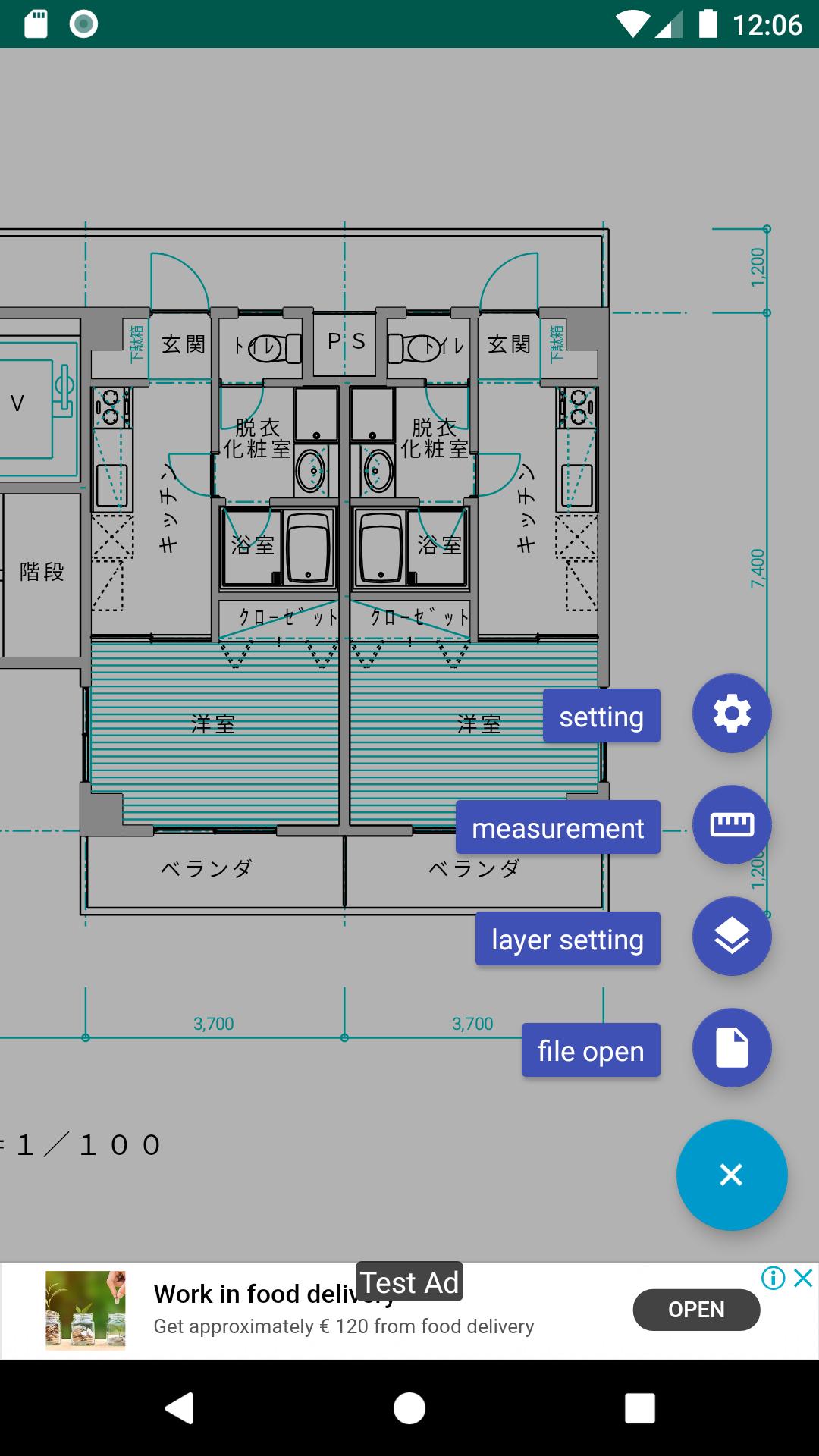
- Tap the + button on the bottom right to bring up a button that allows you to select a function.
- When you click the file open button, a file selection dialog appears.
- From there, select the file you want to view (extension JWW, JWC, DXF).
- Press the layer setting button to show / hide layers and layer groups.
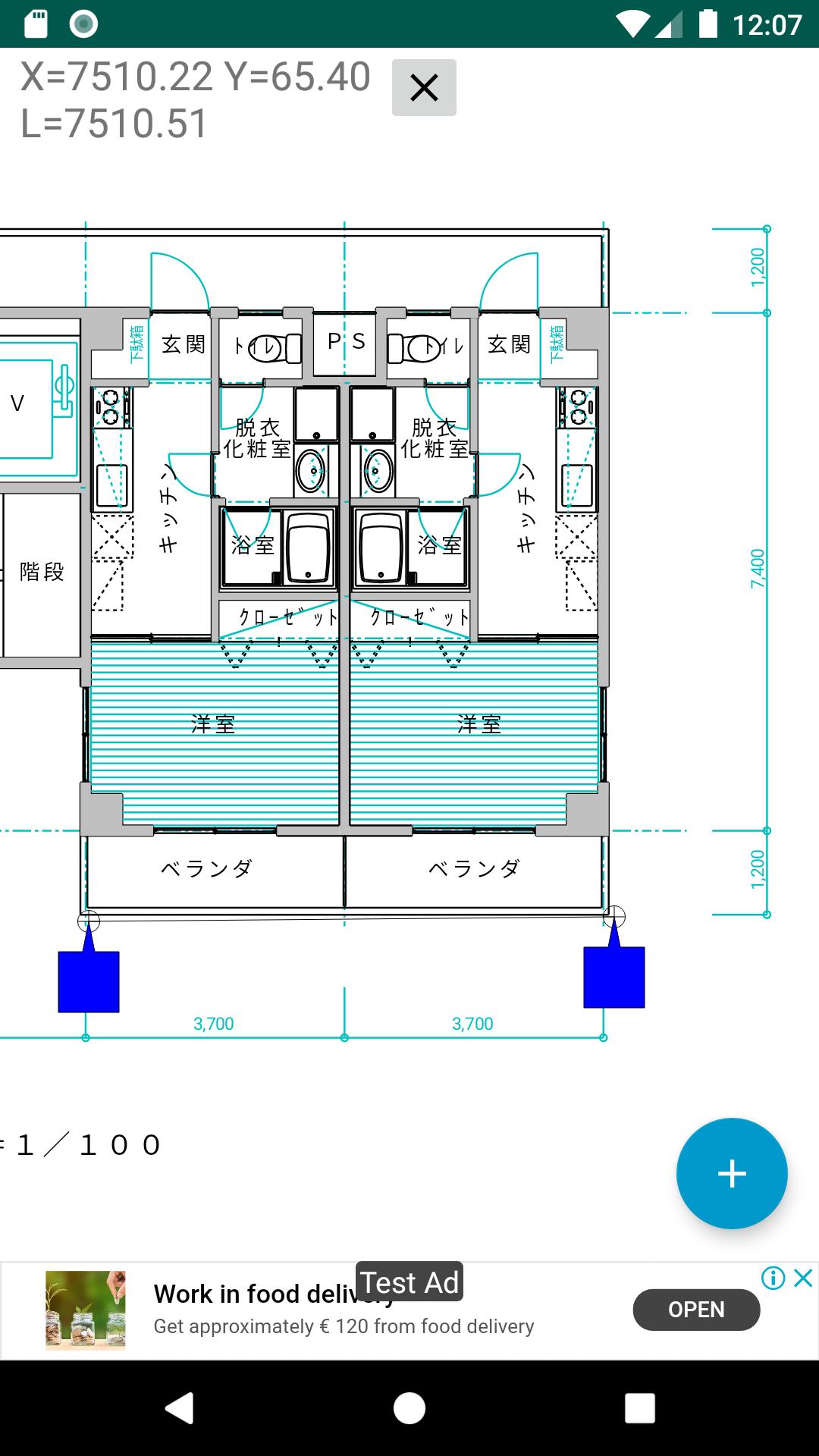
- Press the dimension measurement button to measure the distance between two points.
- Specify two points with the blue handles that appear on the screen. The measured values are horizontal, vertical, and diagonal.
- To finish the dimension measurement, press the dimension measurement button again or press the X button on the upper right of the dimension value display area.
- By turning on the switch to the left of the X button, you can snap the measurement point on the line or at the end point. You can select the snap target such as point, center, line, etc. with the button on the left.
- When the cursor snaps, the cursor turns red.
-Since the amount of calculation for crossing snap is large, the operation will be slow if there are many figures.
-crossing snaps do not support block figures.
- Various settings can be made from the setting buttons.
- If the DXF file is garbled, specify the encoding. You can specify the encoding from the settings. Shift_JIS(japanese), ISO_8859_1, UTF-8 can be selected.
Restrictions
- At JW_CAD, absolute paths cannot be used for images.
- The font name and style of the characters are not reflected.
- At JW_CAD, random line type is not supported.
- At JW_CAD, when opening via a network with a file manager, only the images included in the file can be opened.
Notes
- This application can be used for free.
- This application displays advertisements.
- The author shall not be liable for any damage caused by the use of this application.
- The author is not obligated to support this app.
- This app is not official Jw_cad. Originally created based on publicly available information.
Latest Version
1.18.10Uploaded by
محمد خالد فخري
Requires Android
Android 6.0+
Category
Free Productivity AppContent Rating
Everyone
Security Report
Report
Flag as inappropriateLast updated on Apr 29, 2026
- Added the ability to gray out layers using the "Select All Layers" button.
- Fixed an issue where outlines were visible in DXF solids.
- Changed the default line width value.



APKPure - A multi-platform app store primarily focused on Android, providing extensive app-related content. Discover the app you want easier, faster, and safer, with quick and efficient downloads and installations.