
Scan Date:Apr 29, 2024
Show More
Check here for the supported JVC receivers.
www.jvc.net/car/app/jvc_remote/compatible.html
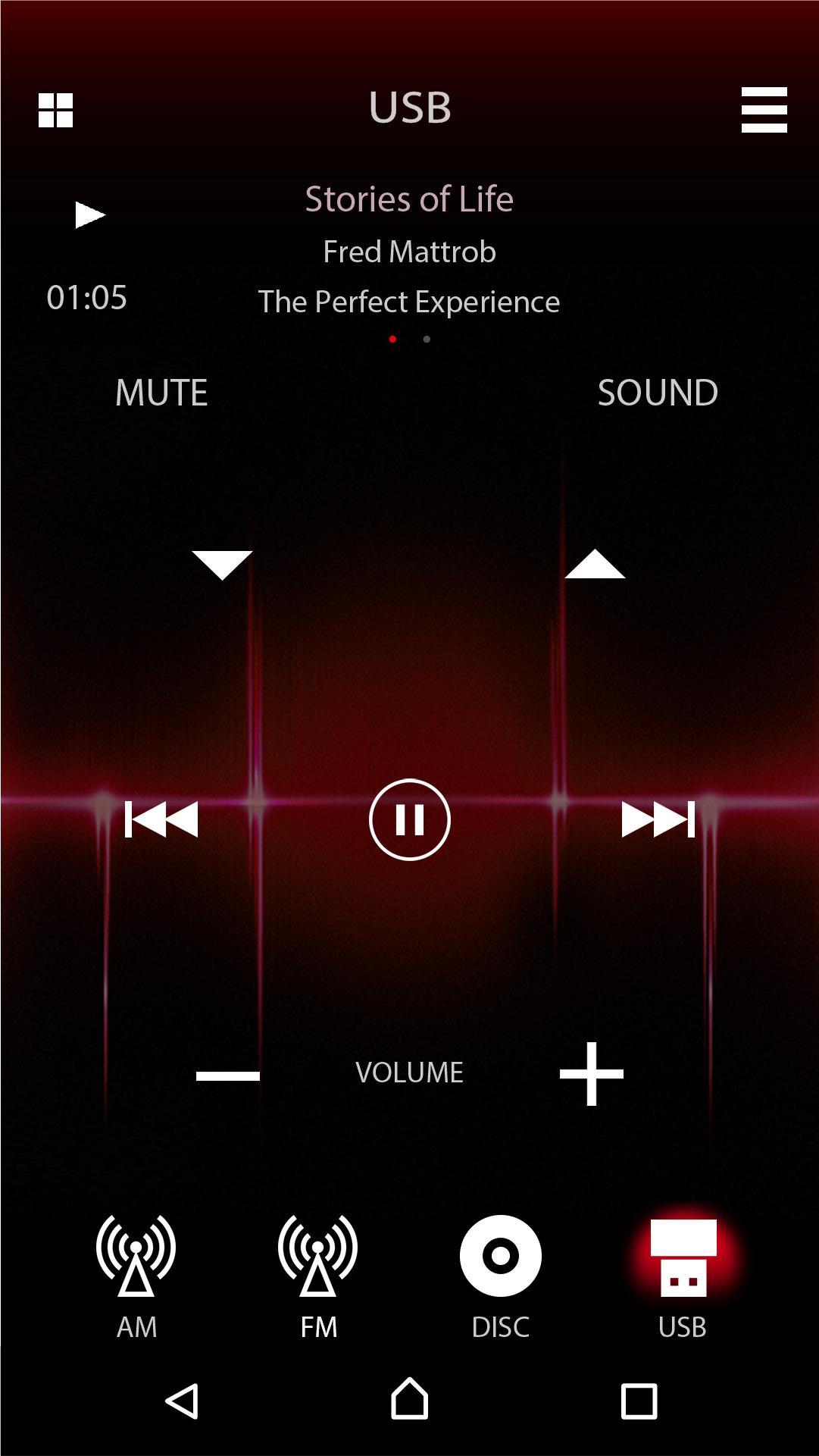
JVC Remote is an application that connects and controls compatible JVC car receivers via Bluetooth® like a wireless remote control.
This application can also display JVC car receiver’s source information on the smartphone’s screen,
and enables the user to make an audio setting using application's easy to use graphic user interface.
Application can also work as a free standalone music player application, when the unit is not connected to the headunit.
INNOVATIVE GESTURE CONTROL
You can command basic controls such as pause, skip or repeat simply by finger gesture operations on the screen of the smartphone.
Also, you can make a search for a specific song, album or an artist from your playlist.
RECEIVER SETTING USING SMARTPHONE GUI
Audio settings, such as Time Alignment and EQ setting can be easily be set using the JVC Remote application's easy to use graphic user interface.
Note: Depends on the model.
KEY FEATURES
・Remote Control Function (by Gesture Control or by Remote Control Screen)
・Standalone Music Player
・Receiver Setting(Depends on the model)
・Display Receiver Information
CAUTION
Do not operate any functions that takes your attention away from safe driving.
System requirements:Android™ 4.4 and above
Latest Version
2.0.7Uploaded by
กรุณารอ สักครู่
Requires Android
Android 6.0+
Category
Free Music & Audio AppContent Rating
Everyone
Security Report
Report
Flag as inappropriateLast updated on Apr 28, 2023
Supports API 33


APKPure - A multi-platform app store primarily focused on Android, providing extensive app-related content. Discover the app you want easier, faster, and safer, with quick and efficient downloads and installations.