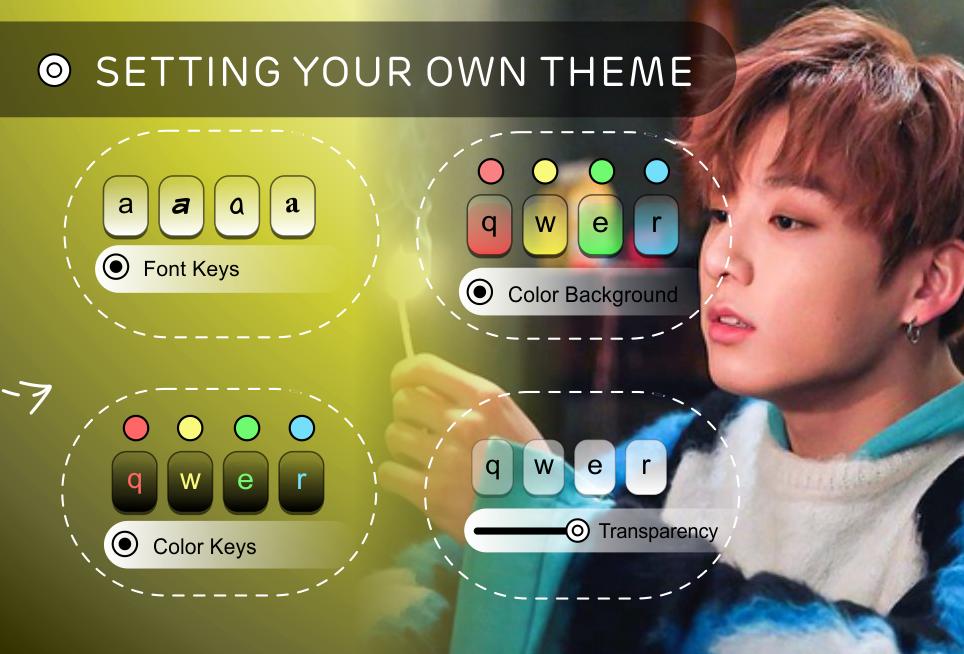
Download our new free app now and add a personalized Jungkook BTS keyboard theme For Fans to your best Android Keyboard theme collection!
How do I sign up for Jungkook BTS keyboard theme For Fans?
Easy to use:
* Open the app settings and click the Activate button (step 1).
* Select the checkbox "Jungkook BTS keyboard theme " To activate it.
* Return to the app, then click SET LOGIN METHOD, and tick the checkbox "Jungkook BTS keyboard theme " To activate it.
* Click THEME to switch to different keyboards with Jungkook BTS keyboard theme For Fans
* If you want to edit an image, you can click CHANGE PICTURE.
Disclaimer:
This app is made by fans of Jungkook BTS keyboard theme, and it's unofficial. The content in this app is not affiliated with, endorsed, sponsored, or specifically approved by any company. All copyrights and trademarks are owned by their respective owners. Images in this app are gathered from around the web, if we infringe copyright, let us know and it will be deleted as soon as possible.
Latest Version
10.0Uploaded by
Mohamed Tik
Requires Android
Android 4.4+
Category
Free Communication AppContent Rating
Everyone
Report
Flag as inappropriateLast updated on Oct 17, 2020
Jungkook BTS Keyboard Theme




APKPure - A multi-platform app store primarily focused on Android, providing extensive app-related content. Discover the app you want easier, faster, and safer, with quick and efficient downloads and installations.