Jump lets you to request door-to-door transportation at the tap of a button around your city.Download the app to get started.
HOW TO USE JUMP
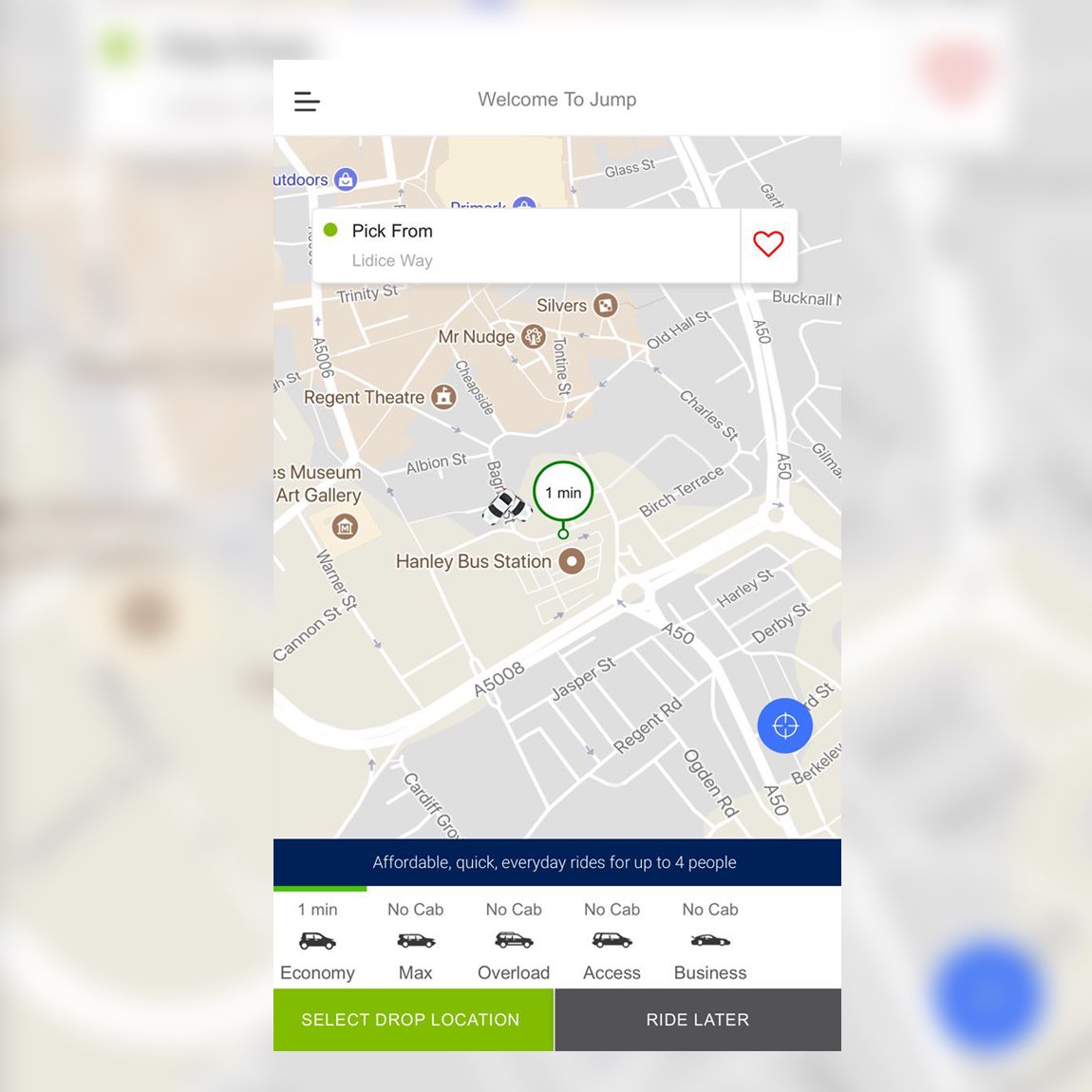
Follow these steps to request a ride.
1.Open the app
2.Select your pickup location or type in a new one
3.Choose a cab category
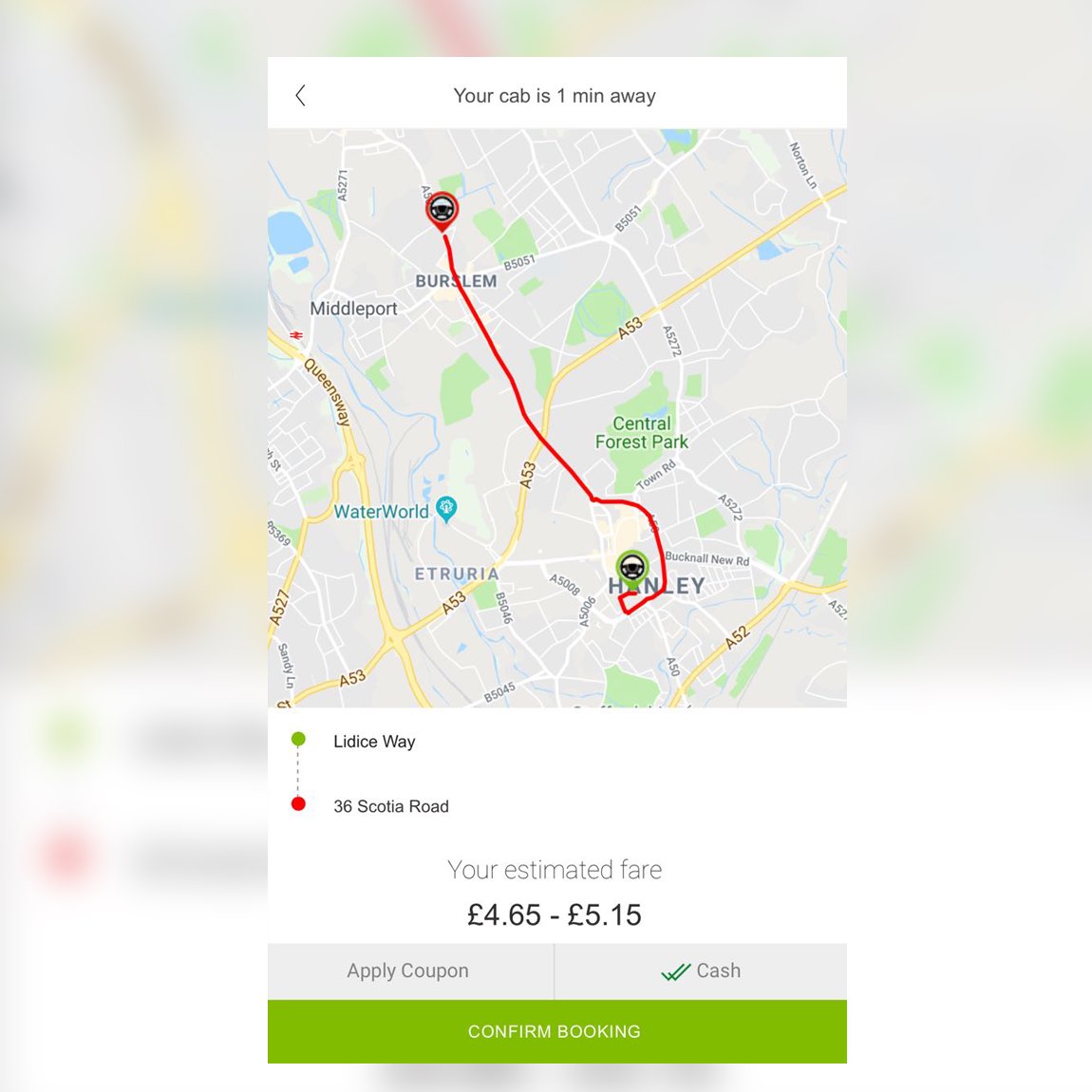
4.Tap to select Drop location or type in one
5. Tap to request your ride.
You'll see your driver details and vehicle information.
Latest Version
1.0.9Uploaded by
Emilly Batista
Requires Android
Android 4.4+
Category
Free Travel & Local AppContent Rating
Everyone
Report
Flag as inappropriateLast updated on Oct 2, 2018
Minor bug fixes and improvements. Install or update to the newest version to check it out!



APKPure - A multi-platform app store primarily focused on Android, providing extensive app-related content. Discover the app you want easier, faster, and safer, with quick and efficient downloads and installations.