
“JuiceSync 2” is a battery management App. It can help
you to understand the battery status of your device.
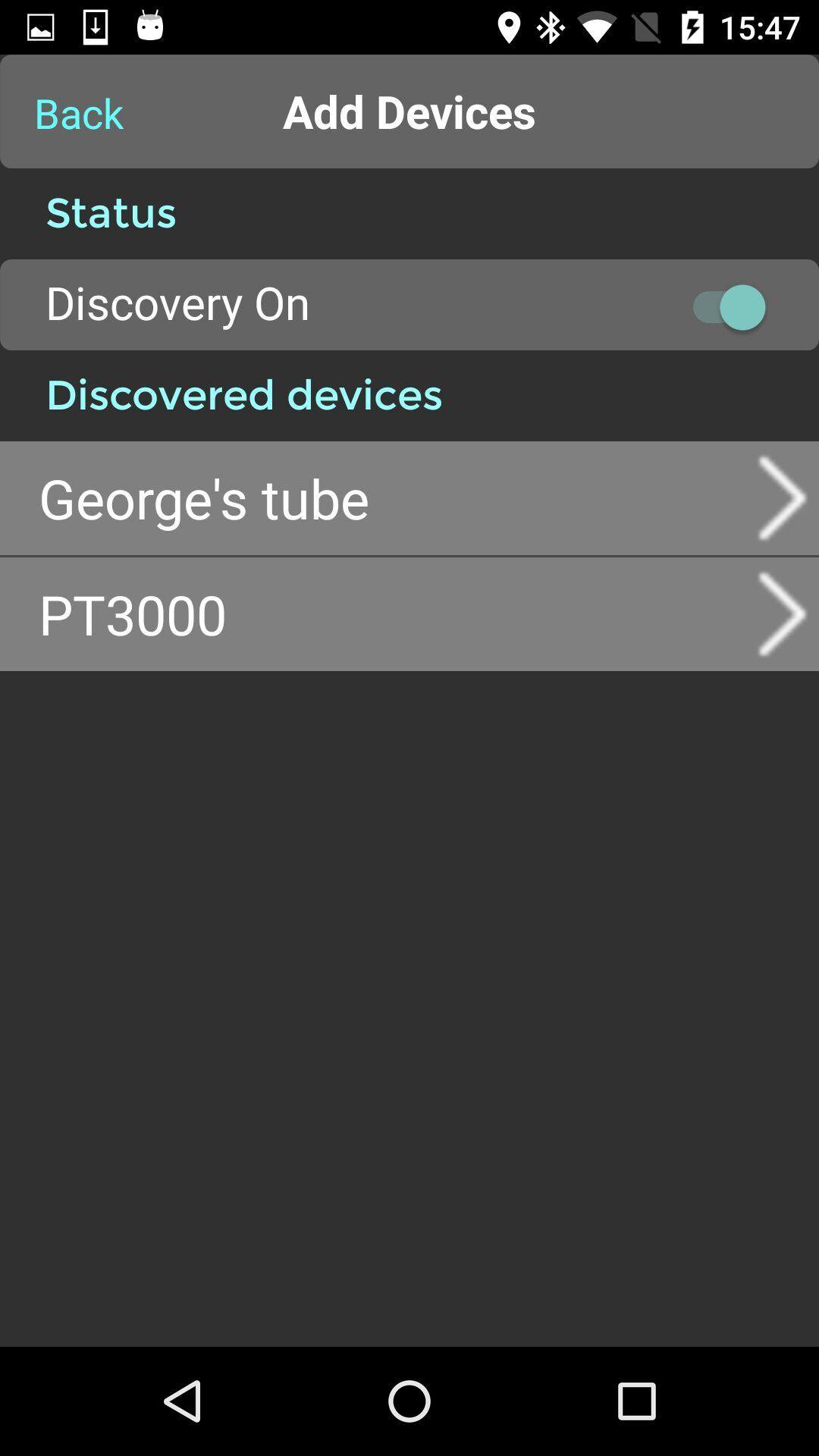
Connected to compatible MIPOW Power Tube
Additionally, it can work with MIPOW JuiceSync2 compatible Power Tube
portable charger. By connecting to supported Power Tube via Bluetooth SMART,
it can show you the status of your Power Tube and calculate total time
available for stand-by, phone call, game playing and more. Also, “Find me”
function helps you to locate your connected Power Tube by showing you the
proximity.
“Tracking location” function will record the location data when connection
of Power Tube and your phone dropped. If you put your Power Tube in your
bag, it can help to find your bag if somebody take it away.
Connected Power Tube settings:
1. Battery Alert
You can set the remaining battery level to trigger alert. You will be remind
to charge your connected Power Tube
2. Distance Alert
Alert will be triggered once your Power Tube is too far. It can remind you
to bring your Power Tube.
3. Temperature Alert
It will tell you the Power Tube becoming too hot. There may be problems with
your Power Tube so that you can avoid potential accident.
4. Ring Me
By enabling “Ring Me” function, the Power Tube can trigger your iPhone /
iPod to ring, it is very helpful to locate your phone.
5. Change Name
The name of the Power Tube can be changed for easy identify.
Latest Version
1.3.9Uploaded by
Rajendra Gupta
Requires Android
Android 4.4+
Category
Free Lifestyle AppContent Rating
Everyone
Report
Flag as inappropriateLast updated on Nov 9, 2016
1.The right circular progress bar is not running at a constant speed, when the temperature is below zero and alarm is too hot.
2.Add a FFFB juice2 to solve the problem: some android devices need to connect the two devices.
1。正确的圆形进度条没有运行在一个恒定的速度,当温度低于零和报警太热。
2。添加一个FFFB juice2来解决这个问题:一些android设备需要连接两个设备





APKPure - A multi-platform app store primarily focused on Android, providing extensive app-related content. Discover the app you want easier, faster, and safer, with quick and efficient downloads and installations.