
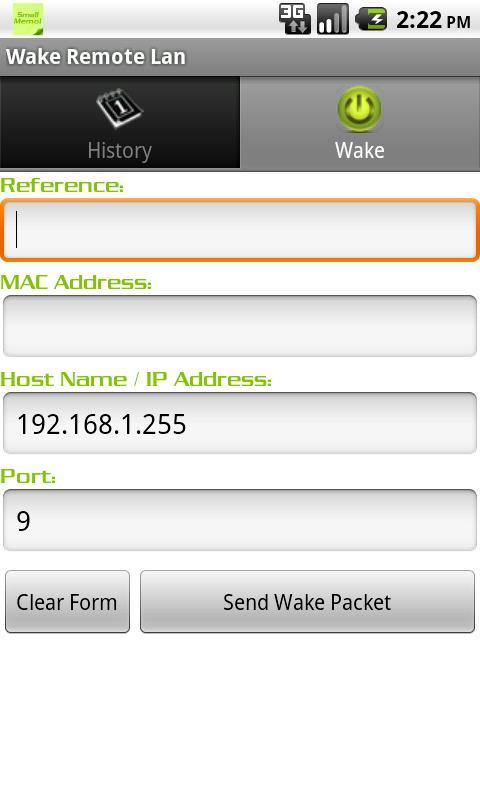
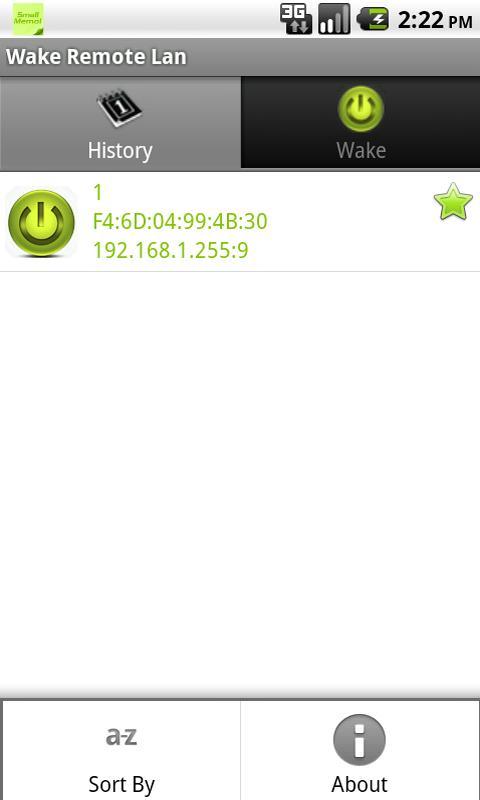
This application allows you to send MAC Magic Packet.
Many PCs and servers support the technology network wake-up (Wake-on-LAN, WoL). These computers can be enabled remotely by sending the appropriate command from the LAN.
To send a "magic packet", you simply enter the desired MAC-adres.After this "magic packet" is sent to the specified MAC-address and the remote computer is turned on.
The behavior of the WoL depends on several factors, such as hardware and network configuration.
To turn the computer on the LAN need to be supported by a network card feature Wake on Lan. Enabling Wake implemented in the BIOS.
Turn your computer can only be from the regime of soft off - partial shutdown. In this mode after the computer goes off by means of windows, click on the keyboard or system unit, and is in this mode as long as the system unit is not disconnected from the network. After a complete disconnect from the network (off UPS or surge protector, or power cord is pulled), the computer is in power off (completely off), so that after power-WOL function does not work.
最終のバージョン
1.2投稿者
Vaghera Bharat
Android 要件
Android 2.2+
カテゴリー
フリー ツール アプリコンテンツのレーティング
Unrated · Warning – content has not yet been rated. Unrated apps may potentially contain content appropriate for mature audiences only.
Last updated on 2015年11月02日
Version 1.1


APKPure - Androidを中心としたマルチプラットフォームのアプリストアで、豊富なアプリ関連コンテンツを提供しています。より簡単に、より速く、より安全にアプリを見つけることができ、ダウンロードとインストールも迅速かつ効率的です。