PaintLayer is the best to edit your photos and designs !!
layerpaint hd layerpaint hd layerpaint layerpaint layers theme layers layer photos layer photo editor layer 3 tv layer photos layer photo editor layer manager layer paint layer app layer audio layer ar audio layer layer background transparent background photo editor layer background layer
[Function]
layers theme layers layer photos layer photo editor layer 3 tv layer photos layer photo editor layer 3 tv layer manager layer paint layer app layer audio layer ar audio layer brick layer game brick layer background layer transparent background photo editor layer layer background layer cake layer cake game layer cut video layer camera layer cut double layer photo dragon layer layer draw layer defense layer drawing video layer editor photo layer editor layer edit layer eraser layer editor scripting layer for android photoshop layer folder layer farm layer farm manager layer farming
- Pen Pressure Support (Enable from settings)
- Open/Save (MDP Format / It opens by FireAlpaca/MediBang Paint)
- PSD Import/Export
- Foreground color brush, Transparent color brush
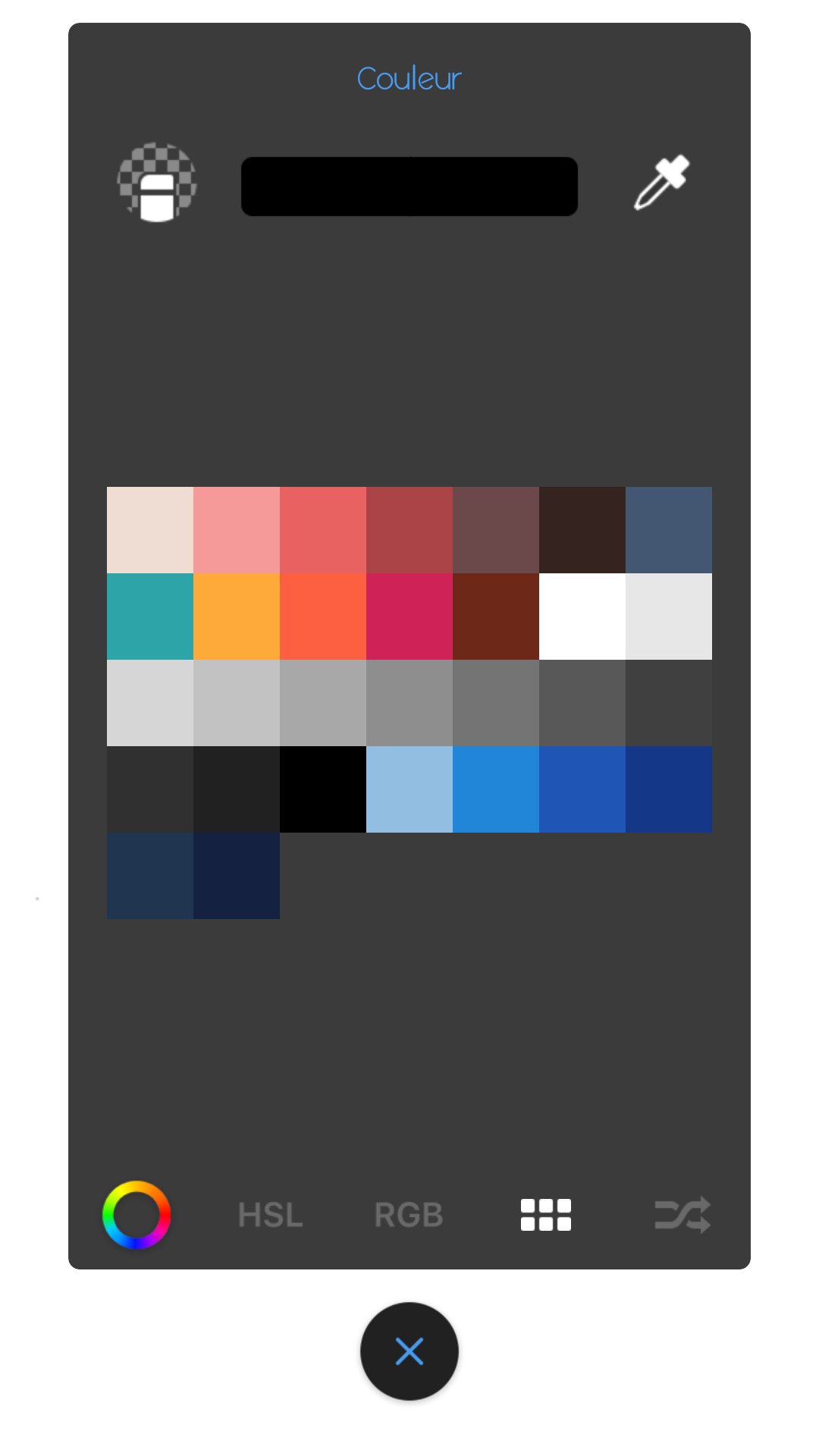
- Add Palette, Remove Palette
- Add Layer, Remove Layer, Clipping Layer, Lock Alpha
- Layer Mode (Normal, Add/Emit, Multiply, Overlay, Screen, Lighten, Darken, Difference, Dodge, Burn, Soft Light, Hard Light, Hue, Color, Saturation, Luminosity)
- Watercolor Edge Effect (Layer Effect)
- Selection Tool (Rectangle, Lasso, Free Transform, Mesh Transform)
- Bucket Tool (Auto Expand (0, 1, 2 pixel), Enable/Disable AntiAliasing)
- Filter (Hue, Gaussian Blur, Mosaic, Monochrome, Extracting Lines)
- Navigator (Check Settings)
- Eraser, Move Tool, Fill Rectangle, Gradient
- Keyboard Shortcut (Customization Not Supported)
-- Undo: Ctrl+Z. Redo: Ctrl+Y, Ctrl+Shift+Z. Brush Tool: B. Eraser Tool: E. Init Color: D. Exchange Fore/BG Color: X. Flip View: Down.
layerpaint hd layerpaint hd layerpaint layerpaint layers theme layers layer photos layer photo editor layer 3 tv layer photos layer photo editor layer
manager layer paint layer app layer audio layer ar audio layer layer background transparent background photo editor layer background layer
- Bucket Tool (Auto Expand (0, 1, 2 pixel), Enable/Disable AntiAliasing)
- Filter (Hue, Gaussian Blur, Mosaic, Monochrome, Extracting Lines)
layers theme layers layer photos layer photo editor layer 3 tv layer photos layer photo editor layer 3 tv layer manager layer paint layer app layer audio layer ar audio layer brick layer game brick layer background layer transparent background photo editor layer layer background layer cake layer cake game layer cut video layer camera layer cut double layer photo dragon layer layer draw layer defense layer drawing video layer editor photo layer editor layer edit layer eraser layer editor scripting layer for android photoshop layer folder layer farm layer farm manager layer farming
Features (some functions require pro license):
• High performance (GPU accelerated) paint engine
• 80+ brushes and tools (including smudge tool and gradient fill)
• Selection and selection masks
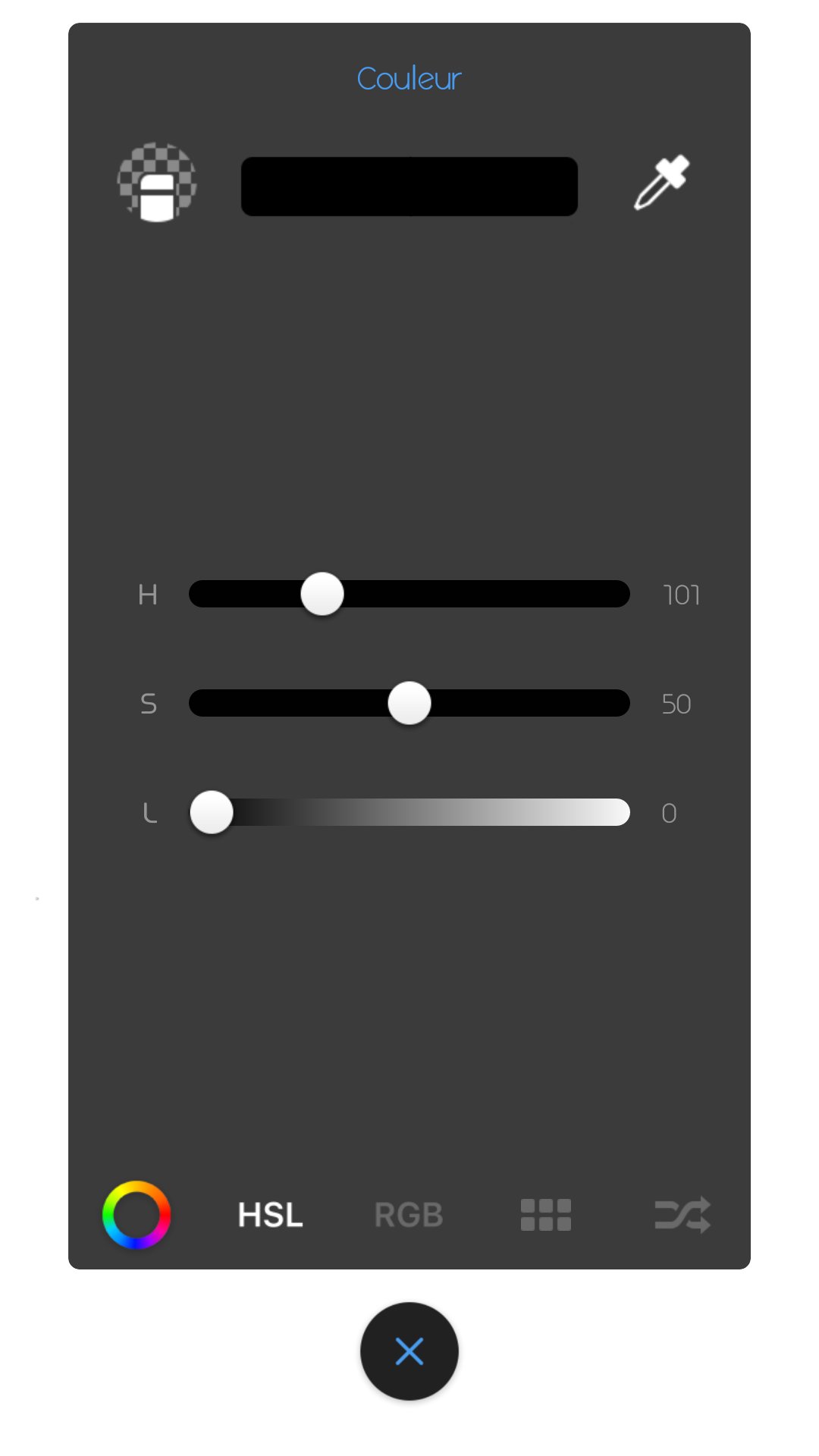
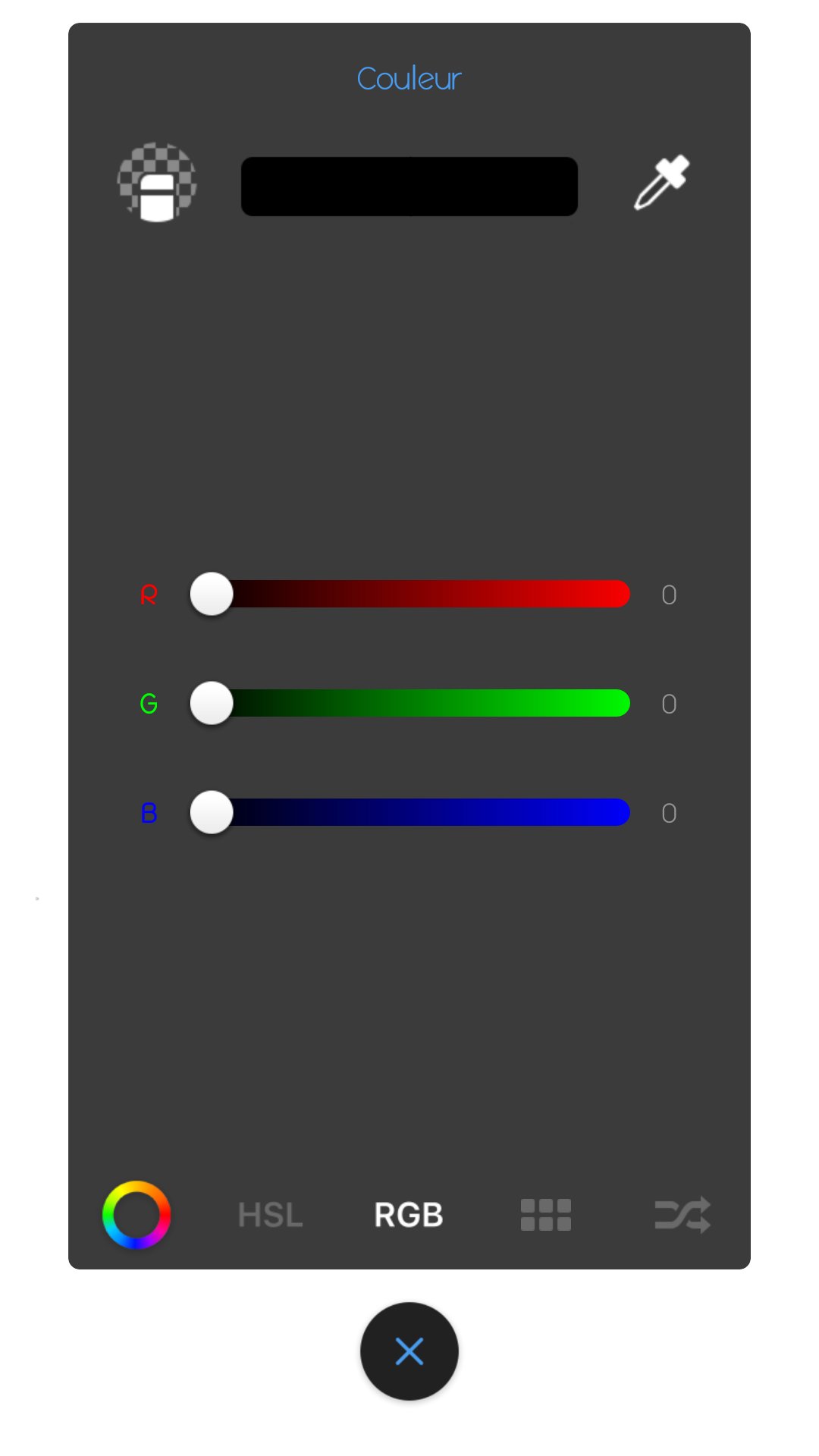
• Color adjustment (HSV, brightness & saturation and more)
• Infinite* undo and redo
• up to 16–32** layers with 11 different blending modes and global opacity
• Hi-res canvas - up to 2048x2048, 2560x2560 or 4096x4096**
• Separate flow (tip alpha) and opacity (stroke) control for brushes
• Non-incremental flow
• Material design inspired, fast, fluid, intuitive and accessible user interface
• Export to PSD (Photoshop image), PNG or JPEG
• Import images from gallery or directly from camera
• PSD (Photoshop image) import
• Pressure sensitive pen support
• Brush flow and size fade and dynamics
• Pressure simulation for touches***
• Configurable symmetry drawing mode
• Geometrical shapes (line, rectangle, oval) and guide (line, oval, focal, smooth)
• Active edge shortcut system
• NVIDIA DirectStylus support
• Palm rejection - no more accidental zooming and panning when drawing***
Last updated on 2018年01月15日
このバージョンには軽微な不具合の修正と全般的な改善が含まれています。快適に利用するため、最新版にアップデートしてください。



APKPure - Androidを中心としたマルチプラットフォームのアプリストアで、豊富なアプリ関連コンテンツを提供しています。より簡単に、より速く、より安全にアプリを見つけることができ、ダウンロードとインストールも迅速かつ効率的です。