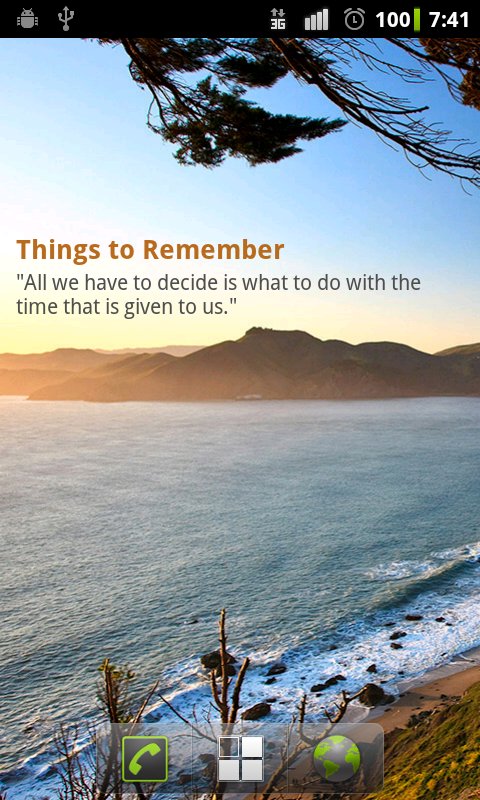
Keep your notes and reminders handy on your home screen. Clear Note Widget is a completely transparent Android sticky note app that lets you add a variety of note widgets. Great for shopping and to-do lists, general reminders, and personal quotes. Supports encryption/password-protected notes, note sending, multiple note widget background styles, and multiple widget sizes!
Features
* Clear Note Widgets are scrollable, transparent sticky notes that can be quickly and easily pinned to any home screen and edited just by tapping on them
* Seamlessly blends into your home screen's background (completely transparent widget background) or choose a background color
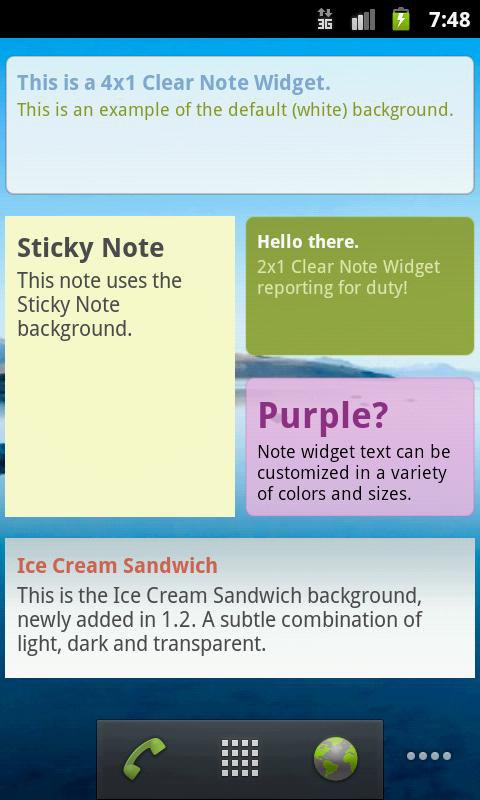
* Customize the background color, text color, and font sizes of your note widget
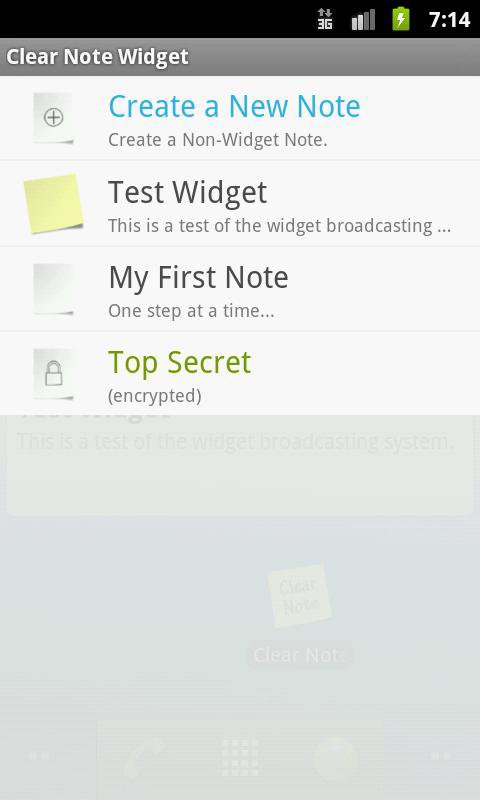
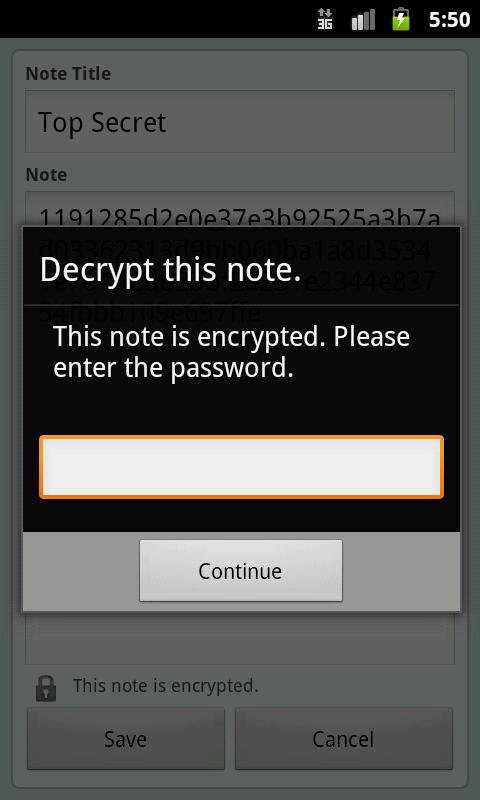
* Create regular notepad notes with optional encryption/password-protection for maximum security
* Note widgets are available in multiple sizes: 1x1, 2x1, 2x2, 3x3, 4x1, 4x2 and 4x4 sizes (each home screen icon takes up 1 space) and resizable in Android 3.1+
* No permissions required!
* Send Note option lets you quickly and easily share your note through Gmail, text message, or your favorite email client
* No ads or spyware of any kind
* Small download: Clear Note Widget is less than 1 megabyte!
* Free updates and support for life!
FAQ:
So what exactly is Clear Note Widget? Is it an app or a widget?
- Both! Clear Note Widget's main feature lets you place transparent notes that blend in with your home screen, but it also functions pretty well as a standard note app (opening it through the shortcut). Regular (aka non-widget) notes can also be password-protected/encrypted.
How do I add a widget to my home screen?
- You'll first need to tap the App Drawer icon. This should bring up a list of your applications with two tabs near the top of the screen: Apps and Widgets. Tap the widgets tab, and scroll over to the right (swipe left) until you get to the Clear Note Widgets. From there, just tap on your desired size (you can always resize later*), hold, and you'll be able to drop the widget on any of your home screens.
How do I resize a widget?
- While on a home screen, press and hold a Clear Note Widget for about 1-2 seconds, then let go. You should see a box around your note widget with some blue "handles" at the corners. Drag the handles either towards or away from the widget, depending on whether you'd like the widget to be smaller or larger.
*I can't seem to resize my widget to a smaller size. What's the deal?
- You might be running Android 3.1 or 3.2. Android 3.1 introduced widget resizing but only above a minimum width and height. So a 2x2 widget could be resized anywhere between 2x2 and 4x4, but never smaller than 2x2. This was fixed in Android 4.0+, but aside from upgrading to Ice Cream Sandwich, the only solution is to add a 1x1 widget to the home screen (which will let you resize to any larger size and back).
How do I create a regular note?
- Regular notes (the non-sticky kind) can be created directly from the Clear Note Widget app. Just run Clear Note Widget from your App Drawer or the shortcut icon, and press the "Create a New Note" button!
I don't like having to change my background color, text colors or font sizes every time. Help!
- No problem! You can set up your default options (editor font size, background, text colors, font sizes) by tapping on the Settings icon (the one with the two circles) while editing a note or the notes list screen. There's a slight difference between the two: the widget note Settings menu lets you set your current widget options as the default, while the notes list Settings menu lets you select the actual default options!
More Info:
Twitter: @sandcastlecc
Clear Note Widget Official Site: http://www.clearnotethis.com
sandcastle: http://www.sandcastle.cc
Last updated on 2014年03月31日
このバージョンには軽微な不具合の修正と全般的な改善が含まれています。快適に利用するため、最新版にアップデートしてください。





APKPure - Androidを中心としたマルチプラットフォームのアプリストアで、豊富なアプリ関連コンテンツを提供しています。より簡単に、より速く、より安全にアプリを見つけることができ、ダウンロードとインストールも迅速かつ効率的です。