>>>Customize the Widgets you like, Launch the Actions you need…quickly!
Latest Update:
~~Pattern Unlock added
~~Security Selfie, auto taking selfie and email you when PIN/Pattern Attempts failed
~~C Locker now supports Samsung Galaxy S Series Fingerprint Unlock
Note:
~~Please try the FREE VERSION before buying, some of the features may not be compatible to your device.
=====Extra Features for Pro version: =====
1. Things you can see from the Lock Screen:
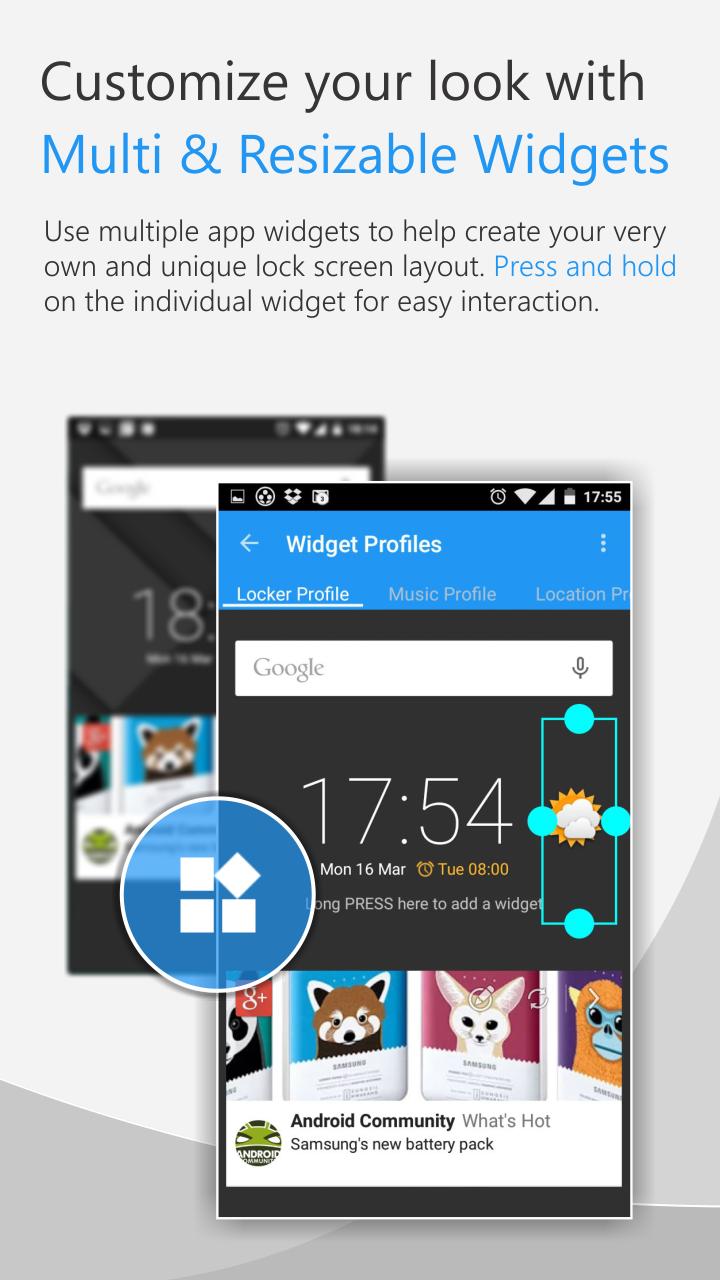
---All app Widgets or 5 types of default widgets
---Notifications from facebook, gooble+, whatsapp..basically all supported..
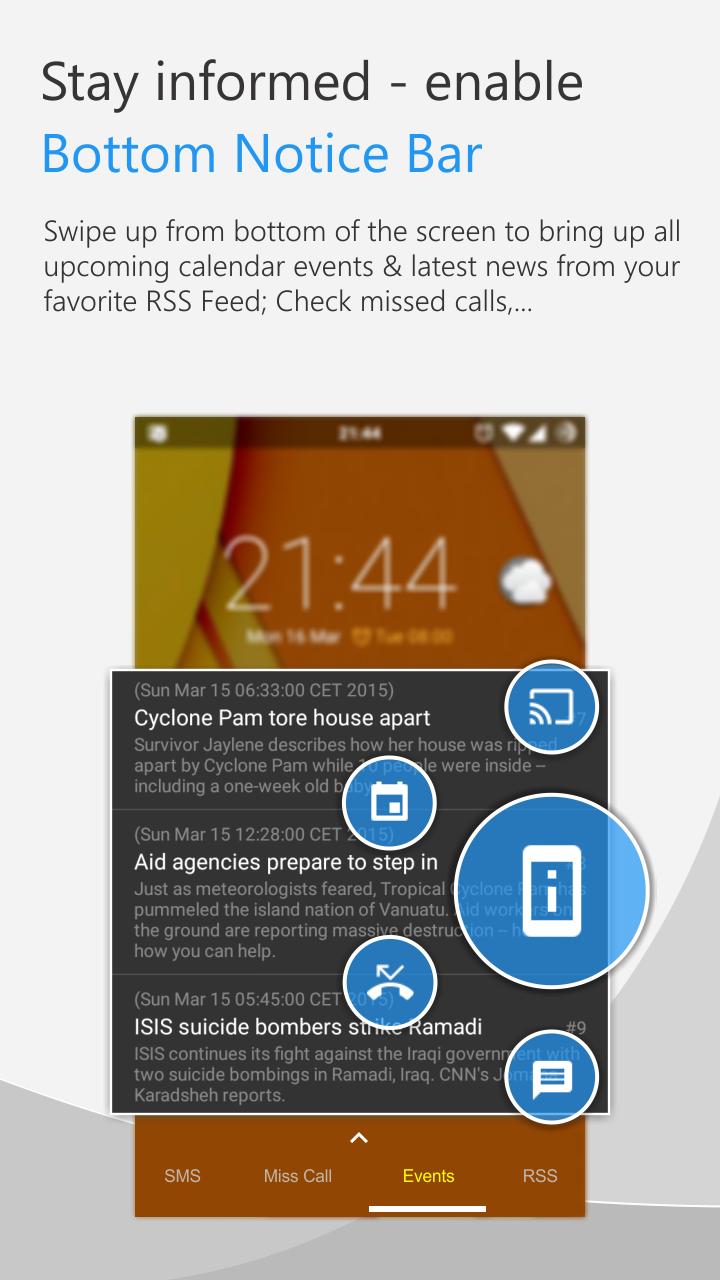
---RSS Feeds (CNN, BBC), Network Provider Name, Battery info..
---Calendar Events List Reminder..
2. Things you can customize on the Lock Screen
---Adding Multiple app Widgets for 3 Profiles: default, music, location
---Volume Rocker Control, long press to play/skip (next/prev) music.
---Locker screen sliding gesture actions with 4 directions (Up, Down, Left, Right) X 2 fingers
---Double/Triple Tap to turn off screen and other shortcut actions
---More than 30 custom shortcuts your can set to launch apps, direct call, direct sms
---RSS update interval and other settings
---Security PIN for shortcuts and unlock
=====Features for Free version: =====
1. Things you can see from the Lock Screen:
---3 Profiles: default, music, location
---5 types of default widgets: Time, Date, Day, Next Alarm
---App Widget
---Missed calls, New SMS, Gmail notices
---Notifications from facebook, google+, whatsapp..basically all supported..(Maximum 2 notification apps can be selected for [Free Version])
2. Things you can customize on the Lock Screen
---Preset your own location profile
---Security PIN for shortcuts and unlock (one PIN can be set for Free version)
---Adding one app Widget
---Block statusbar, hide statusbar clock and icons, disable statusbar alerts, hide navigation bar (Root access required)
---Full Screen (hide the status bar...)
---Lock screen Wallpaper/Live Wallpaper
---To show/hide missed calls contact, new sms contents
---Own custom icon selection
---Screen timeout
---Unlock sound, screen off sound
---Disabling Default Home Button function, Long press Home Button to launch recent apps
---Weather update interval and other settings
---And many other customizations
=====Android Permissions Information=====
-This app uses the Device Administrator permission
-This app uses Accessibility services
https://www.dropbox.com/s/aavmz9c7rv8nlhj/C%20Locker%20Permissions.pdf
Last updated on 2019年07月11日
fixed startup on android 9





APKPure - Androidを中心としたマルチプラットフォームのアプリストアで、豊富なアプリ関連コンテンツを提供しています。より簡単に、より速く、より安全にアプリを見つけることができ、ダウンロードとインストールも迅速かつ効率的です。