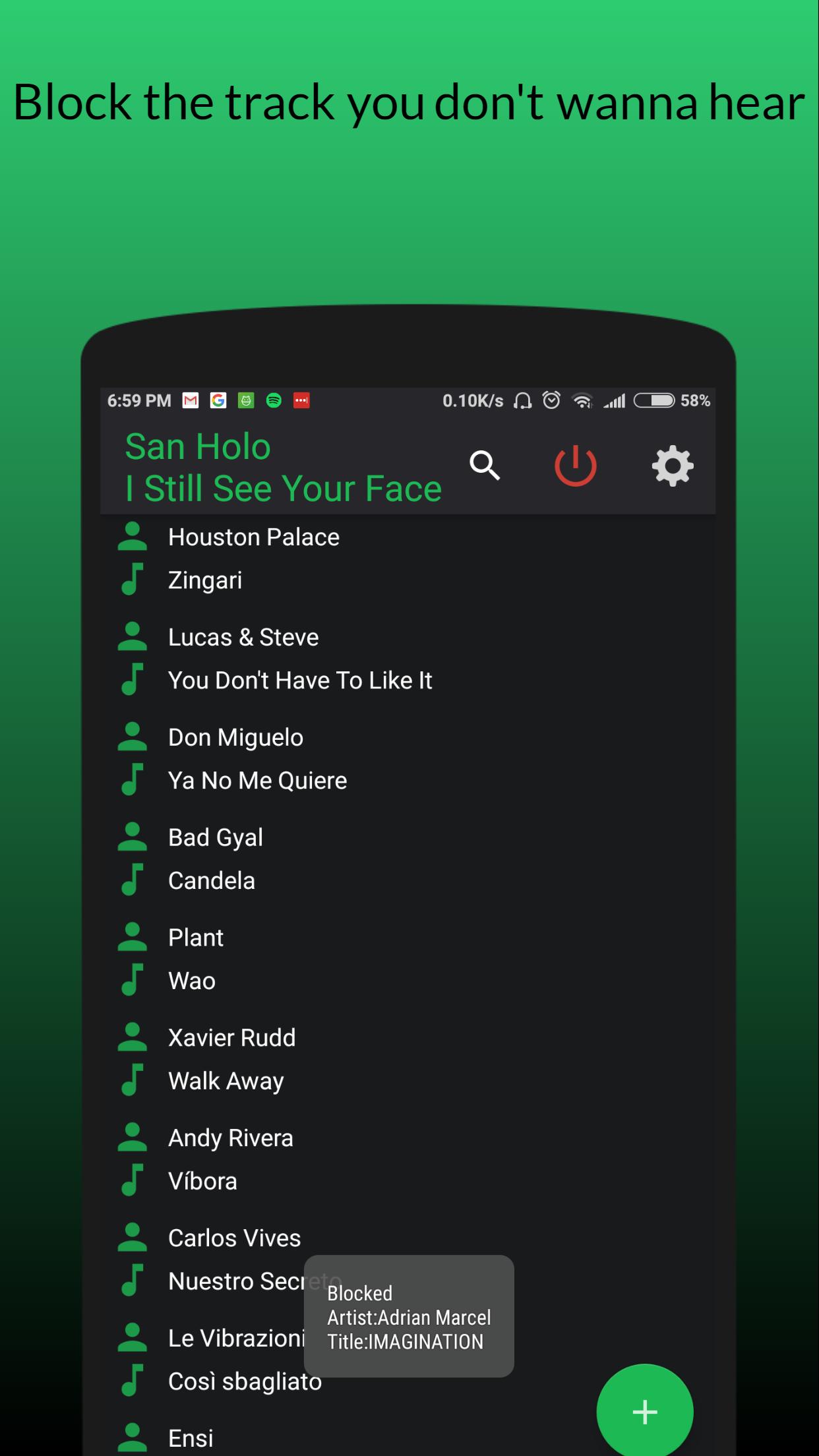
Blockify is a blacklist for songs you do not want to listen to on Spotify.
It works by checking what song is currently playing and then, if blacklisted, the song is skipped.
**IMPORTANT**
In order for Blockify to work, first you need to tell Spotify to allow other apps to "see" what is currently playing. To do so, follow these steps:
• Open Spotify.
• Go to Your Library.
• Open Settings (the cog icon on the top-right).
• Enable the option Device Broadcast Status.
• Done!
Keep in mind that Blockify is not able to prevent Spotify from downloading the songs you've blocked, it will simply skip them for you.
Also, note that if you're using a free (non-premium) Spotify account, you have a limited number of skips, and Blockify can't do anything about that.
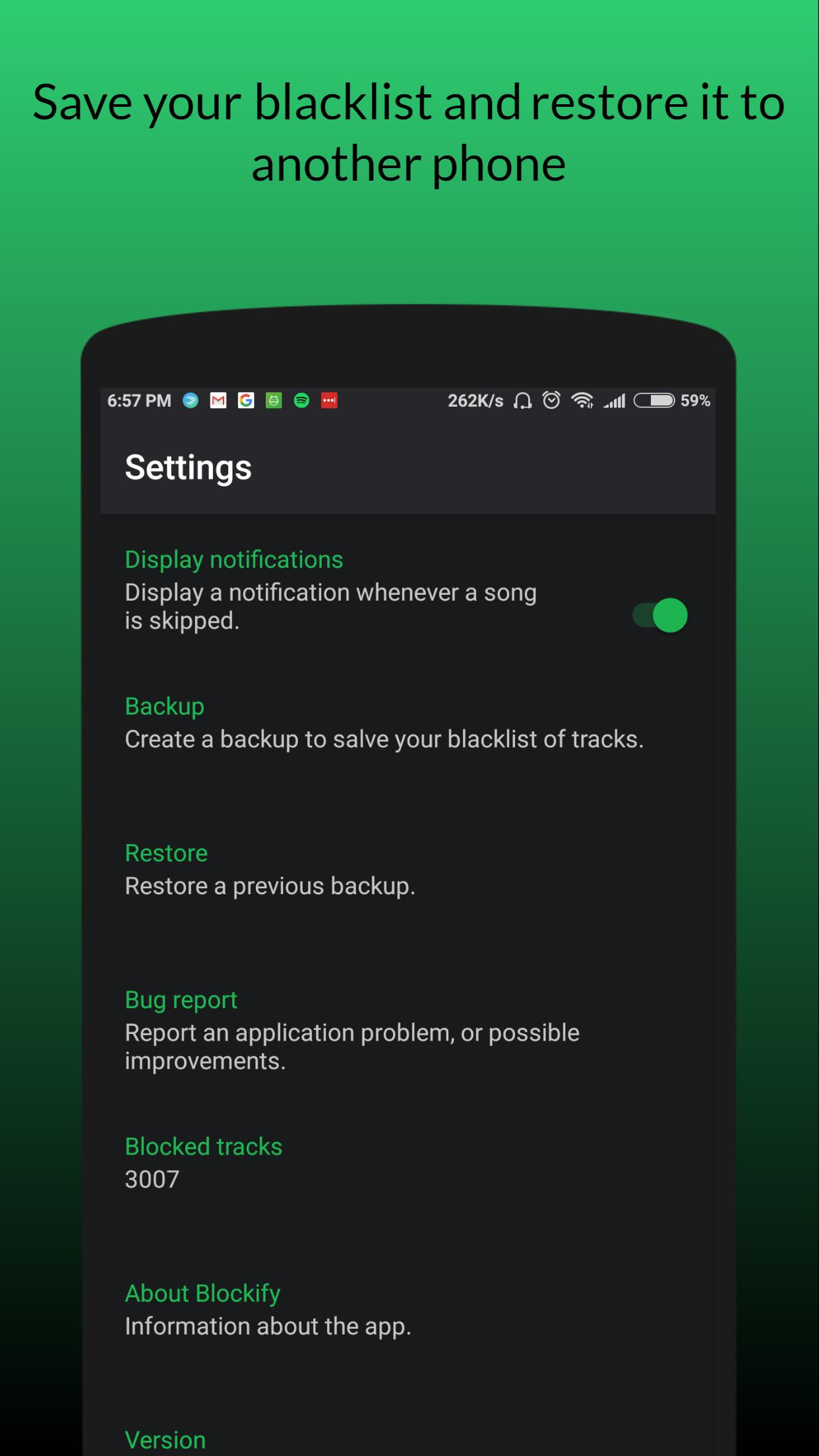
If the backup function is enabled, and if permissions are granted, the application creates a folder called "Blockify" where a file named "blocked_tracks.txt" will be created. This file will contain the list of blocked songs. If you want to restore this backup to another device just put this file in the same folder WITHOUT CHANGING THE NAME OR MODIFYING IN ANY WAY.
For more information, contact me at amarild.aliaj@gmail.com
Spotify is a trademark of the Spotify Group.
最終のバージョン
1.0.7投稿者
Allahummaa Inakaa Kuntumnzalimii
Android 要件
Android 4.0.3+
カテゴリー
フリー 音楽&オーディオ アプリコンテンツのレーティング
Everyone
Last updated on 2018年03月11日
Fixed block background problem




APKPure - Androidを中心としたマルチプラットフォームのアプリストアで、豊富なアプリ関連コンテンツを提供しています。より簡単に、より速く、より安全にアプリを見つけることができ、ダウンロードとインストールも迅速かつ効率的です。









![Music Player - Free Music Player [No Ads] APK](https://image.winudf.com/v2/image/ZnJlZS5tdXNpY3BsYXllci5kcm9pZHgubXVzaWNsb29wc19pY29uXzE1MzQ1MTE3ODFfMDYy/icon.png?w=102&fakeurl=1)