
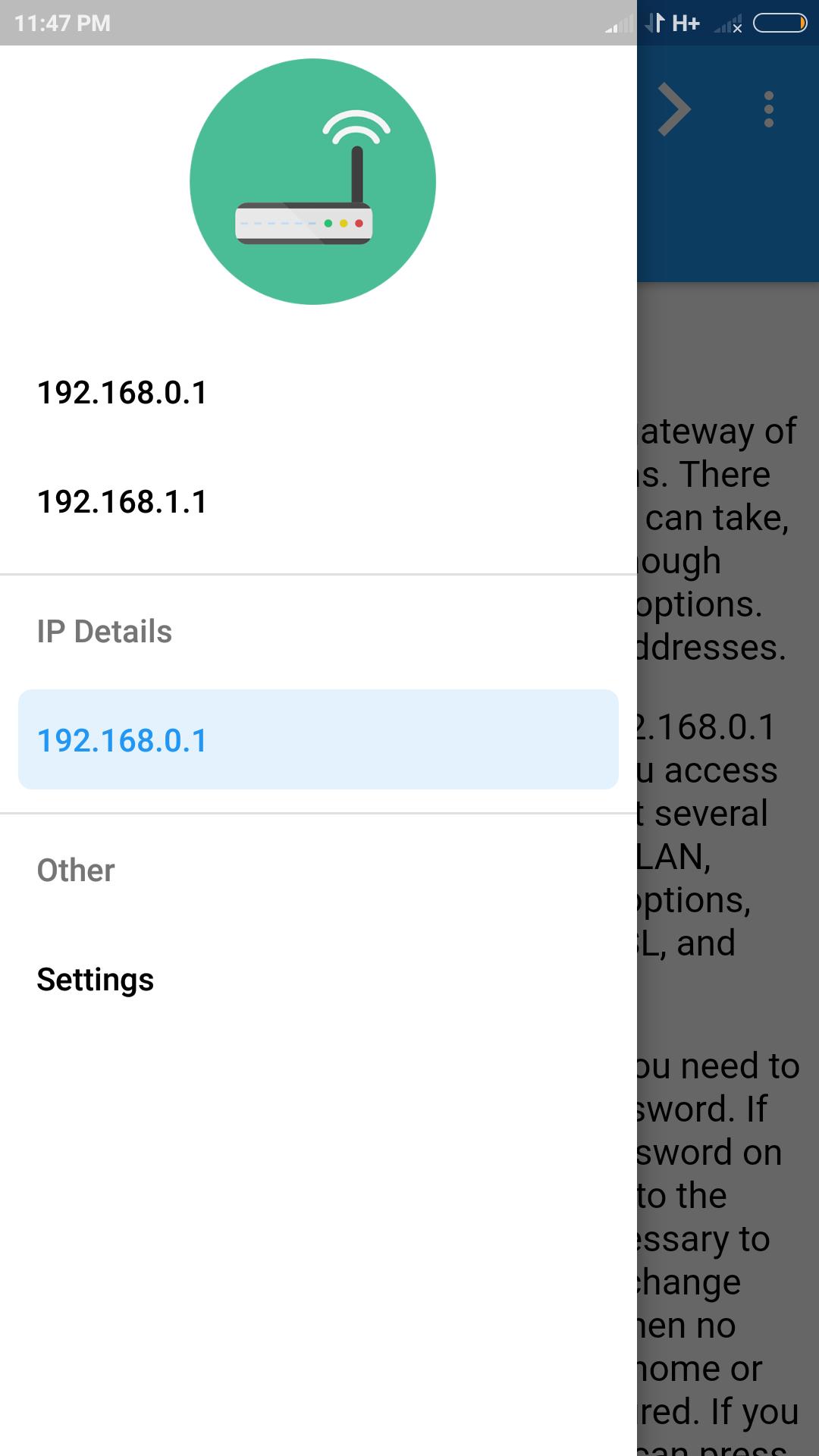
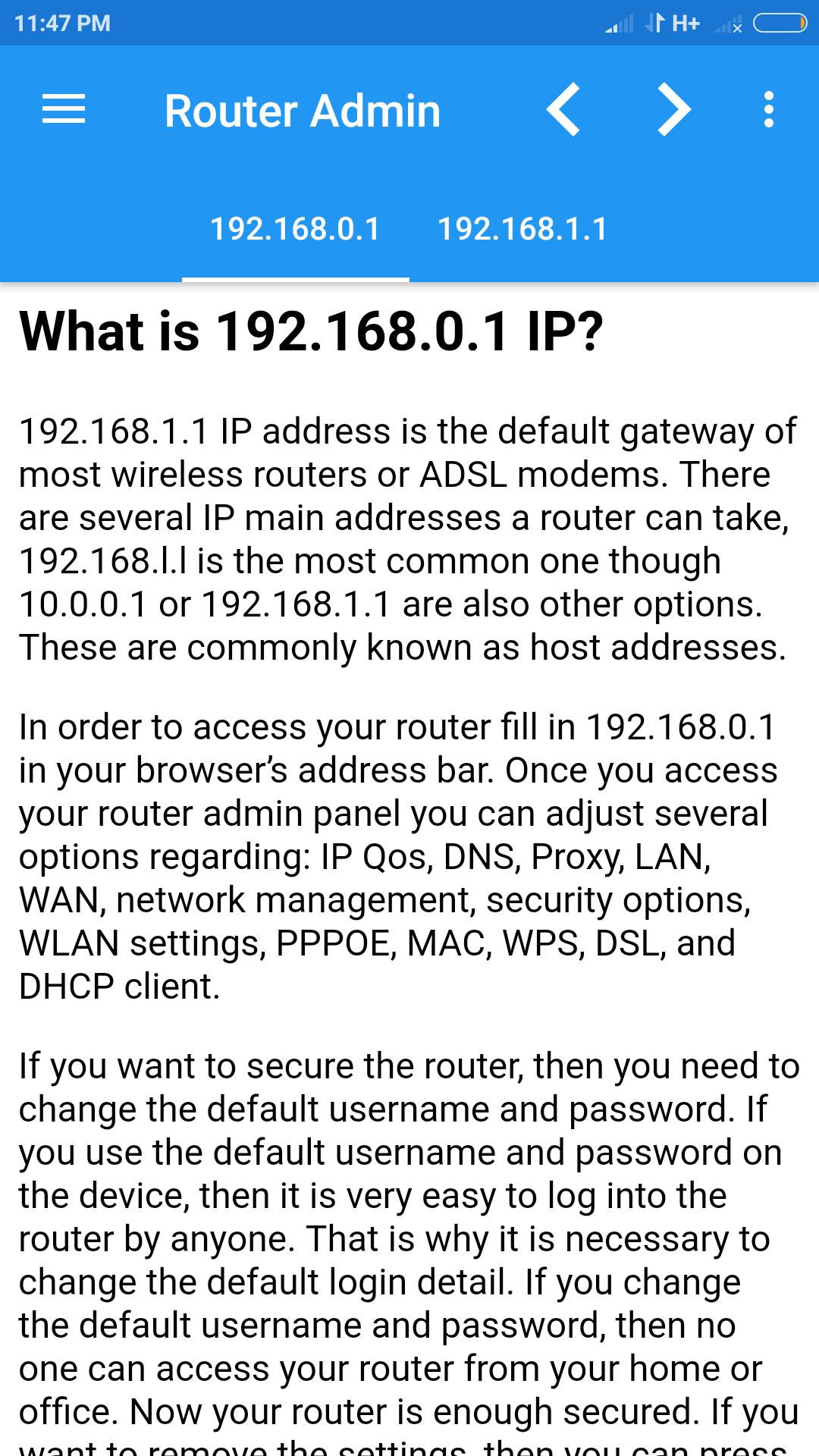
192.168.0.1 Admin Security app allows you to access the admin page of most modems. Most modem routers have default gateway as 192.168.0.1 OR 192.168.1.1. You just need to open the app and click on IP Address for direct access to the security page of routers.
Some of the supported modems with 192.168.0.1 gateway are
1. 2Wire
2. Actiontec
3. D-Link
4. Eminent
5. Huawei
6. LevelOne
7. Linksys
8. Motorola
9. Netgear
10. Netopia
11. Planet
12. Senao
13. Siemens
14. Sitecom
15. SMC Networks
16. Tenda
17. Thomson
18. TP-Link
19. Trendnet
20. ZTE
What Can I Do after Log in?
★ WiFi password configuration
★ WPS Configuration
★ Block & Unblock MAC Address
★ WiFi Radio Length Manage
★ DNS Configuration
★ UPnP Configuration
★ IGMP Proxy Configuration
Note that this app allows you to Log in to router page using your Mobile browser. The default username and password may be "Admin" "Admin" OR "Admin" "Password". For more details check your router modem.
Last updated on 2018年12月14日
Fixed Bugs.


APKPure - Androidを中心としたマルチプラットフォームのアプリストアで、豊富なアプリ関連コンテンツを提供しています。より簡単に、より速く、より安全にアプリを見つけることができ、ダウンロードとインストールも迅速かつ効率的です。