
Jollibee fits everyday situations when you want familiar fast food without waiting in line or calling a branch. It gives Android users a direct way to choose meals, place an order, and arrange delivery or pickup through one app. As a result, the Jollibee Food Delivery App can be useful for lunch breaks, family meals, quick snacks, and planned orders at home or at work.
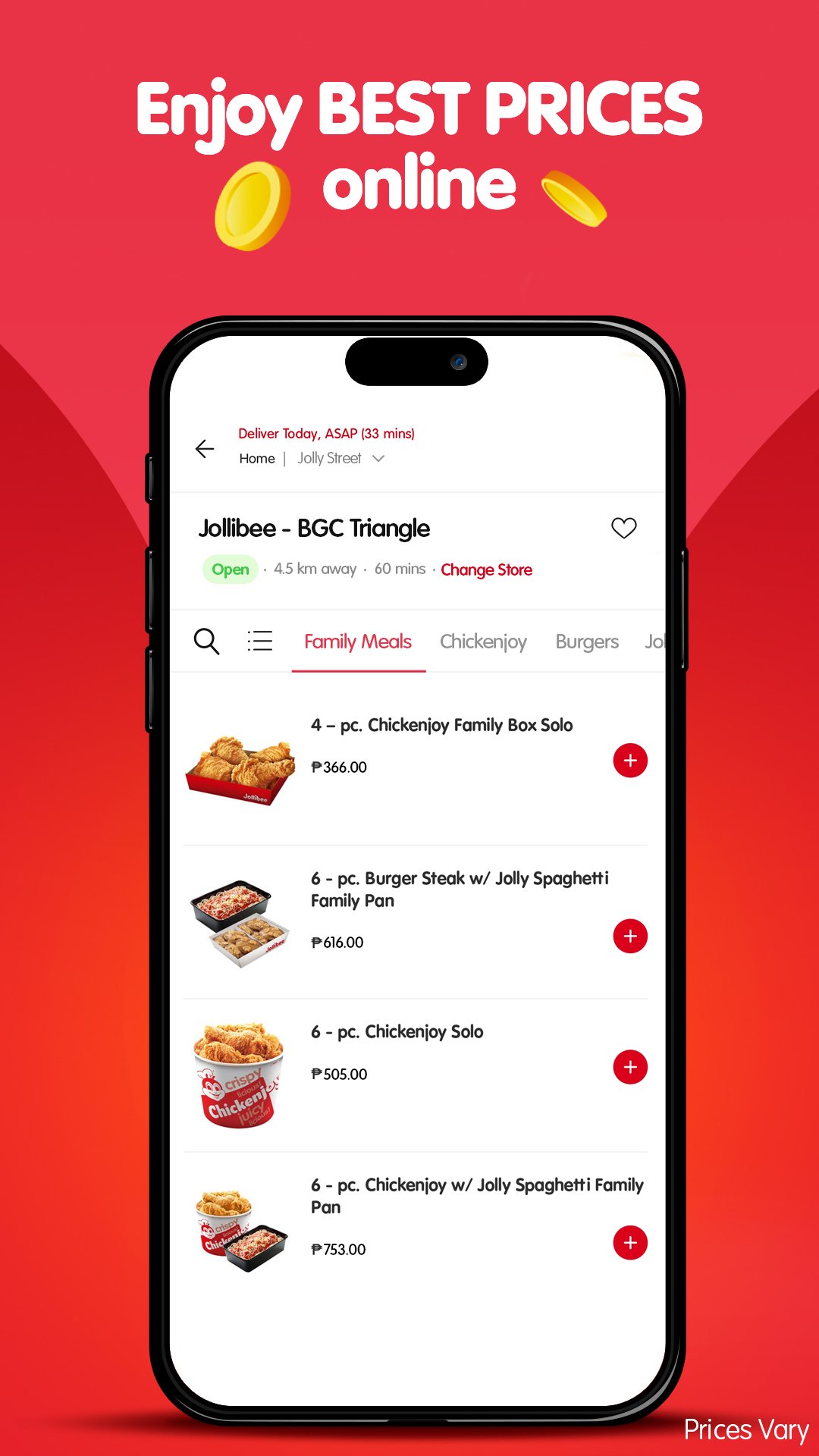
Browse Jollibee menu items
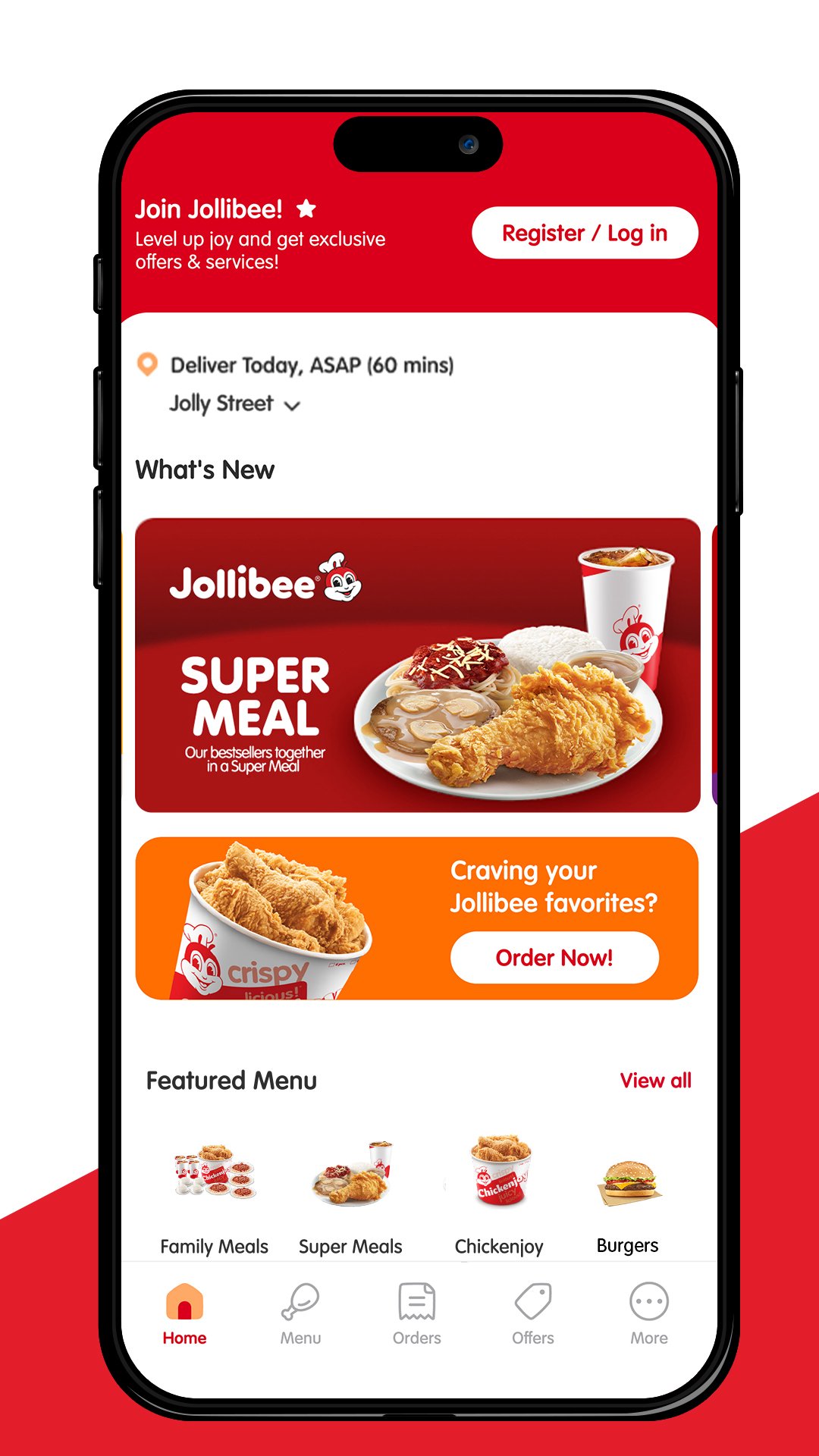
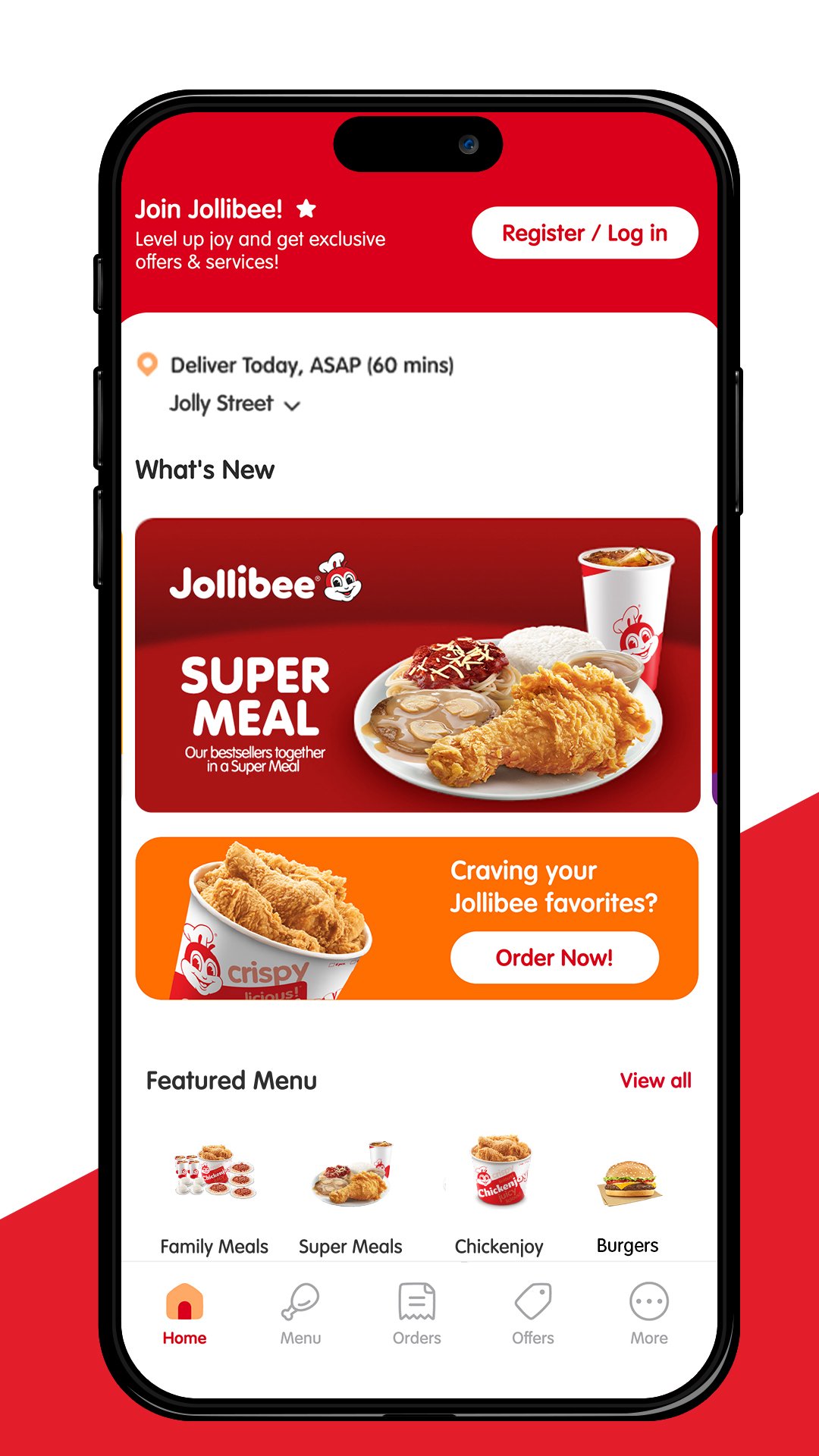
Jollibee lets you view available food choices from nearby stores before placing an order. You can look for well known items such as Jollibee Chickenjoy, Jolly Spaghetti, Yumburger, Burger Steak, Peach Mango Pie, fries, drinks, desserts, and Family Super Meals. This helps you compare solo meals and sharing meals before moving to checkout.
Customize meals before checkout
You can adjust food orders based on your preference before confirming them. For example, you may choose meal options, add items, or review the order details so the food matches what you plan to eat. This is useful when ordering for different people because you can check each item before payment.
Order in a few clear steps
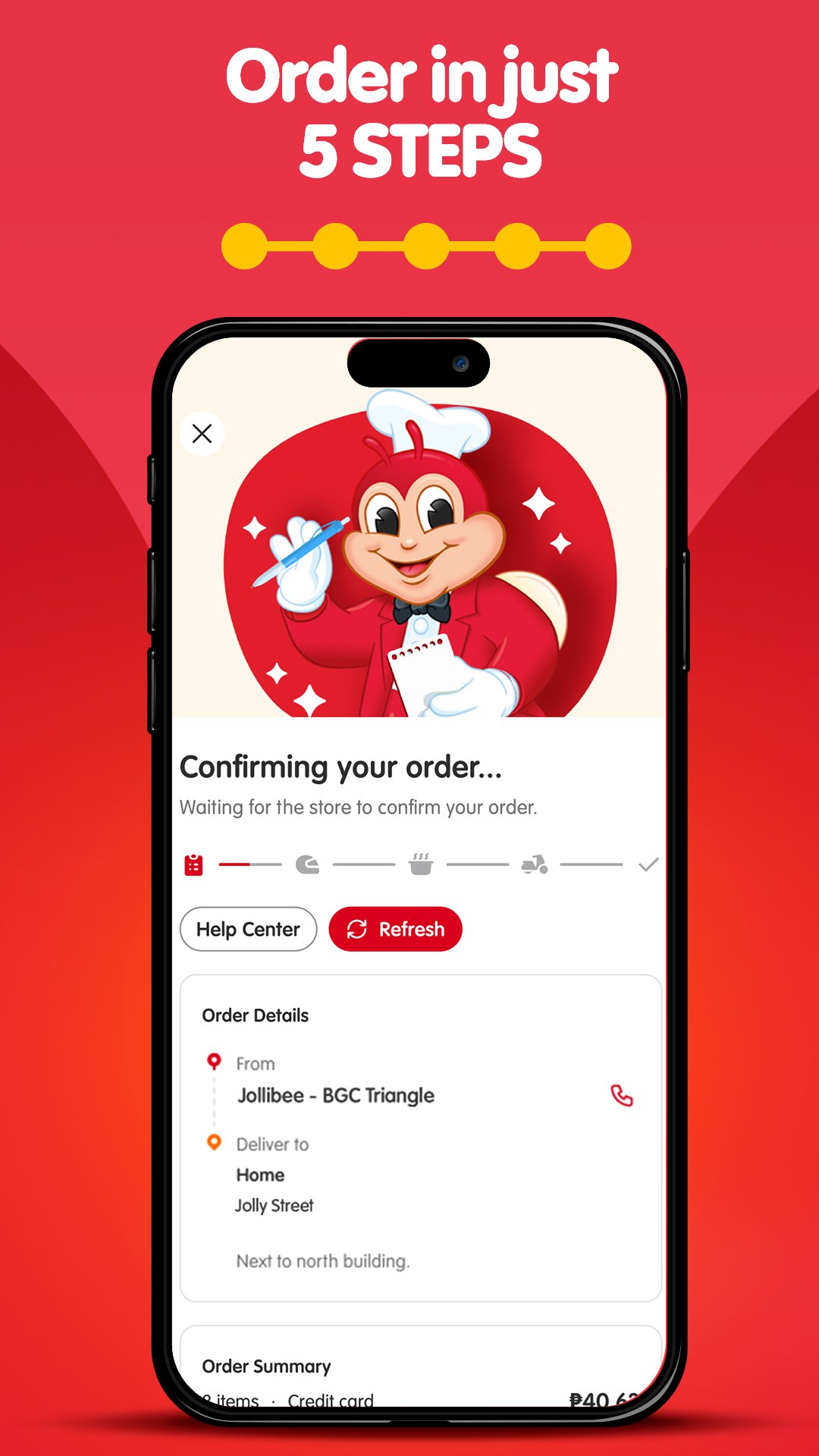
Jollibee keeps the ordering flow short, so you can move from menu browsing to checkout without extra steps. After choosing food, you review the cart, select how to receive the order, and confirm the payment method. This process is helpful when you want to skip the counter line or place an order before arriving at a branch.
Track delivery progress
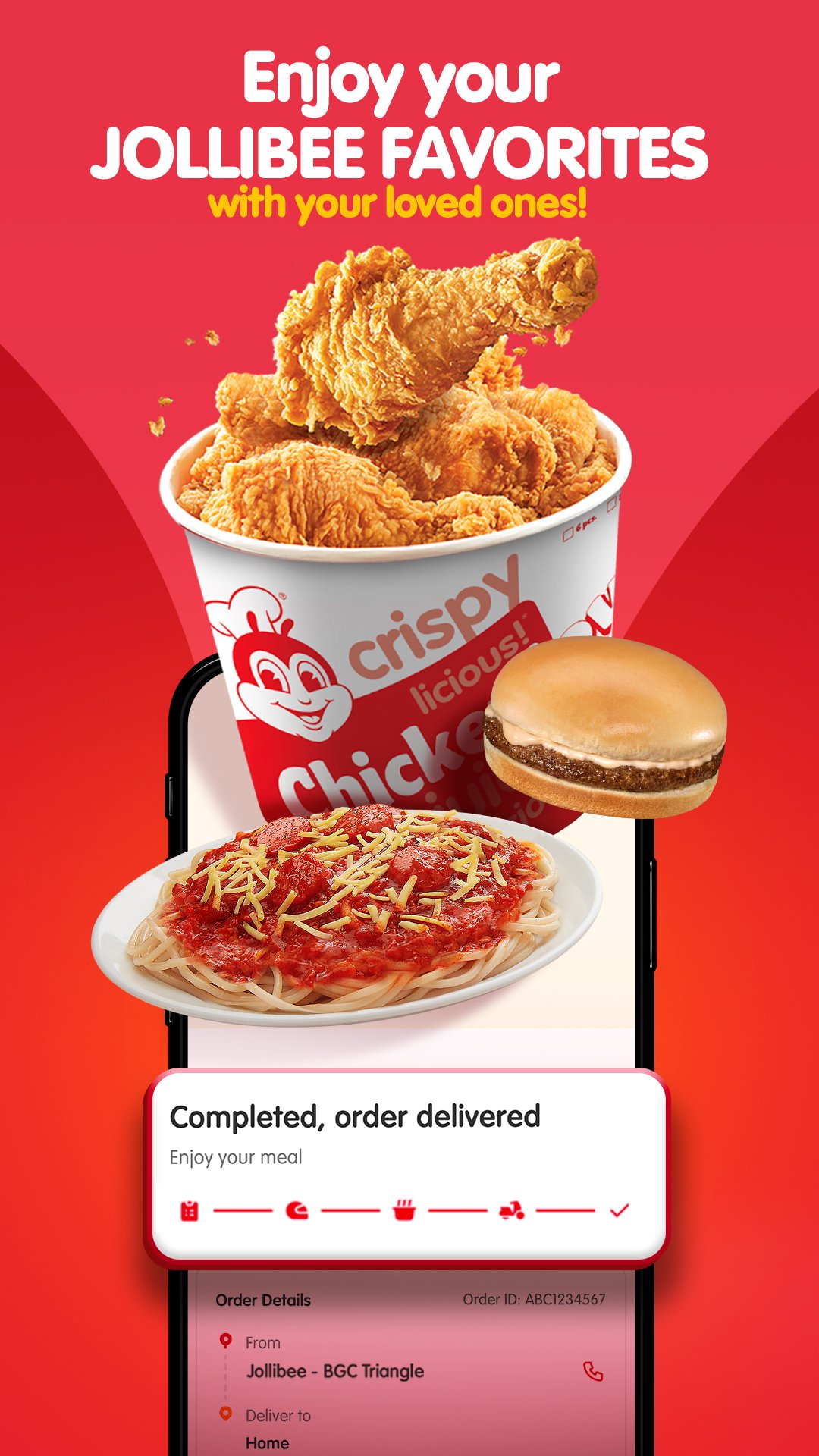
Jollibee provides order progress updates after you place a delivery order. You can follow the status from preparation to arrival, which makes it easier to plan around meals at home, in the office, or during group gatherings. In addition, doorstep delivery helps when you do not have time to visit a restaurant.
Find nearby stores and use cashless payment
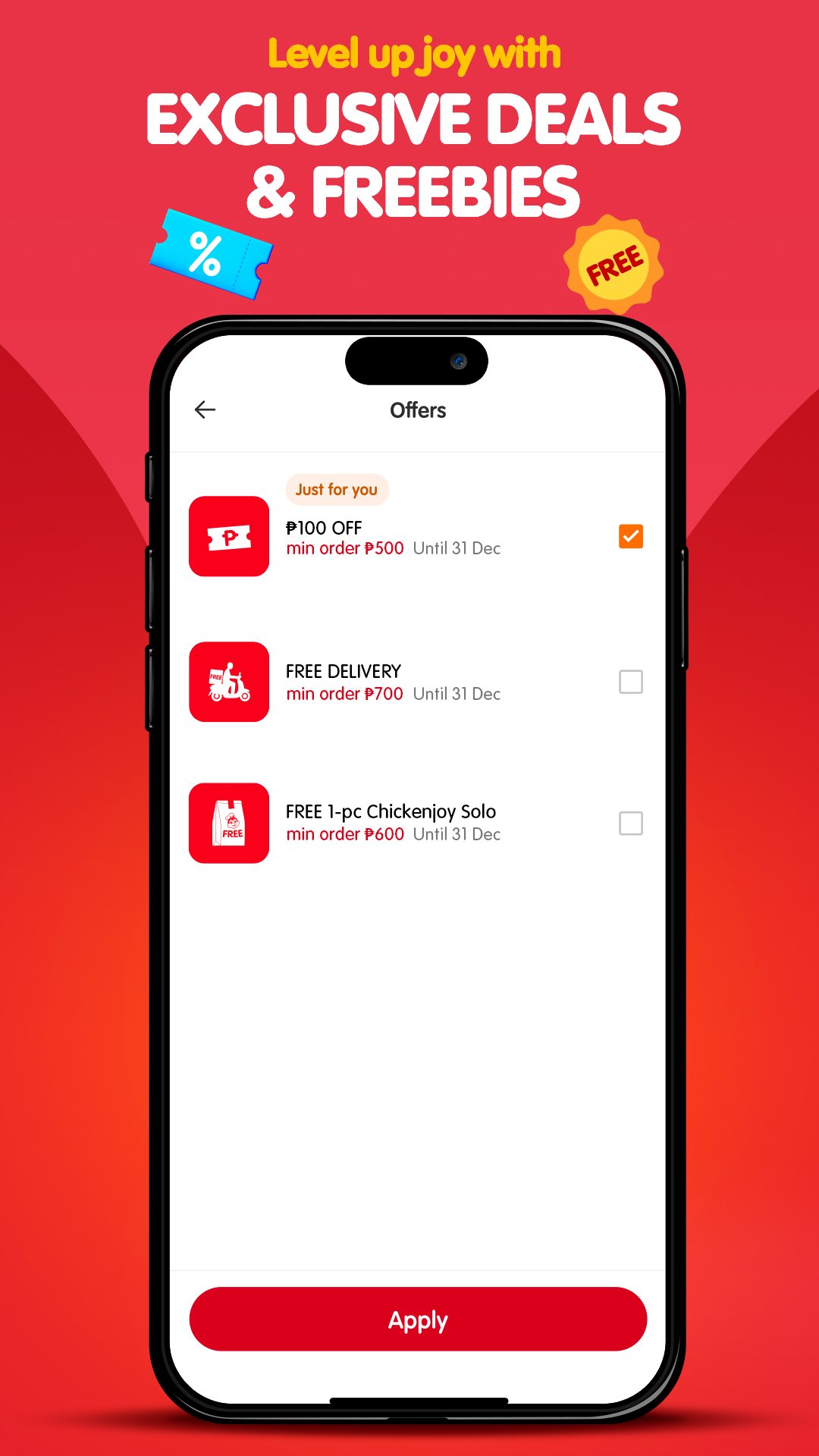
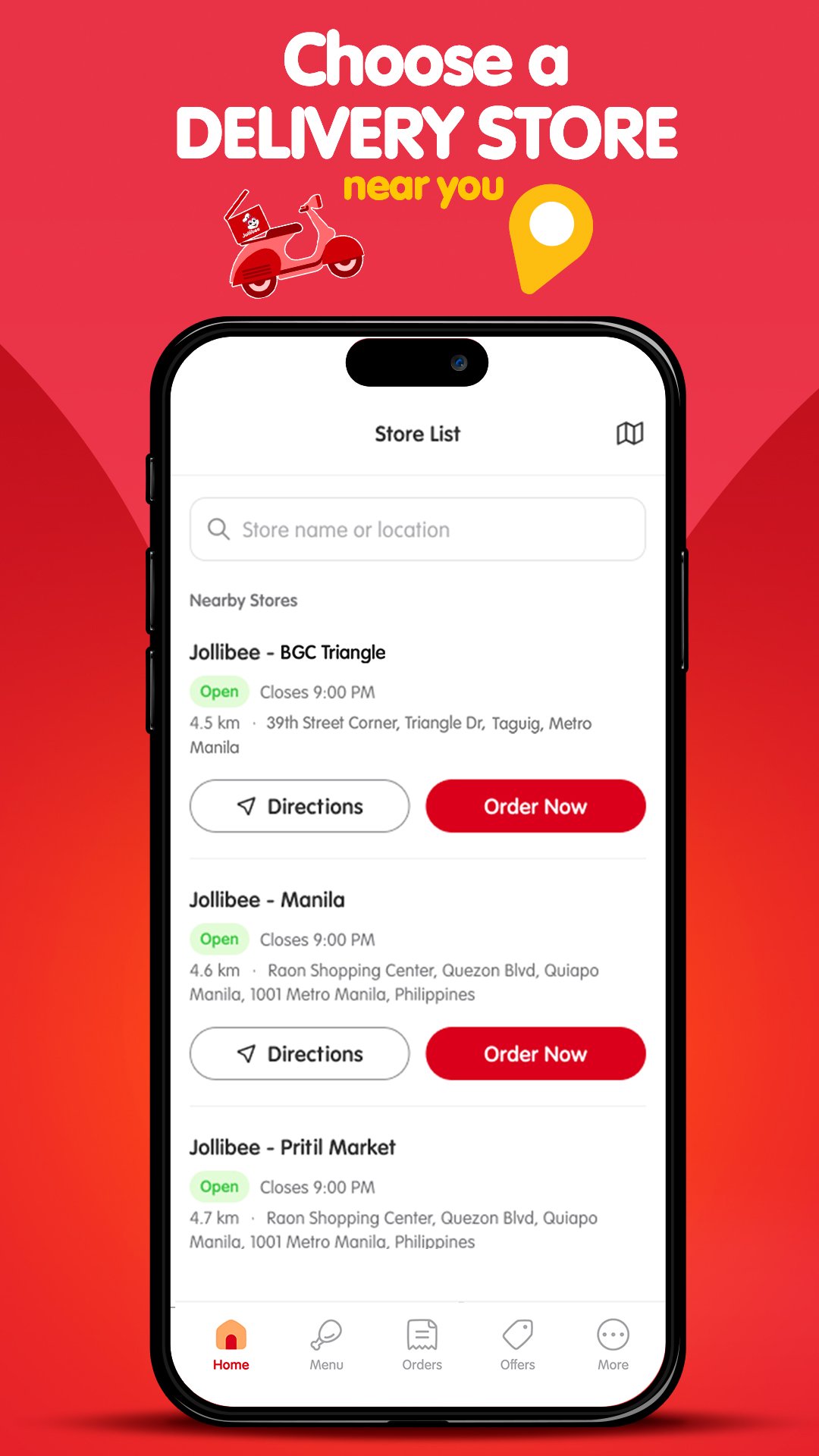
You can use the store locator to find nearby Jollibee restaurants and get directions when you prefer pickup, dine in, takeout, or drive thru. The app also supports cashless payment options for checkout. From time to time, users may also see app deals such as delivery promos or free delivery offers, depending on availability.
Jollibee is designed for users who order from Jollibee restaurants in the Philippines. Menu choices, delivery coverage, payment methods, and promos may depend on the selected store and location. Because of this, it is useful to check the store details and order summary before confirming a purchase.
The app can serve different meal situations. A single user may order Chickenjoy or a burger meal for lunch, while a group may choose Family Super Meals, spaghetti, fries, drinks, and desserts for sharing. If you are comparing whether to download Jollibee, consider how often you order Jollibee food and whether delivery, pickup, or nearby store directions match your routine.
After installing the Jollibee APK on an Android phone, open the app and set up the basic order details. The process focuses on choosing food, checking the cart, and confirming how you want to receive the order.
Jollibee gives Android users a direct way to order popular Jollibee meals, arrange delivery or pickup, and check nearby stores in one place. To use current ordering features and available promos, install the Jollibee latest version before placing an order.
Official information for Jollibee is available through the source below.
Latest Version
1.27.0Uploaded by
Natt Min Lay
Requires Android
Category
Free Food & Drink AppContent Rating
Everyone
Report
Flag as inappropriateLast updated on Sep 7, 2026
We enhanced app performance and stability with improved features and minor bug fixes for a smoother user experience.
Need further help or have feedback? Reach us anytime through the Help Center in the app or send us an email via jollibeeph@welovetohearyou.com. Have a jolly day ahead!



APKPure - A multi-platform app store primarily focused on Android, providing extensive app-related content. Discover the app you want easier, faster, and safer, with quick and efficient downloads and installations.