

JoiPlay provides a practical way to play many fan-made and indie games on mobile without emulating a desktop system. It focuses on compatibility for popular engines and uses plugins where needed to keep setup straightforward. There are no games included, and the app reads legally obtained game files from your storage. Storage permission is requested so the app can access and update your game folders and saves. It is not a Windows emulator, therefore projects that require Windows APIs or uncommon Node.js functions will not run. Get the latest JoiPlay APK on APKPure to start importing your games on Android.
Run popular game engines on Android
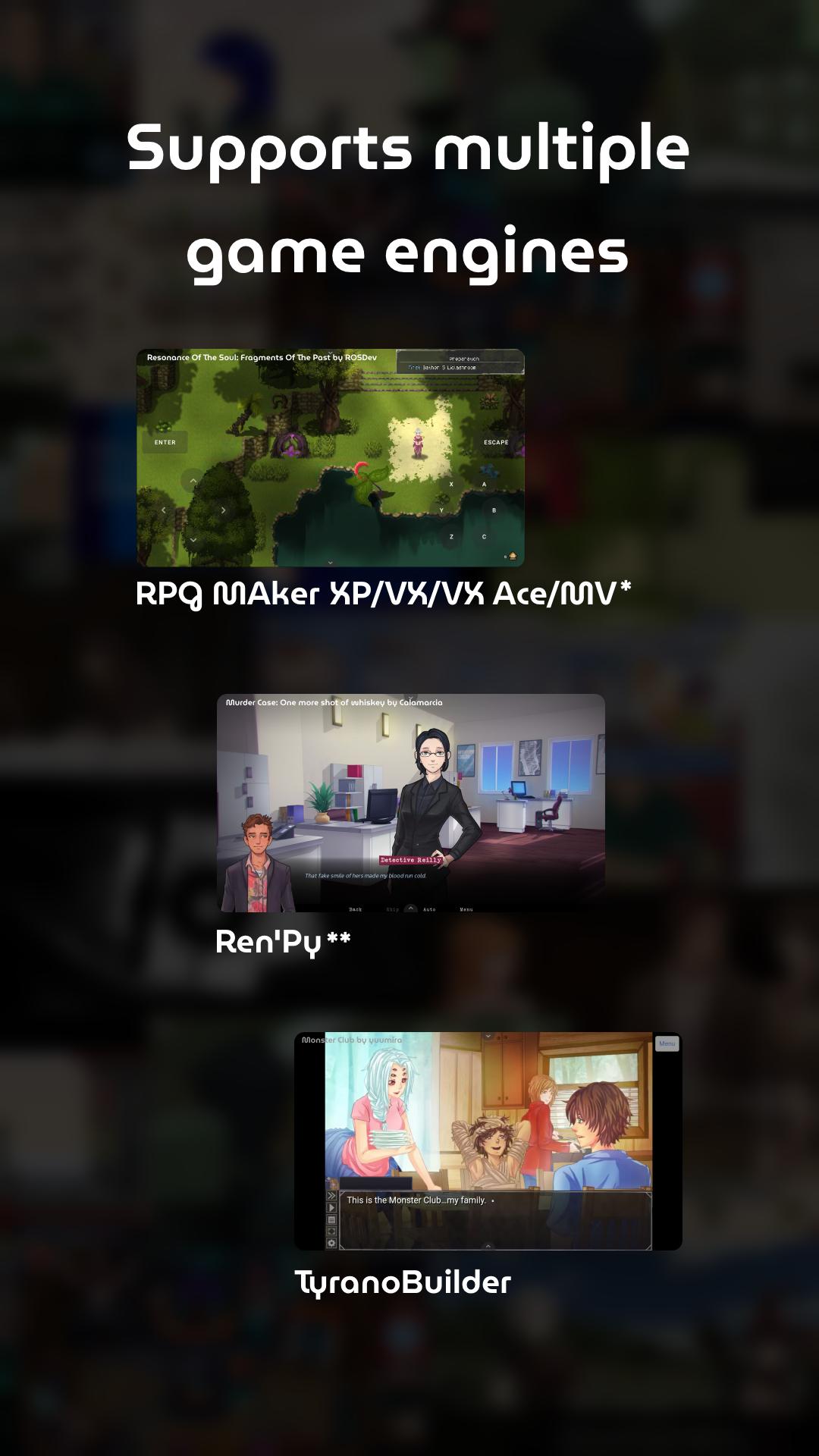
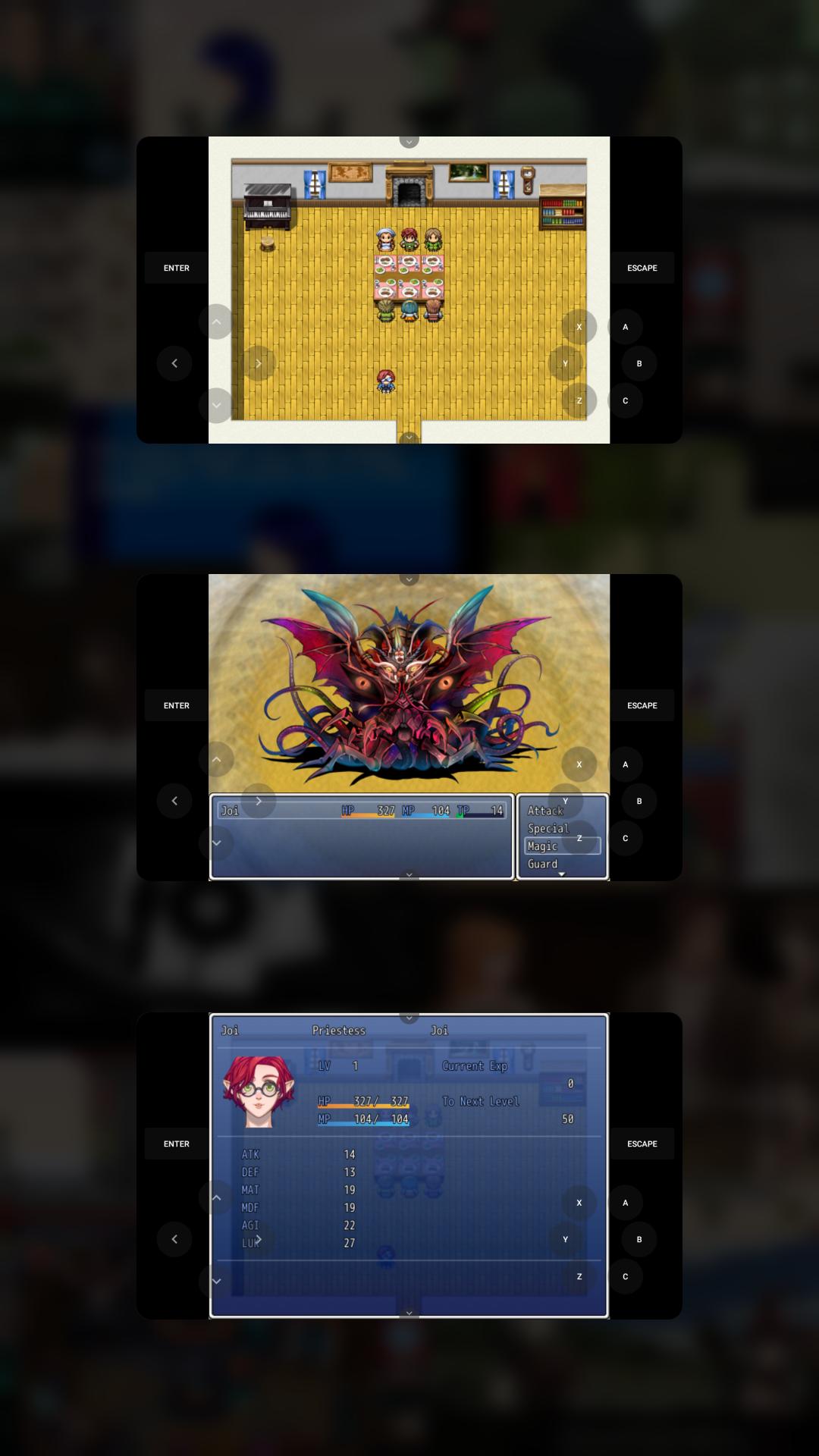
JoiPlay lets you launch games made with RPG Maker XP, VX, VX Ace, MV, and MZ, as well as Ren’Py, TyranoBuilder, Construct 2 and 3, plus HTML titles. Flash content is supported with an optional plugin. This makes it easier to bring a wide range of projects to your phone or tablet.
Plugin-based compatibility when required
Moreover, JoiPlay supports key engines through dedicated plugins so you only add what you need. Use the JoiPlay RPG Maker Plugin for XP, VX, and VX Ace games. Use the Ren’Py Plugin for JoiPlay for Ren’Py projects. For Flash games, add the optional Ruffle Plugin. You can find these plugins alongside the JoiPlay APK on APKPure.
Simple importing and launching flow
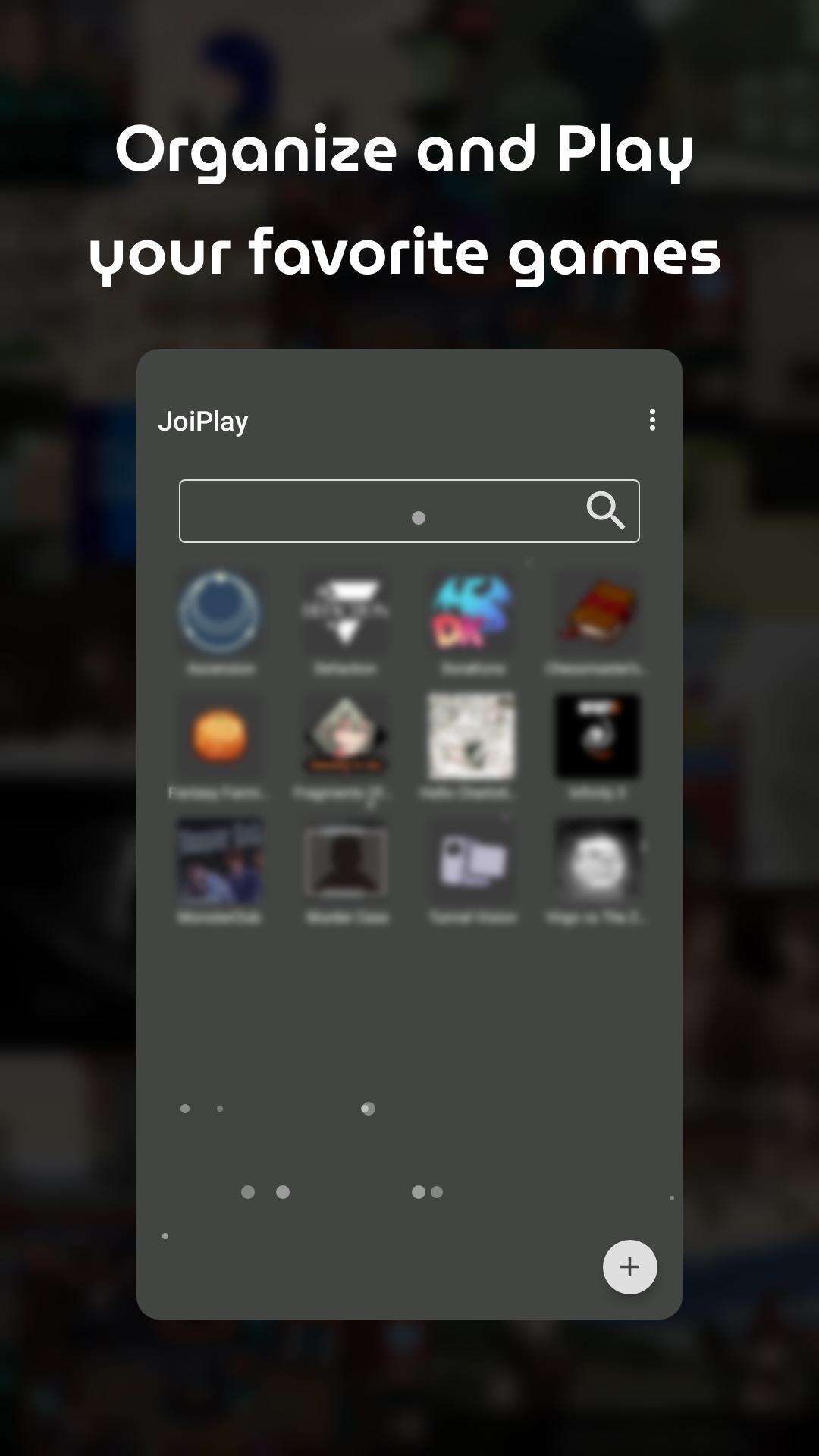
In addition, you can import a game folder or select an index file, set the engine when prompted, and start playing with a few taps. The interface is designed for quick access, so you spend less time configuring and more time in-game. Titles you add appear in a clear list for fast launching later.
Per-engine settings to improve stability
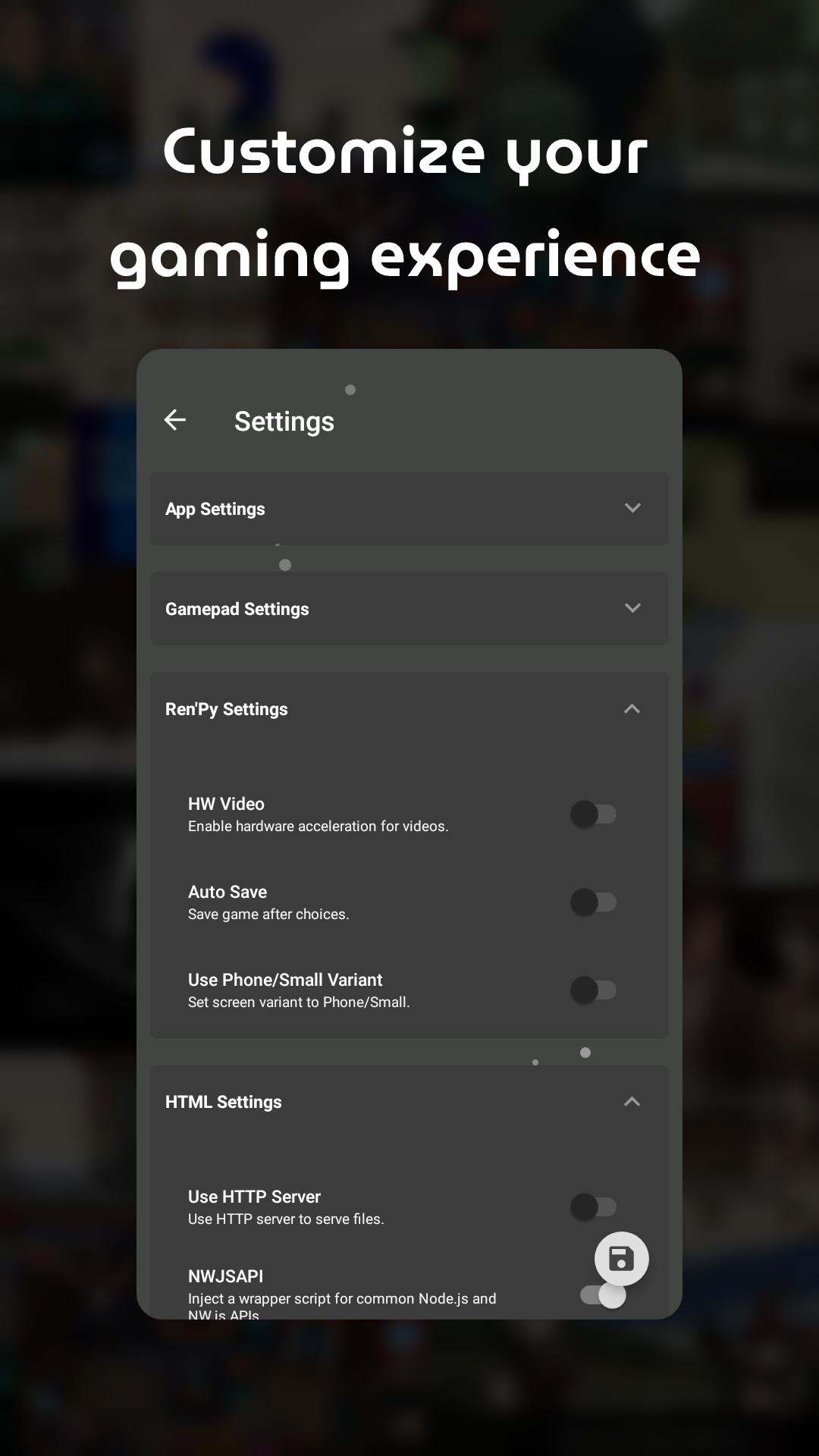
Also, JoiPlay provides per-engine settings that help you adjust behavior for different game types. You can tune options to address crashes, visual glitches, or input issues. These targeted controls aim to improve performance for many supported projects.
Cross-device save transfers
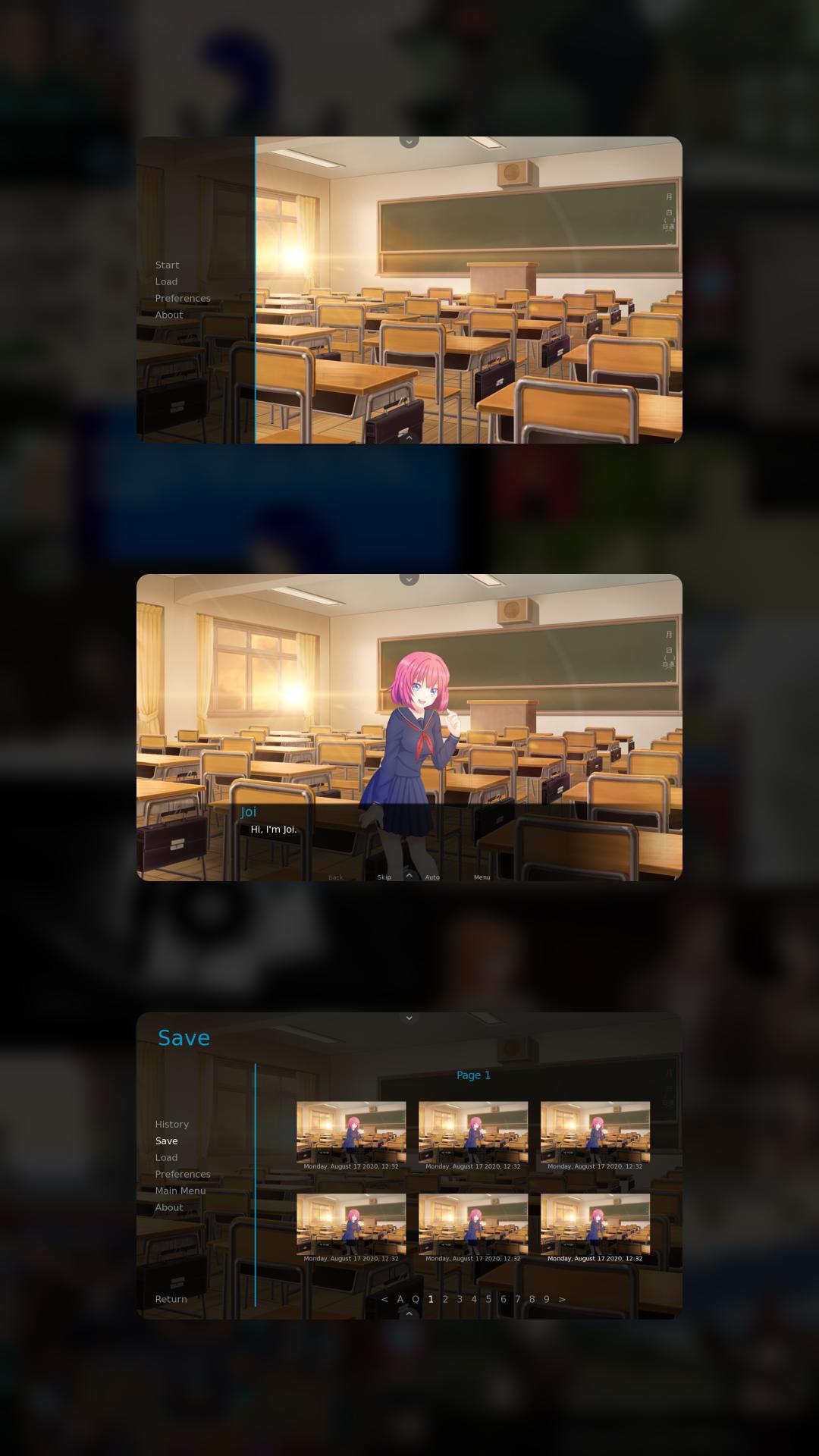
Furthermore, you can move supported save files between devices and continue your progress. This is useful when switching phones or if you want to keep a backup of your playthrough. JoiPlay reads and writes saves directly within your game folders.
Some engines need plugins to work correctly in JoiPlay. Please install the related components before launching your game. You can get these plugin APKs on APKPure along with the JoiPlay APK latest version.
RPG Maker XP, VX, and VX Ace: install the JoiPlay RPG Maker Plugin.
Ren’Py projects: install the Ren’Py Plugin for JoiPlay.
Flash content: install the optional Ruffle Plugin to enable playback.
Install only the plugins you need. After installation, open JoiPlay and import your game.
JoiPlay is not a Windows emulator. Therefore, games that depend on Windows APIs or uncommon Node.js functions and classes will not work. Estimated compatibility is about seventy percent for RPG Maker XP, VX, and VX Ace titles, and about ninety percent for other supported engines. Results vary by game, script complexity, and plugins used by the original project.
You can start playing supported projects in minutes. Follow these steps to install the JoiPlay APK latest version and import your game files on your device.
Download and install the JoiPlay APK from APKPure, then open the app on your Android device.
Install the required plugins based on your game: the JoiPlay RPG Maker Plugin for XP or VX or VX Ace, the Ren’Py Plugin for JoiPlay for Ren’Py, and the optional Ruffle Plugin for Flash.
After installation, place your game folder on your device storage. Keep the original folder structure and ensure all data files are present.
Then open JoiPlay and tap Add Game. Select the game folder or index file, confirm the engine type if asked, and save your entry.
So you can launch the game from the list. If needed, open per-engine settings to adjust options, and enable cheats where supported. Save and exit to keep your progress.
JoiPlay offers a practical way to run many RPG Maker, Ren’Py, and HTML-based games on Android with a clear setup process. Get the JoiPlay APK latest version on APKPure to import your projects, add required plugins, and start playing on mobile.
How to play on mobile using JoiPlay?
To play on mobile using JoiPlay, download JoiPlay APK from APKPure, install any required plugins, and import your game folder into the app. JoiPlay reads your legally obtained files from storage and launches them with the correct interpreter. If the game needs the JoiPlay RPG Maker Plugin or the Ren’Py Plugin for JoiPlay, install those first, then add the game.
Can't download JoiPlay, can I still play on Android?
You need the app to use its interpreters, so you cannot play with JoiPlay without installing it. If you cannot download JoiPlay APK, check your network, free up storage space, and try again on APKPure. You can also pause and resume the download or retry later if the connection is unstable.
Is JoiPlay safe?
JoiPlay is safe to use when you download it from APKPure and install only the official plugins. The app requests storage permission to read and write your game files and saves. It does not bundle any content, and you control which games you import.
Latest Version
1.21.000-patreonUploaded by
JoiPlay
Requires Android
Android 5.0+
Category
Free Entertainment AppContent Rating
Everyone
Report
Flag as inappropriateLast updated on Feb 15, 2026
Minor bug fixes and improvements. Install or update to the newest version to check it out!

APKPure - A multi-platform app store primarily focused on Android, providing extensive app-related content. Discover the app you want easier, faster, and safer, with quick and efficient downloads and installations.