Scan Date:Mar 12, 2026
Show More


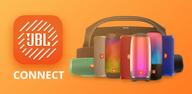
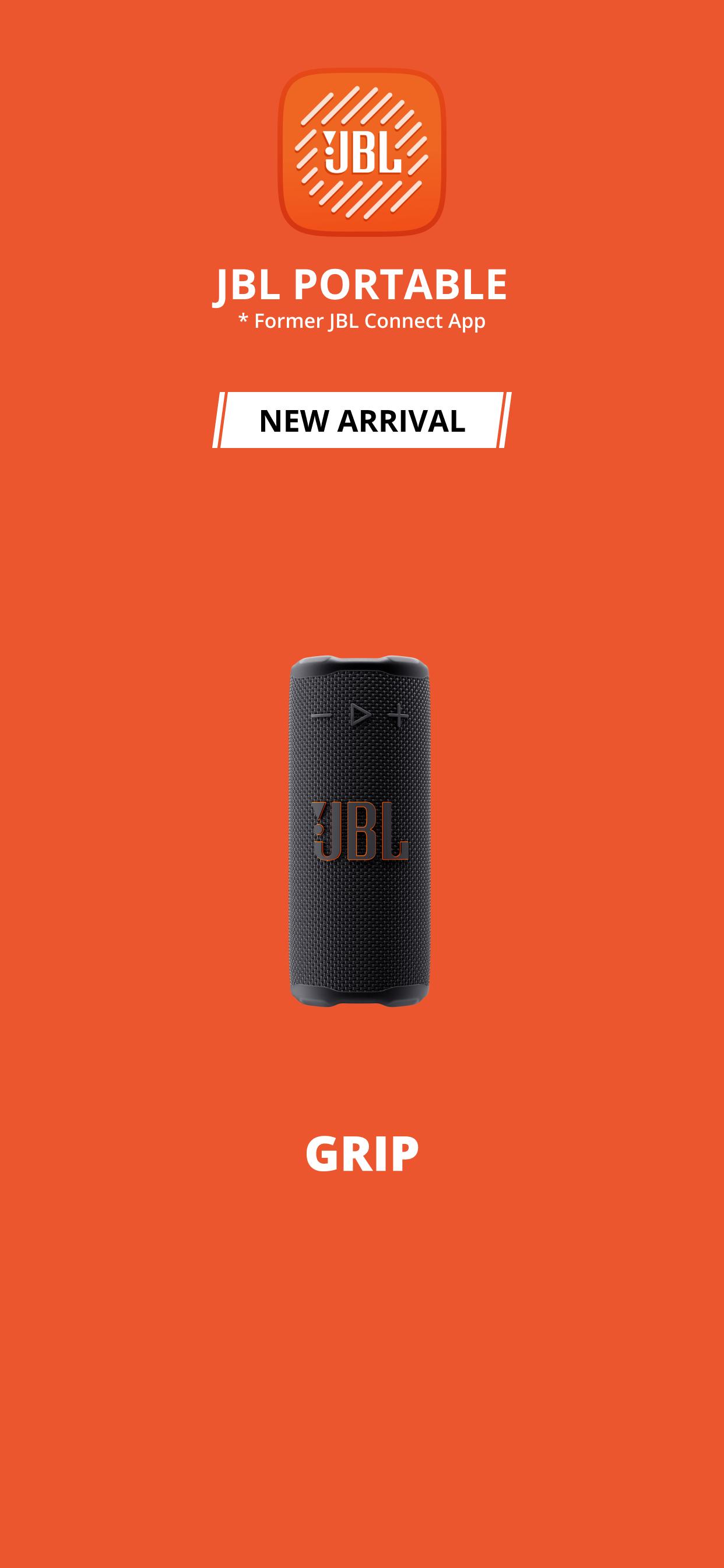
JBL Portable helps you set up, control, and maintain compatible JBL portable speakers from your phone. It discovers your speaker automatically, provides a guided start, and keeps firmware current so the device works as designed. You can adjust audio preferences, manage multi speaker connections, and access product help in one place. This app supports popular lines like Flip, Charge, Pulse, Xtreme, Boombox, Go or Clip, Tuner, and Grip. Get the JBL Portable APK latest version on APKPure to start quickly. For a full list of supported models, see compatibility details.
Party mode and Stereo pairing
JBL Portable links supported speakers so you can play the same audio on multiple units or create left and right stereo channels. This helps you fill a room or set up directional sound without extra hardware.
Custom EQ and Playtime Boost
You can adjust bass, mid, and treble with a simple equalizer to match your space and content. On supported models, Playtime Boost reduces power demand so you extend battery life while keeping consistent volume.
In app speaker controls
JBL Portable centralizes controls for lights on select models, sound preferences, button behavior, and voice prompts. This reduces time spent on the speaker’s physical buttons and keeps your settings consistent across sessions.
Over the air updates and product help
The app checks for firmware updates and installs them wirelessly so your speaker gains fixes and improvements. You also find product tips and quick links to support resources when you need guidance.
Guided setup with QR and auto discovery
You can scan the QR code from the quick start guide. The app then discovers your speaker and walks you through pairing, permissions, and first use. This lowers setup time for new or reset devices.
Broad model coverage
JBL Portable works with recent and earlier generations so households with different speakers can manage everything in one app. For exact models, jump to the compatibility list below.
JBL Portable focuses on Bluetooth portable speakers like Flip, Charge, Pulse, Xtreme, Boombox, Go or Clip, Tuner, and Grip. It handles pairing, EQ, Party mode, and firmware for these battery powered devices. JBL One is designed for WiFi speakers and soundbars with multi room audio, voice assistant settings, and home network features. If your product connects primarily over Bluetooth and runs on a battery, use JBL Portable. If your product connects to WiFi and stays plugged in at home, it likely uses JBL One.
These series and models are supported in JBL Portable. Availability of features such as Playtime Boost or lighting control can vary by model.
JBL Portable is built for mobile devices. There is no native Windows or Mac version. If you want to use the JBL Portable app for PC, some users run the JBL Portable APK in Android emulators on desktop. Results vary by emulator and Bluetooth adapter support. For Android phones and tablets, get the JBL Portable APK latest version on APKPure. For iPhone users, install the iOS version from your device’s official app catalog.
To avoid tampered packages, get the JBL Portable APK on APKPure. For official product pages, manuals, and QR help, visit the JBL site linked below. Do not install APKs from unknown links. Always verify the app name, icon, and developer before you proceed.
This guide covers first time setup so you can connect and play quickly. Make sure your speaker is charged and powered on before you start.
JBL Portable gives you convenient control, quick pairing, and updates for compatible JBL speakers. Download JBL Portable and manage Party mode, Stereo pairing, EQ, and firmware from one place. Get the JBL Portable APK latest version on APKPure for a secure install.
For official product guidance and QR resources, use the link below.
What does the JBL Portable app do?
JBL Portable manages compatible JBL Bluetooth speakers by handling setup, EQ, Party or Stereo pairing, and firmware updates. The app centralizes controls so you can adjust settings, manage multi speaker connections, and keep your device up to date without a computer.
How do I connect a speaker in the JBL Portable app?
Open JBL Portable, allow Bluetooth and location access, then power on your speaker. The app discovers nearby devices and shows your model on screen. Tap the device name to pair, then follow prompts to finish connection and check for updates.
How do I set up JBL Portable for the first time?
Install JBL Portable APK on your Android device from APKPure, then open the app and scan the QR from your quick start guide or use auto discovery. Pair the speaker when it appears, accept any update, and test audio playback. You can then adjust EQ and other settings.
Do I need the JBL app to connect a speaker?
You can pair a JBL speaker to your phone over Bluetooth without the app for basic playback. However, JBL Portable is required for features like Custom EQ, Playtime Boost on supported models, Party or Stereo pairing, and firmware updates that maintain performance.
Where can I download JBL Portable APK safely?
Download JBL Portable APK on APKPure to get the latest version and install it on your Android device. Always avoid unknown download links, and refer to the official JBL page for product guidance if you need help with model identification.
Latest Version
6.9.12Uploaded by
KiềuHương Kiều
Requires Android
Android 9.0+
Category
Free Entertainment AppContent Rating
Everyone
Security Report
Report
Flag as inappropriateLast updated on Mar 12, 2026
- Added support for new portable speakers



APKPure - A multi-platform app store primarily focused on Android, providing extensive app-related content. Discover the app you want easier, faster, and safer, with quick and efficient downloads and installations.