Peer-to-peer connection between Mobile device and TRIUMPH-LS. No internet required. The devices must be on the same network.
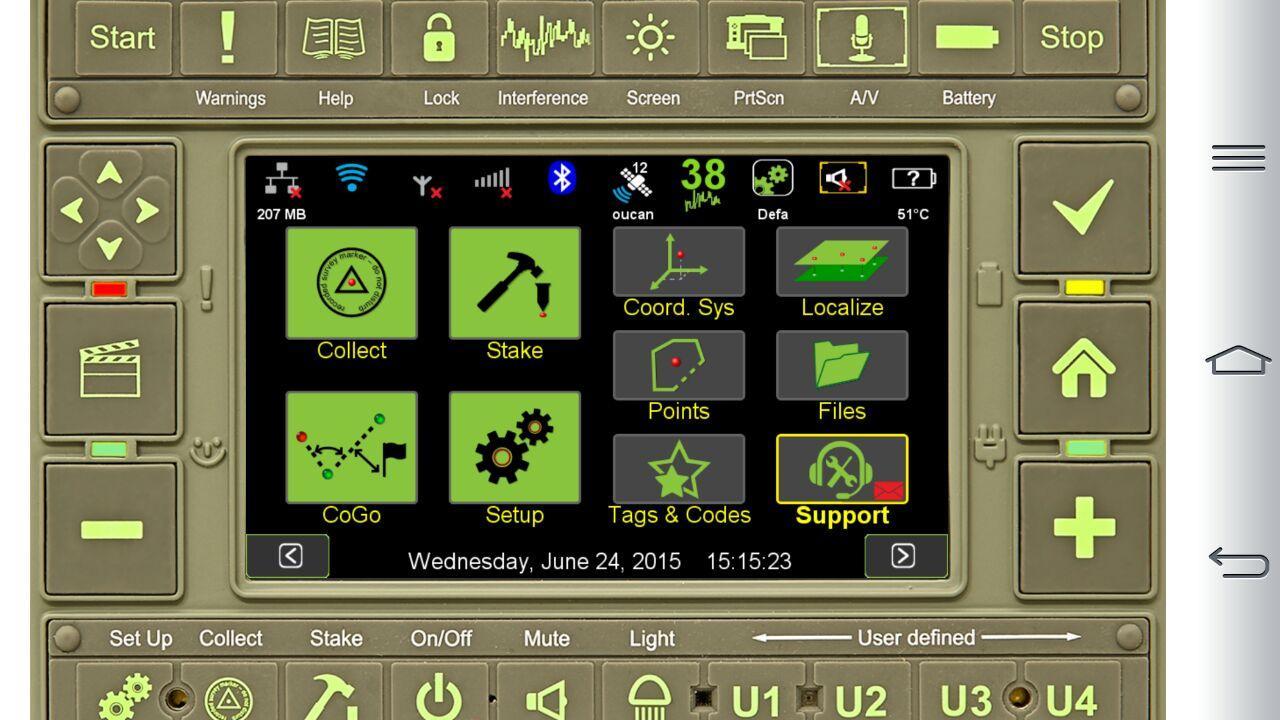
The application waits for connections from LS. For setting up connection, please follow Support -> Remote Assistance on your TRIUMPH-LS and setup connection to the built-in server. Select Custom Server, specify IP address of the Mobile device, port 8800, and click Connect.
Latest Version
2.0.1Uploaded by
Alan Bruno
Requires Android
Android 4.0+
Category
Free Productivity AppContent Rating
Everyone
Report
Flag as inappropriateLast updated on May 7, 2016
Platform update




APKPure - A multi-platform app store primarily focused on Android, providing extensive app-related content. Discover the app you want easier, faster, and safer, with quick and efficient downloads and installations.