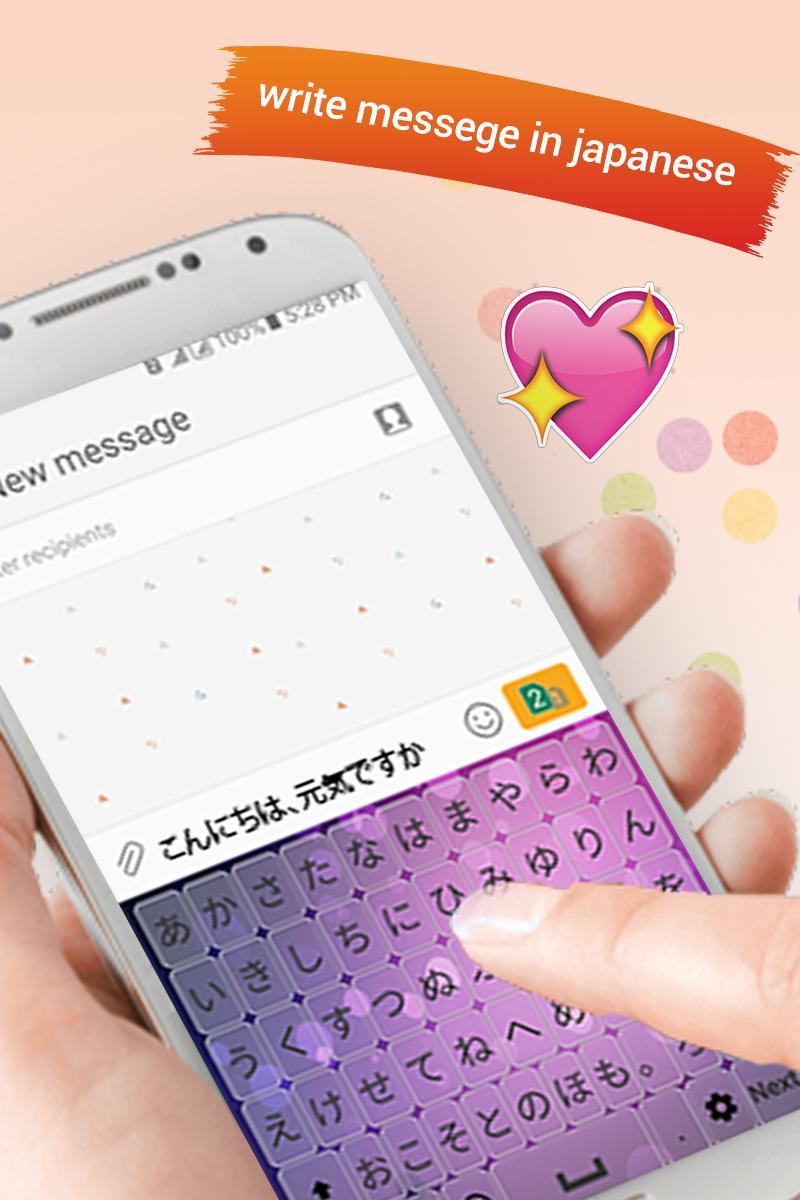
With the help of Japanese keyboard you will write in Japanese language. You can write emails and update your status on all social platforms. you can use Japanese keyboard with all messenger apps to write messages in Japanese language through Japanese typing app. By Japanese Keyboard you can write in Japanese language in your cell phone
Easy Japanese Keyboard is to write all the lettering in Japanese Language when you typing in any social app in your cell phone/mobile.
Easy Japanese Keyboard helps you to write in your native language. Japanese keyboard app is useful for Japanese speaking peoples around the world.
Japanese keyboard is easy to use and help to write in Japanese language this keyboard is specially designed for the Japanese speaking peoples who adore writing in their native language. Japanese Keyboard is easy to use and cause no change to your keyboard settings and keyboard design.
Japanese keyboard is designed with a large amount stunning and eye-catching themes. Select between various themes. Select the theme that you most like and write the Japanese alphabets.
Japanese typing app will allow you to write in v language. With Japanese Keyboard you can write all Japanese Alphabets, letters and words. It’s the easiest keyboard for Japanese writing.
Japanese keypad gives you choice to modify your specific setting. Tons of Emoji, Emotion and smiles are included that will keep your interest in chat. Change the keyboard to English and Japanese within the same keyboard. Change and customize your setting from the setting button within the Japanese keyboard.
How to use Japanese Keyboard:
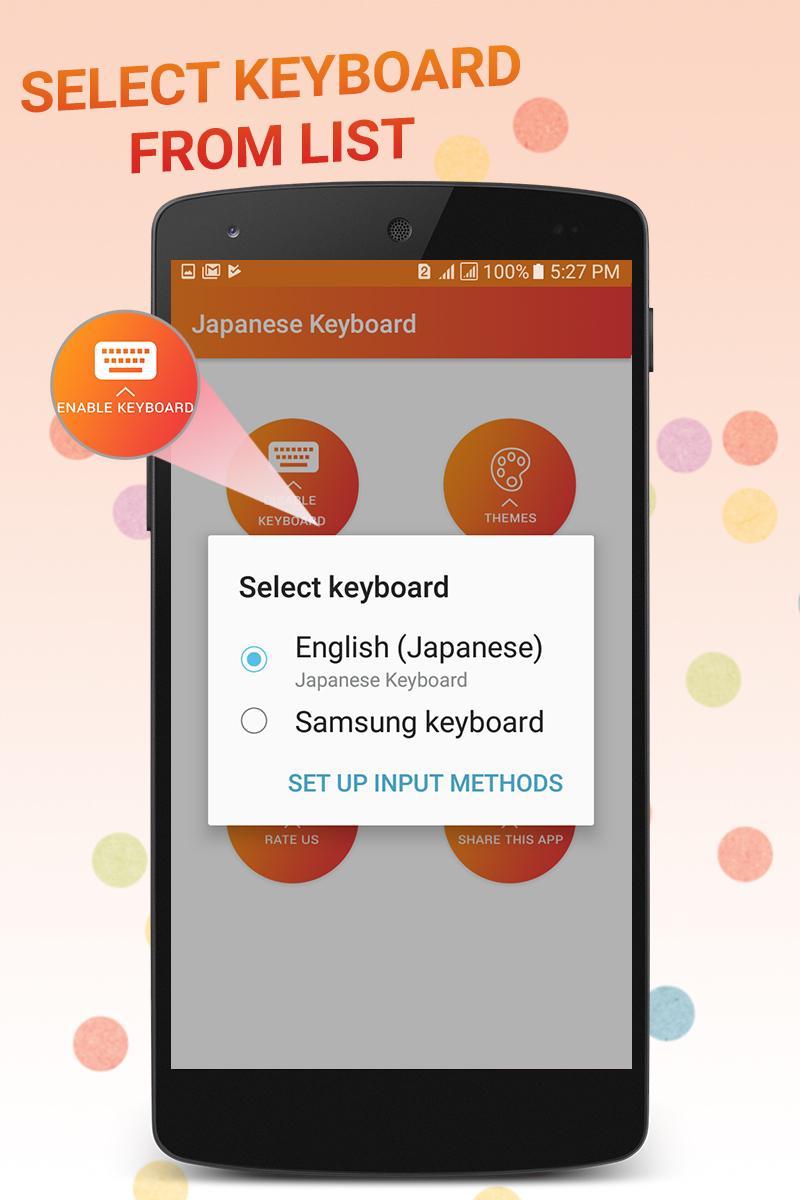
- Install Japanese Keyboard app. Enable it in settings with Japanese keypad embedded.
- Open Japanese -typing app where you want to type. Start typing.
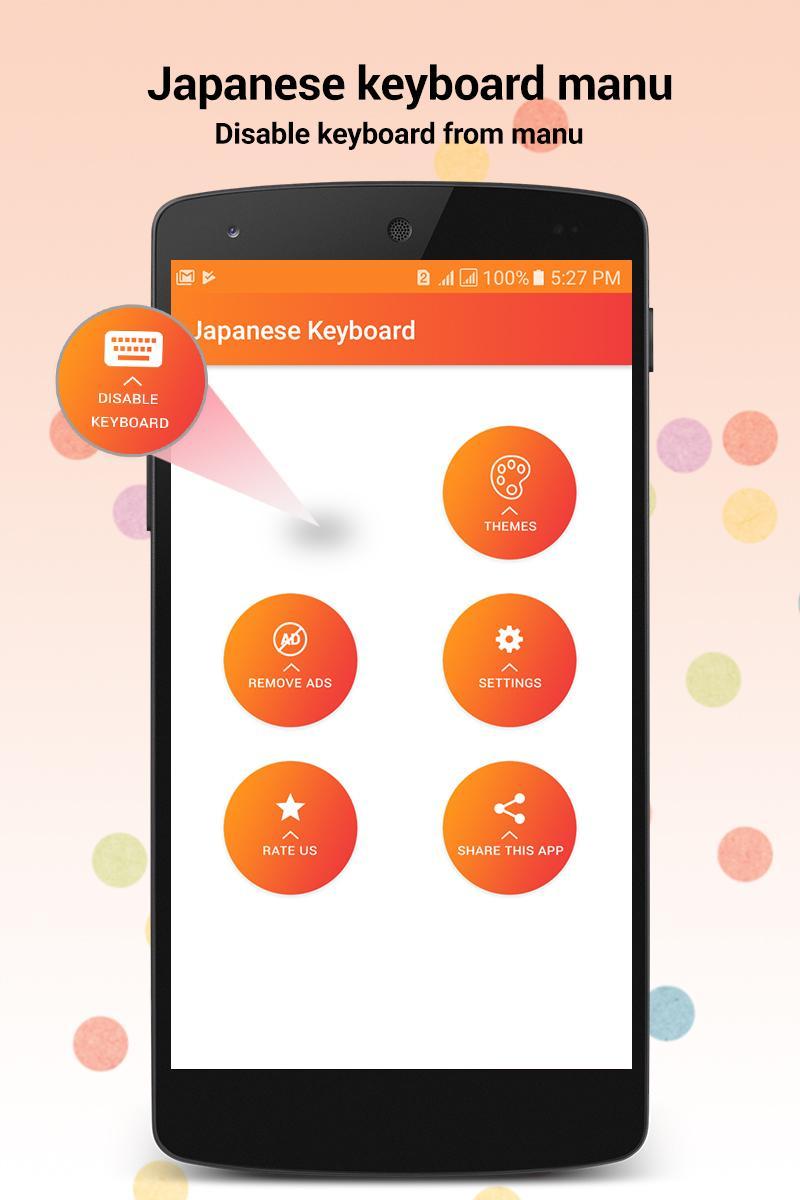
- Go to setting to On/Off different features
- For user’s help the App itself will suggest you the right word for conversation from built in database for
- If you want to turn it into Japanese keyboard just turn Japanese keypad for Android in settings and update your status and sent messages to your loved ones.
- Enjoy Japanese writing with beautiful Japanese Keyboard.
Feature of Japanese Typing App:
- Japanese keyboard has extra icons, numeric, and special characters that make your text persuasive.
- Alter the keyboard From Japanese to English and from English to Japanese using this Japanese Keyboard.
- Japanese keyboard will allow you to write in Japanese language.
- Many themes are designed, select your desired one that most suit and write in Japanese language.
- Thousand plus Emoji, emotion, smiles are designed to make your Japanese Text impressive.
Latest Version
1.1.4Uploaded by
Yusuf Sopian
Requires Android
Android 4.1+
Category
Free Productivity AppContent Rating
Everyone
Report
Flag as inappropriateLast updated on Nov 9, 2020
- Typing Problems Solved !
- Size Reduced !






APKPure - A multi-platform app store primarily focused on Android, providing extensive app-related content. Discover the app you want easier, faster, and safer, with quick and efficient downloads and installations.