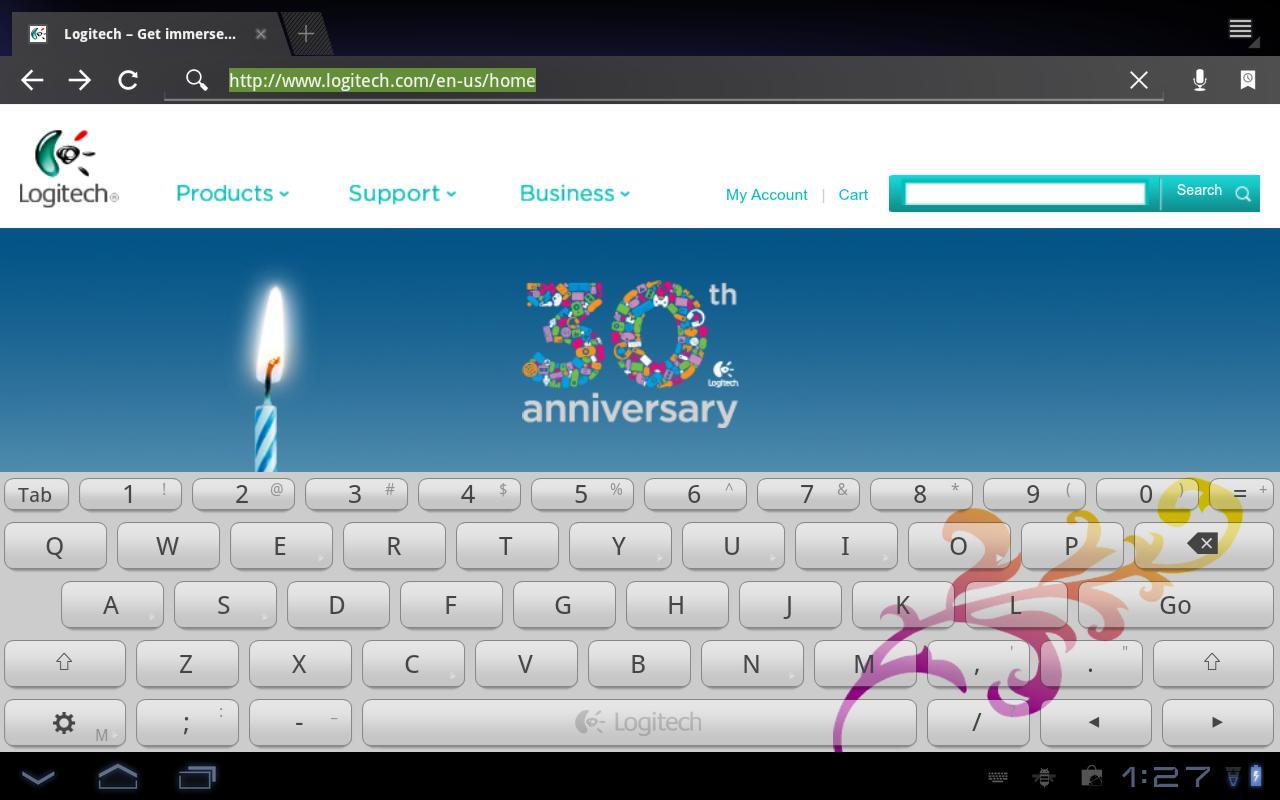
Logitech brings years of typing know-how to the touch screen with a keyboard app for Android tablets you can resize and customize. When you’re shopping online or filling out a form, choose the on-screen keyboard size that gives you enough room to type and see the rest of the screen. And when you’re typing an email or an IM, customize your keyboard app for maximum inspiration. Here’s what you get:
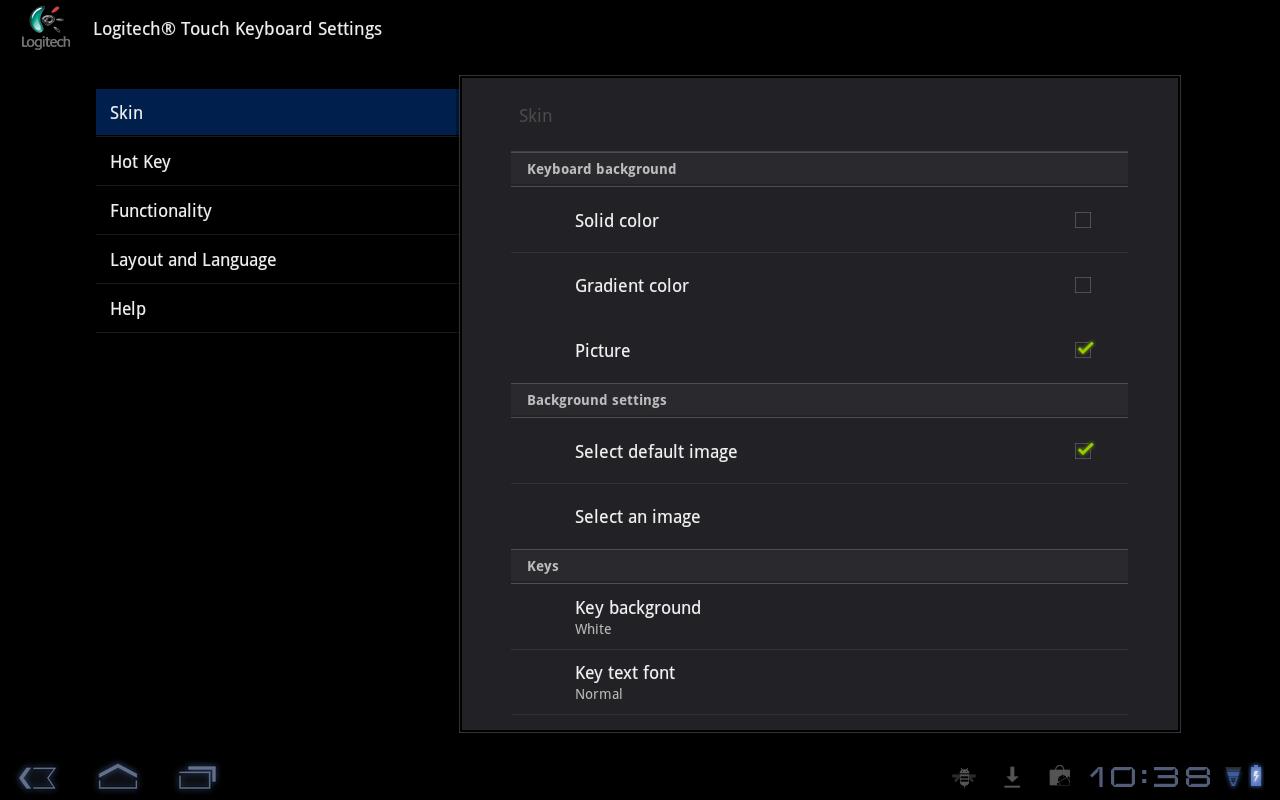
- Customizable look and feel: You can personalize with the keyboard background, text font, colors and more that you want. You can select the colors and patterns that express your personality—and add a dash of fun to your on-screen keyboard.
- Adjustable keyboard size: You can choose the keyboard size that suits you best (S, M and L) and see as much of the screen behind the keyboard as you need.
- Number row and pad: You’ll have access to a number row (when using the medium and large keyboard size) and a numeric pad (with the small keyboard size). The numeric pad also has two settings: computer number pad and phone keypad.
- Cursor keys: Unlike most on-screen keyboards, the Logitech Keyboard App offers cursor keys so it’s easier for you to move the cursor right where you want it.
- Fewer layers: You’ll find the right key, right away—thanks to the streamlined layout and layering that minimizes the number of screens you have to toggle through to find the letter, number or symbol you want.
- Programmable keys: Store your most commonly used words and phrases and type long strings of text (like your email address or a signature) with a single tap. Convenient layer switching: Changing from the primary, QWERTY layer to the secondary layer is easy—just swipe sideways.
- Easy alternate keys: Instead of pressing the Shift key, you can just swipe up for capital letters and secondary key options. Long-press for accent keys: By pressing for just a bit longer than usual on keys with symbols (such as the “3/#” key), you’ll access accent keys (keys that are neither on the primary or secondary layer). These include alternate letters with accents, foreign letters, emoticons, currency symbols and more.
- Fast CAPS Lock: When you want to type a series of capital letters, it’s easy to activate Caps Lock by double-pressing the Shift key.
- Familiar typing experience: The Logitech Keyboard App is designed to look, work and even sound like a traditional keyboard. So when you’re using it, you’ll hear the familiar “click” of the keys, and the keys are even spaced like the “real” thing.
This is the Beta release for Logitech Touch Keyboard.
Ultima versione
1.00.1Caricata da
Debbie Garland
È necessario Android
Android 3.0+
Categoria
Gratuita Produttività APPClassificazione dei contenuti
Unrated · Warning – content has not yet been rated. Unrated apps may potentially contain content appropriate for mature audiences only.
Segnala
Segna come inappropriataLast updated on Oct 6, 2015
Questa versione include correzioni di bug minori e miglioramenti generali. Aggiorna alla versione più recente per un'esperienza ottimale.


APKPure - Un app store multi-piattaforma principalmente incentrato su Android, che fornisce un'ampia gamma di contenuti relativi alle app. Scopri l'app che desideri in modo più facile, veloce e sicuro, con download e installazioni rapidi ed efficienti.