
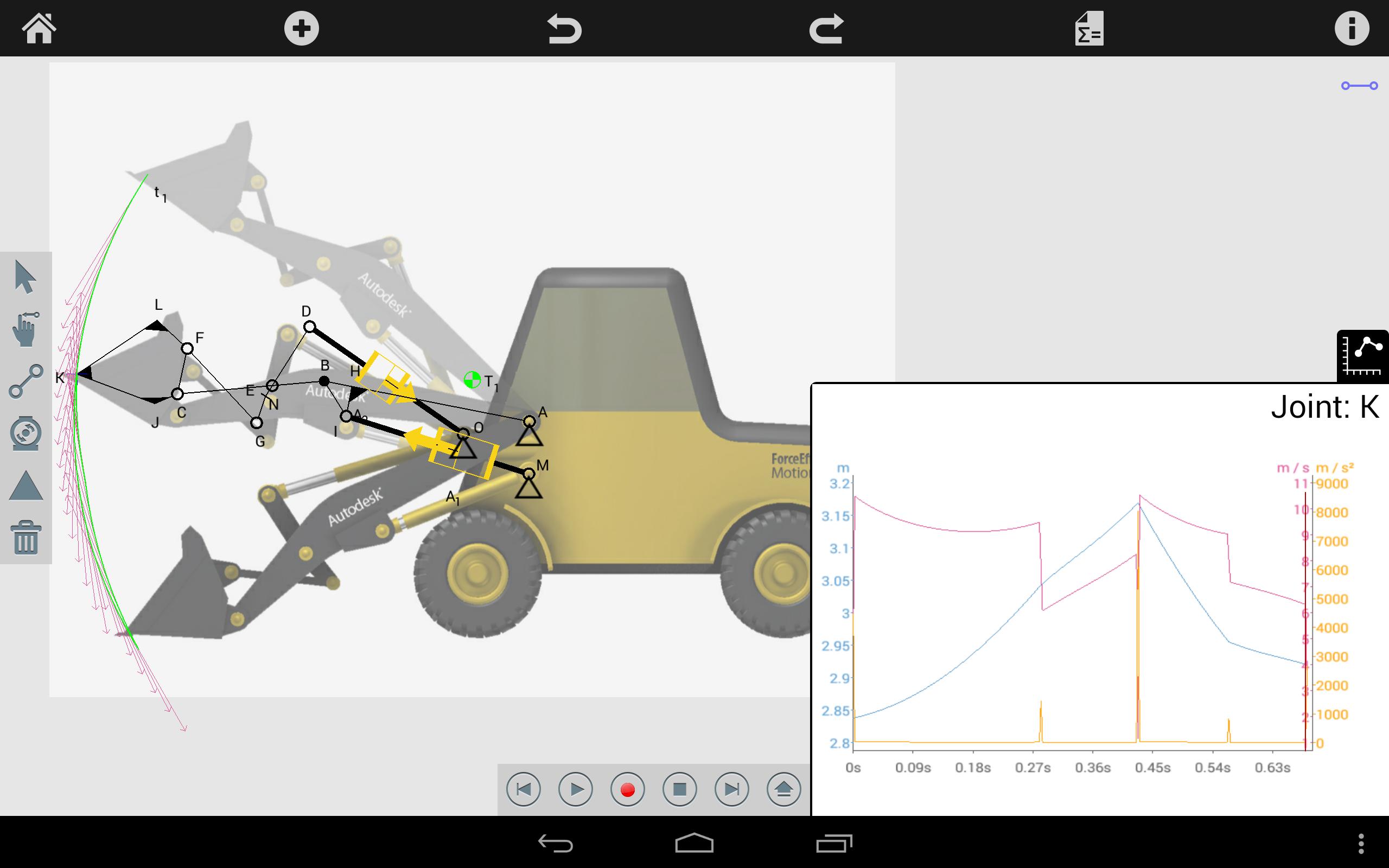
Developing mechanical systems with moving parts is now easier than ever with Autodesk® ForceEffect Motion™. Autodesk® ForceEffect Motion™ brings engineering to the point of the problem with a mobile engineering app for simulating design concepts in the field, in the office or in the classroom. This purpose built tool allows users to develop functional moving mechanical systems right on their mobile devices. Unlike the traditional approach of using paper, pencil, and a calculator to develop equations for design options, Autodesk ForceEffect Motion does all the simulation and engineering calculations for you right on your mobile device, enabling you to quickly and easily simulate design options during the concept phase to determine the viability of a design.
•Fast—Real-time solving capabilities and immediate feedback on the simulation performance. Print, email, or view a results report on any HTML-enabled browser or mobile device.
•Easy—Intuitive interaction for drawing, constraining, and simulating concepts. Simply tap objects to select, and then move, rotate, and scale.
•Complete—Solutions for statically determinate and over-constrained or indeterminate problems.
•Integrated—Store, share and collaborate with Autodesk 360. Easy workflow continuation into CAD with industry-standard export capabilities via DXF™ files and email for file sharing.
The Autodesk ForceEffect Motion engineering app is perfect for developing mechanical systems with moving parts upfront in the in the design process, some of the features include:
•Freehand sketching of elements and construction lines with snaps, constraints, inferencing and dimensions
•Import image as background, simple manipulation
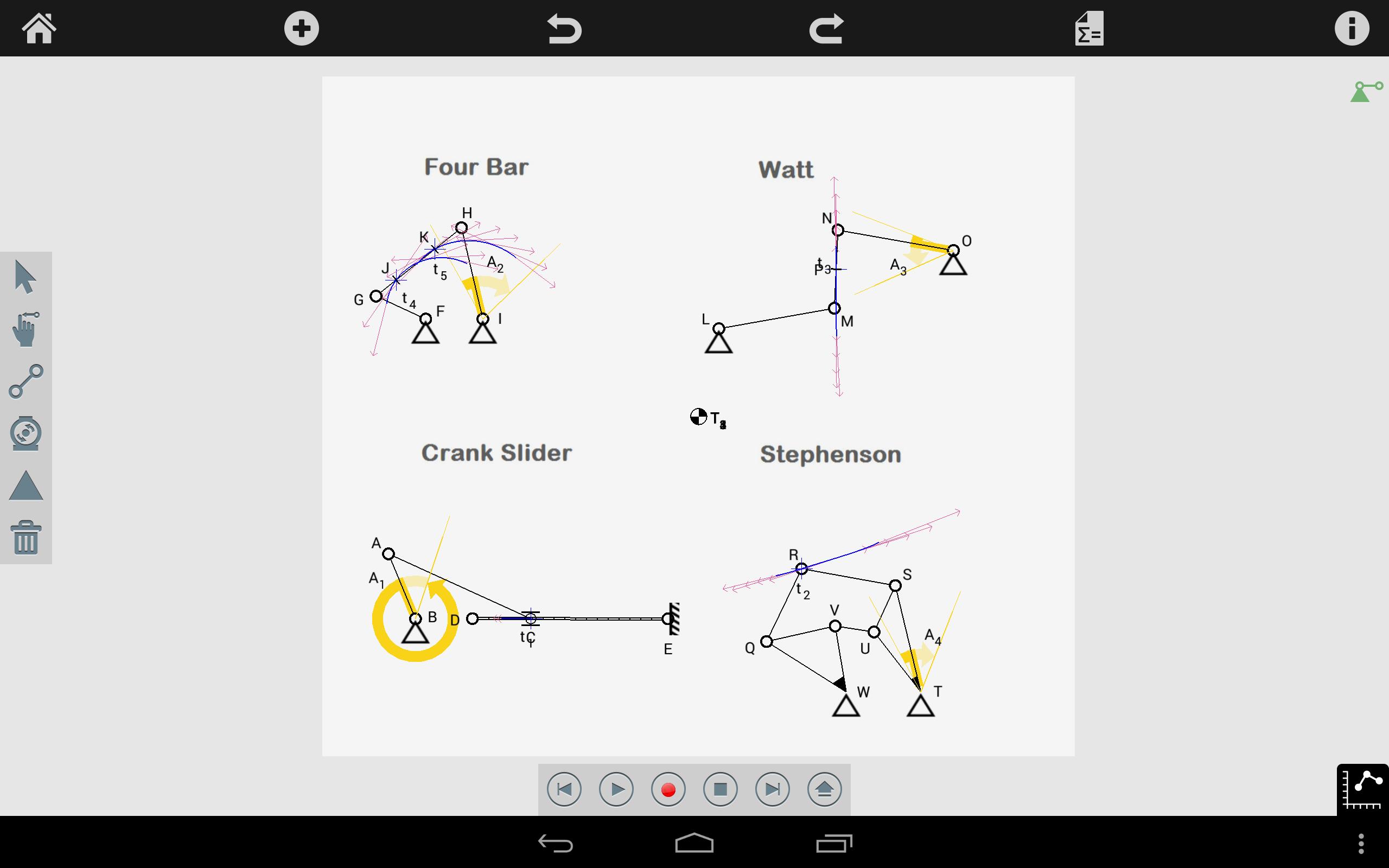
•Create functional mechanical joints (welded, pinned, sliding, collar, crossing)
•Create supports (fixed pin, grounded, sliding collar)
•Mechanism animation and functional drag
•Analyze positional data by adding trace points (trace path, velocity vectors)
•Interactive graphing of trace points (velocity, displacement, acceleration)
•Create Actuators (motors, linear)
•Results reporting with picture, animation, graph and graph data table
•Save and load files from Autodesk Cloud
•Export mechanism directly to ForceEffect to easily conduct static load analysis
•In app tutorials
Ultima versione
2.7.13Caricata da
P Kumar Dubey
È necessario Android
Android 2.2+
Categoria
Gratuita Produttività APPClassificazione dei contenuti
Everyone
Segnala
Segna come inappropriataLast updated on Aug 5, 2015
What's new in ForceEffect Motion 2.7.13
- Bug fixes
What's new in ForceEffect Motion 2.7.10
- Bug fixes
What's new in ForceEffect Motion 2.7.9
- Bug fixes
What's new in ForceEffect Motion 2.6.40
- Bug fixes





APKPure - Un app store multi-piattaforma principalmente incentrato su Android, che fornisce un'ampia gamma di contenuti relativi alle app. Scopri l'app che desideri in modo più facile, veloce e sicuro, con download e installazioni rapidi ed efficienti.