

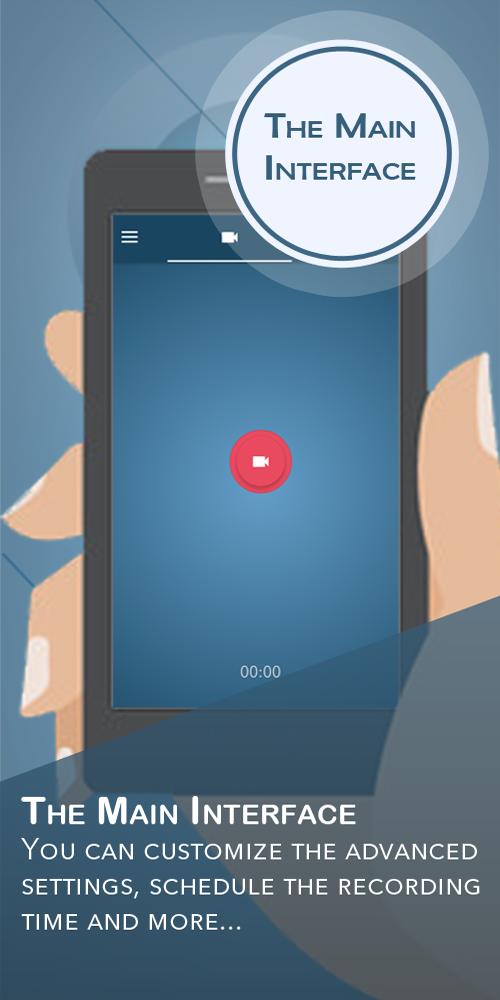
iRecorder helps when you want to film without keeping the screen awake or while you focus on something else. It suits everyday moments, from quick clips to longer sessions, and it keeps controls straightforward so you can start and stop with confidence. Additionally, the layout is clean and easy to learn, which makes quick captures more practical. To get started, the iRecorder APK gives you a simple path into recording, so you can capture what matters with minimal setup.
Record in the background
With iRecorder latest version, recording continues when the device is locked or while you are using another app. You can keep filming without staying on the camera screen, and the app maintains video capture in the background.
Set timers and schedules
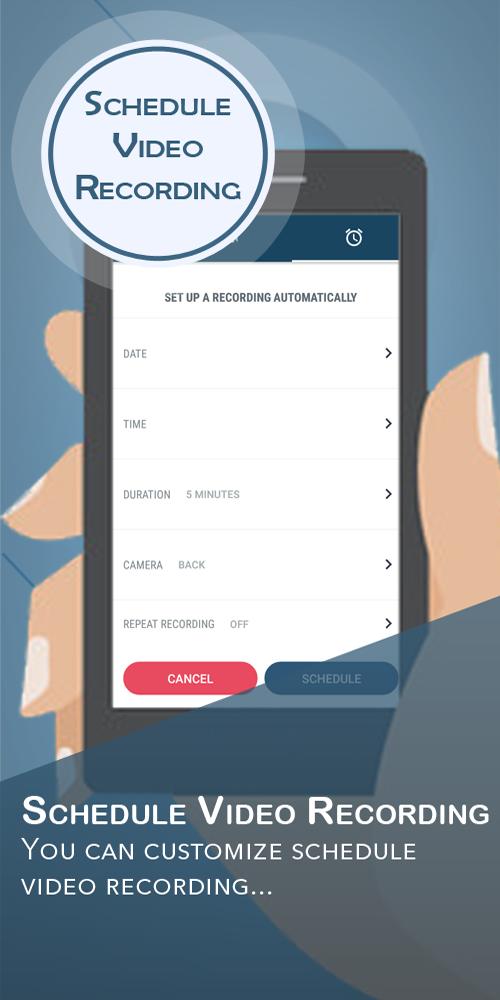
When you need structured capture, set a start time and a fixed duration. You can let the app begin later and stop on its own, and it will auto stop when device storage is low.
Choose camera and quality
For control over the image, switch between front and back camera, pick a resolution that fits your storage, and adjust video quality. You can enable or disable preview views and shutter sounds, and use auto white balance options.
Manage recordings
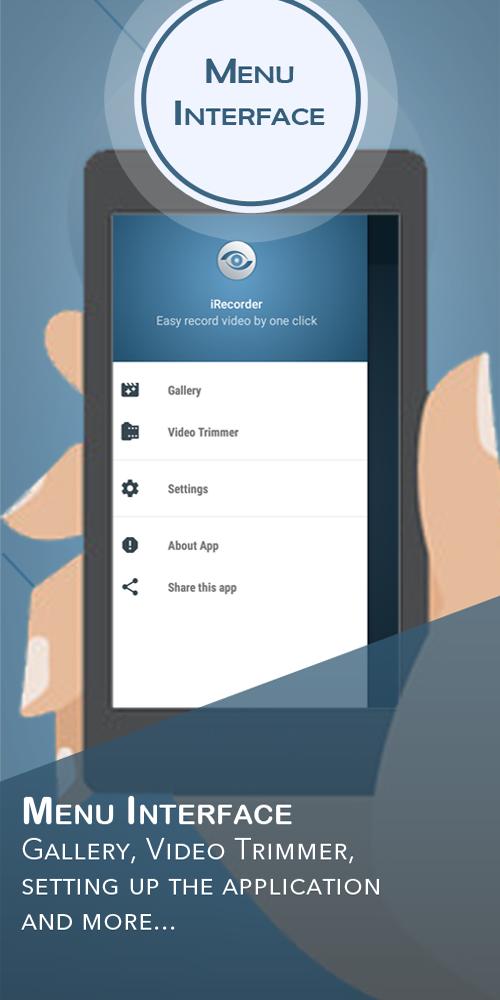
After recording, trim clips to keep the part you need and choose a storage location that suits your workflow. If you want remote access, back up to Google Drive. The app also supports multiple languages and lets you change the icon.
iRecorder focuses on practical video capture in real-life situations, including background and timed sessions. Open the app, choose your camera, and set basic preferences before you record. To begin, download iRecorder and keep video tasks simple from the first session.
Latest Version
1.0.3Uploaded by
Nathan Lab
Requires Android
Android 4.1+
Category
Free Tools AppContent Rating
Everyone
Report
Flag as inappropriateLast updated on Aug 24, 2018
New Release


APKPure - A multi-platform app store primarily focused on Android, providing extensive app-related content. Discover the app you want easier, faster, and safer, with quick and efficient downloads and installations.