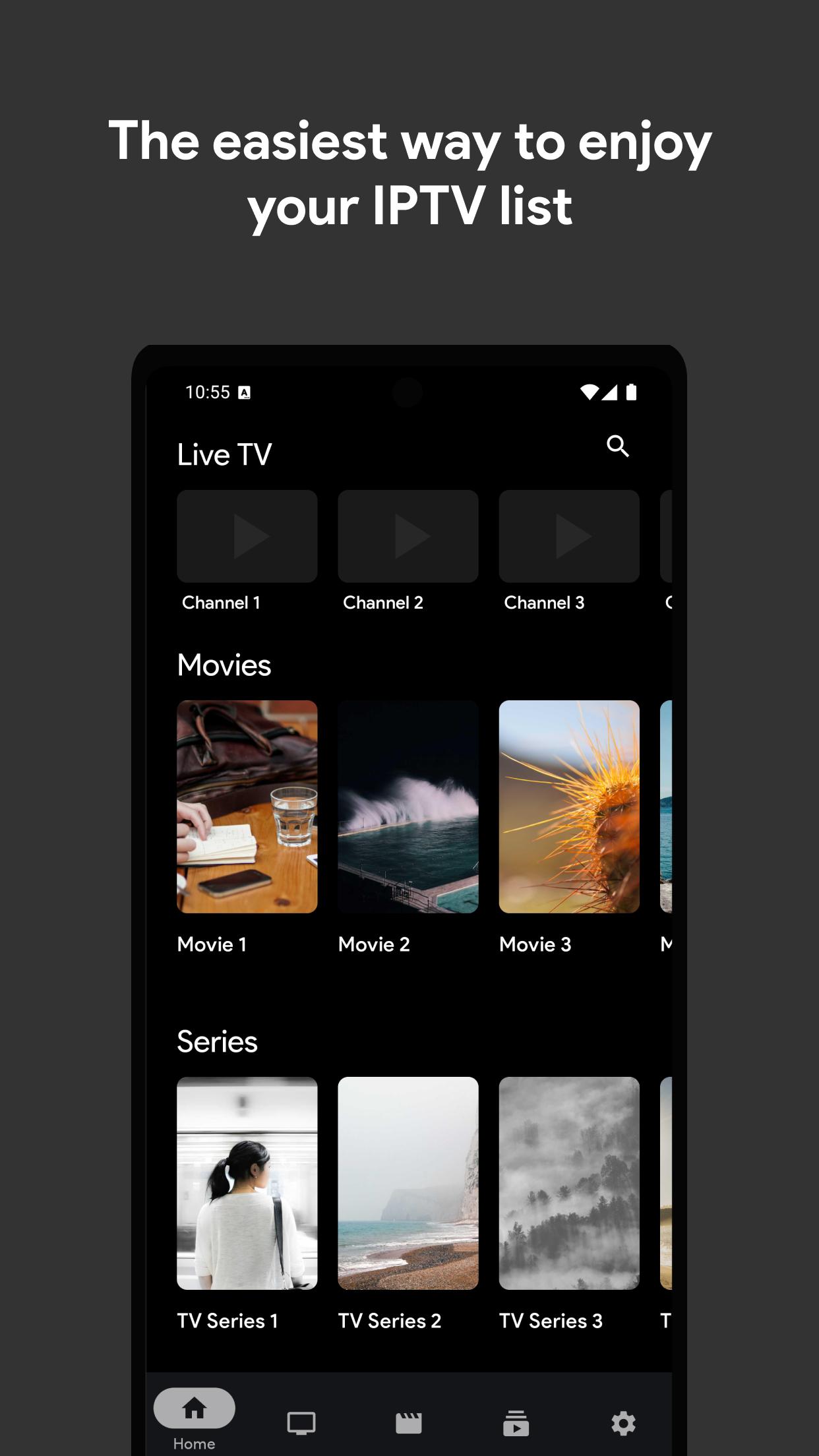
IPTV Pro Stream Player suits users who already have IPTV links or files and need a simple way to watch them. It keeps setup straightforward so you can start watching without extra steps, and it focuses on stable playback for everyday use. To begin, download IPTV Pro Stream Player and add your playlist. The app does not include any channels or lists, therefore you must provide your own content. As a result, you stay in control of what you watch.
Effortless setup
IPTV Pro Stream Player keeps the first run simple. Open the app, choose to add a playlist, then paste a link or import a local file. You can confirm the name and save it for fast access next time. This helps you move from installation to playback with minimal steps.
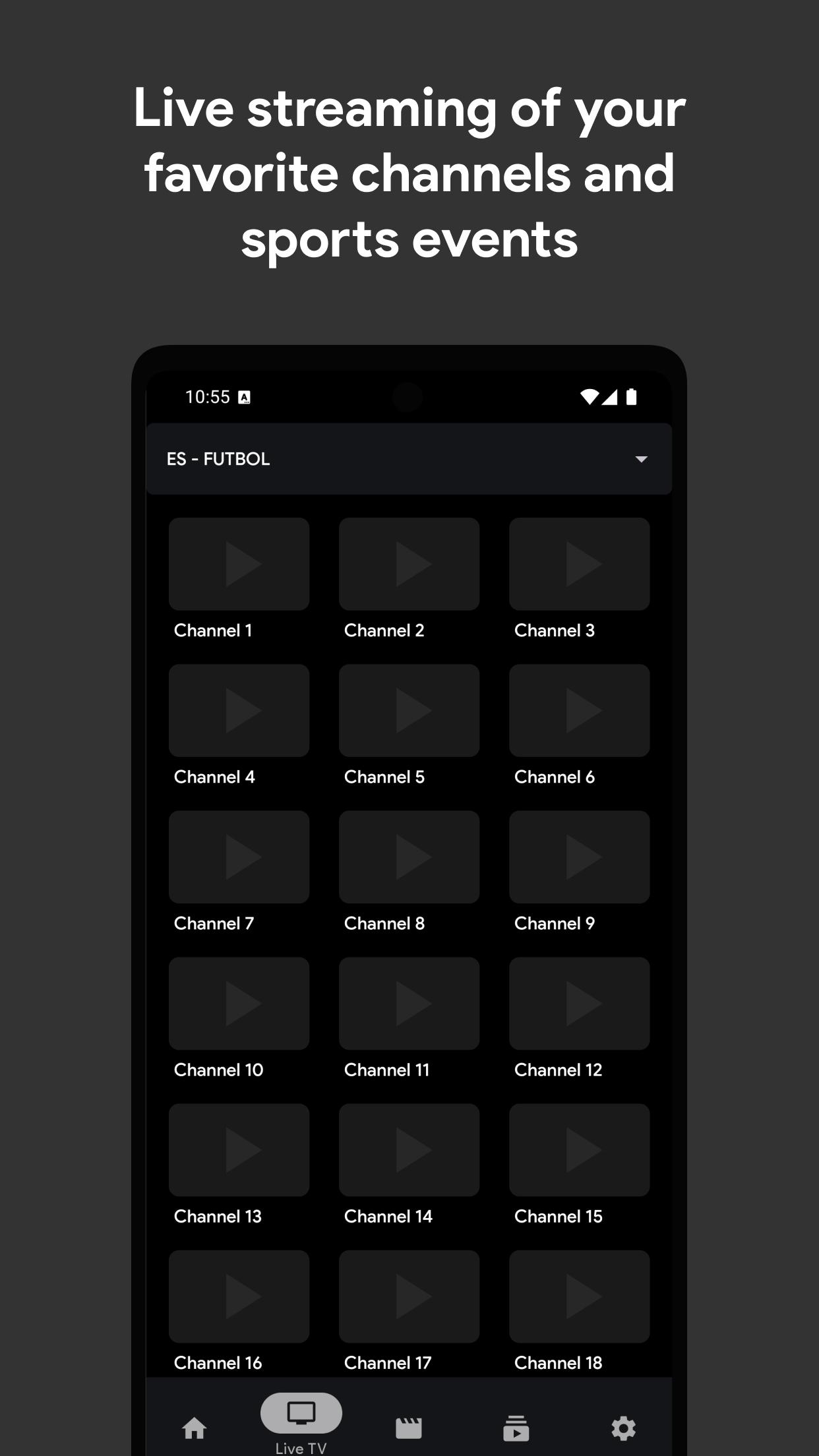
Real time live streaming
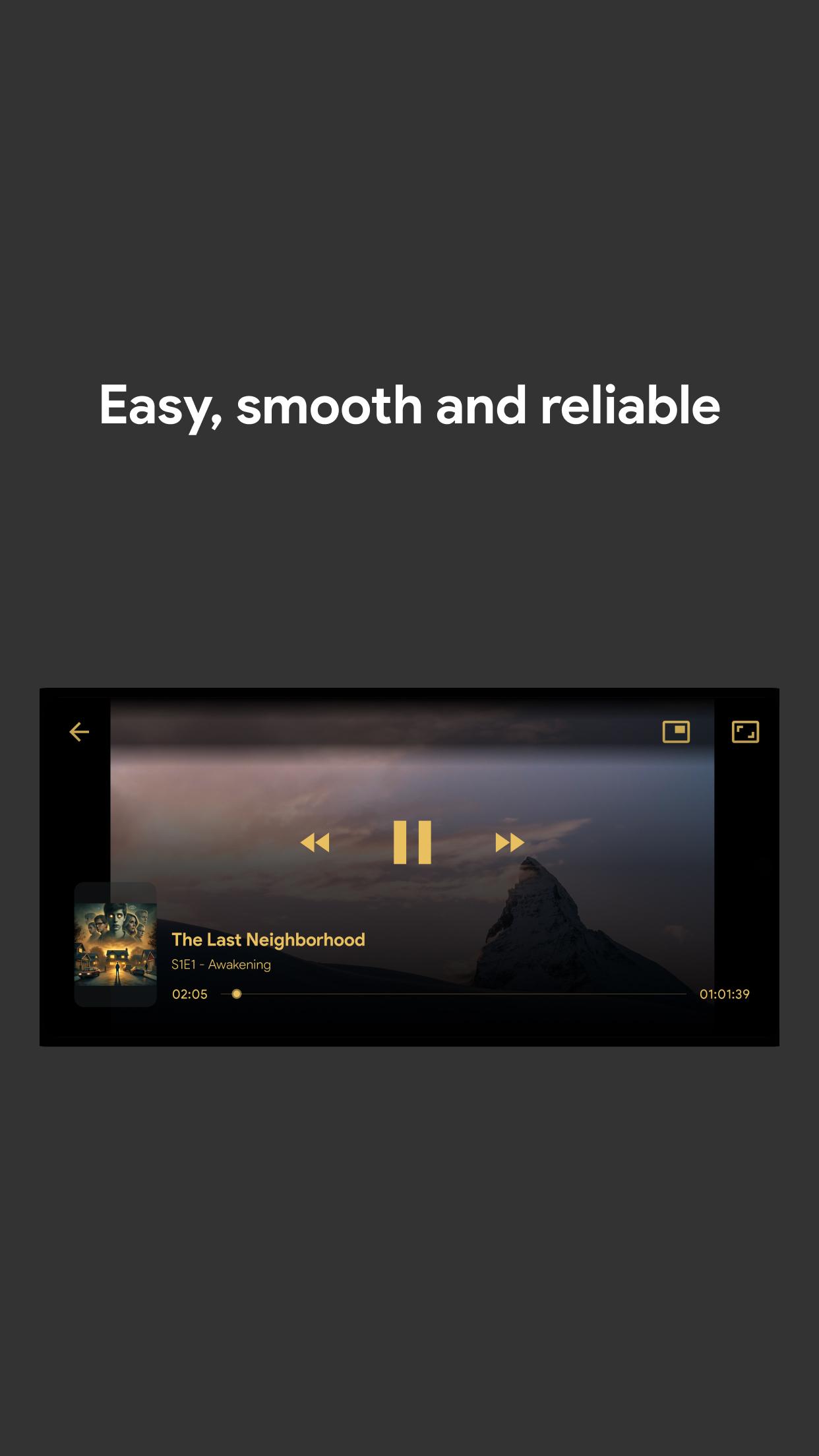
When your playlist includes live channels, IPTV Pro Stream Player focuses on smooth playback so you can follow news, sports, and broadcasts without distractions. Channels load quickly and stay responsive while you switch between them. This creates a reliable viewing experience for everyday live TV.
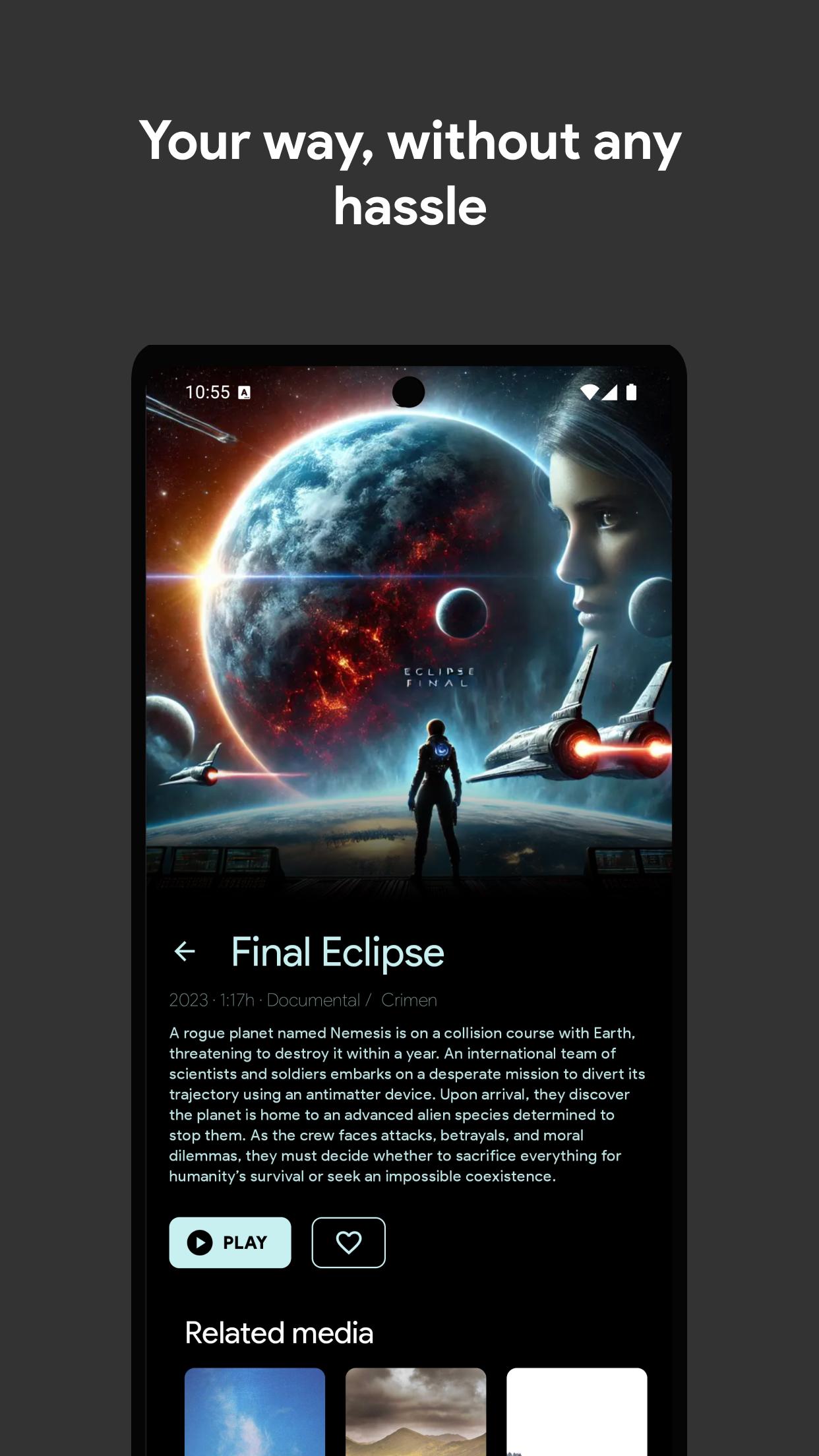
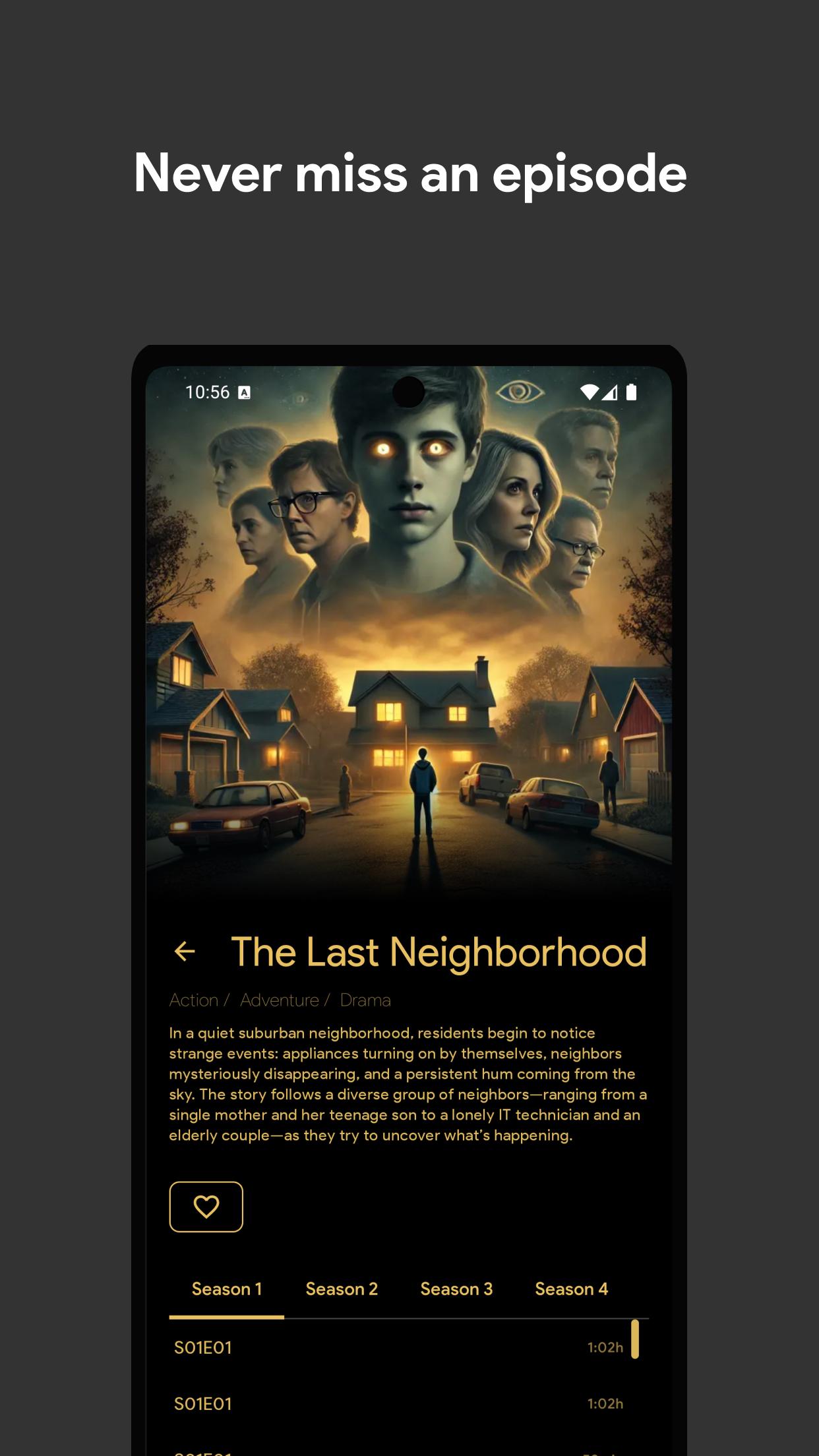
On demand viewing from your lists
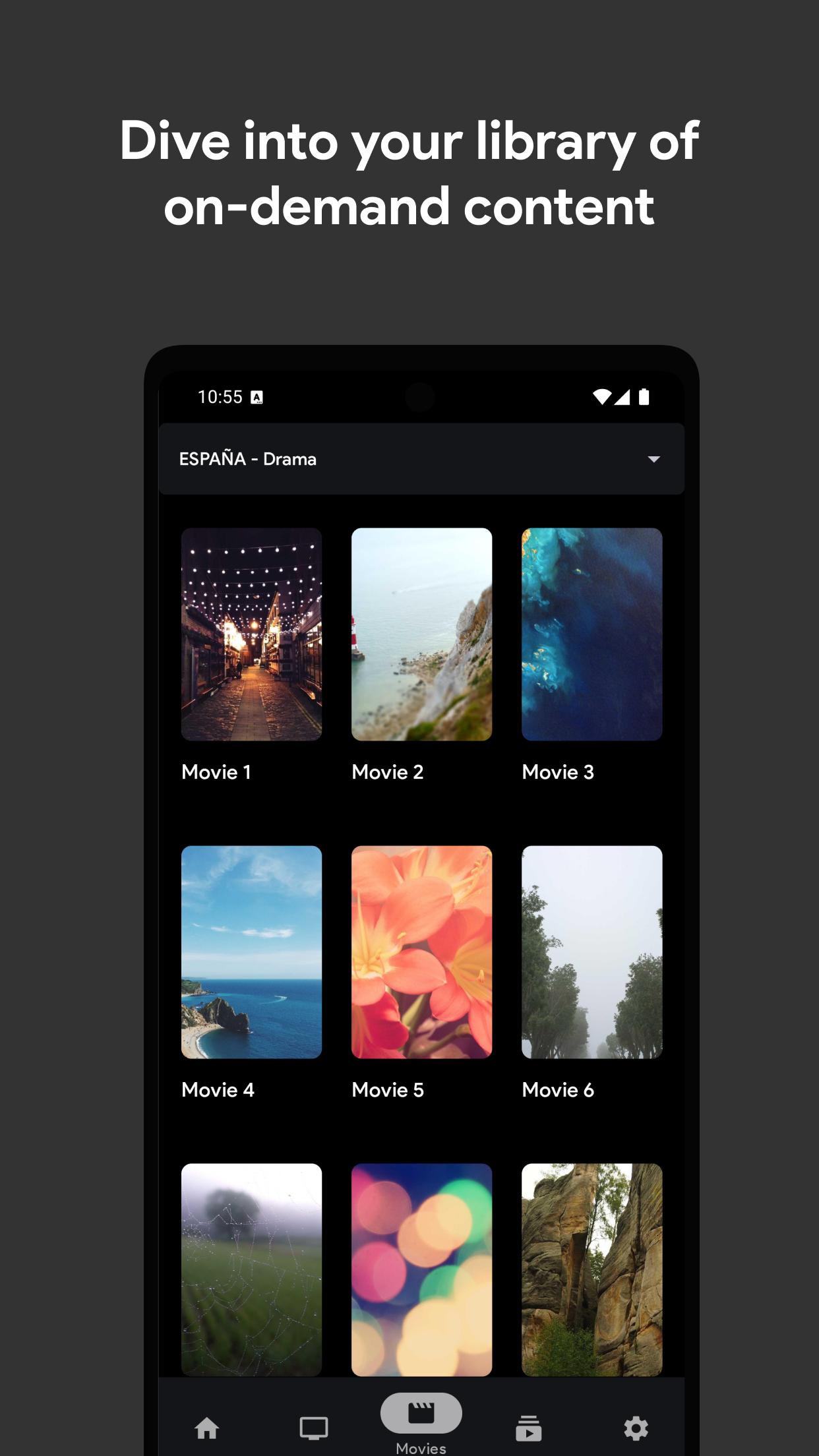
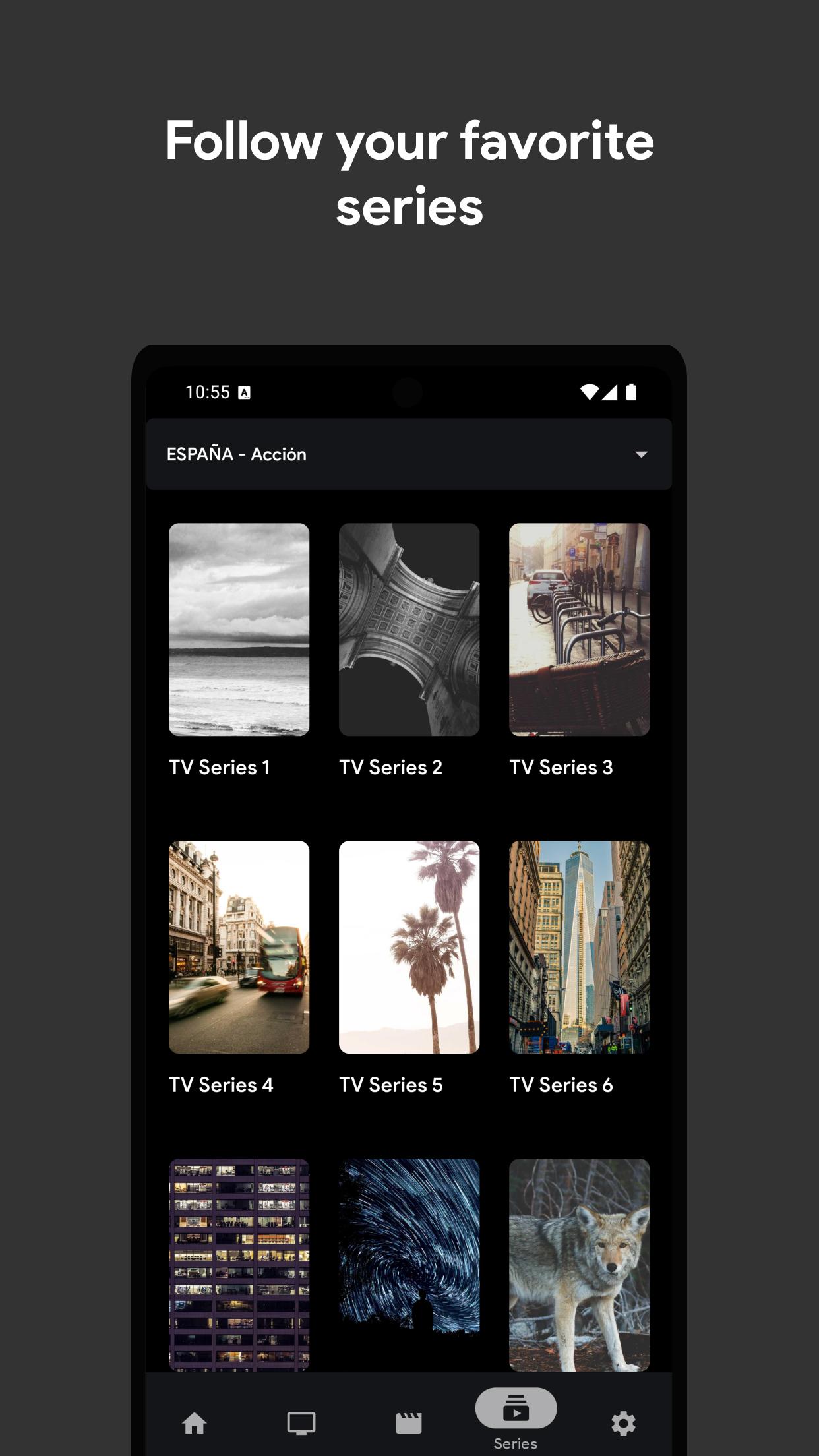
If your playlist contains movies or series, you can open titles and watch them whenever you want. IPTV Pro Stream Player presents items clearly, then starts playback with a single tap. This lets you return to episodes or films you saved in your playlist at your own pace.
Local playlist saving and management
You can store playlists on your device for quick access. IPTV Pro Stream Player lets you rename lists, reorder them, and remove entries you no longer use. This local management helps you keep multiple sources organized, and it works even when you manage files offline on your phone.
Lightweight interface and ongoing enhancements
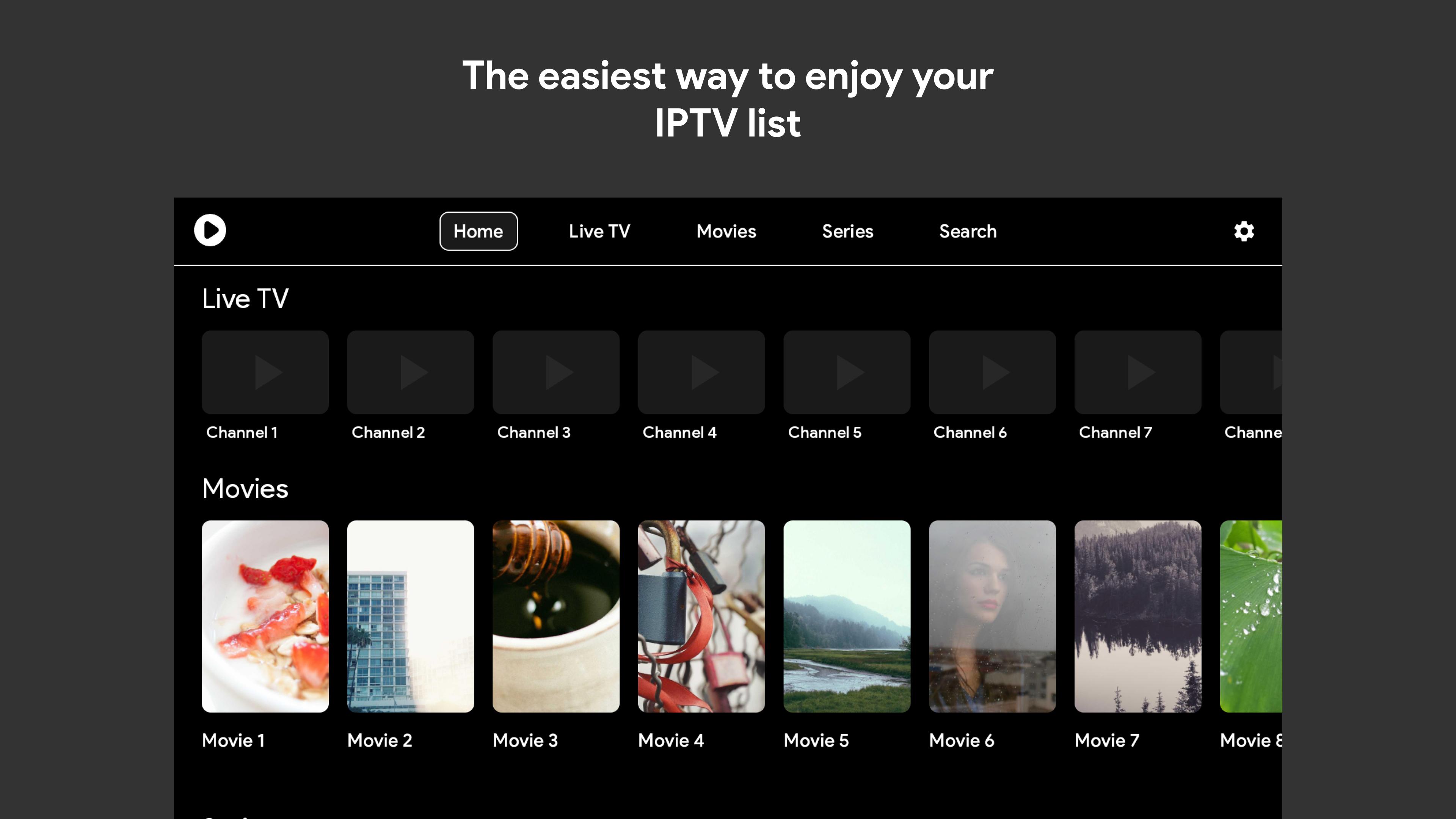
The interface keeps navigation clean with clear sections for playlists and playback. Buttons are easy to find, and actions are direct so you spend less time searching. Over time, updates bring refinements that improve stability, organization, and overall usability.
IPTV Pro Stream Player does not provide or host any IPTV content or playlists. The app is a player only. You must add your own links or files from sources you trust. If you do not have a playlist, channels will not appear. This setup protects flexibility and ensures you decide what to watch.
Use legitimate playlists from providers who have rights to stream their channels and videos. Avoid links shared by unknown sources, since they may be unreliable or violate local rules. If you subscribe to a lawful IPTV service, follow their instructions to obtain your playlist securely. Keeping to verified sources can reduce interruptions and protect your device.
IPTV Pro Stream Player is available on Android and iOS. If you switch phones, you can move your playlist links or files and set them up again in a similar way. This helps you maintain your library across devices without rebuilding your list from scratch.
Getting started is straightforward and takes only a few steps. For a smooth setup, prepare a valid playlist link or file before you begin. If needed, search your provider’s account page for the link, then download IPTV Pro Stream Player to continue.
IPTV Pro Stream Player focuses on simple setup, smooth playback, and clear playlist management for users who bring their own content. If this matches your needs, download IPTV Pro Stream Player latest version to get started on Android.
Latest Version
2.4.8Uploaded by
Naweras Al Moona
Requires Android
Android 7.0+
Category
Free Entertainment AppContent Rating
Everyone
Report
Flag as inappropriateLast updated on Mar 26, 2026
Now you can log in to your profile and keep your data perfectly synced across all your devices. Enjoy a smoother, more connected experience wherever you go!


APKPure - A multi-platform app store primarily focused on Android, providing extensive app-related content. Discover the app you want easier, faster, and safer, with quick and efficient downloads and installations.