
Ip Scanner - Speed Test
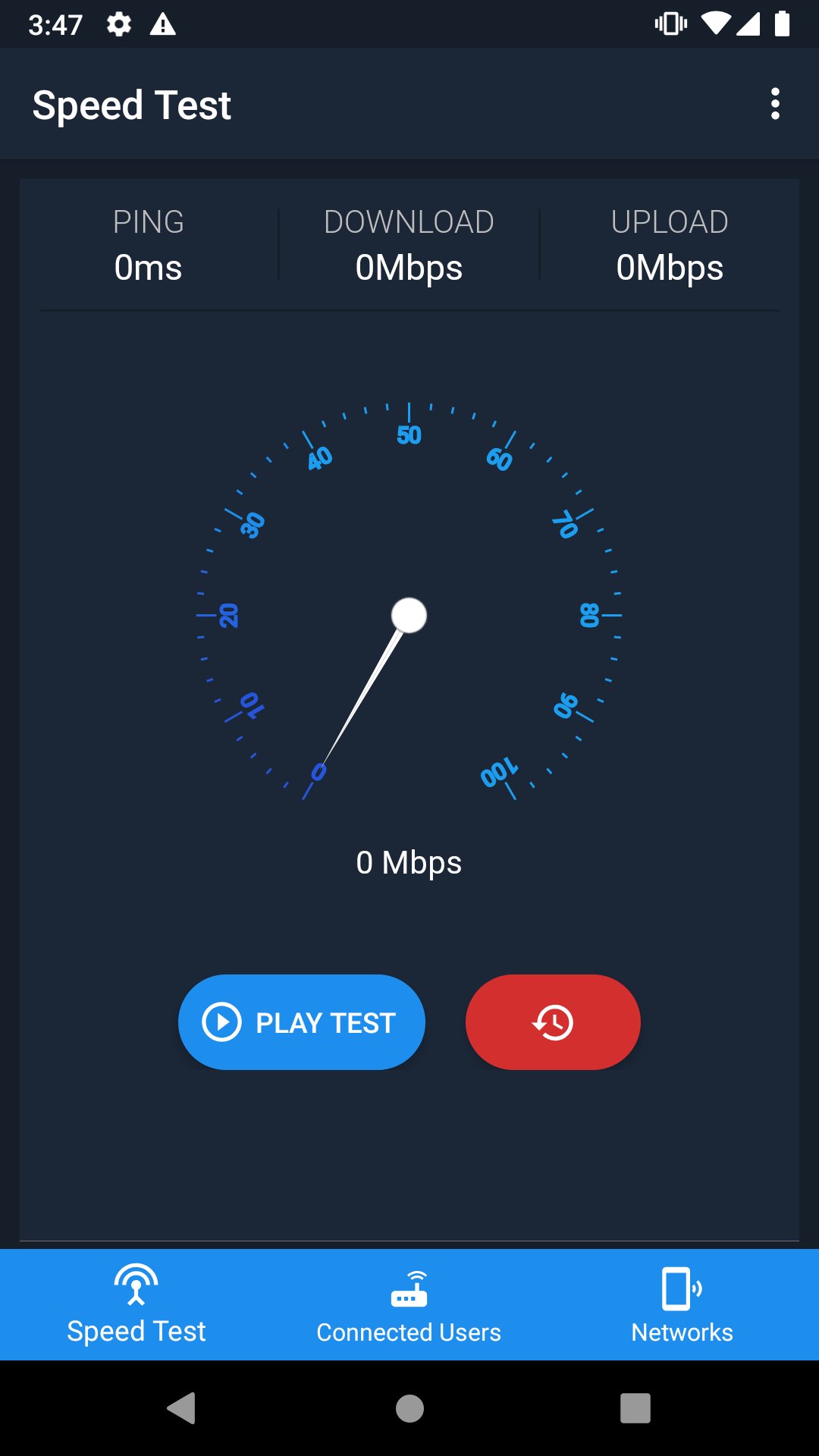
- Internet speed test.
- Scanning of users on the network or Ip Scanner.
- Information about your WiFi.
- Saving WiFi credentials.
Speed Test
With Ip Scanner - Speed Test :
You can carry out your own Internet Speed Test, you will be able to know how fast your connection is and save the test history of both your WiFi network and your mobile data plan.
Ip Scanner - Speed Test offers you to know:
- The ping rate of your network expressed in milliseconds, with it you can know how stable your connection is, the lower the ping result is the better.
- Download speed of your internet expressed in megabits per second.
- Your internet upload speed expressed in megabits per second.
- Test History
During the internet speed test it is recommended that no other app or device download or upload data.
Ip Scanner
With Ip Scanner & Speed Test :
Ip Scanner - Speed Test will also allow you to see the devices connected to your WiFi network (Who uses my WiFi?), Know data such as ip, mac or manufacturer.
You will be able to put simple names to the IPs that you find in your WiFi so you will recognize them more easily.
Scan your WiFi network to give you accurate data about it and take a look at the networks around you.
Receive all the information of the network to which you are connected, know your Gateway, local IP, frequency, etc.
Save / Share access to your networks (Password Manager)
With Ip Scanner - Speed Test :
You can save privately or publicly share your WiFi access with our Password Manager WiLink, the decision is yours!
If you share as a public network, it will work as Free WiFi for people who have the app and are close to your WiFi network.
If you share as a private network, only you will be able to see your WiFi accesses.
You can delete your WiLink data at any time without problems.
Ip Scanner - Speed Test may ask for the following permissions
Location to give you exact information about your network.
Memory writing so you can save your network list.
Ip Scanner - Speed Test has a pleasant and easy-to-use interface, it is an excellent tool to get to know your network better.
Not only does it have one of the best speed tests, you will also receive useful information about the WiFi connection and its network scanner will allow you to know the IPs connected to your WiFi accurately.
We hope that your experience with Ip Scanner - Speed Test is a very good one.
Credits
Icons made by smalllikeart and Freepik at www.flaticon.com.
Latest Version
5.3.7Uploaded by
M.m. Khatri
Requires Android
Android 7.0+
Category
Free Tools AppContent Rating
Everyone
Report
Flag as inappropriateLast updated on Sep 14, 2021
Bugs Fixes



APKPure - A multi-platform app store primarily focused on Android, providing extensive app-related content. Discover the app you want easier, faster, and safer, with quick and efficient downloads and installations.