Scan Date:Feb 11, 2026
Show More
About the Accessibility API Policy:
- This application use AccessibilityService API for status bar gestures and allow this app to draw on phone's home screen and status bar.
- This application does not change user settings without their permission.
- This application does not for remote call audio recording.
- This application does not work around Android built-in privacy controls and notifications.
- This application does not change or leverage the user interface in a way that is deceptive.
- This application does not collect or store any data.
1. Why does this app need to use the Accessibility Services API?
- For App functionality only: This application use AccessibilityService API for status bar gestures: swipe down on the right of new Status Bar to show new look Control Center, swipe down on the left of new Status Bar to show notification panel
Video explaining why to use Accessibility Services API:
https://youtu.be/X0BRz_HAY78
2. Does this app collect and/or share personal or sensitive data using the accessibility capabilities?
- No.
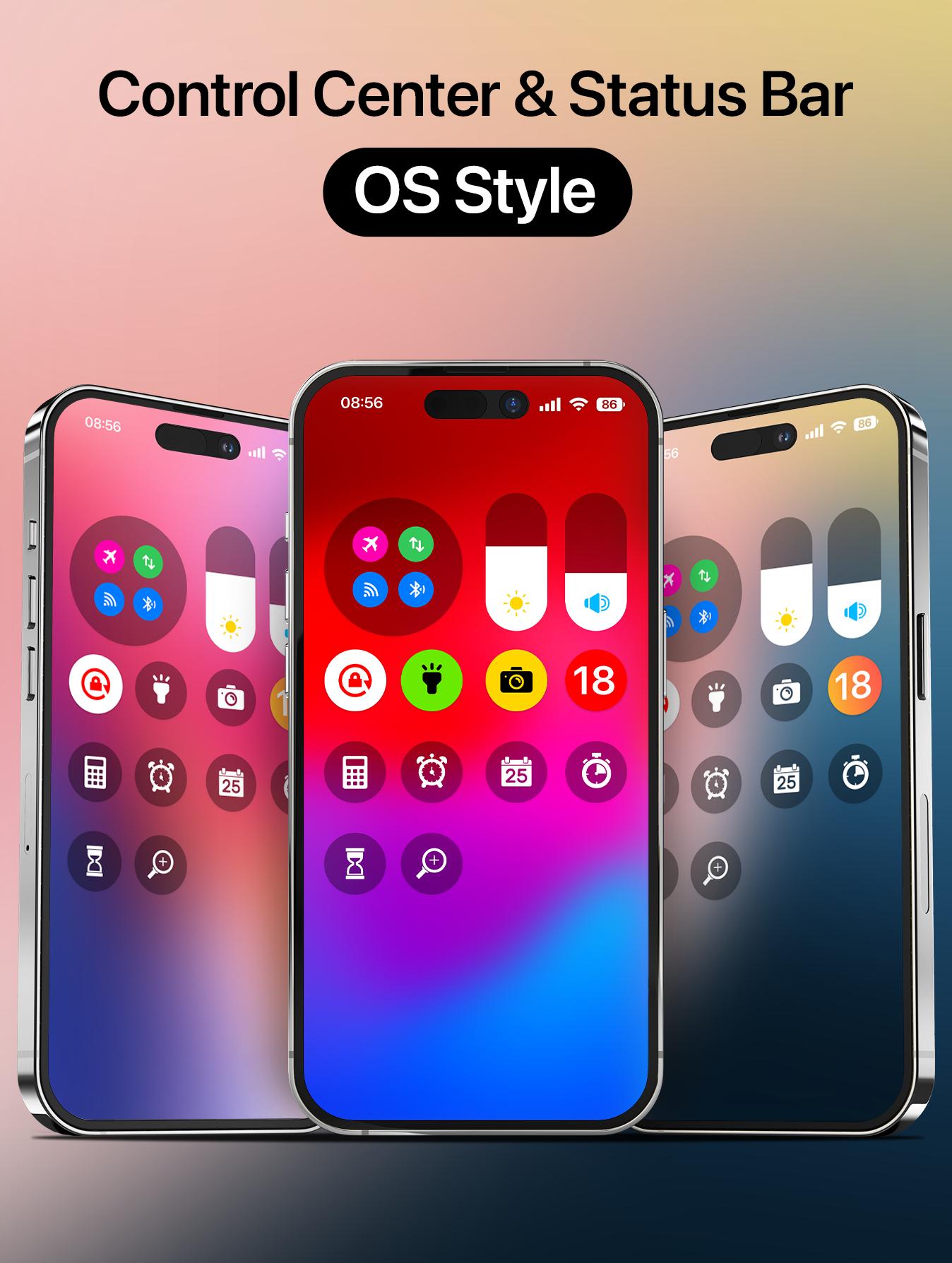
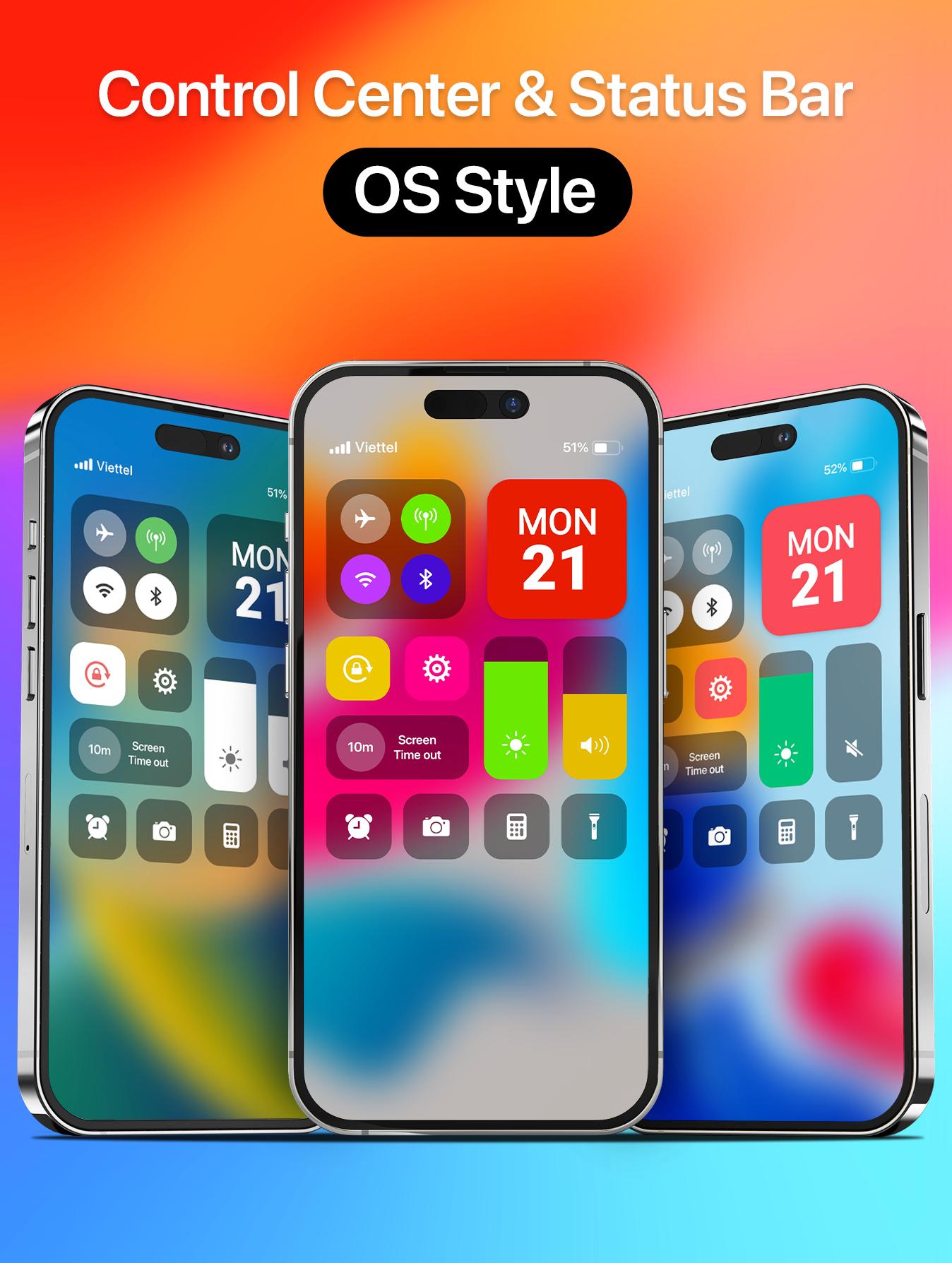
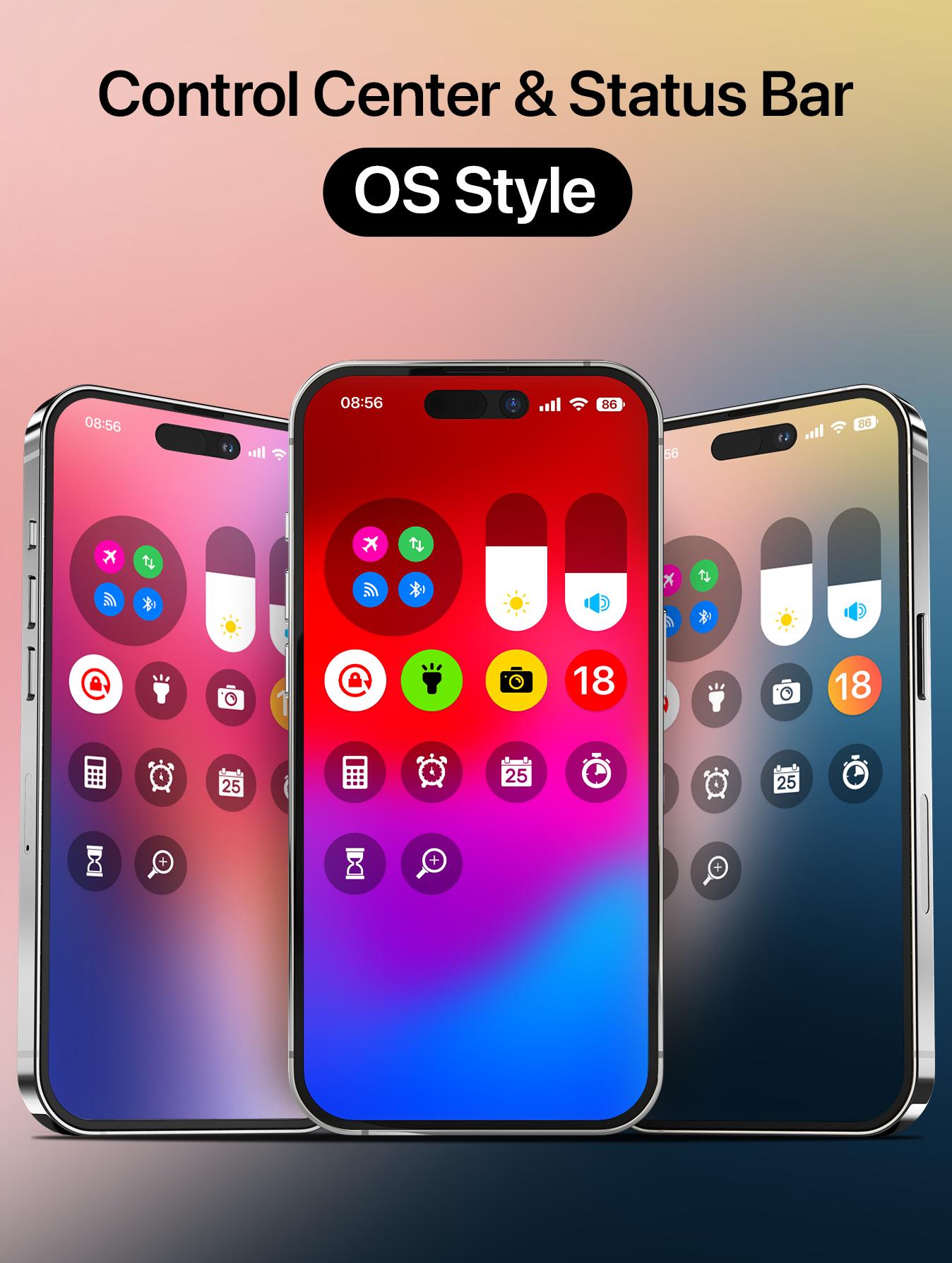
Bring control center with iOS 16 Style to your Android phone with Iphone Control Center. Support portrait and landscape mode feature. If you want to customize Control Center Color on your device, open Iphone 14 Control Center application and you can change everything.
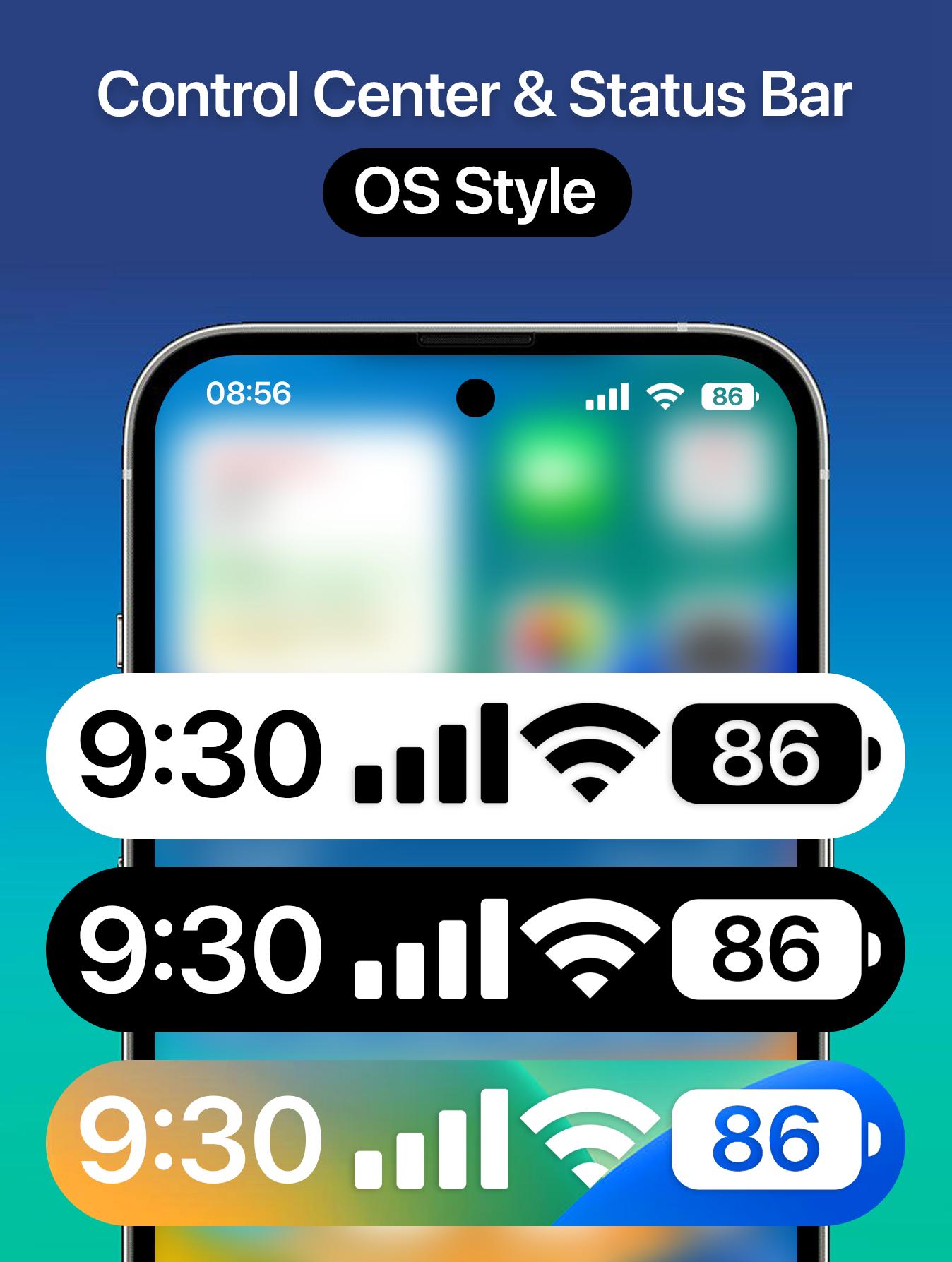
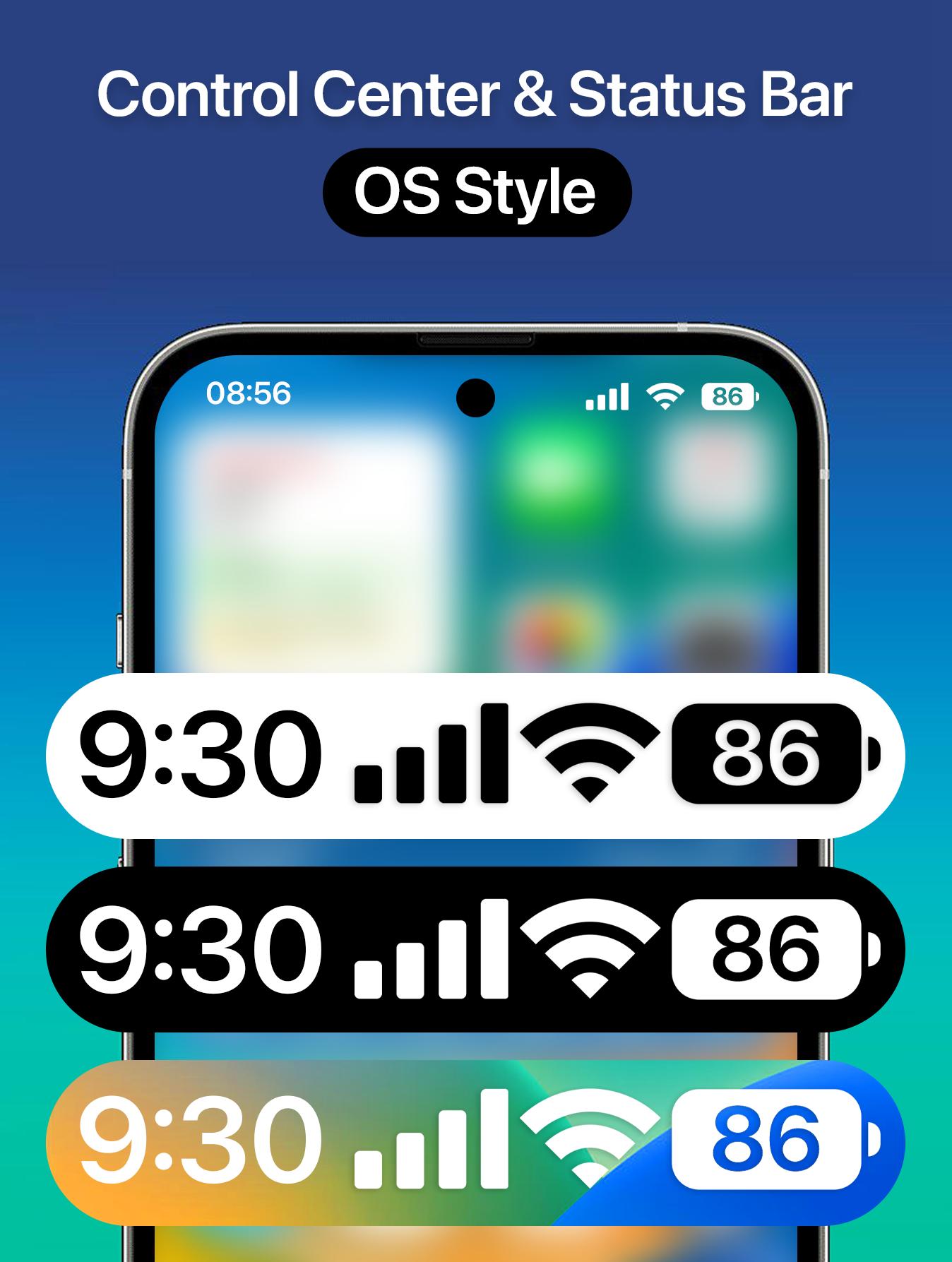
Customize status bar and notch styles iOS 16 with iOS Control Center, Status Bar. Make your phone unique with just you with status bar and X notch view iPhone style. Change your phone status bar & notch view with iPhone Status Bar. Personalize your phone to stand out from the crowd, customize your status bar (notification bar), your notch with iOS style. Make your notch like iOS phone simple and very easy! Change your android smartphone status bar style to look like iPhone with X Status Bar.
Iphone 14 Control Center help you save your time in changing Wi-Fi settings, Brightness, Volume, Bluetooth and more all from one slide control panel. Personalize your phone to iOS design style easily with a powerful control center! You can have an experience of using a newest and modern iOS phone with your current android phone.
Iphone Control Center features:
- Change Color
- Support portrait and landscape mode feature
- Blur control center background like iOS style, make your phone more beautiful and attractive
- Full customize iOS 15 control center: add app from your phone, help you quick access to your app
- Support lock screen: show control center on lock screen
- Very easy to open iControl Center: Swipe the edge screen to open. To close iCenter iOS 16, you just need to touch or swipe on the screen
- By using a control center with full function like iOS 16, your phone will be like a brand new phone 14 with a nice and streamlined design.
- Custom your status bar and notch look like iOS 16 style in few step, no root needed, simple and easy to use, turn it on or off, make you phone look like iOS Style
- Show time, battery, connection status in your X Status Bar with X Notch
- Change the color of status bar according to your preferences or the app you are using
- If your phone has a Notch, those are wonderful your Notch Options with iOS styles.
- Hate your Notch? Simply Remove or Hide Notch with this app.
*NOTE
ACCESSIBILITY SERVICE
This app uses ACCESSIBILITY SERVICE
This application requires activation in the accessibility service to display the control center view on the mobile screen.
Additionally, this app utilizes accessibility service functionalities such as control music, control volume, and dismissing system dialogs, among other features.
This application does not accumulate or disclose any user information about this accessibility right.
No user data is stored by this application about this accessibility right.
Latest Version
1.5Uploaded by
عروة فتحي
Requires Android
Android 7.0+
Category
Free Personalization AppContent Rating
Everyone
Security Report
Report
Flag as inappropriateLast updated on Jan 11, 2026
Support Android 16

APKPure - A multi-platform app store primarily focused on Android, providing extensive app-related content. Discover the app you want easier, faster, and safer, with quick and efficient downloads and installations.