Inventory in stock in a few steps:
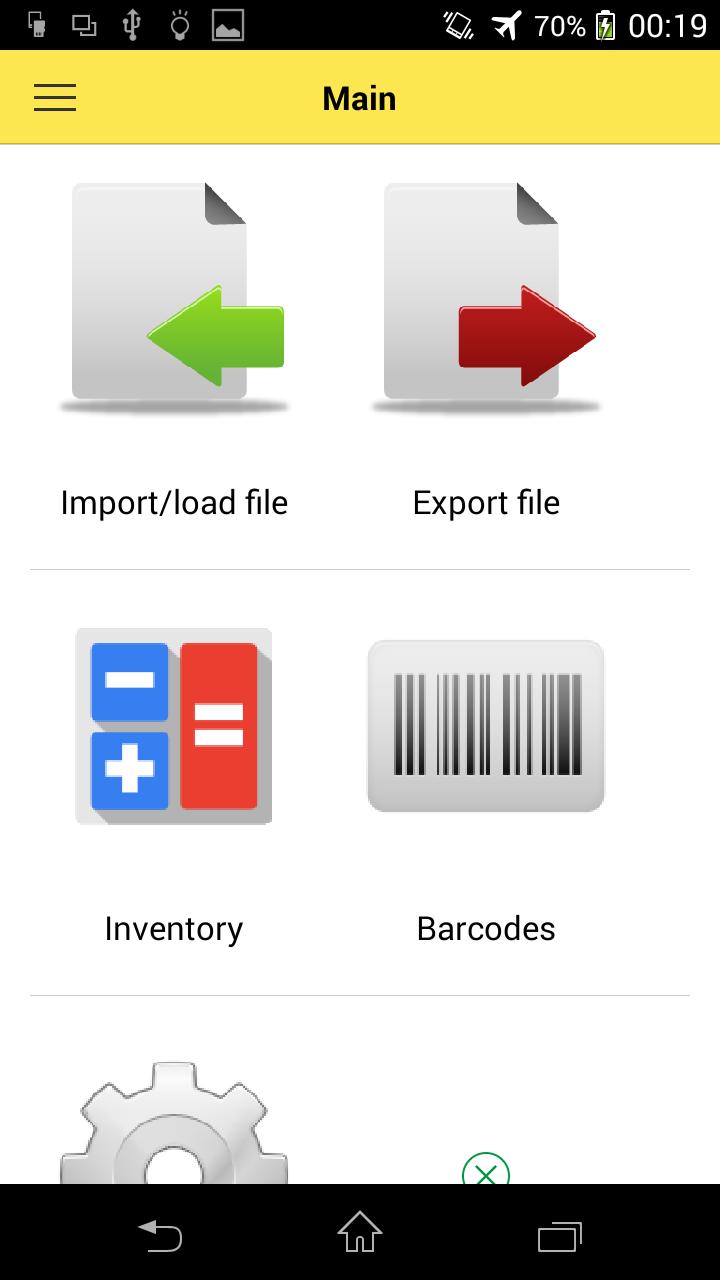
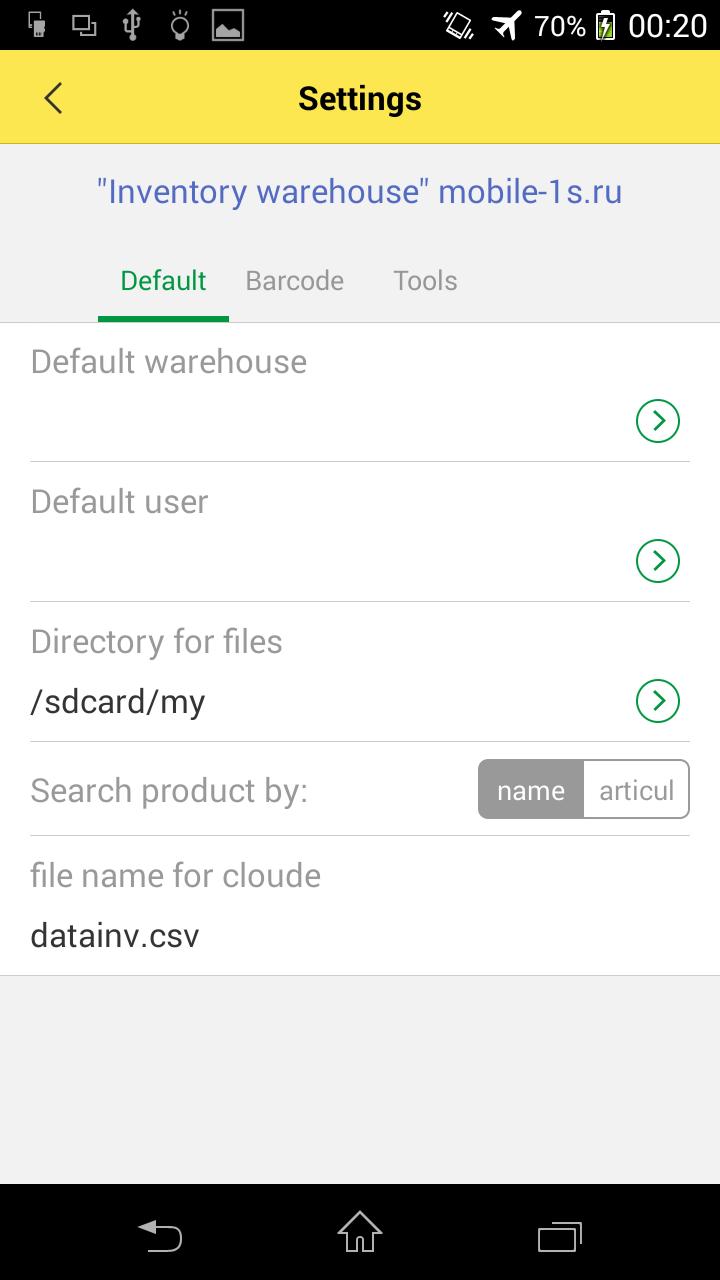
1) Create a file(part numbers, barcodes, etc) and save it on the device or in the cloud
2) Load the file into the program
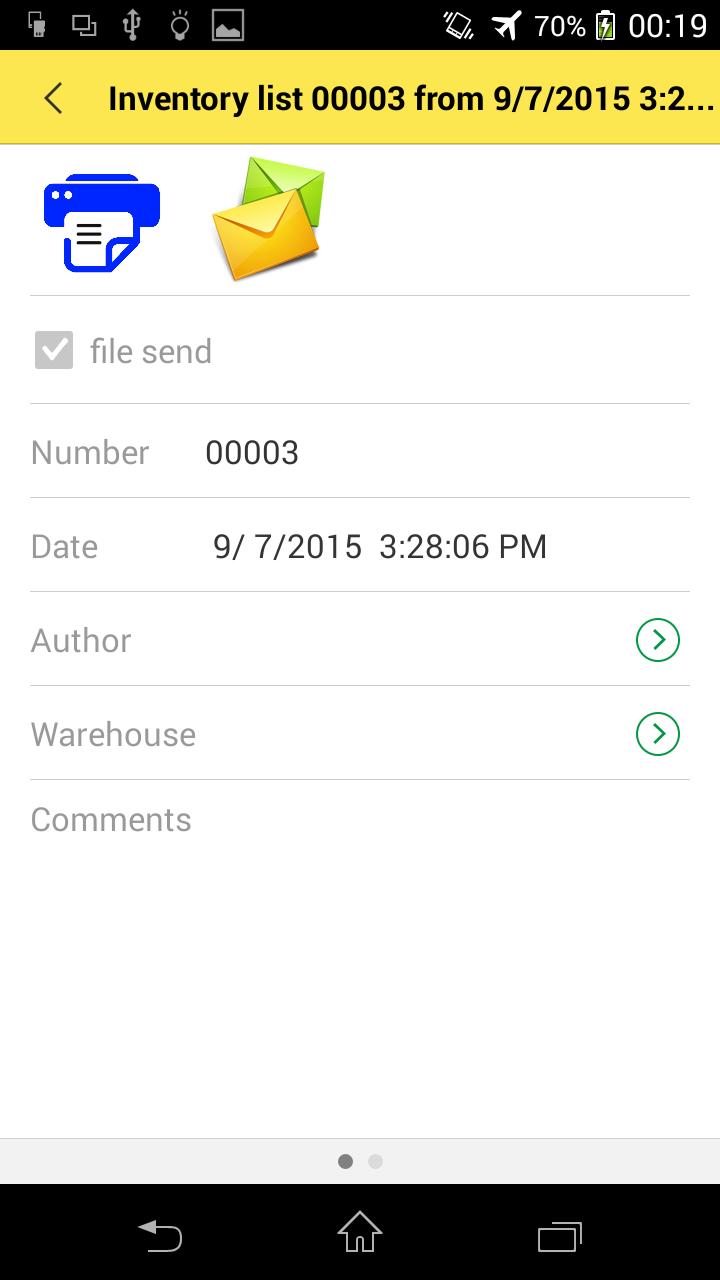
3) Add the document Inventory
4) Scan using a USB connected scanner or mobile phone camera.
or manually specify the list of goods.
5) Upon completion of the audit process email, in the cloud or in a directory on the device
It's simple and convenient!!! Try it and leave feedback about the program.
Email: support@mobile-1c.ru
site: mobile-1c.ru
http://vk.com/mobile1c
Facebook https://www.facebook.com/mymobile1c
Latest Version
1.0.0Uploaded by
Nutjaree Phuengta
Requires Android
Android 2.3.2+
Category
Free Business AppContent Rating
Everyone
Report
Flag as inappropriateLast updated on Oct 20, 2015
-add dropbox
-filtr report inventory






APKPure - A multi-platform app store primarily focused on Android, providing extensive app-related content. Discover the app you want easier, faster, and safer, with quick and efficient downloads and installations.