With Intel® App Finder Every day is App Day.
What is the Intel® App Finder?
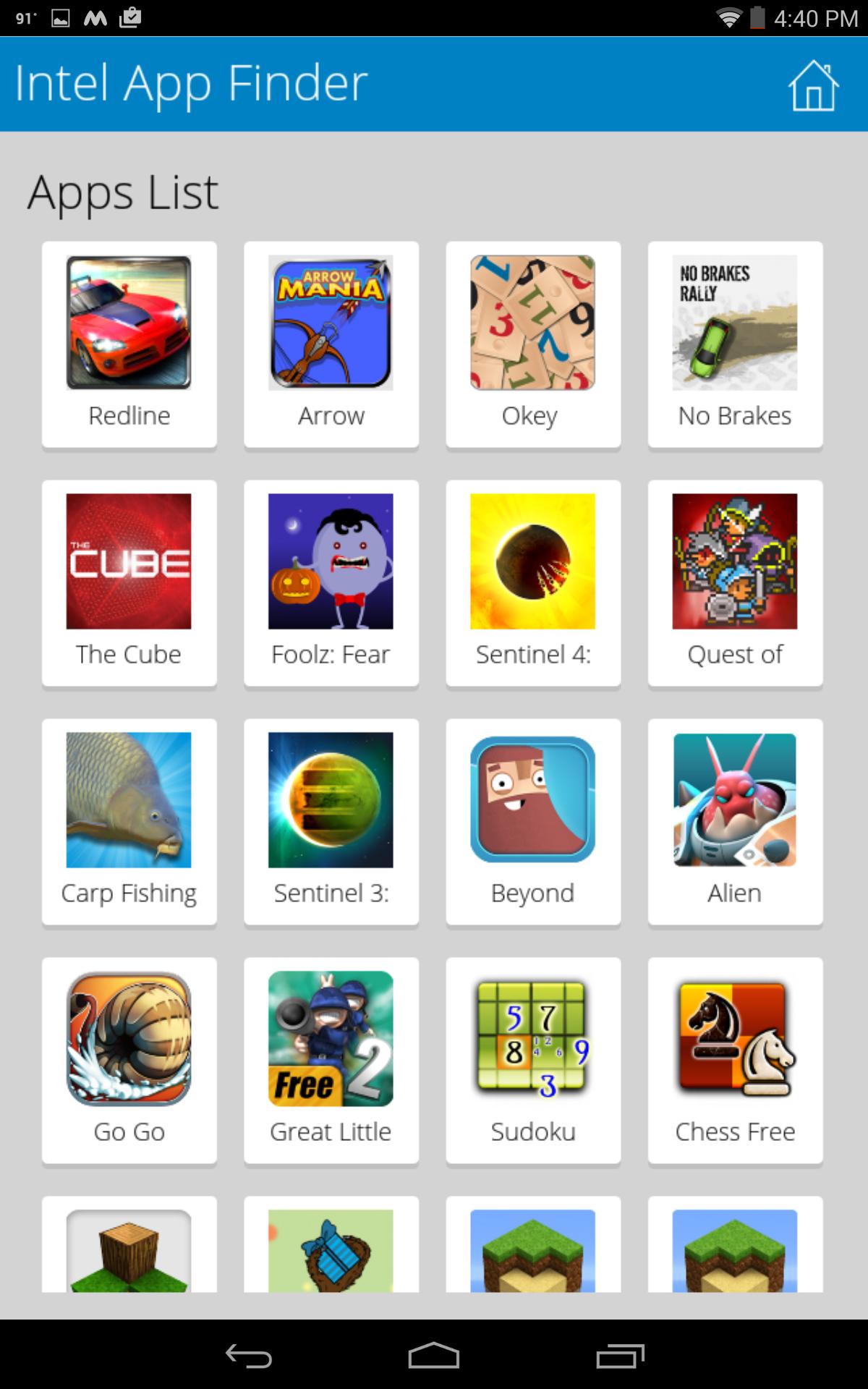
The Intel® App Finder is an app discovery platform designed to help you sort through the thousands of applications available to you on the Google Play Store. Now you can discover Android apps enabled for tablets powered by Intel® Atom Based Processors. These apps deliver experiences with rich graphics and optimized performance. Intel® App Finder also provides recommendations to find many of the latest apps to meet your software needs. Start first by browsing through feature apps, apps recommended by the expert team at Intel. Want more? Personalize the app by configuring and filtering it to your preferred app categories.
Exciting App Features:
*App recommendations provided by Intel experts
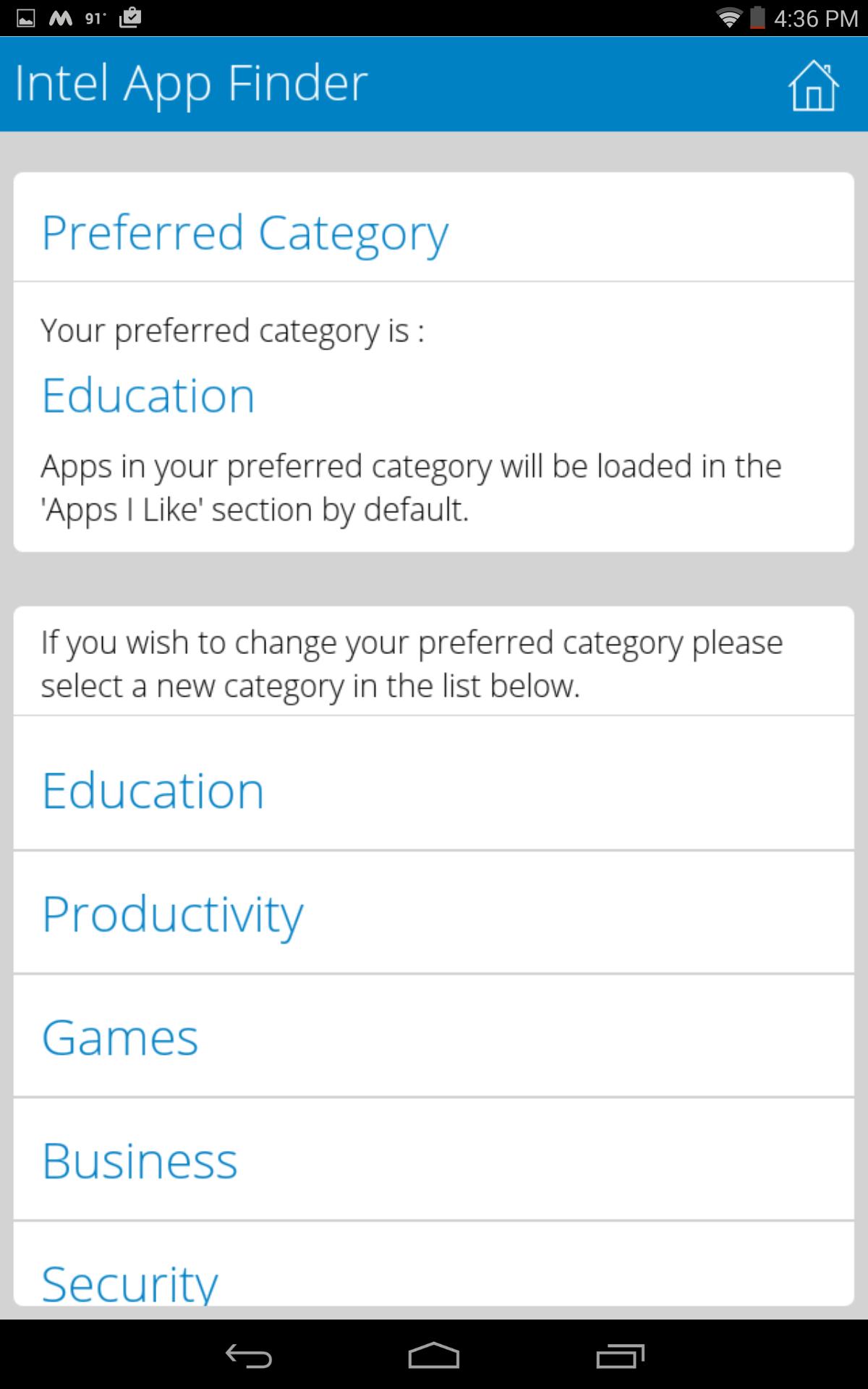
*Ability to have apps recommended to the user based on their category preferences
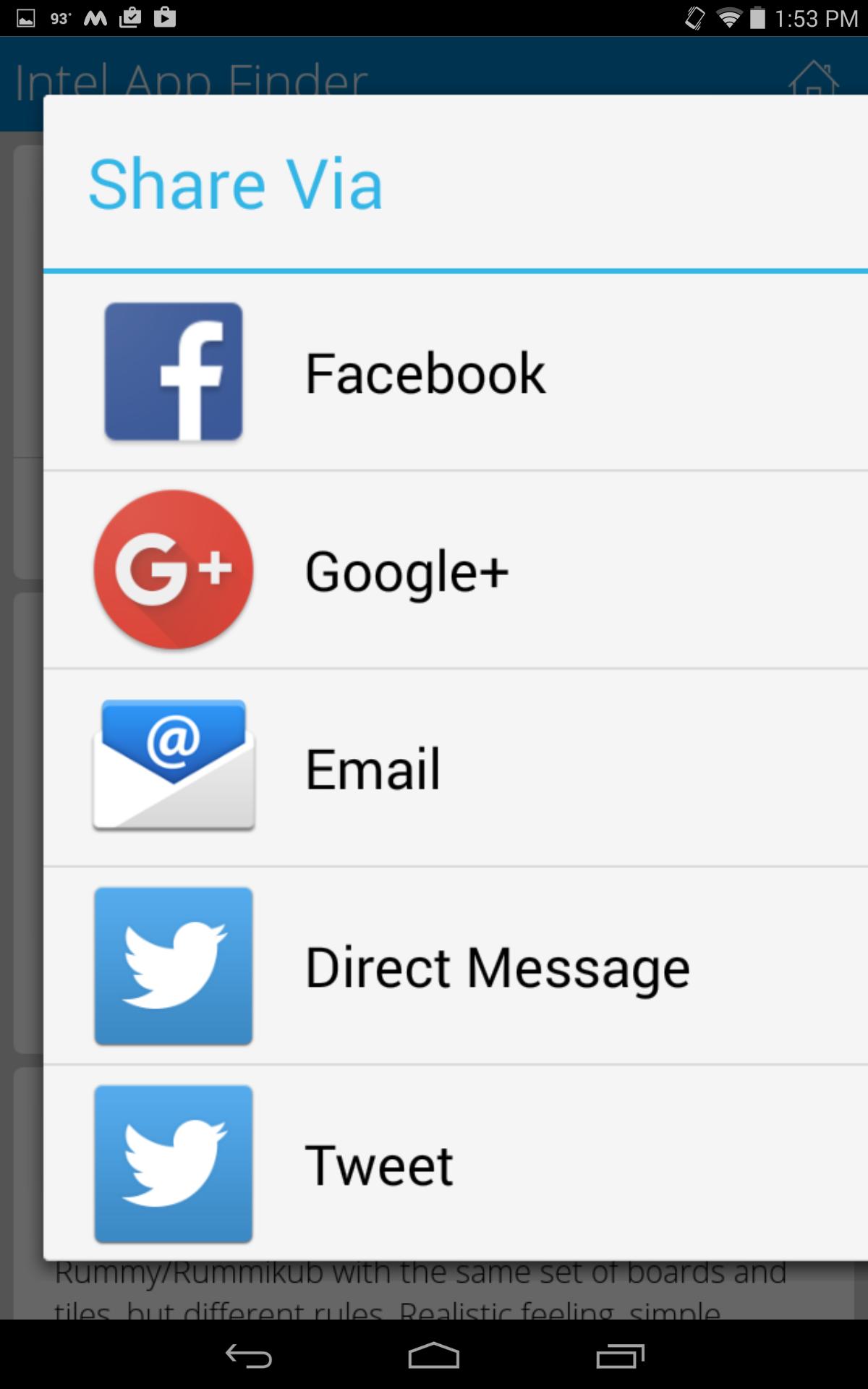
*Ability to share app recommendation via social media, email and messages
*Search function to quickly find apps
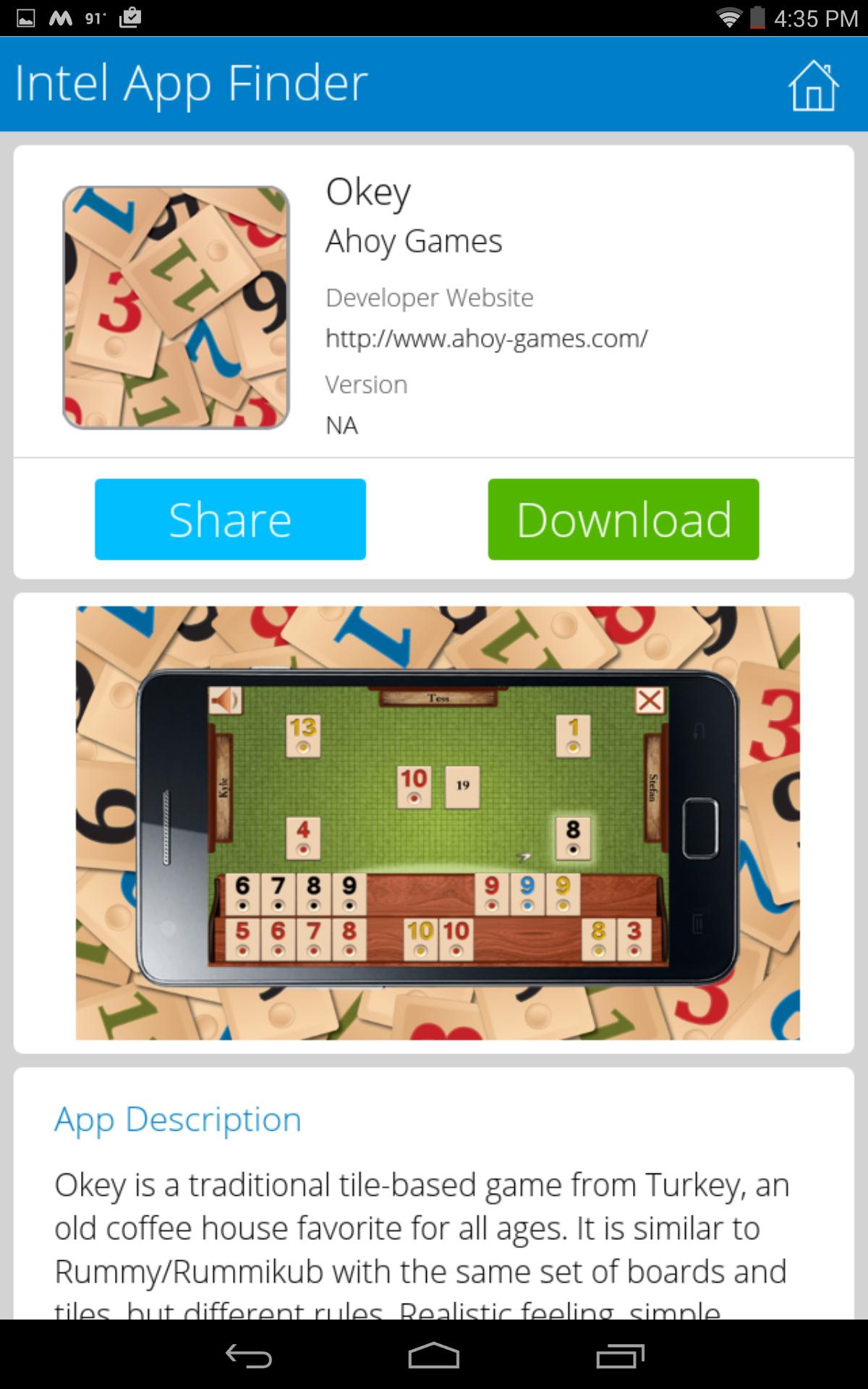
*Detailed app descriptions and information
How Does it Work?
Once the app is downloaded, begin previewing apps based on App Finder recommendations or by personalizing the application category filters to find apps best suited to your specific interests and needs. Once you have personalized your Intel® App Finder start exploring! When you find an app you like, simply click on the icon to learn more, share, or download.
Latest Version
4.0Uploaded by
Manuel Costa
Requires Android
Android 3.0+
Category
Free Productivity AppContent Rating
Everyone
Report
Flag as inappropriateLast updated on Jan 7, 2016
Faster apps loading & smooth scrolling
Enhanced memory management for reducing memory usage
Better handling of app errors when internet connection is unavailable
Better background task management to stop tasks when not needed




APKPure - A multi-platform app store primarily focused on Android, providing extensive app-related content. Discover the app you want easier, faster, and safer, with quick and efficient downloads and installations.