InstaSaver helps when you want to keep a public post for offline viewing or a later repost. It focuses on a quick setup and a simple flow, so you can move from browsing to saving without extra steps. You copy the share link from a public photo or video, and the download starts in the notification area. Users looking for InstaSaver APK will find a straightforward tool for routine saves.
Fast saving from public posts
InstaSaver downloads photos and videos from public posts in a few steps. Turn on the main switch, copy the share URL, and the file begins downloading in the notification bar. No account sign in is required, and download speed depends on your network. To get started, download InstaSaver and enable the main switch.
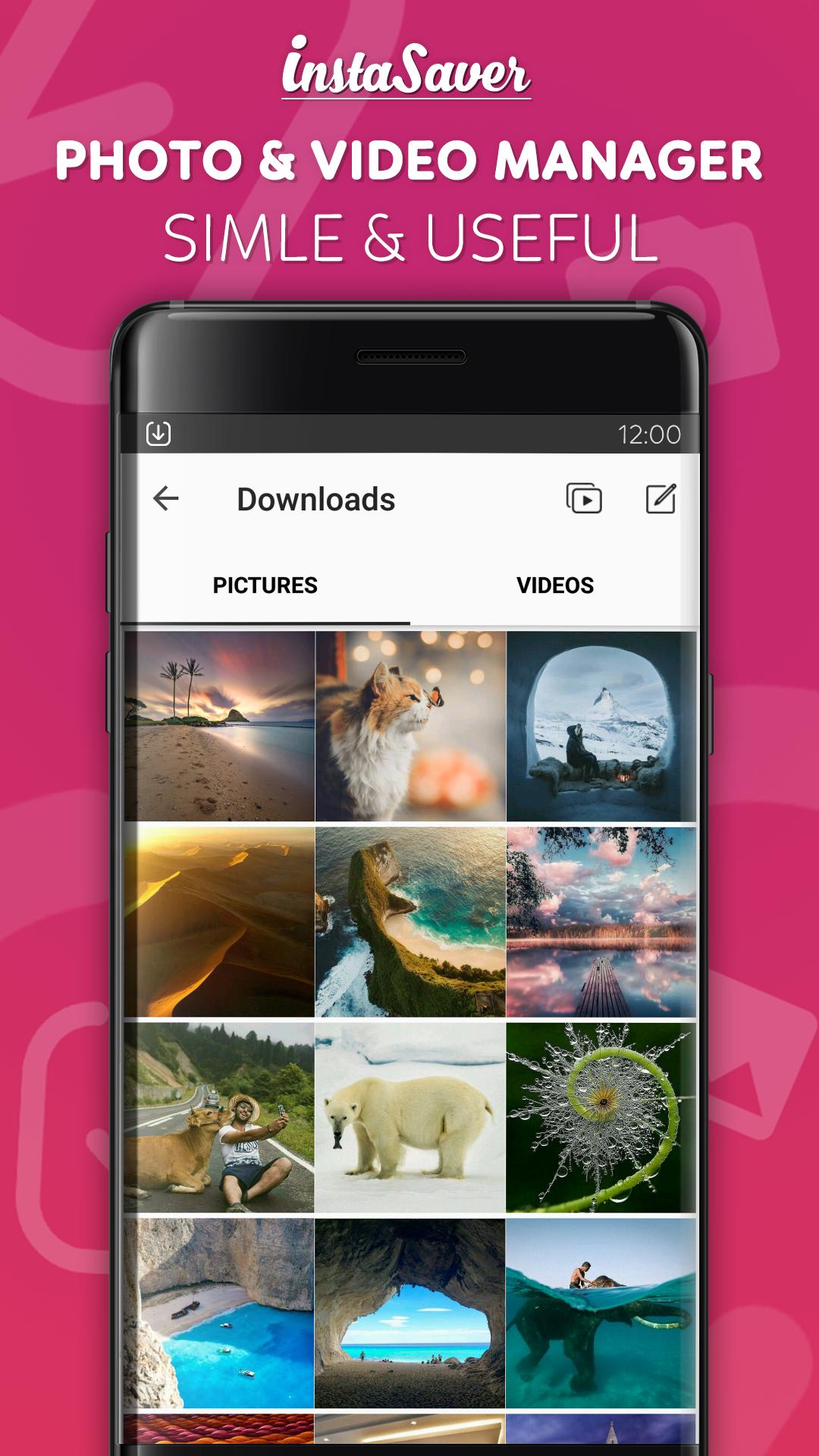
Viewer and manager for saved content
Automatic downloads and notifications
After you copy a share URL, downloads begin in the notification panel. Progress and completion appear there, so you can keep browsing while files save. This keeps actions clear and easy to follow during use.
Repost and user details
You can repost any photo saved with the app. A long press on a saved photo shows user details, which can help when preparing captions or credit.
This app focuses on saving public Instagram photos and videos with a simple flow and no login. It also adds a viewer, a manager, and basic repost options. For the most reliable experience, install the InstaSaver latest version and follow the copy share link steps.
Latest Version
4.1.2Uploaded by
Stefan Jovic
Requires Android
Android 4.0+
Category
Free Tools AppContent Rating
Everyone
Report
Flag as inappropriateLast updated on Apr 23, 2017
Crash fixed






APKPure - A multi-platform app store primarily focused on Android, providing extensive app-related content. Discover the app you want easier, faster, and safer, with quick and efficient downloads and installations.