

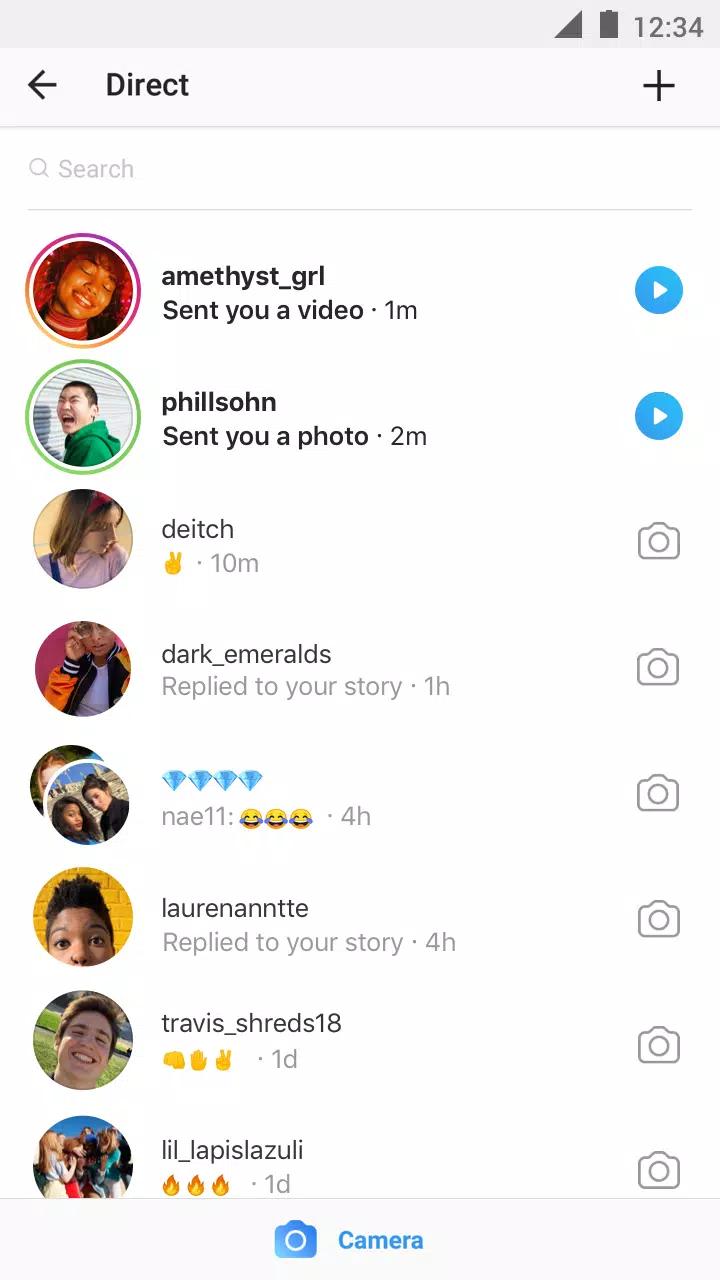
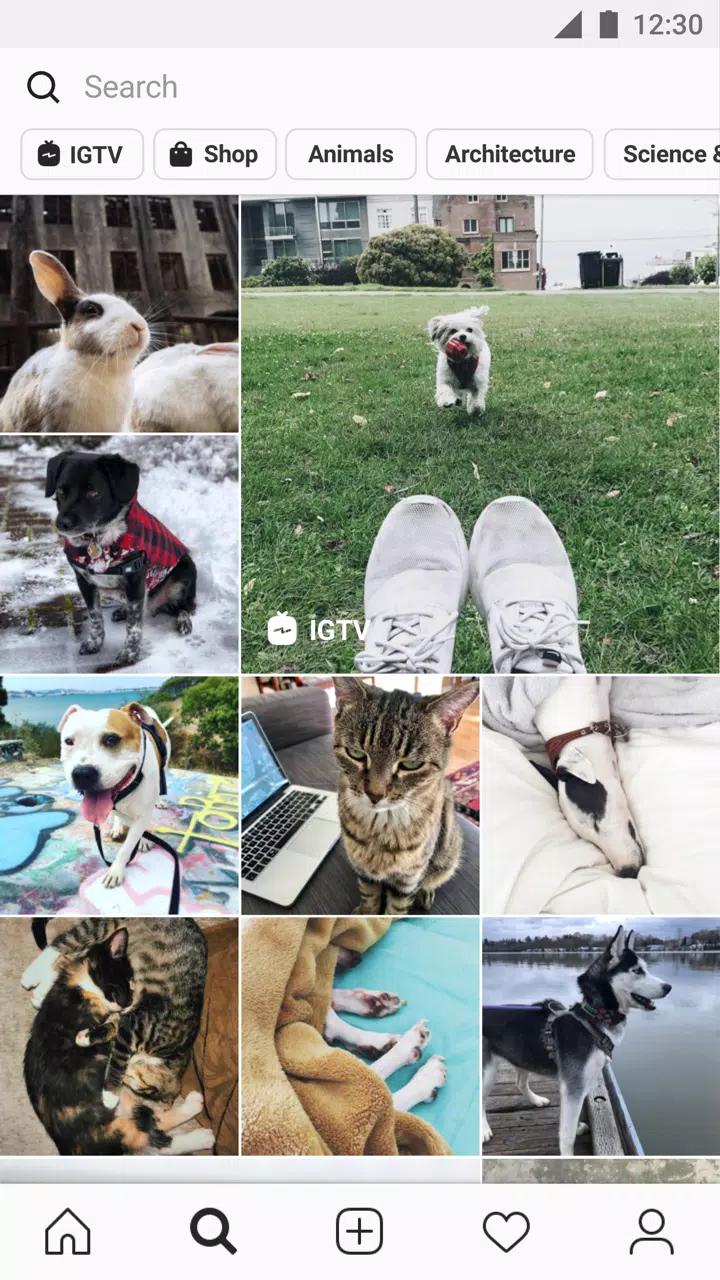
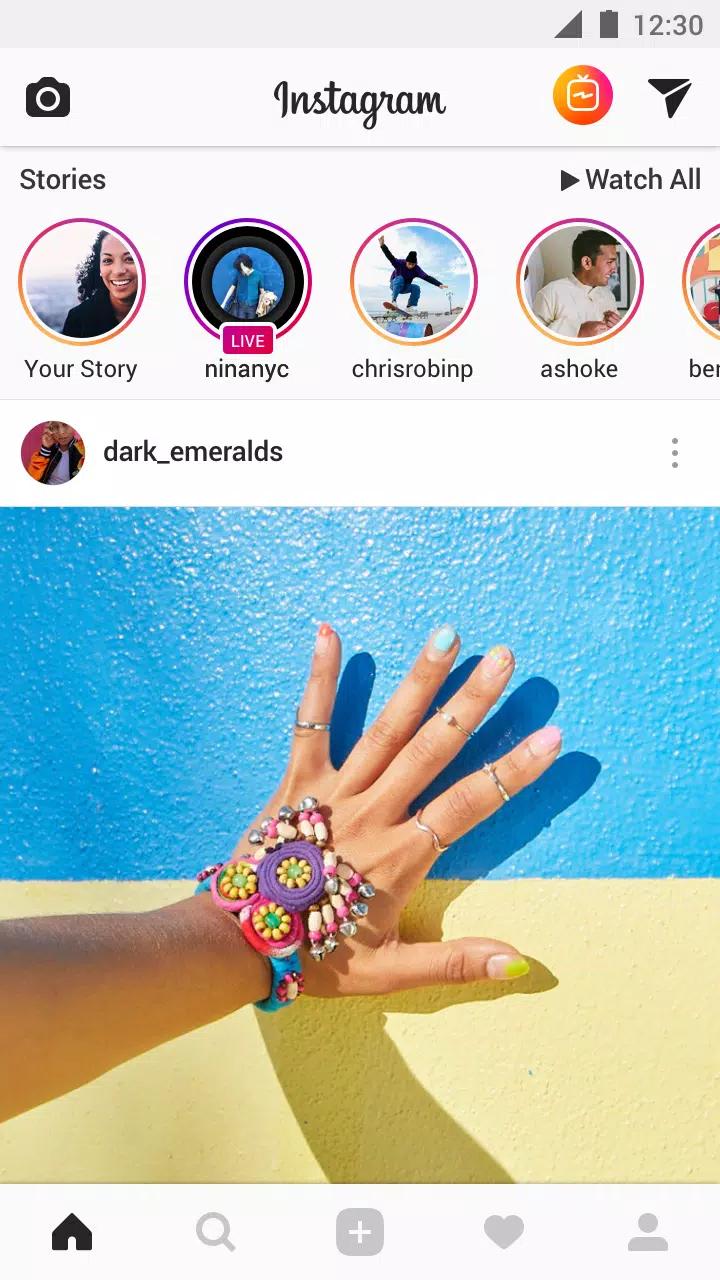
InstaPro is intended for people who prefer the familiar social feed layout but want more control over how they browse, post, and handle profiles. It keeps common areas such as feeds, Stories, Reels, messages, and profile pages easy to recognize. At the same time, it changes parts of the standard experience through added settings and tools.
Save media to your phone
InstaPro lets you save photos, videos, Reels, and Stories directly to local storage. You do not need to copy a post link or open a separate downloader app first. The app is designed to save available media in high quality, which can help when you want to keep a post for offline viewing.
Control visible activity
InstaPro includes Ghost Mode for users who want fewer activity signals shown to others. You can hide your online status, typing indicator, Story views, and read receipts. In addition, the app can use a PIN or fingerprint lock to limit access when another person uses your phone.
Browse without sponsored posts
InstaPro removes ads and sponsored posts from the feed and Reels areas. This changes the scrolling view by showing less promotional content between regular posts. You can still use the familiar navigation pattern while moving between the main feed, profiles, messages, and short videos.
Adjust the appearance
You can change the interface through theme options, including dark and AMOLED styles. InstaPro also lets you adjust some interface elements to match your preferred viewing setup. Other available actions include zooming profile pictures and copying bios, captions, or comments when text needs to be saved or reused.
Post and manage profiles
InstaPro provides posting tools such as reduced media compression, post scheduling, caption tools, longer Story duration, and translations for posts, comments, and direct messages. You can also switch between multiple accounts more easily inside the app. These options are useful when separate personal, creator, or work profiles need regular attention.
After you download InstaPro, open the app and sign in to the profile you want to use. The main navigation follows a familiar social app layout, so feed browsing, Stories, Reels, messages, and profile controls are easy to locate. Take a moment to review the available settings before changing privacy or posting options.
Open InstaPro and sign in with the account you plan to use, then check that the feed and profile areas load normally.
Open the settings area and choose a theme, interface adjustments, or the app lock option if those controls are needed.
Enable Ghost Mode options individually when you want to hide activity such as Story views, typing status, or read receipts.
When viewing a photo, video, Reel, or Story, use the available download action to save the media to your phone.
Add another account through the account controls when you need to switch profiles, then review posting tools before sharing media.
InstaPro provides media saving, privacy settings, appearance controls, posting tools, and multi account support.
Latest Version
439.0.0.38.89Uploaded by
InstaPro
Requires Android
Android 9.0+
Available on
Instapro
Category
Free Social AppReport
Flag as inappropriateLast updated on Aug 19, 2026
This release includes minor bug fixes and general improvements. Update to the latest version for the best experience.

APKPure - A multi-platform app store primarily focused on Android, providing extensive app-related content. Discover the app you want easier, faster, and safer, with quick and efficient downloads and installations.