Package Name:com.oracle.instantis.enterprisetrack
SHA-256:5015f1531d2f57909aea9cc2e367e6da6ae3846833d3fdf9059f91bb7156ab62
Show More
By installing this app you agree to the End User License Agreement terms at http://docs.oracle.com/cd/E85386_01/infoportal/ebs-EULA-Android.html
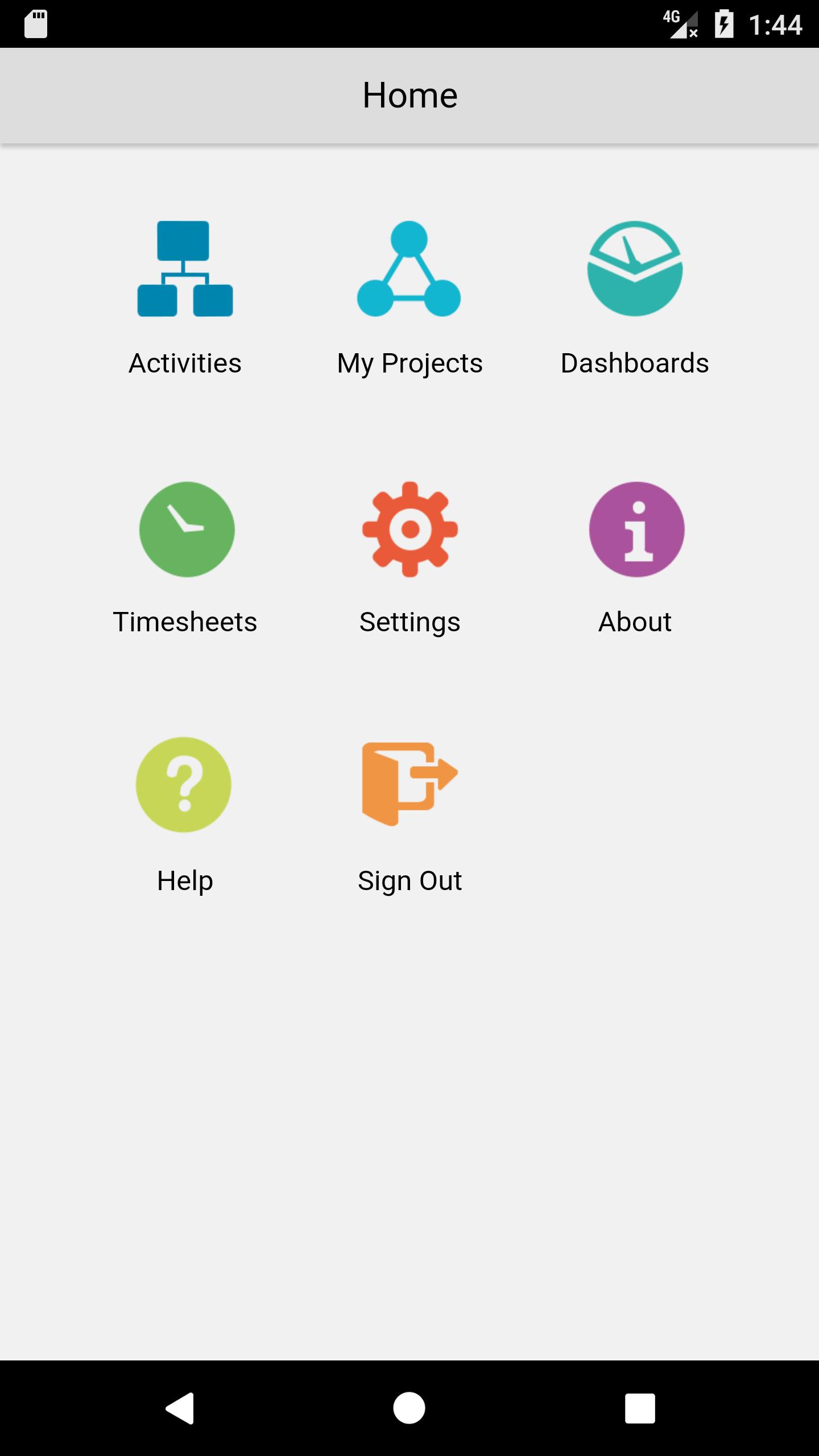
Instantis EnterpriseTrack mobile is the perfect companion for Instantis EnterpriseTrack users on the go. Managers can access dashboards anytime, anywhere, and quickly approve timesheets with the easy-to-use Instantis EnterpriseTrack mobile™ interface. Users can view a summary of their assigned activities and projects from the mobile app.
• Universal Android app that is optimized for smartphones and tablets.
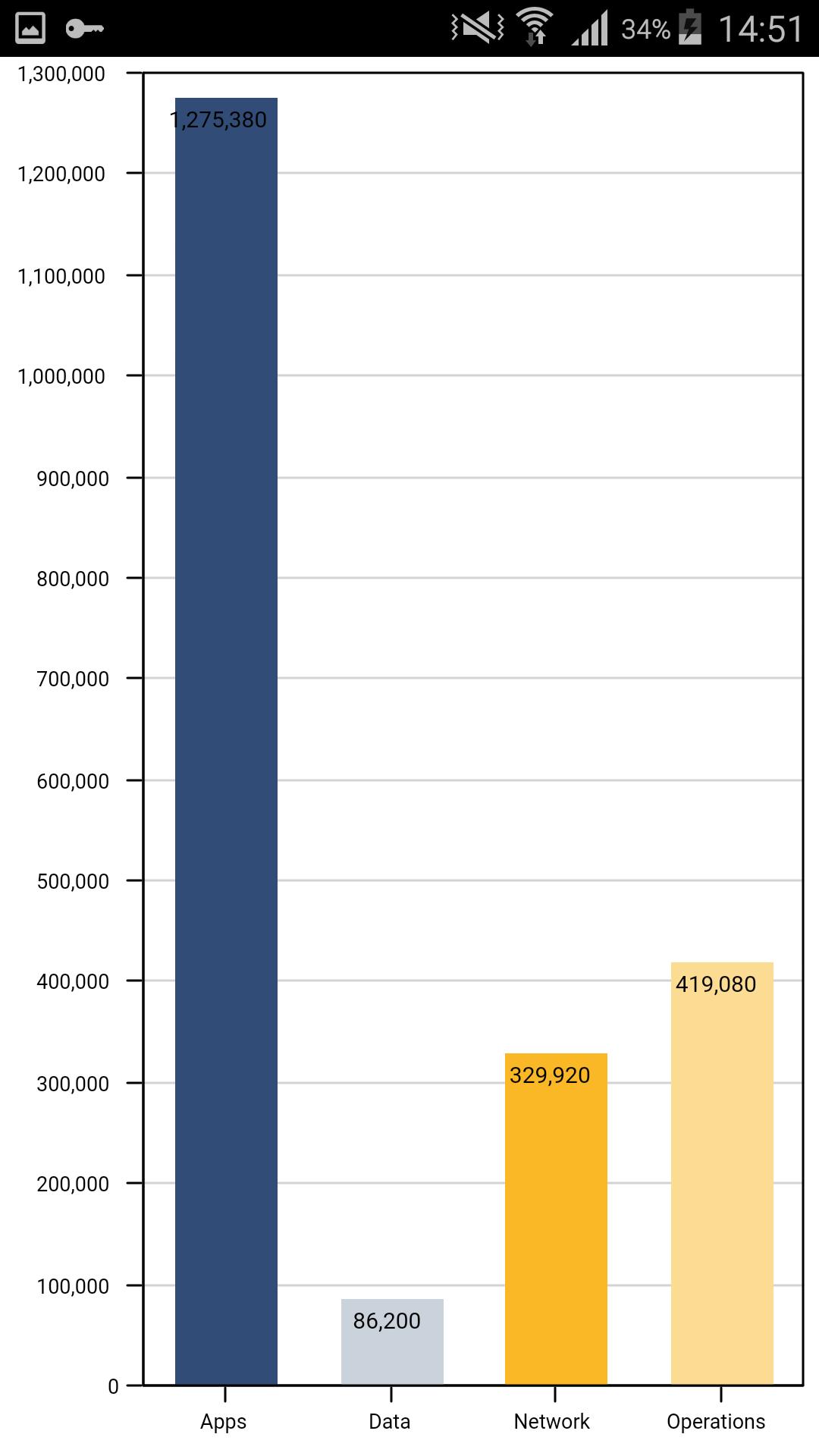
• Managers can access user, global, and pre-defined dashboards "all in one place".
• Managers can access a list of timesheets awaiting their approval. They can review, approve, or reject timesheets one at a time, or in bulk.
• Managers can email or call timesheet submitters for additional information, right from the mobile app.
• Configure your mobile device with your account information by scanning the QR code displayed on your Instantis EnterpriseTrack web application. This option is available only with Instantis EnterpriseTrack 15 R2 or later.
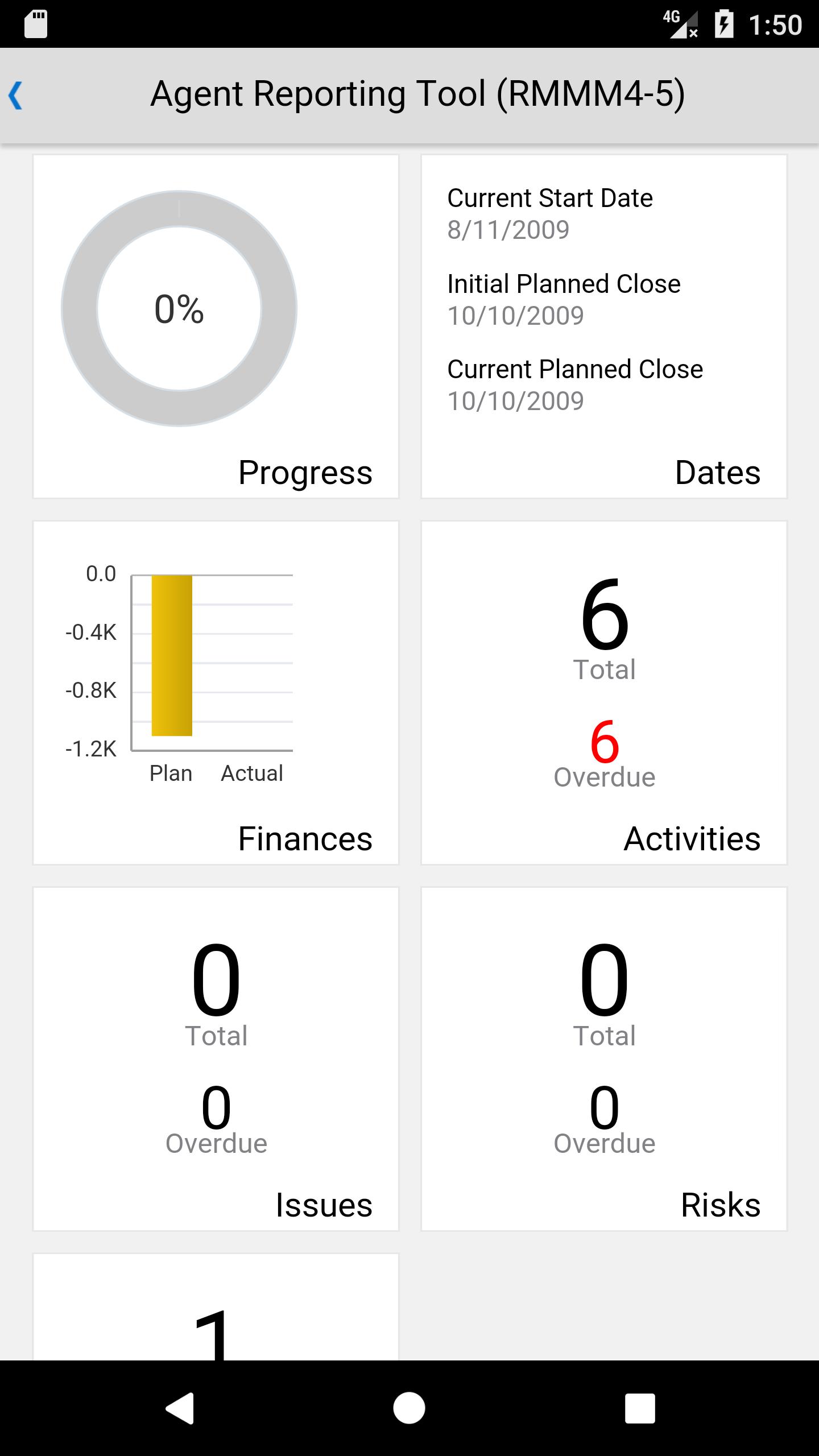
• View all projects that you can access. Tap each project to view a dashboard that displays a high-level project summary. The project dashboard displays the Activities, Issues, Risks, and Non-WBS tiles. Tap on any tile to view additional details.
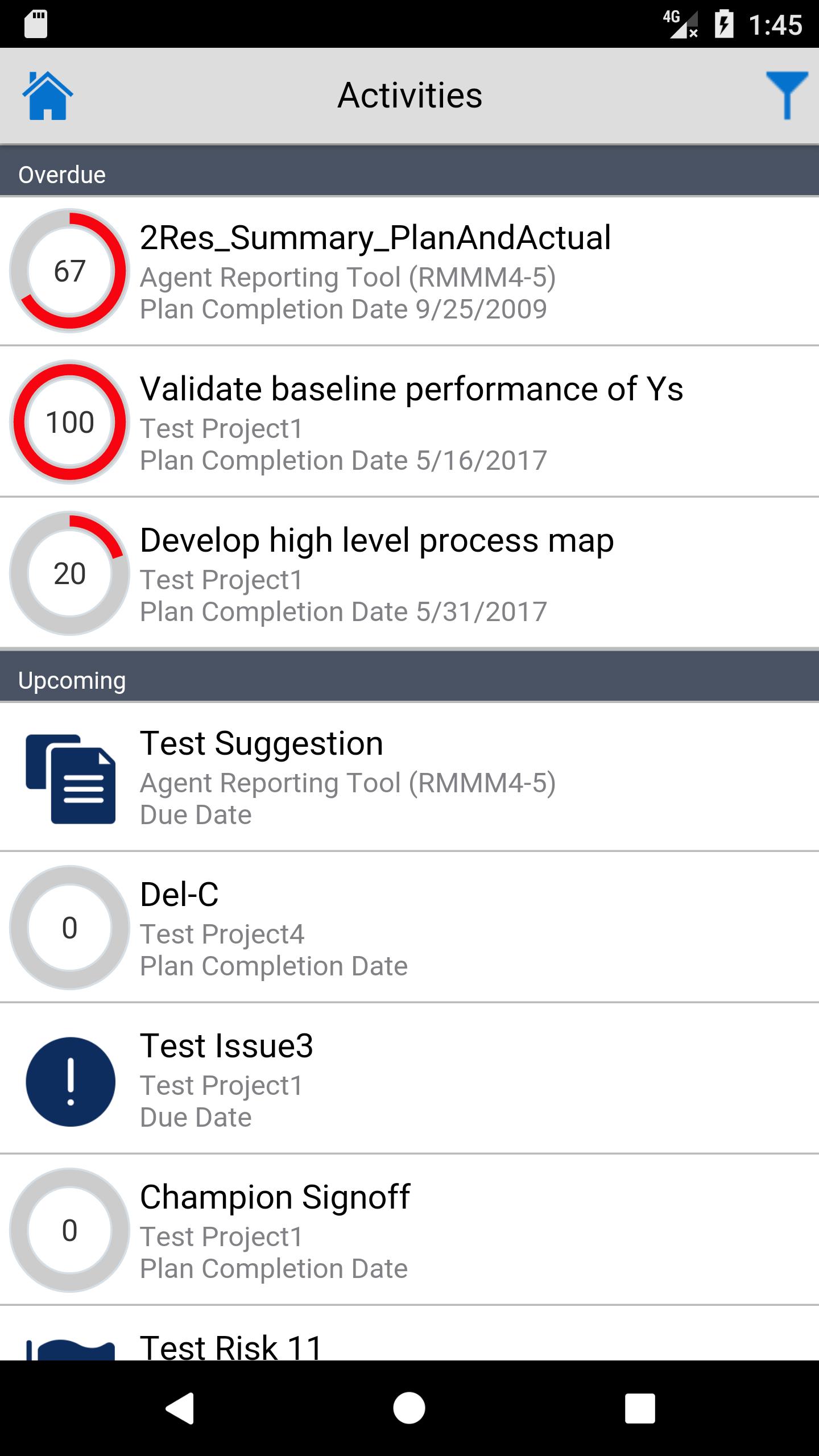
• View all your assigned WBS activities. Tap on each activity to view the status, percentage complete, dates, duration and the estimated remaining effort for your WBS activities.
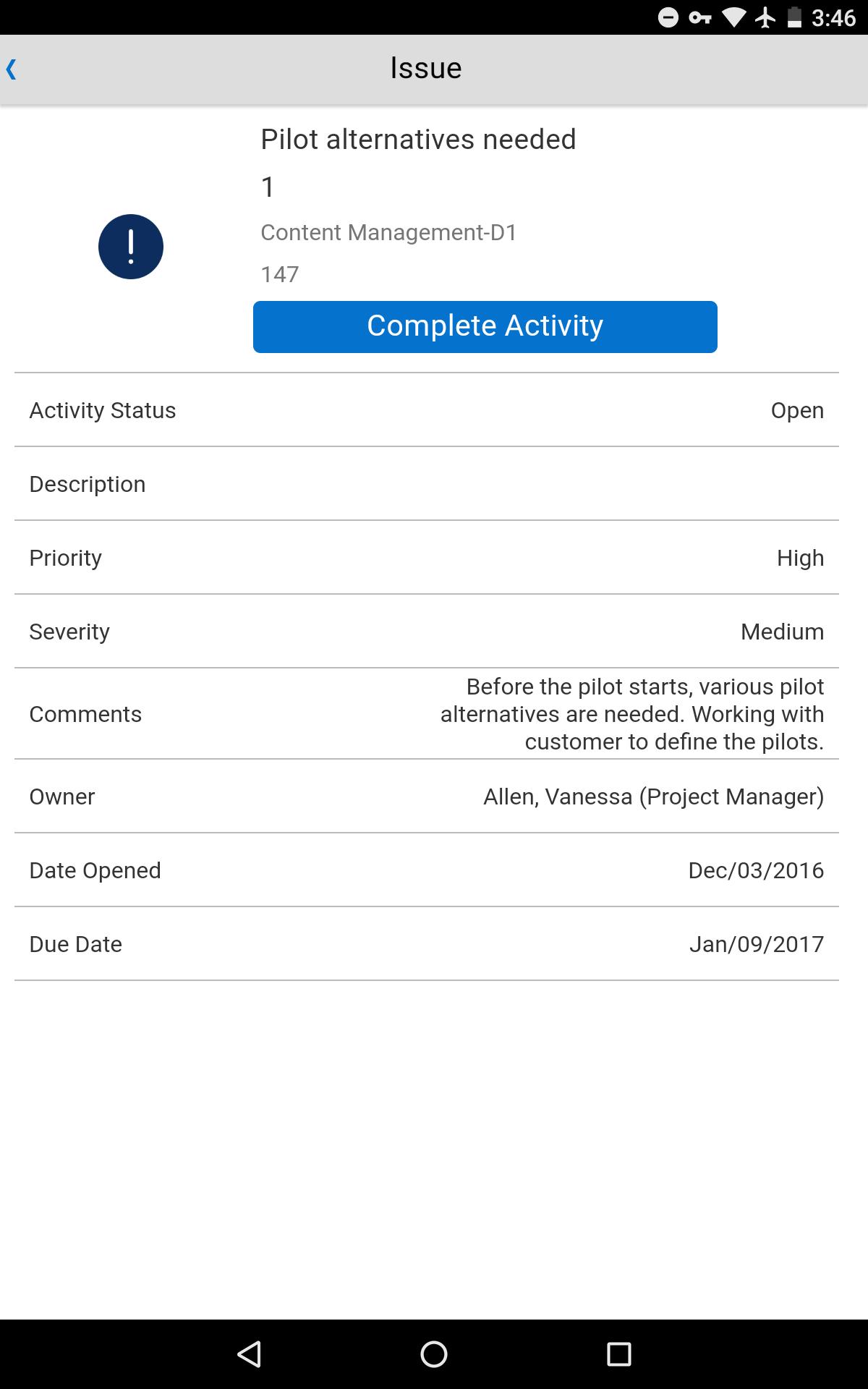
• View all your assigned non-WBS activities. Tap on each non-WBS activity to view additional details.
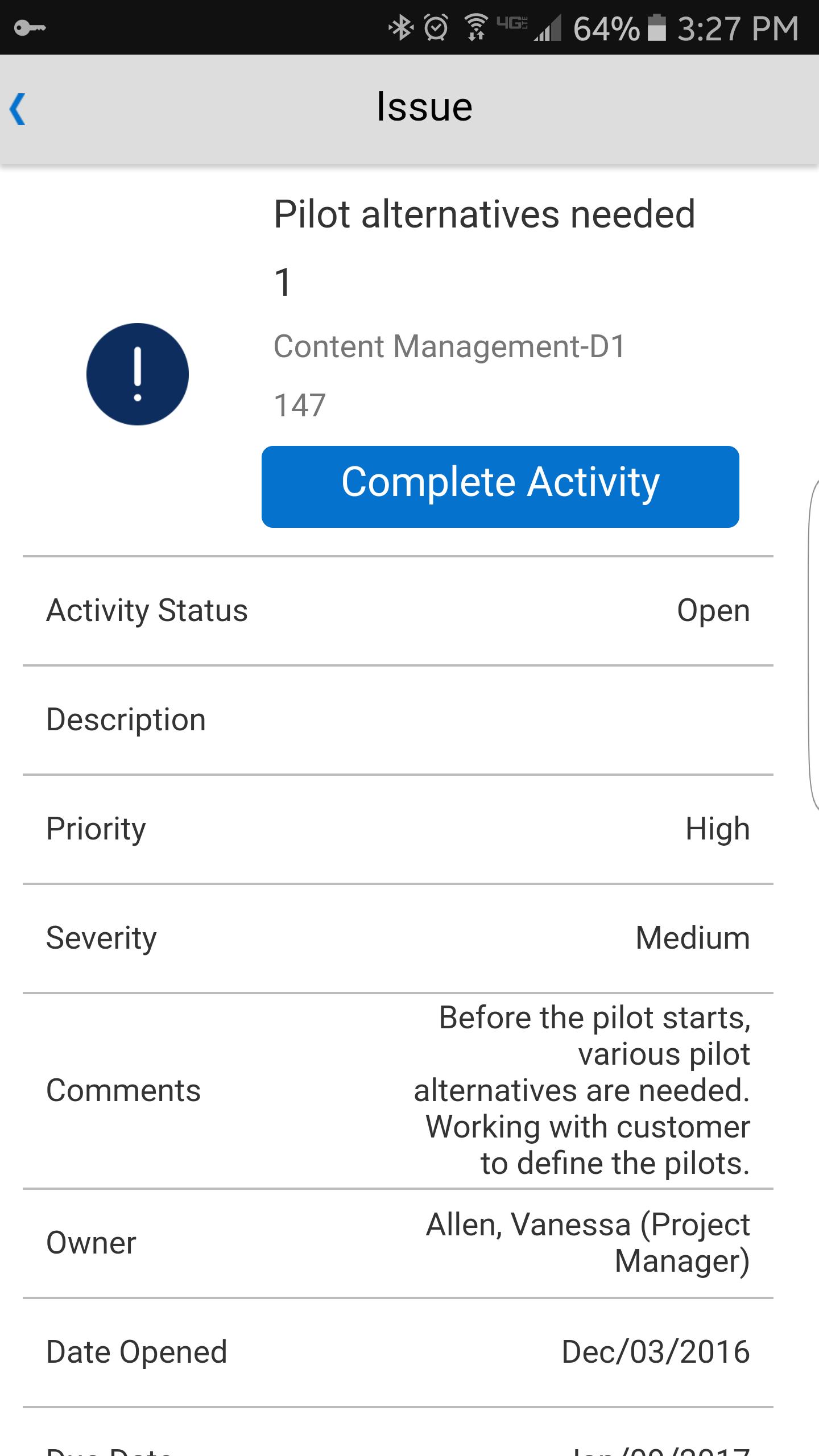
• Mark activities assigned to you as complete.
• View activities associated with a project. From the Project dashboard, tap on the Activities tile to view the activities associated with your project. You can further drill down to view details on each individual activity.
Notes: A current license and connection to Instantis EnterpriseTrack 9.0 or later is required.Some features may require a later version of Instantis EnterpriseTrack.
Latest Version
21Uploaded by
Glenzint Cabiles
Requires Android
Android 6.0+
Category
Free Business AppContent Rating
Everyone
Security Report
Check Now
Report
Flag as inappropriateLast updated on Jan 22, 2020
This release includes library updates.




APKPure - A multi-platform app store primarily focused on Android, providing extensive app-related content. Discover the app you want easier, faster, and safer, with quick and efficient downloads and installations.