Easy Images to pdf Converter, Multiple Images Converter into pdf file
Want to convert multiple images into pdf file? Looking for simple images to Pdf Converter app then this images to pdf Converter you should try! This is very simple app for converting multiple images into pdf file.
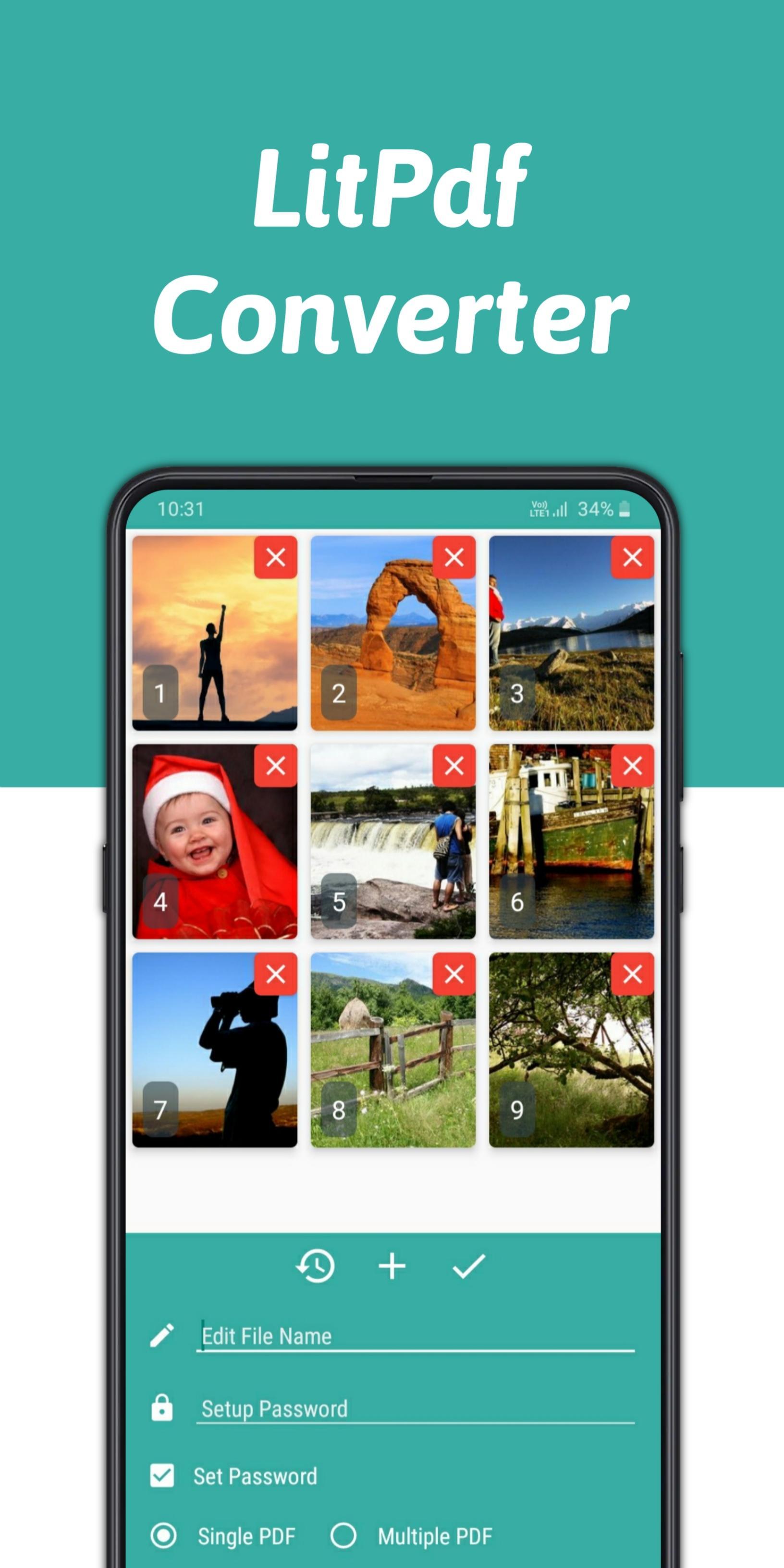
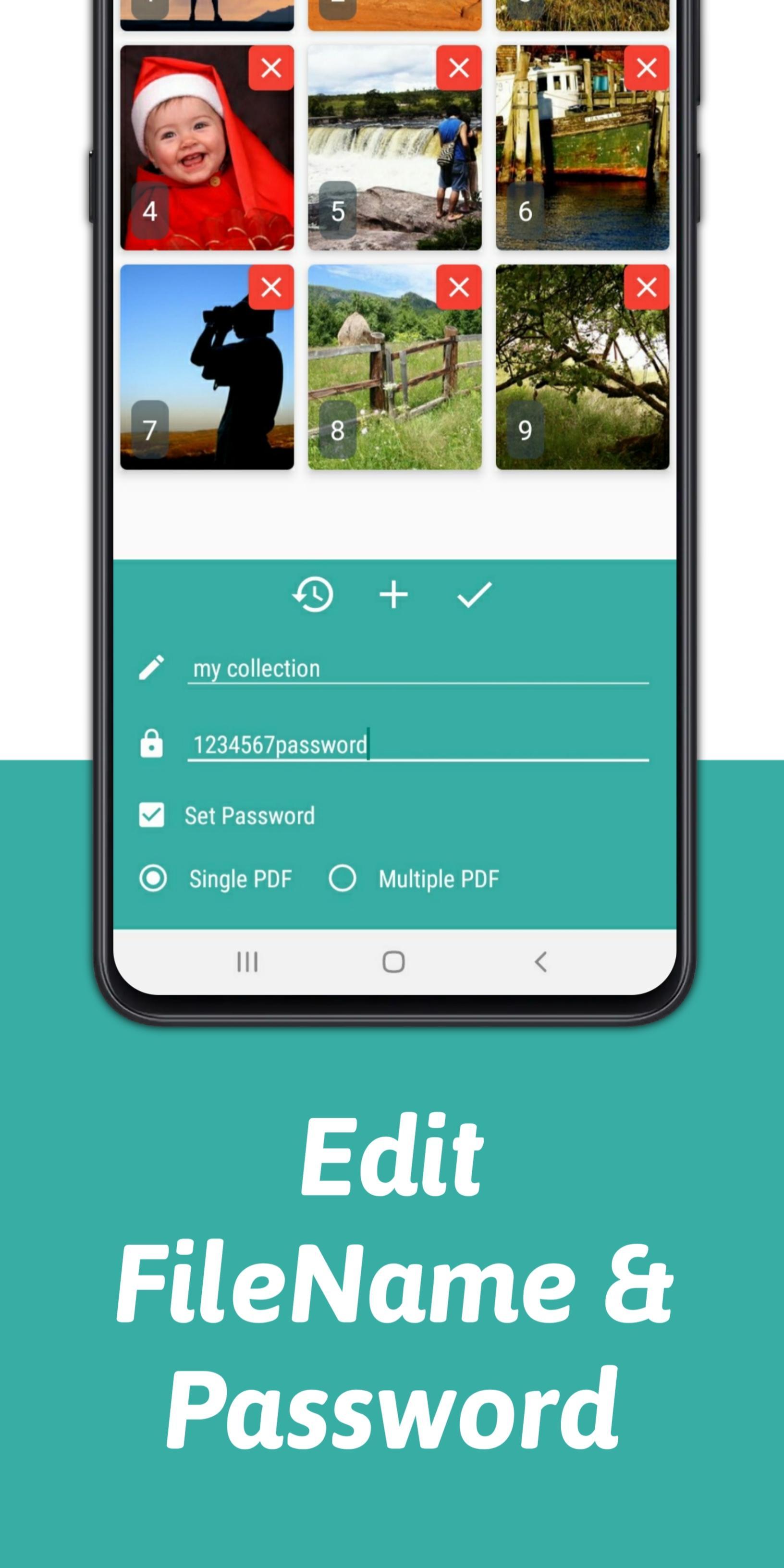
You can easily Converter any images into pdf file easily and free to use, just select multiple images or single image and set name for pdf file, you can also set password for pdf file.
Images to Pdf converter is a free app tomultiple images into one pdf file
How to use this app?
1. Select/Pick images from gallery/file
2. Enter pdf name and password if required
3. Click on start converting
4. Pdf file will instant saved to phone storage
****itextpdf library****
This images to pdf Converter app uses most powerful (itextpdf) pdf Generator library, which gives you best results as possible, this itextpdf library gives best pdf file security and also compressed large Multiple images into pdf file
(This is my personal experience on itextpdf pdf library)
** Best features of images to pdf Converter app **
1. Powerful and fast images to pdf Converter
2. Convert Multiple images into one pdf file
3. Compresse images into pdf file without lossing its quality & resolution
4. Simple app user interface
5. Set pdf file before Converter into pdf file
6. Set pdf file passwords (for privacy reasons)
7. Free to use this images to pdf Converter extra charges (only has google ads)
8. Small app size
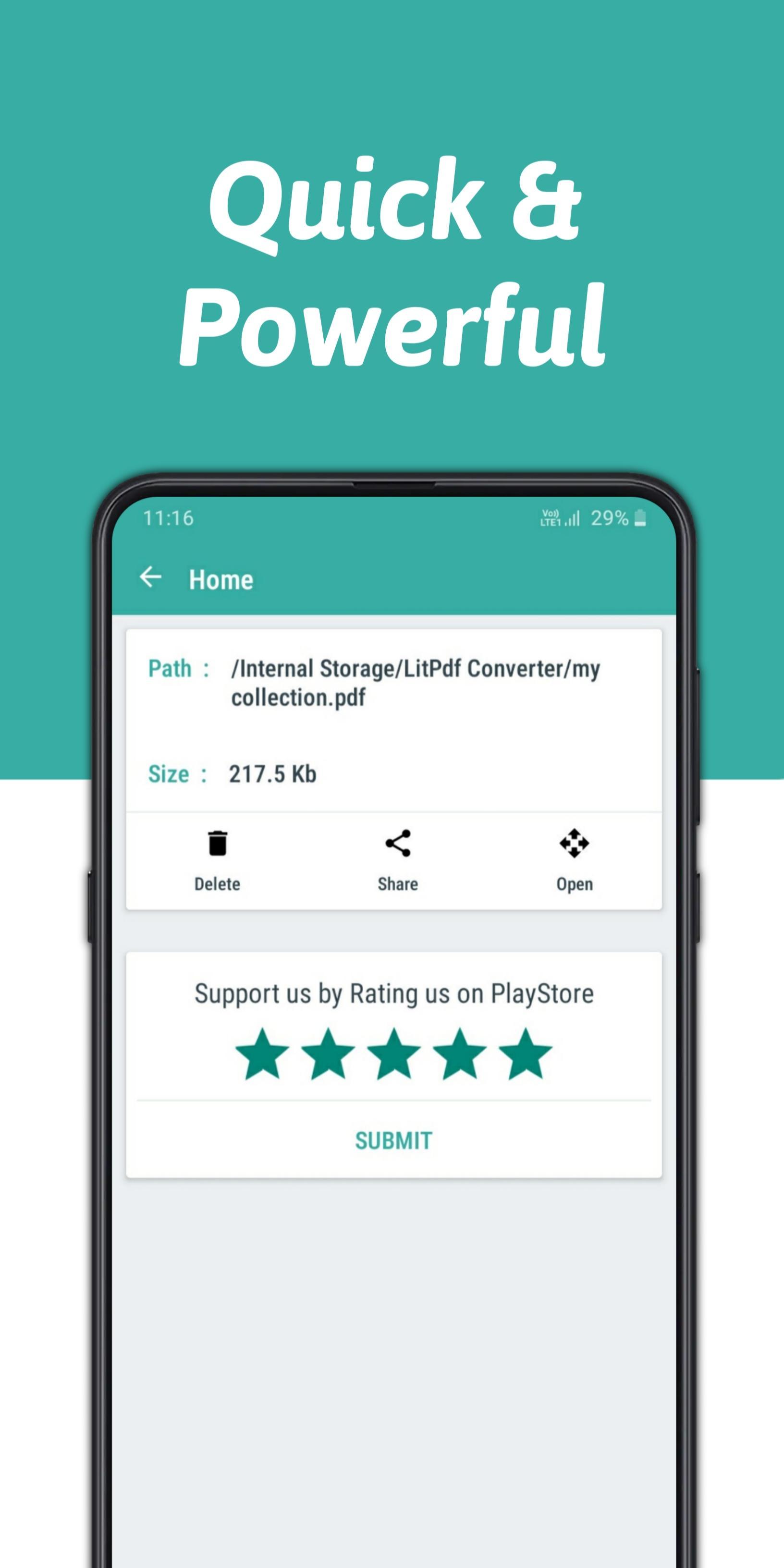
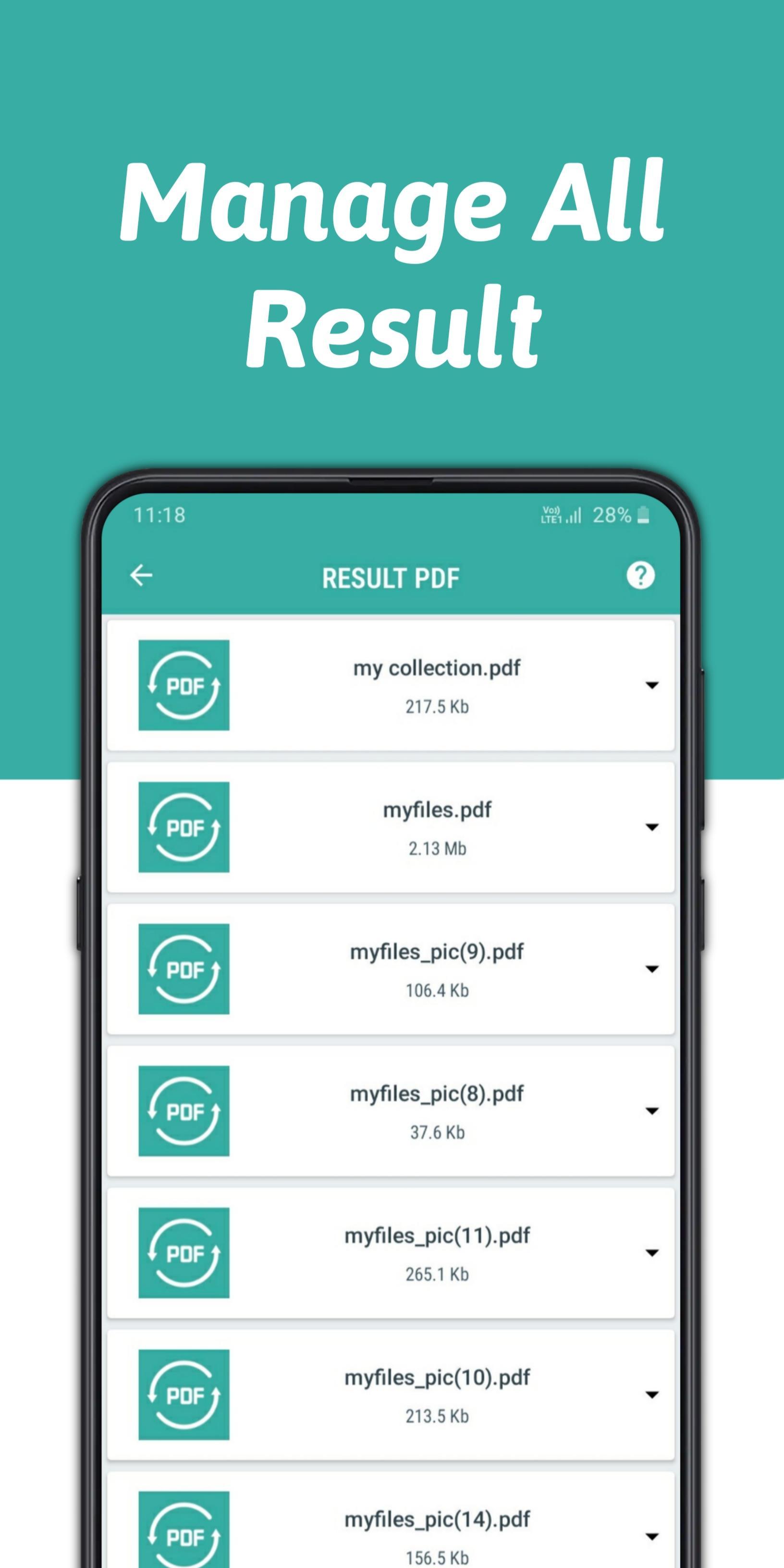
9. Manage all Converted pdf files directly form this app (no need to browse again and again file manage)
10. Support all types of images format (.jpg .png .gif .jpeg .bmp .webp)
If the Images to pdf Converter is helpful for you, please rate us 🙏🙏
If you need support, please email us via rk623101rk@gmail.com.
Latest Version
1.0Uploaded by
Posepandi Posepandi
Requires Android
Android 5.0+
Category
Free Tools AppContent Rating
Everyone
Report
Flag as inappropriateLast updated on Dec 2, 2020
Easy Multiple Images To PDF Converter
- Edit file name and password for
converted pdf file.
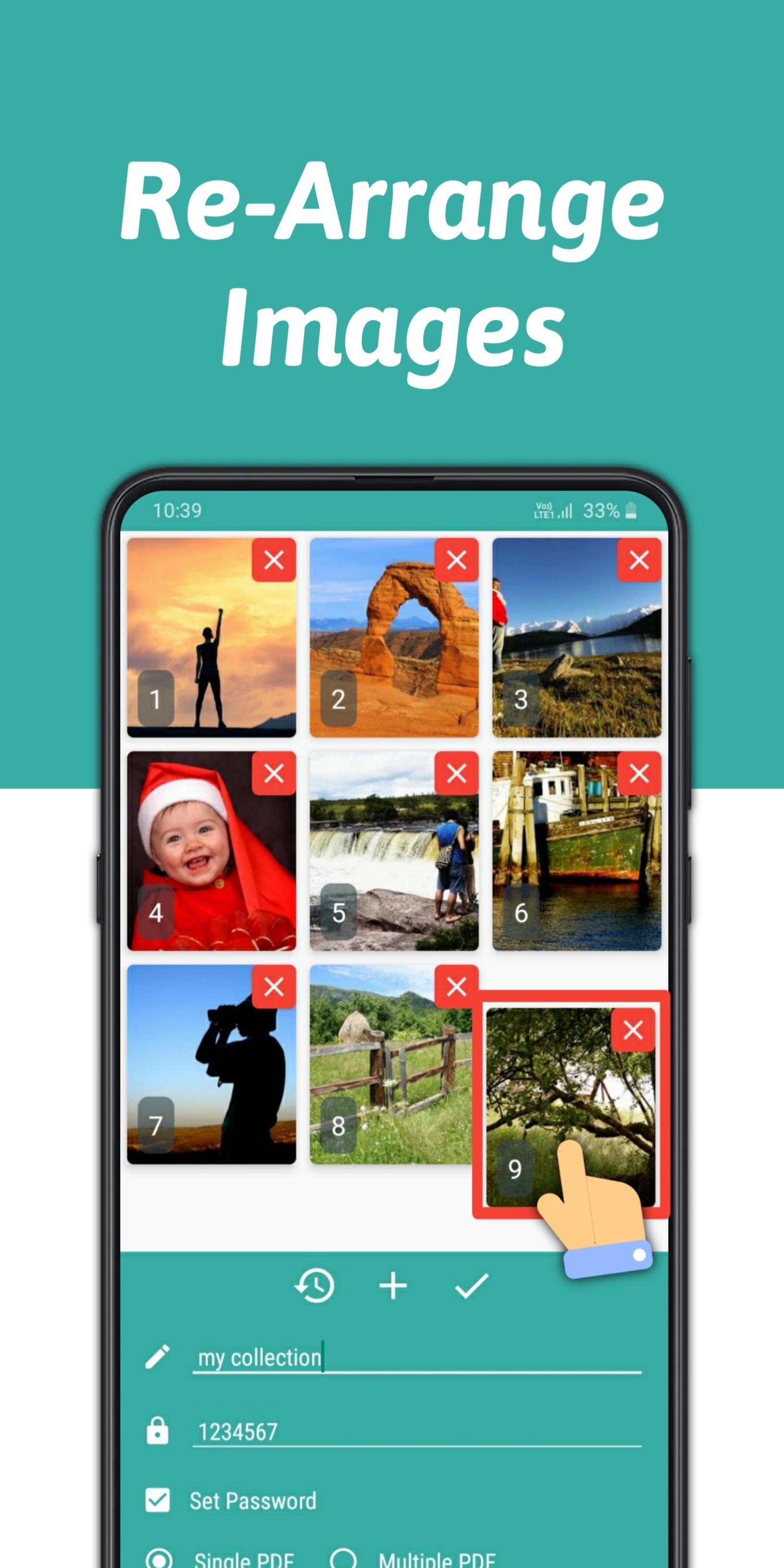
- Re-arrange imges easily
- Sort images easily (drag & drop)
- Super fast pdf Converter
- Simple Interface
- Manage Converted pdf files
- Single and Multiple pdf feature added
- Add multiple languages

APKPure - A multi-platform app store primarily focused on Android, providing extensive app-related content. Discover the app you want easier, faster, and safer, with quick and efficient downloads and installations.












