Package Name:com.photo.resize_crop_compress_convert_image
SHA-256:459135070917b5362d1e8fb5e340f9c9f508f4b1af2210b14037d709499d042b
Show More

Resize, Crop, Compress, Convert Image
Welcome to our photo resizer app. This photo resolution and size changer tool will let you reduce image size perfectly according to your requirements. Our photo shrinking techniques make this app one the best image compressor out there. If you want an easy, smooth and super fast image resolution changer that will satisfy your needs, you are at the right place.
There are numerous occasions where we badly need an excellent image compressor while we do not want to lose the picture quality. Our photo resolution changer does that by removing unnecessary colors while maintaining the optimum quality and yet saving the space. Currently space plays an important role whether we are using a smartphone or a memory card and we do not want to fill up all the space as they are limited. Now let’s talk about some of the awesome features of our application.
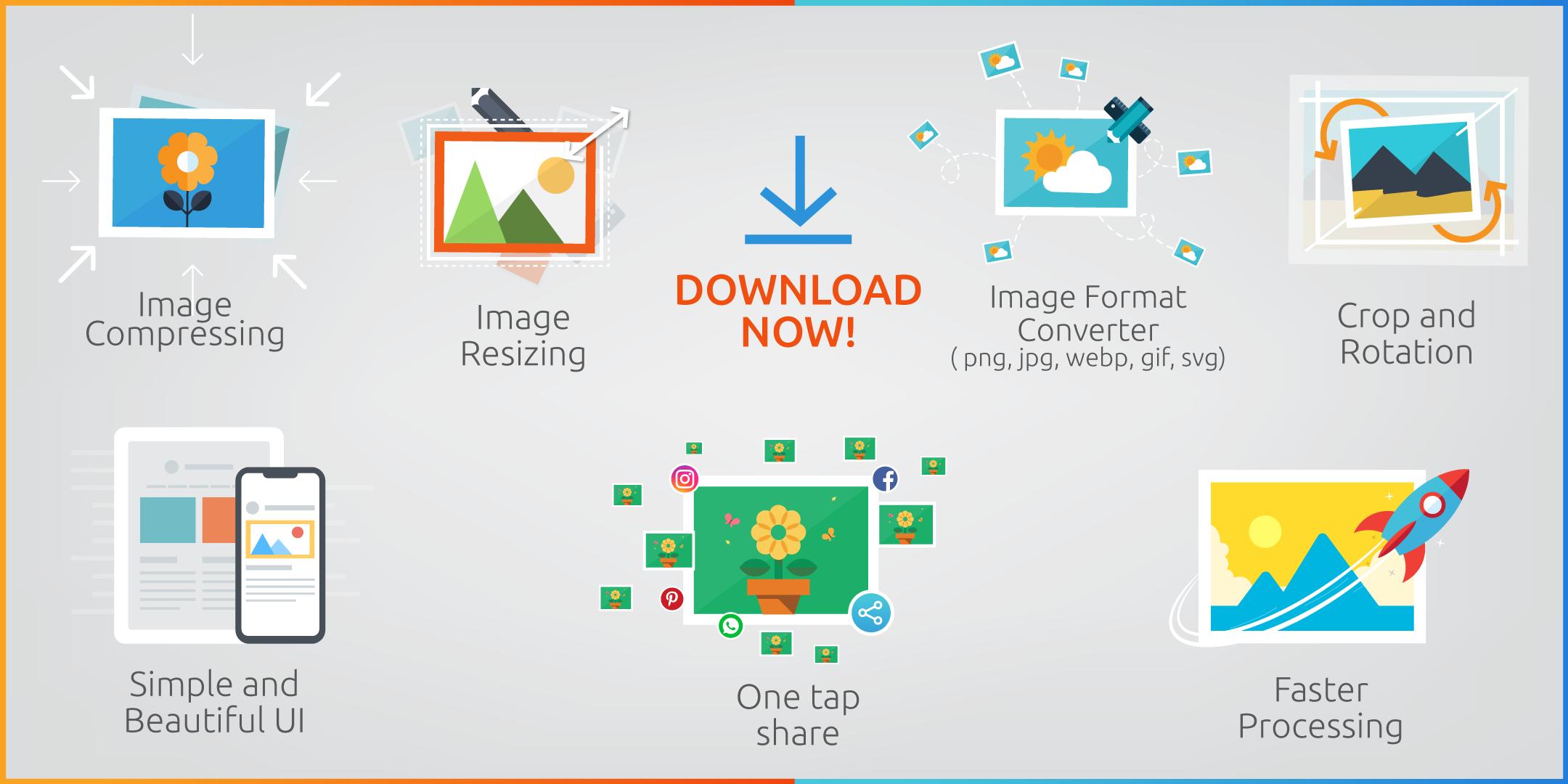
👉 Image Compressing
In this mode you will be able to shrink photo in two ways :
1) By downgrading quality
2) By selecting exact output size of the image in KB
In both modes you will be able to maintain the resolution of the picture if you want to.
👉 Image Resizing
You can also resize photo in two ways:
1) By putting number of custom pixel
2) By percentage
While selecting custom pixels you can put a custom aspect ratio also if you want to. And the photo compressing mode will be available also while resizing. Isn’t that amazing?
👉 Supported Image Format
Our photo editor tool supports tons of formats. JPG, PNG, SVG, WEBP, GIF you name it!
👉 Image Format Converter
You can change your output photo format while compressing or resizing. From jpg to png or png to jpg, webp to jpg, png to gif, jpg to gif etc.
👉 Batch Selection
You can select multiple photos for any kind of operation. And you can compress them all at once!
👉 Scaling
This is another cool feature. So far we’ve talked about shrinking. What about enlarging? Suppose you need to upload a photo in a site or wherever with an exact given size. But the image you have is smaller than the required one. At that very moment this feature comes in very handy.
👉 Crop and Rotation
By cropping you can filter out unnecessary details of an image. And rotation comes with that. You can crop and rotate images upto 360° very easily with several aspect ratios like 4:3, 3:2, 3:4, 2:3.
👉 One tap share
We are living in a world of sharing. You can share your edited photos to social media without saving it!
👉 Saving Work and Time
Suppose you need to email lots of photos to someone. While emailing attachments often exceed the limit and for that we need to send files or photos on more than one occasion. That’s annoying. By resizing and compressing while keeping the exact resolution and quality we can send them within given limits thus saving extra work and time!
👉 Simple and Beautiful UI
What is the point of an excellent tool if the mechanism of the tool can not be understood by a user. That’s why we keep our design so simple yet beautiful so that everyone can understand how to use it.
👉 Faster Processing
If an image compressor app takes too much time to operate that would be annoying. Our compression technique negates that bad user experience by providing a faster processing algorithm.
Form passport size photo making to social media posting, from dp to banner there is no such thing that you can not do with our image resizer. Shrinking photos saves space, saves hassle, saves mobile data as well while sharing. So, Download our superb image resizer now and enjoy saving space and hassle free sharing.
Latest Version
3.0.0Uploaded by
سامي العنزي
Requires Android
Android 5.0+
Category
Free Tools AppContent Rating
Everyone
Security Report
Check Now
Report
Flag as inappropriateLast updated on Mar 5, 2024
* Support Android 14
* Fixed issues
* Major update




APKPure - A multi-platform app store primarily focused on Android, providing extensive app-related content. Discover the app you want easier, faster, and safer, with quick and efficient downloads and installations.