Image Color Picker is a powerful tool for designer.
Now you can use app like color picker in Mac(soon), Windows(soon)
How to Use
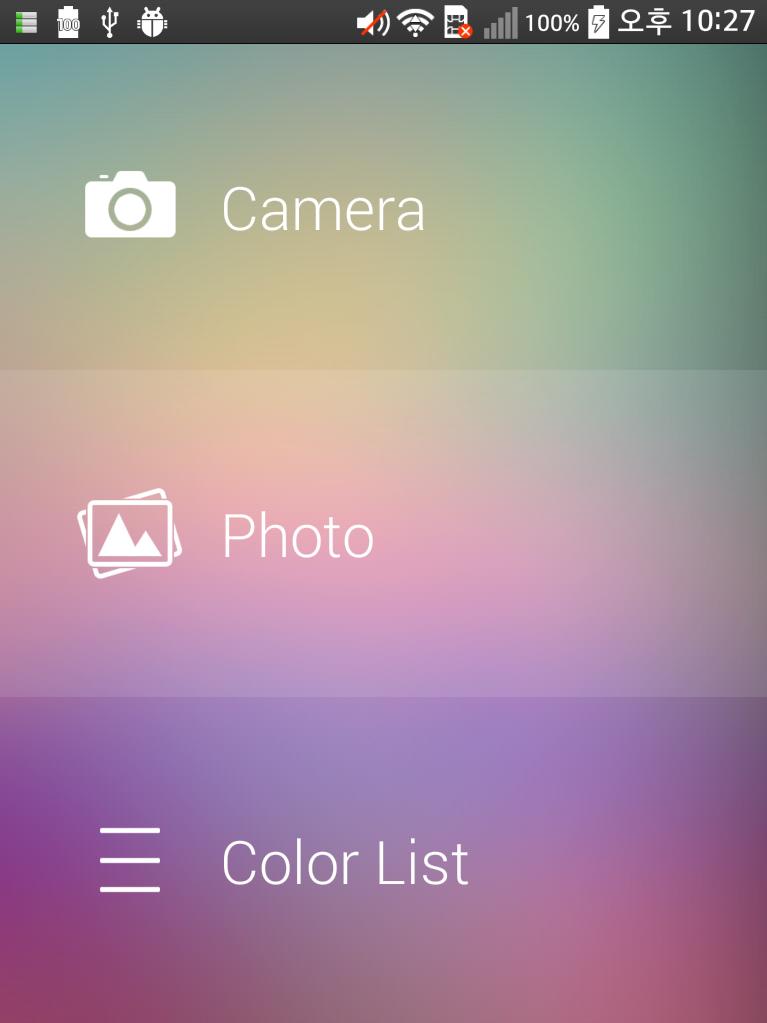
1. take a picture or choose a photo.
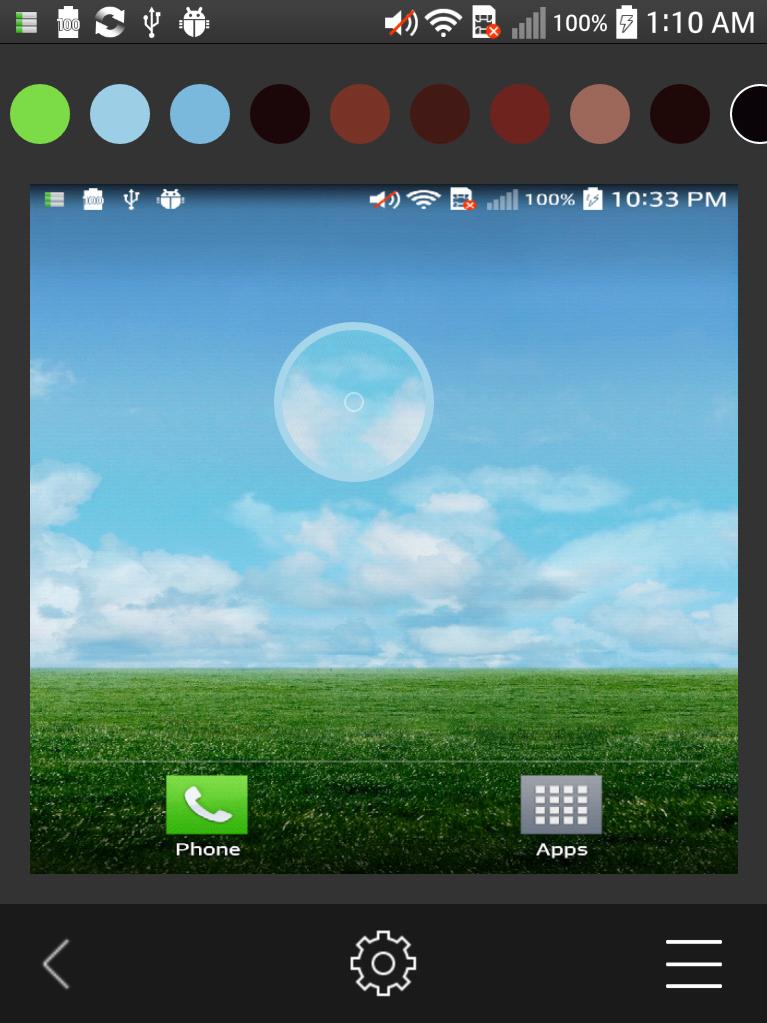
2. Extract color from Image.
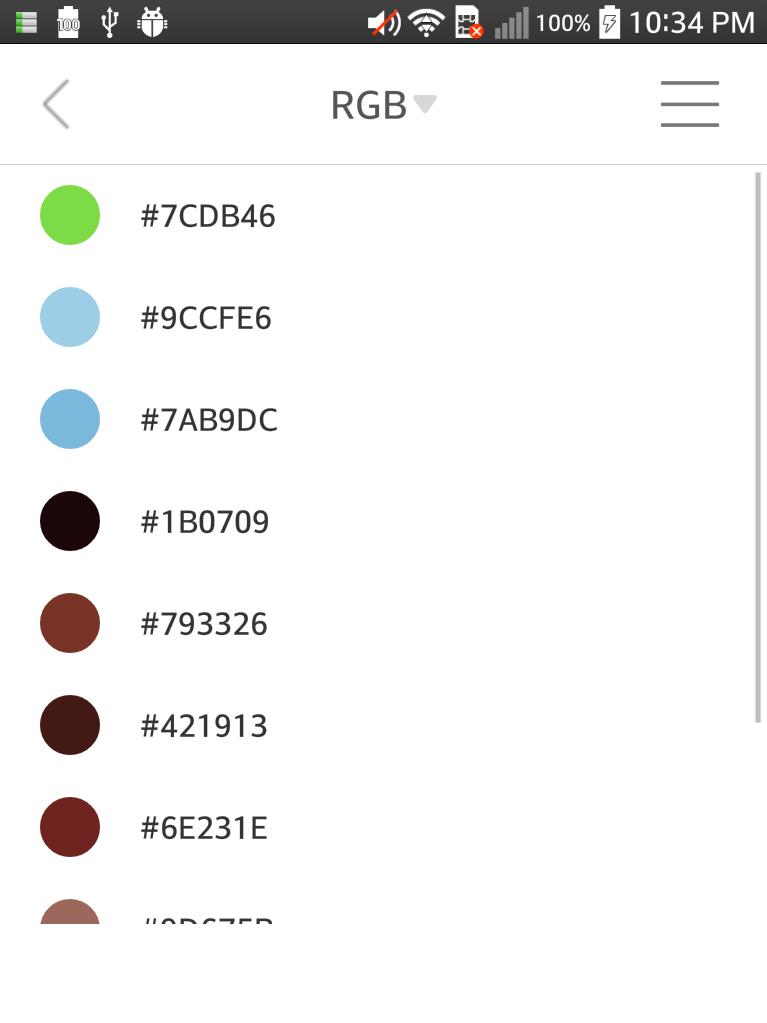
3. Click extracted color, then, show you color info.
4. if you click color info, it is copied in clipboard.
Color Formats
• CSS HEX
• CSS RGB
• CSS RGBA
• CSS HSL
• HEX
• RGB
• RGBA
• HSL
• HSV
• CMYK
Latest Version
1.0.2Uploaded by
Damir Sehic
Requires Android
Android 4.1+
Category
Free Photography AppContent Rating
Unrated · Warning – content has not yet been rated. Unrated apps may potentially contain content appropriate for mature audiences only.
Report
Flag as inappropriateLast updated on Aug 7, 2015
1. modify color add error





APKPure - A multi-platform app store primarily focused on Android, providing extensive app-related content. Discover the app you want easier, faster, and safer, with quick and efficient downloads and installations.