

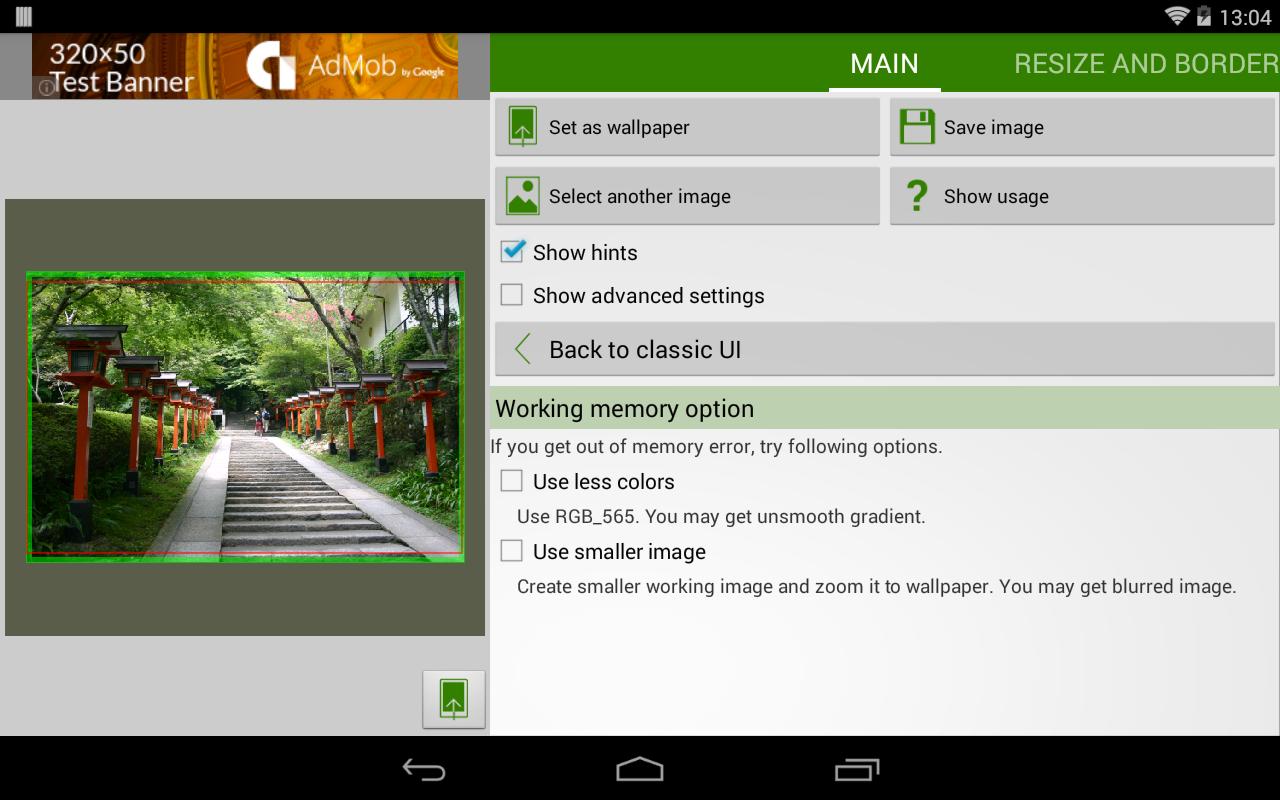
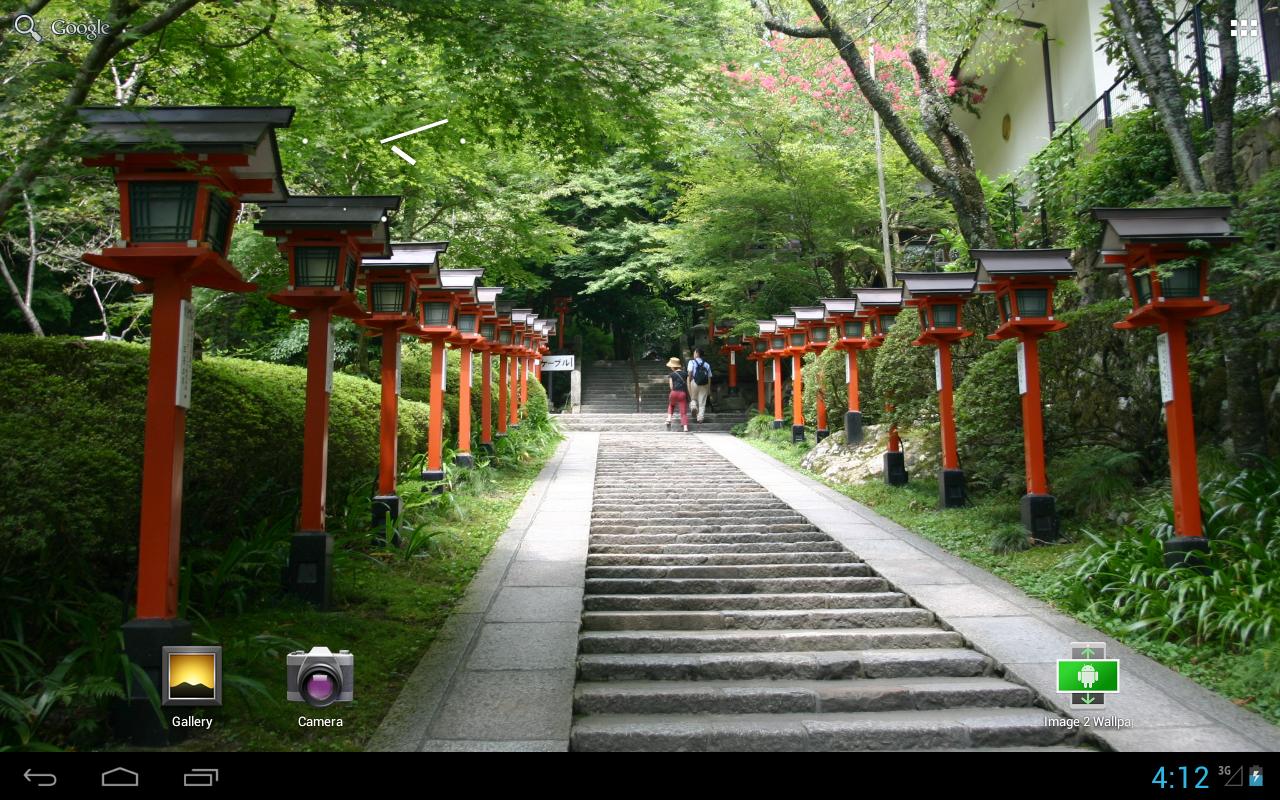
Image 2 Wallpaper helps when your favorite photo doesn’t fit your home screen or gets cropped by default launchers. You select an image from the gallery or share it from another app, then preview and adjust before applying. It supports both phones and tablets, so results stay consistent across devices. The interface was refreshed in v2.0, yet you can switch back to the classic look if preferred. To get started, download Image 2 Wallpaper.
Flexible sizing and placement
Resize an image freely or fit it to the home screen. If needed, keep the original size with Dot by Dot. You can align the picture anywhere or snap it to screen and wallpaper edges. Tiling is available, and you can retain margins and set their color for a clean border.
Edit before applying
Easy selection and saving
Pick a photo from the gallery, or share one from another app using Android’s share menu to open it here. Both phones and tablets are supported for consistent behavior. When finished, save the processed image to device storage for later use.
Interface options, limits, and tips
This app focuses on placing wallpapers precisely without unwanted cropping on phones and tablets. If you need quick control over sizing, alignment, and appearance, it keeps the steps straightforward from selection to save. Install the Image 2 Wallpaper APK to begin, and check the tips for launcher and lock screen behavior when necessary.
Latest Version
2.1.3Uploaded by
Raja Dhaliwal
Requires Android
Android 4.1+
Category
Free Tools AppContent Rating
Everyone
Report
Flag as inappropriateLast updated on Mar 11, 2019
v2.1.3
- Fixed an issue the app crashes in Android 9.
v2.1.2.
- Added Privacy Policy.





APKPure - A multi-platform app store primarily focused on Android, providing extensive app-related content. Discover the app you want easier, faster, and safer, with quick and efficient downloads and installations.











