
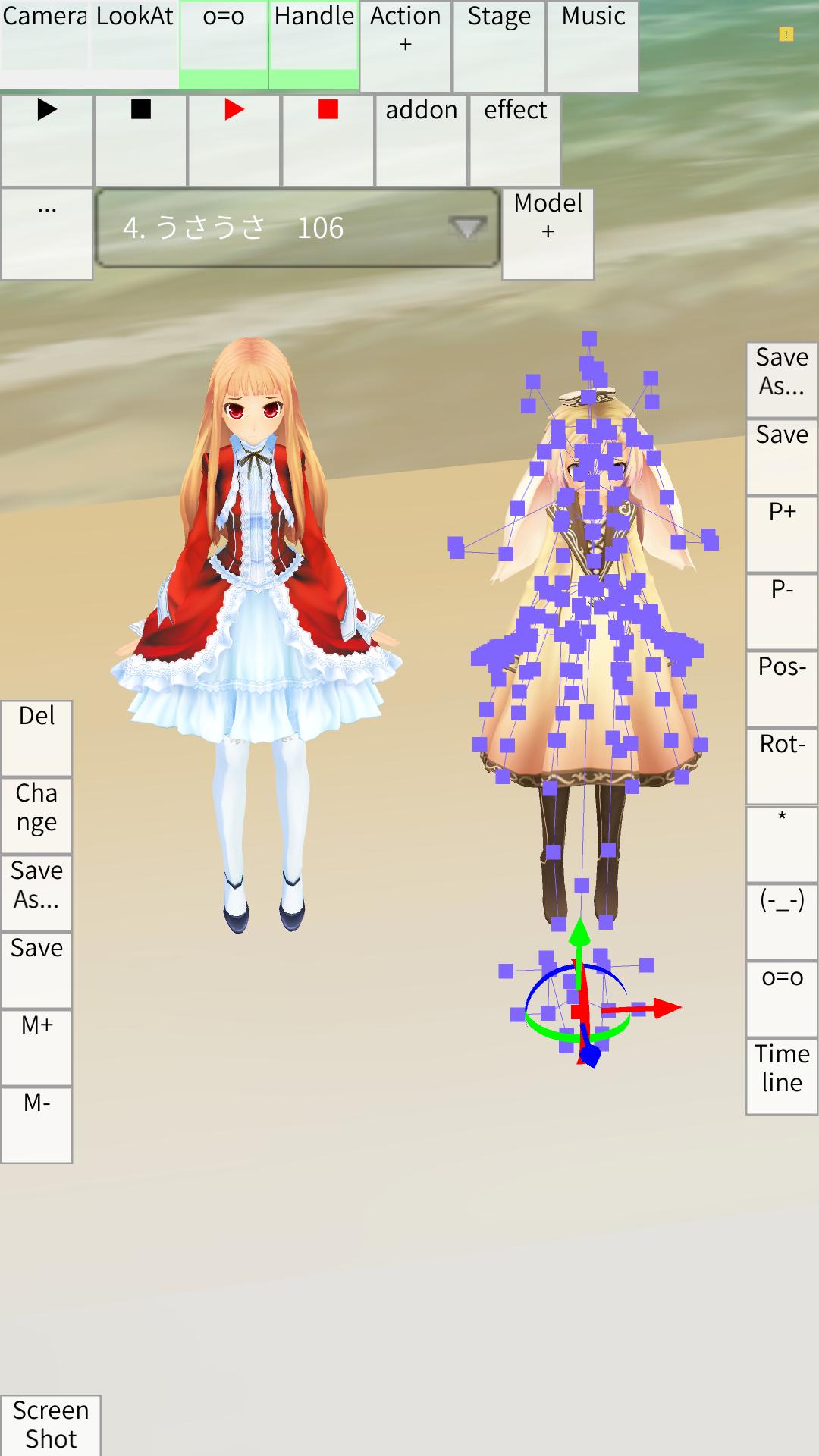
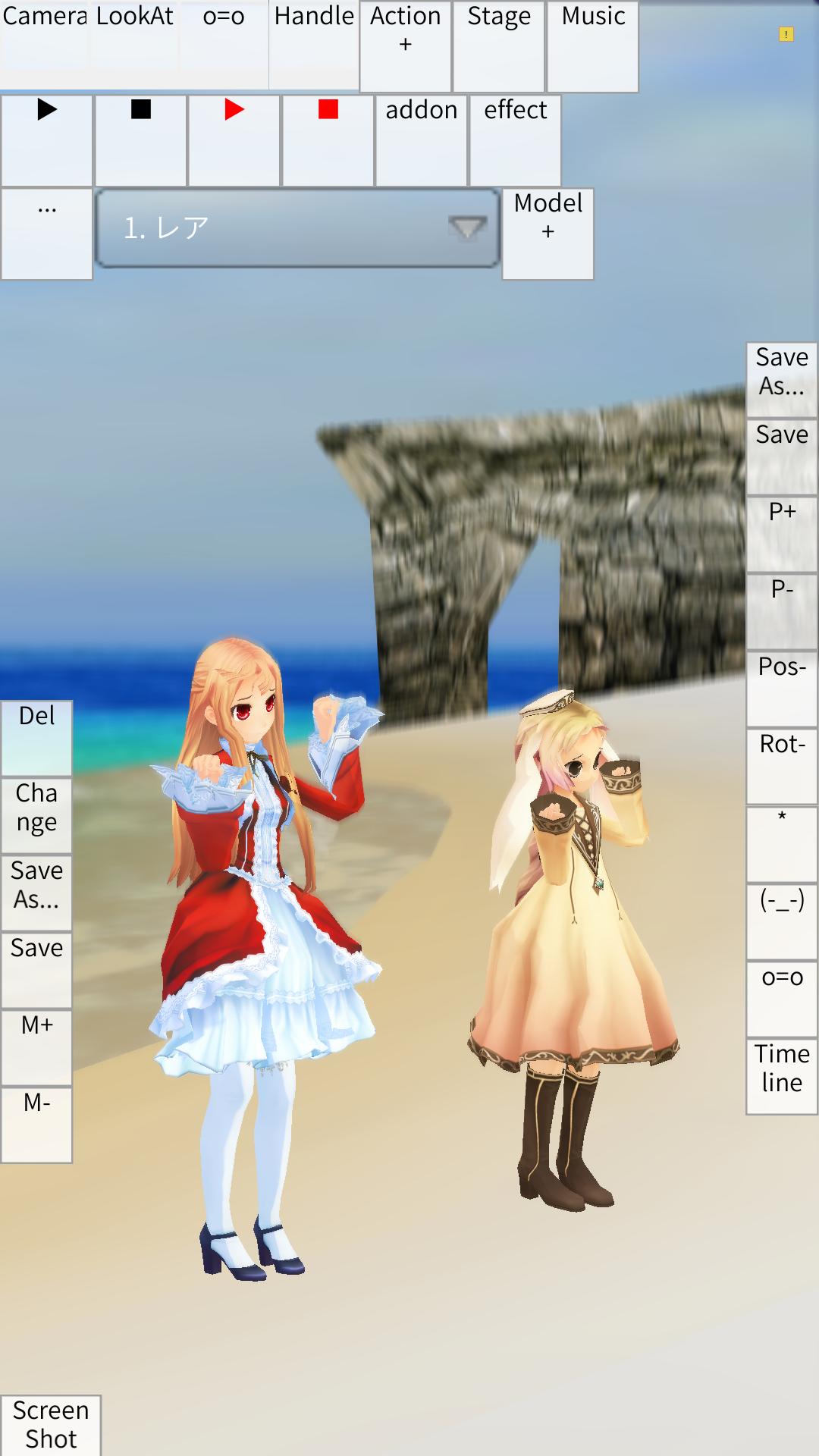
Illust Poser suits users who want to pose and preview 3D characters on Android. It loads model, motion, and pose files from local storage, then plays animations so you can confirm movement and expressions on the go. The app asks for storage write permission on first launch to open files properly. Additionally, interface scaling can make small buttons easier to tap on compact screens. To begin, use Illust Poser APK and prepare the files you plan to work with.
File format support
Illust Poser loads common resources so you can work with existing assets.
Pose and animation workflow
After placing your files, use Model Creation to add a character. Switch to Animation Creation, add a VMD motion, then press play to preview. For camera movement, select Camera/Lighting in Model Creation before adding motion. This lets you check dances and camera paths together.
Accessory registration
Attach props to bones so they move with the character. Load the accessory as a model, pick the target model and bone, then tap Register Accessory to bind it.
Timeline and expressions
Refine timing and facial changes with the Timeline. Select frame 0, adjust expressions in Pose Creation, then register the pose to frame 1 and play. If buttons are hard to tap, increase DPI from the Interface tab in video production mode.
Illust Poser offers a practical workflow for loading models, motions, poses, and audio, then previewing animations on mobile. Allow storage access during setup and use DPI adjustment if controls feel small. For the most stable experience, install the Illust Poser latest version and keep your files organized.
Latest Version
6.0.0Uploaded by
株式会社朝日健康システム
Requires Android
Android 5.0+
Category
Free Art & Design AppContent Rating
Everyone
Report
Flag as inappropriateLast updated on Dec 17, 2025
Minor bug fixes and improvements. Install or update to the newest version to check it out!






APKPure - A multi-platform app store primarily focused on Android, providing extensive app-related content. Discover the app you want easier, faster, and safer, with quick and efficient downloads and installations.