Package Name:com.iftp.app
SHA-256:3c51763bd8690b90152a6eef3a21bc8e3841d0b34371633c81b5a70b1cccedc4
Show More

Move files between your Android phone and your FTP server with IFTP. Save your connections, manage remote folders, stream supported media, and upload or download files from a pure black interface with lime accents.
TURN YOUR PHONE INTO AN FTP SERVER
Share accessible Internal storage and SD cards with your computer over private Wi-Fi. Grant Android storage access once; no folder selection is needed in All phone folders mode. Folder-only sharing is also available. Use a temporary password or choose anonymous access. Read-only is on by default, with optional uploads, renaming and deletion. Stop from the app or notification. Sessions end after one hour. Android protects private app data and system folders. Phone-server mode uses unencrypted FTP; use a trusted private network.
CONNECT WITH WINDOWS
Follow the in-app guide to add IFTP as a network location under This PC in Windows versions that support FTP folders. Browse and copy files using File Explorer, or connect with an FTP client such as FileZilla or WinSCP.
YOUR SERVERS, READY TO CONNECT
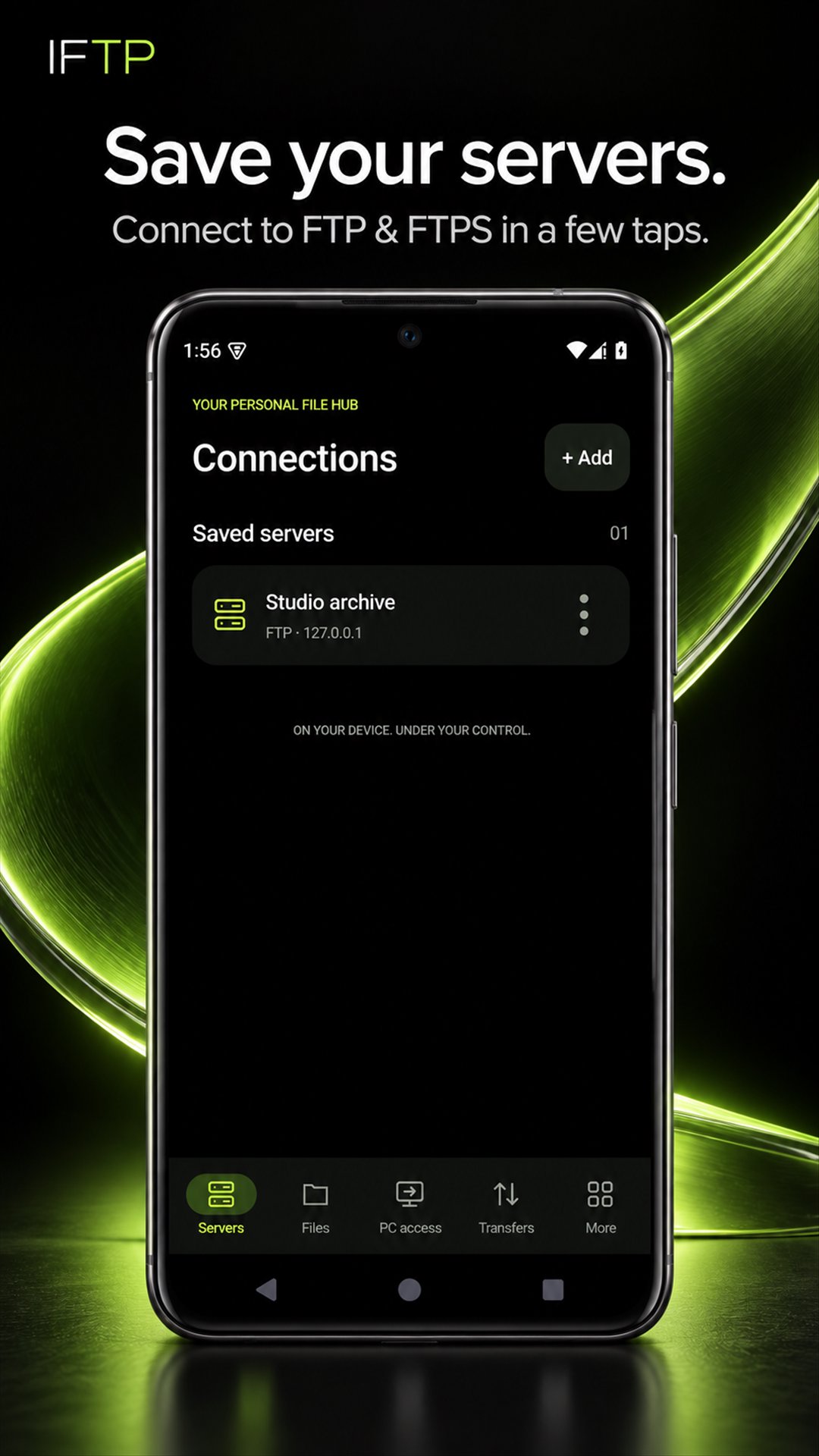
Save unlimited named connections with passwords encrypted on your device. Connect using FTP or FTPS with explicit or implicit TLS, and test a connection before you start working. Use your own server details; no IFTP account signup is needed.
MANAGE REMOTE FILES
Browse server directories, create folders, rename items and delete files or folders. Search and sort the remote listing to find what you need. Available operations depend on your server permissions.
CHOOSE FILES FROM YOUR PHONE
Use Android's system file picker to select files and folders. Select multiple files for upload and choose where to save downloads. Access is based on the locations you choose.
FOLLOW YOUR TRANSFERS
Upload files and folders, or download a remote folder with its subfolders and files. Follow background transfer progress and cancel when needed. Keep track of the work while switching apps. Transfers depend on your network, server availability and Android's background limits.
ZIP BEFORE UPLOADING
Package selected content into a ZIP before upload. ZIP is useful for keeping files together and can reduce the size of compressible content. Already-compressed videos and other compressed files may shrink very little or become slightly larger.
PLAY MEDIA FROM YOUR SERVER
Stream supported remote video and audio in the built-in player without downloading the entire file first. Playback and seeking depend on the media format, your device, connection and server support. You can also download files and open them in compatible apps on your phone.
START WITH THREE SIMPLE SLIDES
A short onboarding guide introduces the app, with a dark layout designed around your connections and files.
ADS AND YOUR CHOICES
IFTP contains ads. When a rewarded ad is available, you can choose to watch it for 15 minutes without ads. Saving connections and using file transfers do not require watching a rewarded ad. Privacy choices are presented where required.
BEFORE YOU CONNECT
For client mode, you need access to an FTP or FTPS server. Phone-server mode instead runs on your own phone and needs a compatible FTP client on the computer. File transfers and media playback connect directly to the server you choose; advertising services make separate network requests. Plain FTP does not encrypt credentials or files in transit. Use FTPS when your server supports it. SFTP and automatic transfer resume are not included.
Latest Version
1.2.2Uploaded by
Martin Andrš
Requires Android
Category
Free Tools AppContent Rating
Everyone
Security Report
Check Now
Report
Flag as inappropriateLast updated on Oct 2, 2026
This release includes minor bug fixes and general improvements. Update to the latest version for the best experience.





APKPure - A multi-platform app store primarily focused on Android, providing extensive app-related content. Discover the app you want easier, faster, and safer, with quick and efficient downloads and installations.