Qsync for Android
Prerequisites:
- Android 4.4 or later
- A QNAP NAS running QTS 4.2.0 or later and Qsync Central
Qsync lets you access your Qsync folder from your Android device, edit offline, and sync files back to the NAS. Access important files anytime, anywhere!
The main features of Qsync:
- Easy Access: Move, copy, rename, and delete files in your Qsync folder, or from other shared folders on your NAS. Computers, cellphones and tablets can all see the same files.
- Offline file editing: Download files from the NAS to your Android device, and then edit them with no internet connection. Offline files can be automatically synced with the NAS when your Android device is charging or connected to Wi-Fi.
- Sync files to the NAS: Automatically upload files from any local Android folder to the NAS. Important data is always backed up and available.
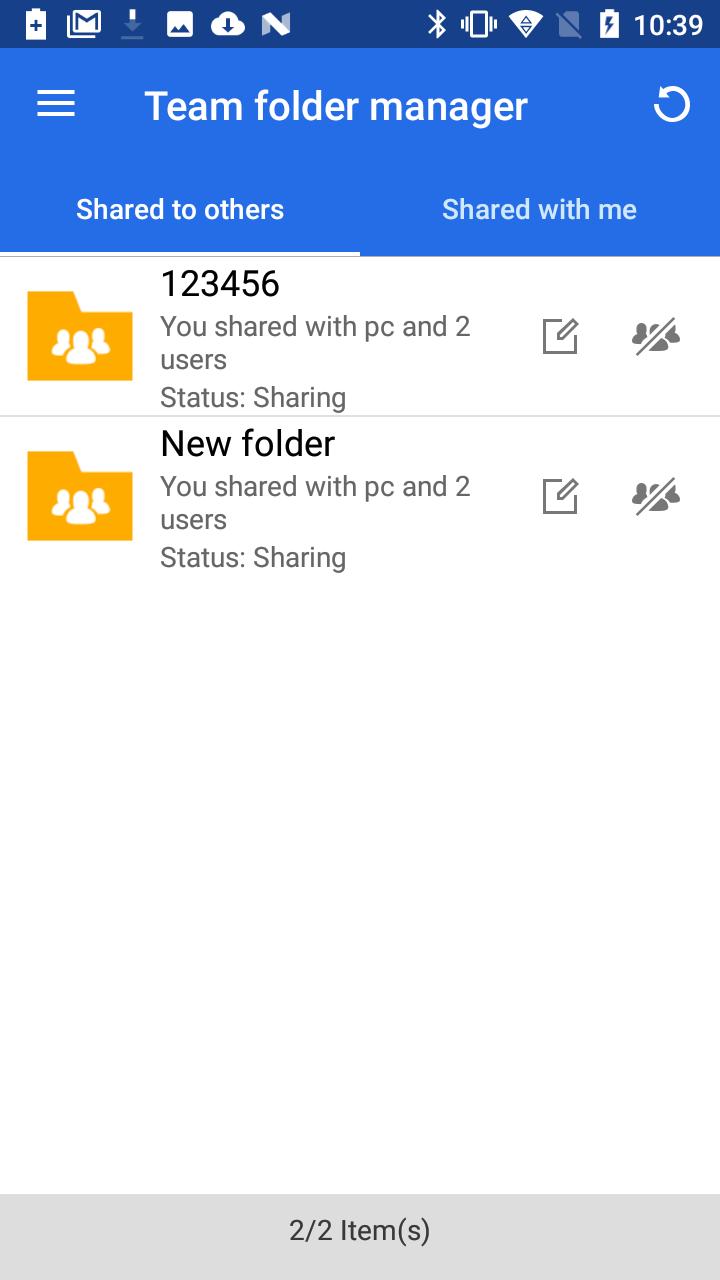
- Easy sharing: Create a link to a file, and then share it with your colleagues using Email, SMS, or another app such as Whatsapp, LINE, or Wechat. You can also share a Qsync team folder for collaboration using multiple files.
- Multimedia Playback: Qsync can stream music, videos, and photos directly from your NAS. No need to worry about the storage space of your phone or tablet.
Versi Terbaru
2.0.9.0121Diunggah oleh
Abhiram Mani
Perlu Android versi
Android 5.0+
Kategori
Gratis Produktivitas APLIKASIRating konten
Everyone
Last updated on Feb 11, 2020
[Important Notes]
Changed the name “CloudLink” to "myQNAPcloud Link".





APKPure - Toko aplikasi multi-platform yang terutama berfokus pada Android, menyediakan konten terkait aplikasi yang luas. Temukan aplikasi yang Anda inginkan dengan lebih mudah, cepat, dan aman, dengan unduhan dan pemasangan yang cepat dan efisien.