
Panels is a unique application that gives you control over your smartphone in a very simple way.
Panels is the first of it's kind where it has all the most used android features built into it, all just a swipe or a click away.
Replace your App Drawer with Panels.
Activation Methods : Use any one of the below mentioned methods or both at the same time.
*Overlay Service Method : This method allows you to swipe from the edge of your screen to activate Panels
*Shortcut Method : You can use the create shortcut feature in the settings menu which places a shortcut on your home screen and access panels with just a click.
Panels:
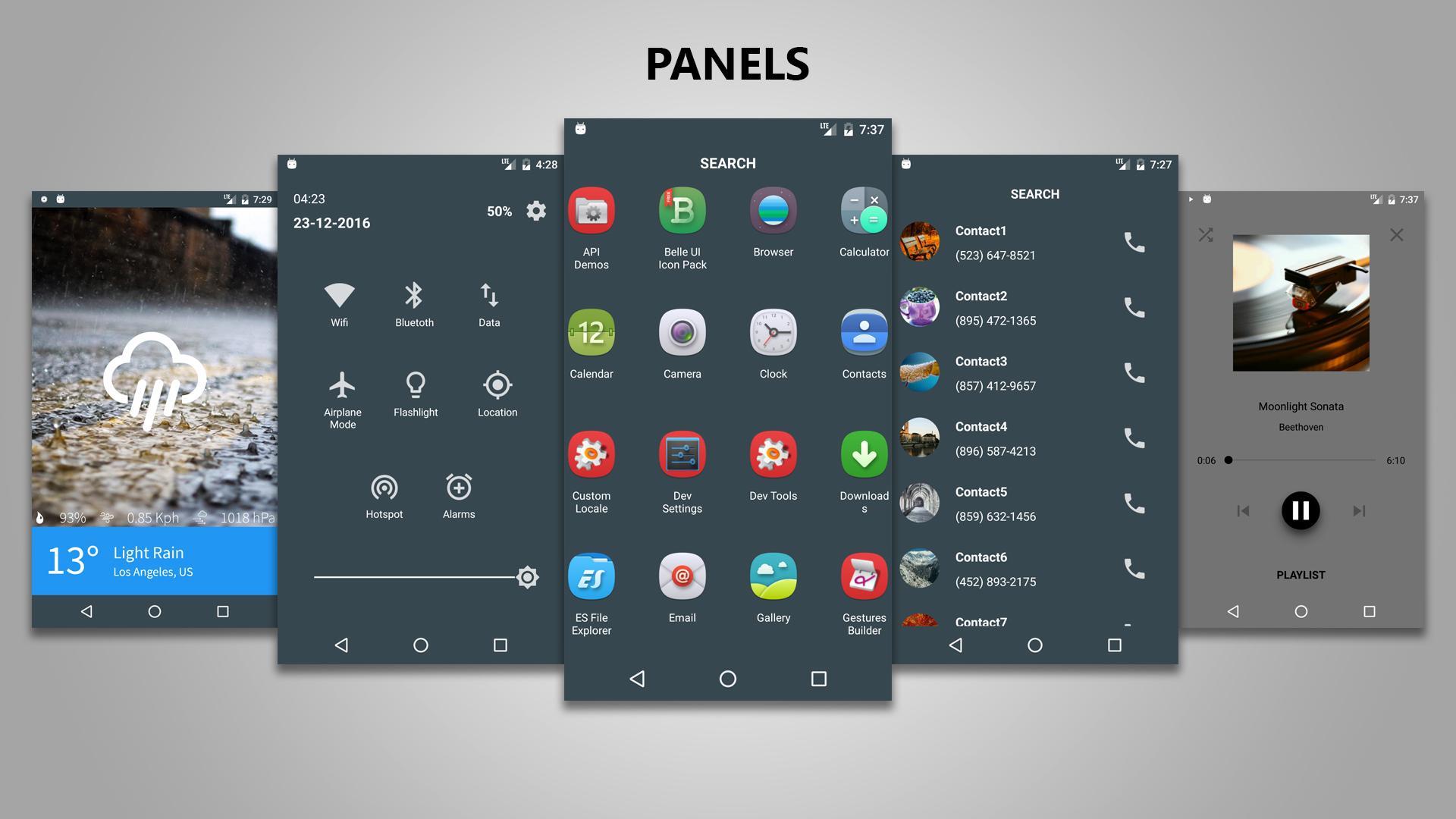
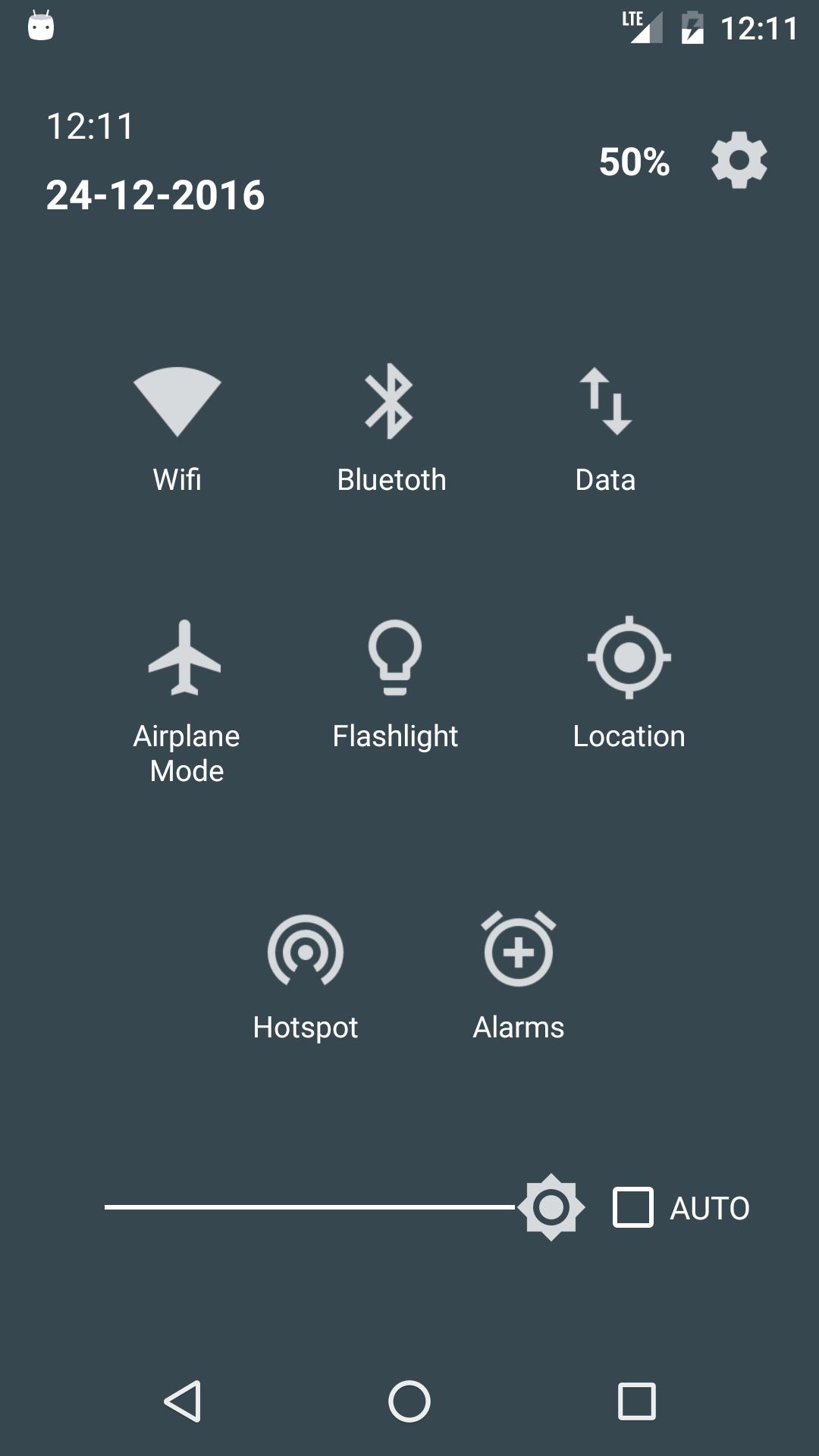
*Quick Settings : This Panel provides Quick Setting Toggles, Date/Time indicator, Battery indicator and a Brightness Slider with Brightness mode switcher.
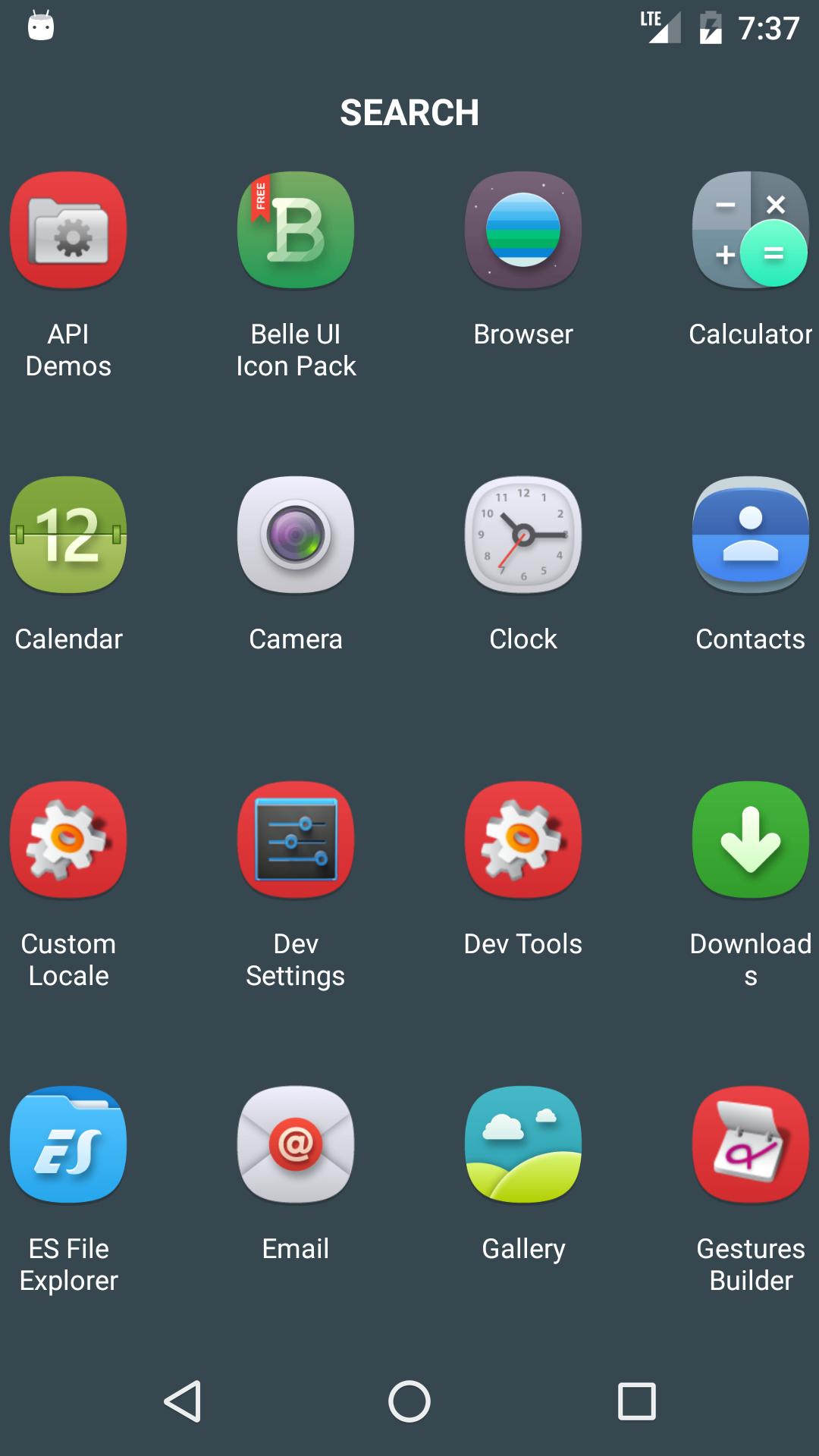
*Apps Panel : This panels shows you a list of all the apps installed on your phone. Icon packs are supported and icon size is customizable.
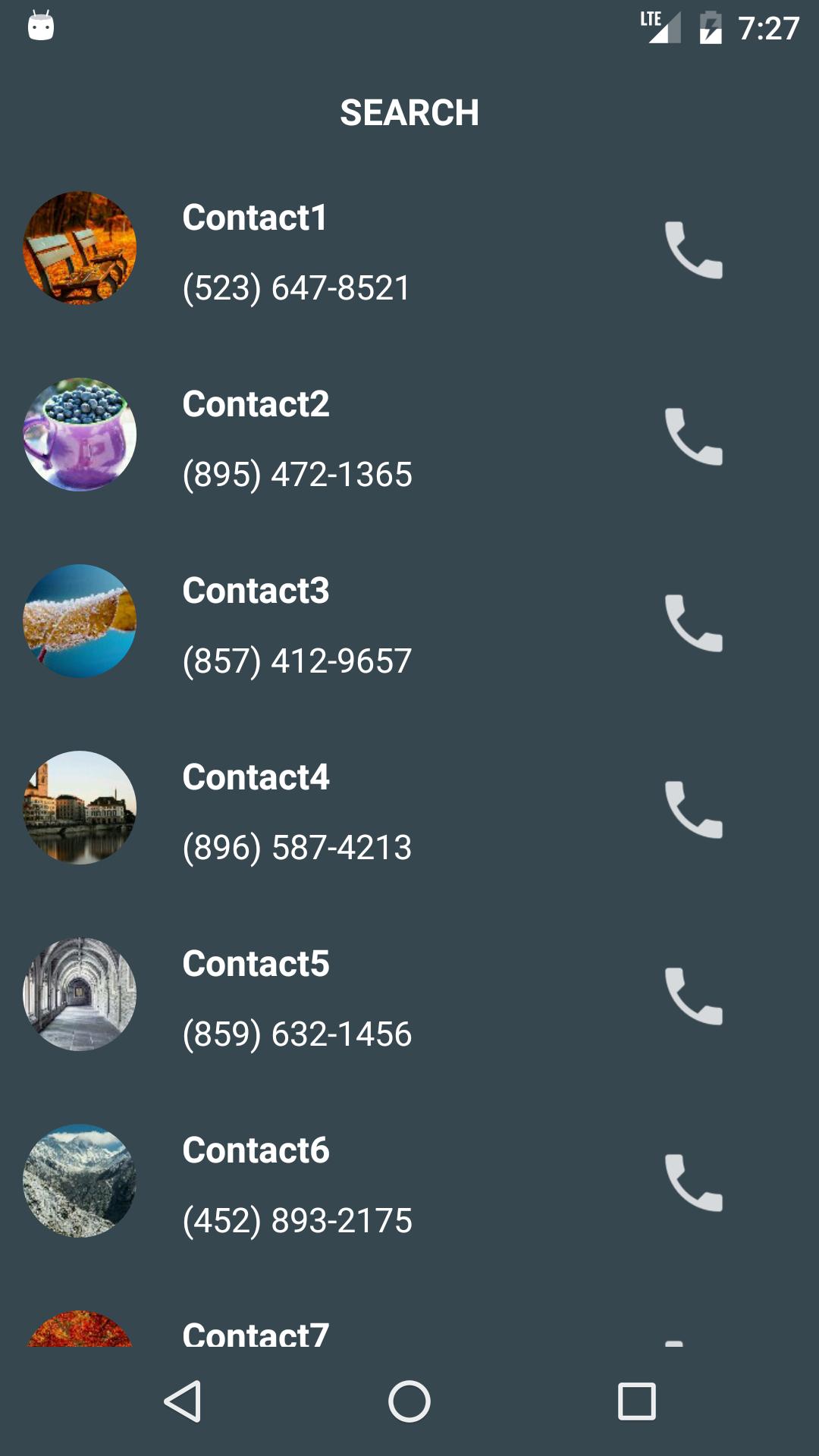
*Contacts Panel : This Panel shows a list all the contacts on your phone. You can View/Call/Copy any number you want from the list.
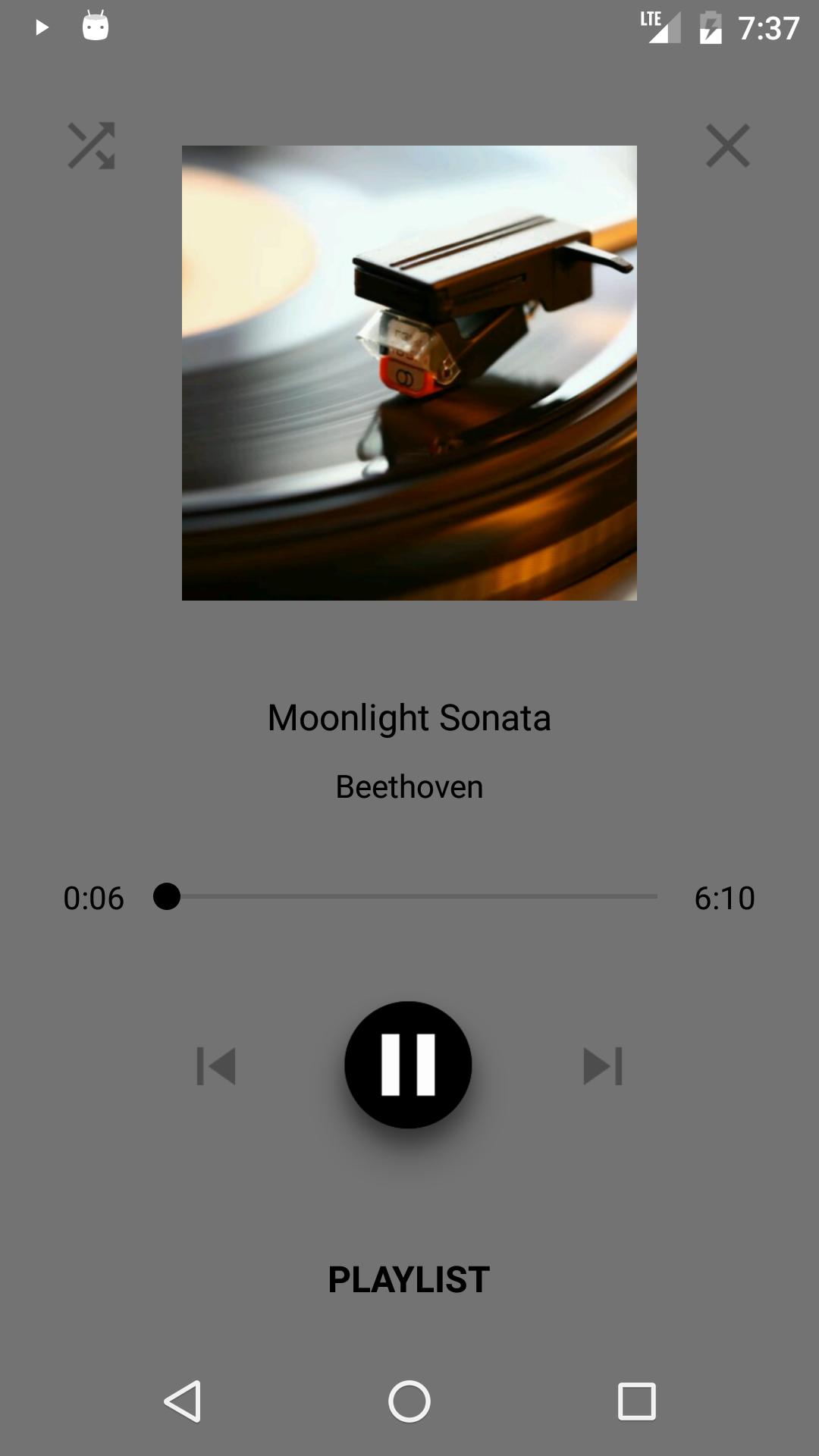
*Music Controller : This Panel lets you control the various music players on your android device. It shows album art with dynamic background that changes color based on the art.
*Music Player : Panels has a light-weight Music Player built into it that shows you a list all the songs on your device. It has search and shuffle functionalities built into it. This Panel can be enabled from the setting menu.
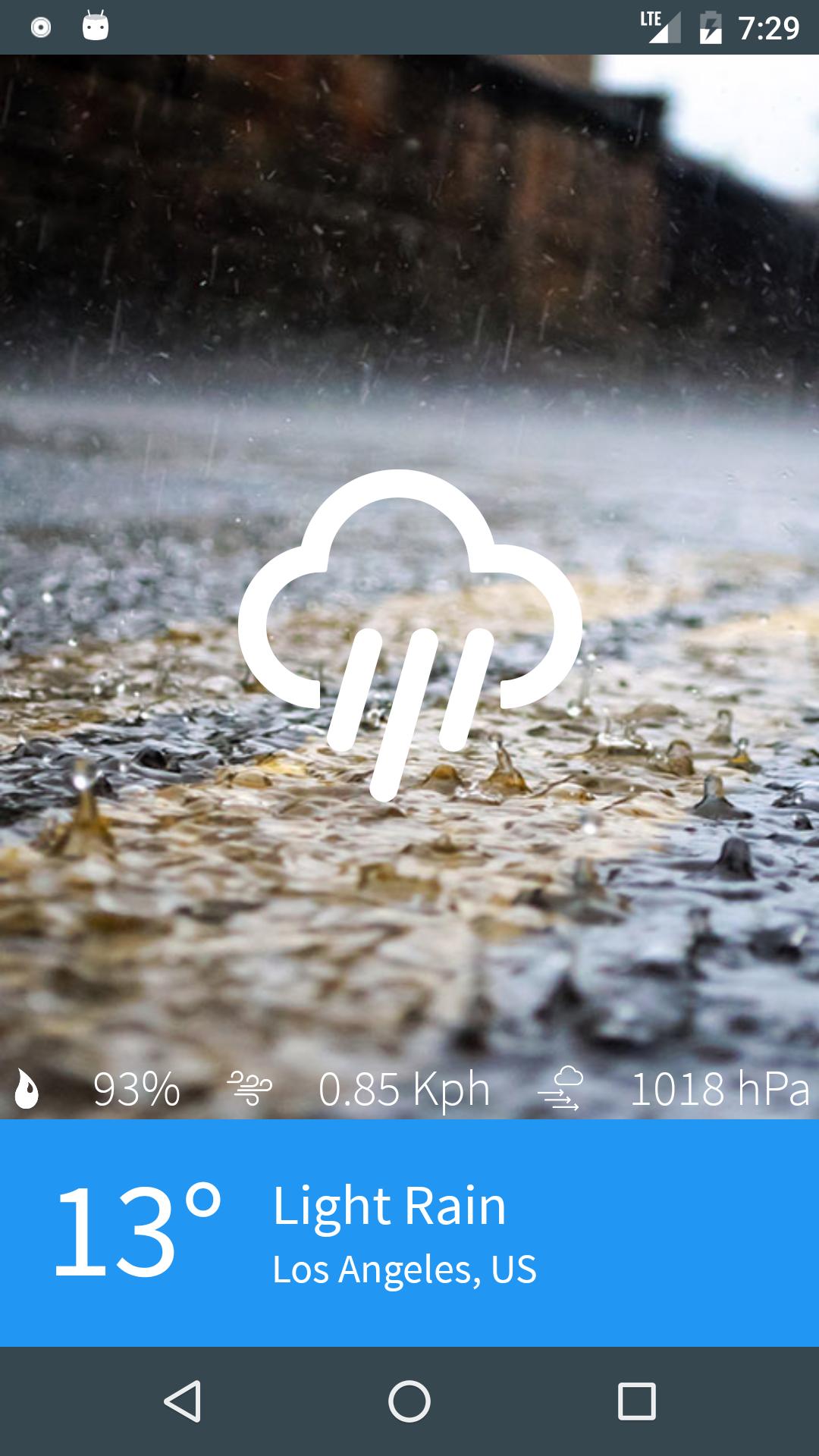
*Weather Panel : This Panel shows you the current weather info based on your location. Temperature, Humidity, Pressure, Wind Speed are shown along with changing backgrounds based on the weather conditions.
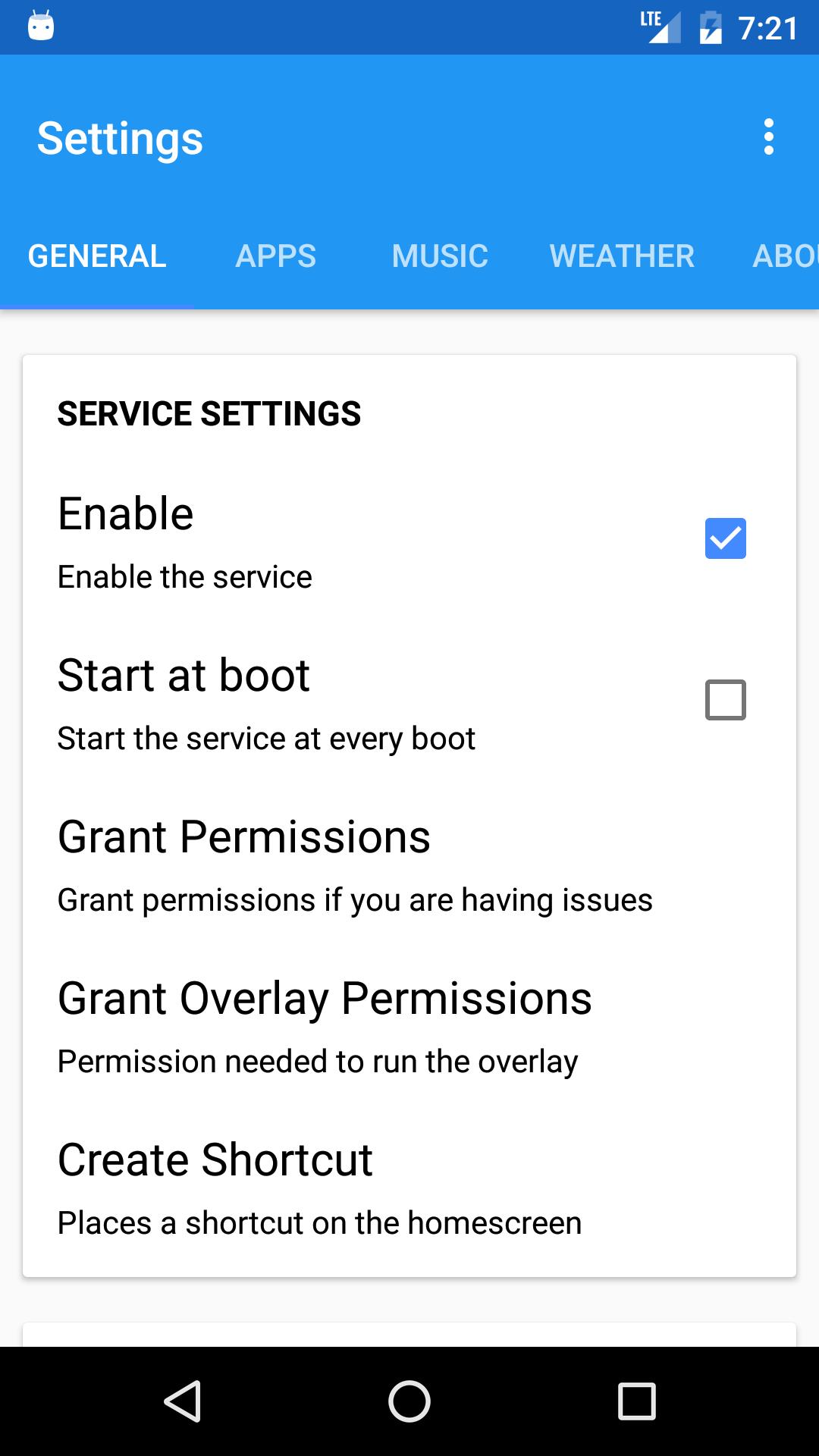
*Settings Menu : Provides Customization features such as Changing the icon pack, icon size, enabling music player, edge configuration settings such as edge side , gravity, edge height and width.
Pro features : With the pro version you can
Change icon packs
Change icon size
Select Animation
Enable the music player
Upcoming Features :
1) New Panels
2) Change Panel Order
3) Disable certain panels
4) Themes and color options.
5) Root Mode
Note :
1) While using the Overlay Method there is a 5 second delay when launching panels with a swipe from the edge after pressing the home button. This delay is not a bug or problem with the app. This delay is caused due to android security feature that doesn't allow services to launch any apps within 5 seconds of a home button press.
Please don't leave a negative review because of this.
2) A workaround for the 5 second delay is to create a shortcut from the settings menu.
Whenever you press the Home button launch panels using the shortcut. There won't be any delay.
3) Some Quick Setting toggles will take you to the settings screen of the corresponding item, this is because android doesn't allow applications to toggle some settings such as data or location. This can be done only with root access. Root mode will be added in later updates, so if you have a rooted phone expect this feature in the coming updates.
4) Read the documentation provided in the about page to know more information about the permissions used and why they are used.
Versi Terbaru
1.0Diunggah oleh
Luis Soares
Perlu Android versi
Android 5.0+
Kategori
Gratis Alat APLIKASIRating konten
EveryoneLearn More · Everyone
Last updated on Mar 28, 2017
Versi ini berisi perbaikan bug kecil dan peningkatan umum. Update ke versi terbaru untuk mendapatkan pengalaman terbaik.


APKPure - Toko aplikasi multi-platform yang terutama berfokus pada Android, menyediakan konten terkait aplikasi yang luas. Temukan aplikasi yang Anda inginkan dengan lebih mudah, cepat, dan aman, dengan unduhan dan pemasangan yang cepat dan efisien.