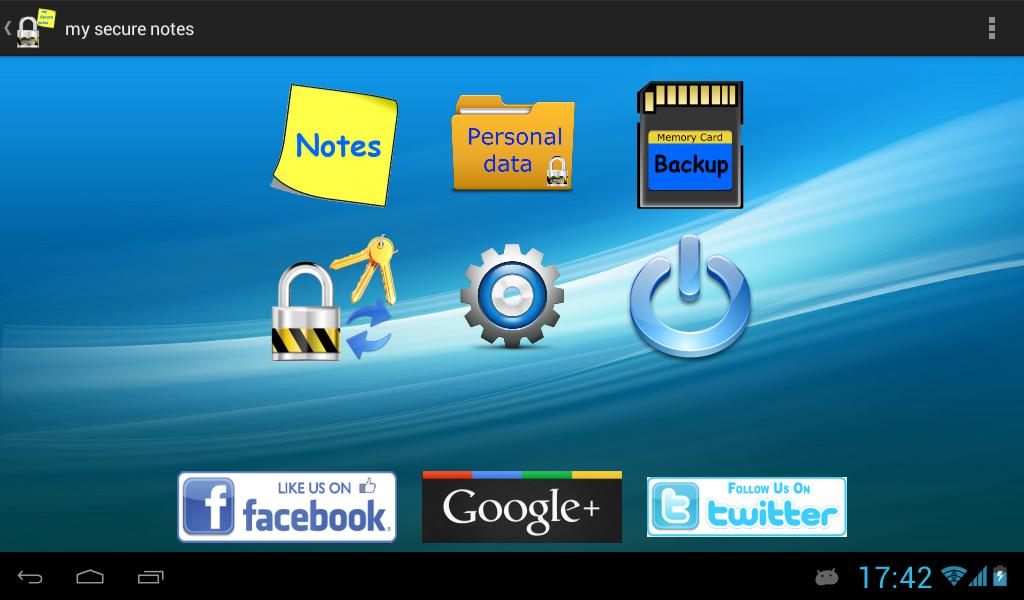
Protect your personal data fast and easy with "my Secure Notes"
Why "my Secure Notes":
* Is fast
* Is simple
* Is secure
For users with Samsung with Android 6.0+
You must enable "use SD card" or else backup function will fail to write on SD card.
This option is at Phone settings -> Applications -> my Secure Notes -> Use SD card
Keep all your personal data, even simple notes, protected (encrypted) with just one master password.
It's very simple and fast.
Default password is 1234
The application uses as a second key the IMEI from your device. So, if data copied to another device, to decrypt them you must know the IMEI of the device that they encrypted.
In case you want to transfer your data to another device use backup / restore method.
Keep the IMEI from the phone that you create the backup,
Goto to settings and set "Use different IMEI" to TRUE
At the next option "Select your own IMEI number" write the IMEI of the device that you make the backup
WARNING: After Restore, Do NOT open any note or personal data before write the correct IMEI number.
Translations: Arabic, English, French, German, Greek, Japanese, Spanish, Italian, Chinese, Korean, Dutch, Portuguese, Russian, Turkish, Czech, Hindi
Versi Terbaru
2.8.0Diunggah oleh
Đảm Đang
Perlu Android versi
Android 4.0+
Kategori
Gratis Alat APLIKASIRating konten
Everyone
Last updated on Mar 5, 2016
Added the ability to create your own categories into personal data and change icon of each category





APKPure - Toko aplikasi multi-platform yang terutama berfokus pada Android, menyediakan konten terkait aplikasi yang luas. Temukan aplikasi yang Anda inginkan dengan lebih mudah, cepat, dan aman, dengan unduhan dan pemasangan yang cepat dan efisien.