Package Name:com.app.icon.changer.icon.customizer
SHA-256:8b5221f5f4bd869d949cc65452c33d76fd7571925ae80ef93a74132ab17a1e26
Show More

Get widgets, themes and Custom Icons using Icon Changer. This App Customizer is a completely free and practical App Changer application. Change App Icon with inbuilt Shortcut feature provided by the Android system to help you change
themes and widgets and Customize Icon and name of any application. In App Changer, we have dozens of icons customizer and styles inside the app, which can also be selected from the camera or gallery.
App Customizer will create a Shortcut with a New Icon customizer on the home screen. Icon Changer is very helpful in setting home screen widgets and shortcut icons that will look like change icon feature.
There are some icons for apps free which you can use for your app's icon and change icons. It is like app cover so that you can cover app widget as you intend.
With App Customizer you can customize themes and App Icons to organize or hide the original icons. By using App Customizer Replace your default app icons with Custom App Icons for all of your apps.
In our Icon Changer you can explore dozens of different icon themes which are available in the app(contains emojis, some colored icons) which can be used as app cover. Set entire icon packs in seconds with
Color Widget’s quick export, or select the icons from your camera roll or gallery to use in the Shortcuts app.
`
No doubt we provide the best Icon Changer to change icons of apps but not limited to get widgets theme Icon Changer app also allows our users to create Custom App Icons with the help
of our icon customizer (maker) or icon creator feature. For creating Custom App Icons select custom colors from the color palette, customize your Custom Icons, and can resize the icon of the desired app.
We hope after installing this amazing icon App Changer you’ll be happy and satisfied. There are lots of icons available in this Icon Pack app such as stylish icons as app cover,
flame icons customizer, free social media icons customizer and disguise app icon maker. You can choose any icon from the list and set on any app to Change App Icon Maker.
How to Use
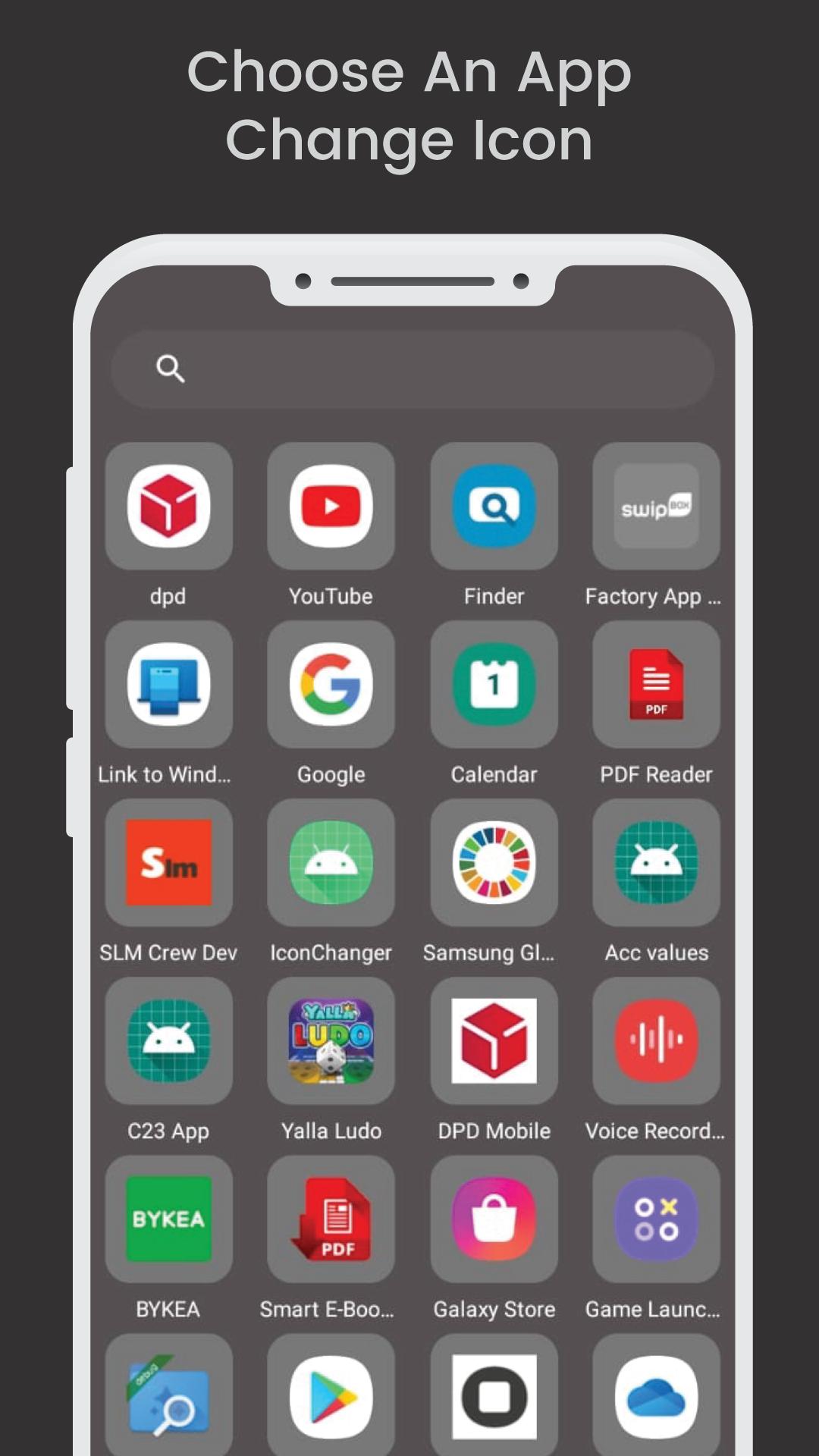
1. Select the app from the apps list to change icon
2. Select which feature you want to use like set another app icon, set icon from emojis, select form camera/gallery or create your own icon from app icon maker.
3. Change app name if you want to also change the name and click on export to change icon.
4. A popup will appear which will ask you to confirm the widget on home screen.
5. Click on Ok and it will create a widget icon on the home screen.
5. The widget of our app will be opened automatically. After that you can Change App Icon without any Watermarks.
App Icon Changer covers all apps to create shortcut icons and Custom Icons and no need to wander how just follow the simple steps to create shortcut icons. Just install this new icon pack and make your mobile
theme a wonderful and free icon pack for Custom Icons. You’ll never disappoint to have a beautiful icon customizer.
Customize your shortcuts and bring a new look to your phone's home screen - clean and fast. Download Get widgets theme icon changer and change icons for free, and you will decorate your phone
display. With lots of customizable effects on icons, this home screen application image changer also offers you the ability to create shortcuts to match your phone wallpaper only!
Latest Version
1.0.4Uploaded by
Yudistira Iyong
Requires Android
Android 8.0+
Category
Free Tools AppContent Rating
Everyone
Security Report
Check Now
Report
Flag as inappropriateLast updated on Feb 2, 2026
App improved. Bugs fixed



APKPure - A multi-platform app store primarily focused on Android, providing extensive app-related content. Discover the app you want easier, faster, and safer, with quick and efficient downloads and installations.