Scan Date:Mar 13, 2026
Show More

A launcher is not just a home, it needs to be an experience.
👨💻 Support Chat: t.me/HyperionHub
🗞 Hyperion Dock (Enable Google Feed): prjkt.io/dock
We believe that not only should everyone deserve a sweet, feature-filled launcher with a beautiful UX, we wanted it to always be up to date with the best of what Google has to offer at a consistent pace, as well as consistently pushing new tweaks and customization options that users want...without the bloat!
We streamlined this launcher for ourselves; by bringing the best features we love from many launchers found on the market and creating a unified experience - we can truly call this home. As usual, we have everything that a typical Launcher3 based launcher has, but much more!
Features:
★ Colours:
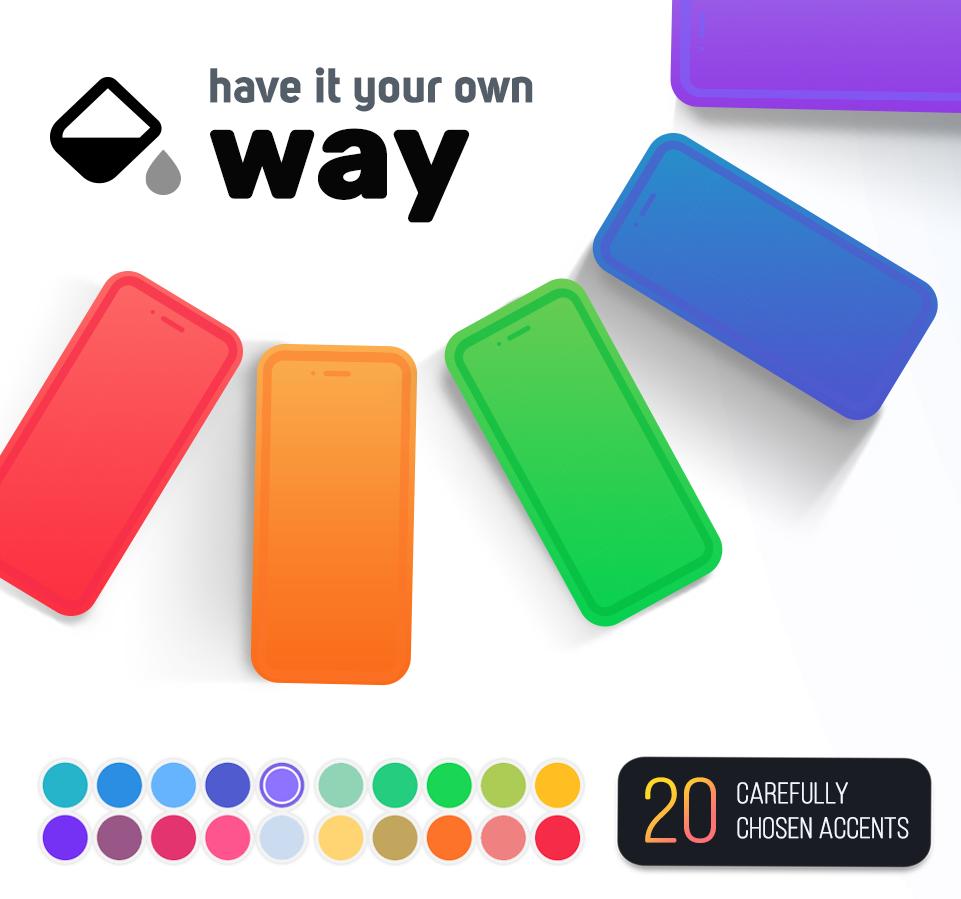
• Launcher and accent theming: with an intricately designed theme by Manuel Möllmann (Deep Darkness Theme)
• Drawer background; glow adjustments and scrolling indicator colour
• Dock background colour
• Folder background colour
• Search widget colours (Drawer/Dock)
• Smart widget colours
★ Iconography:
• Desktop, Drawer and dock icon changes (Icon size, Label size, Text colour, Text shadows, Multiple lines)
• Adaptive icon shaping
★ Typography:
• Full launcher font change (Pro!)
★ Interface:
• Covers: For folders, you can swipe up to open or mask the folder with a main icon
• Icon packs: View your icon pack changes immediately without quitting activities!
• Hidden apps
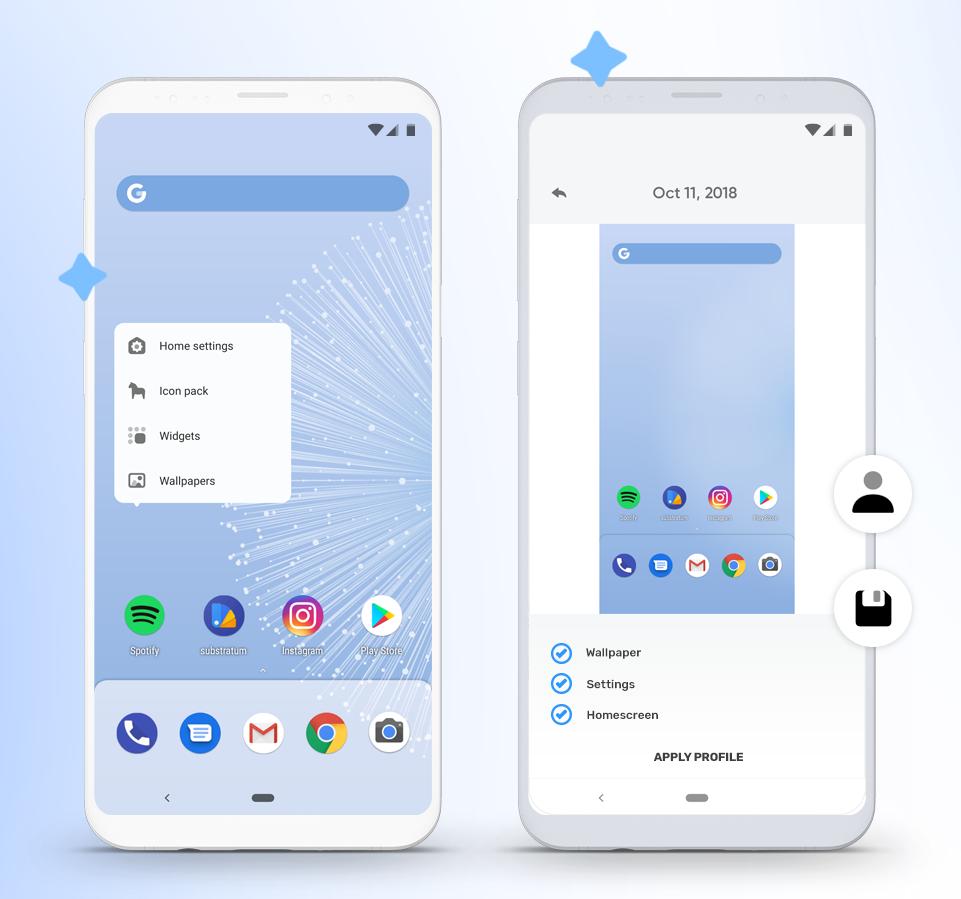
• Overview menu items: Adjust what you want when long pressing the home screen
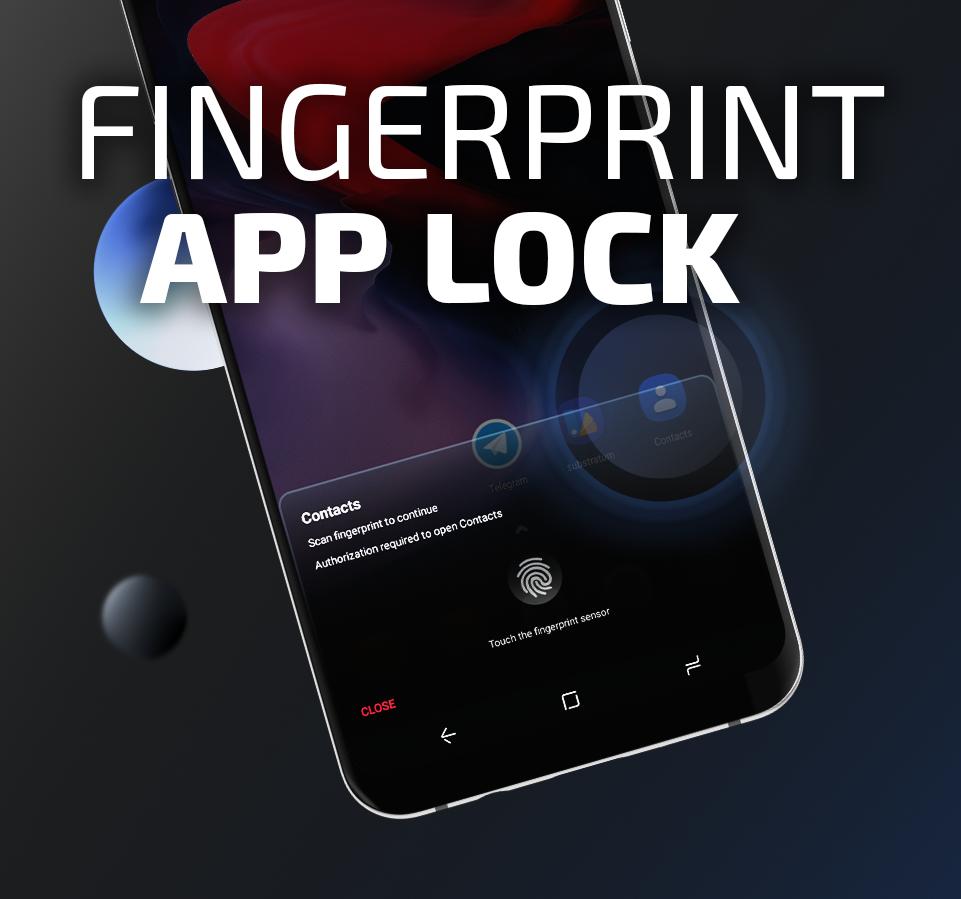
• App launch locking (Launcher level only, will not prevent launch from other places)
• Desktop locking (includes temporary unlocking)
• Scrolling wallpaper
• Status bar and navigation bar icon colouring (Wallpaper/Dark/Light)
• Wallpaper gradient adjustments
• Homescreen wallpaper dimming on dark mode
• Drawer and Dock blur
• Navigation bar display
• Google Feed (Hyperion Dock)
• Remembering app drawer position/Automatically close
• Dock/Page indicator styling
• Dock styling and shadow
• Two row dock
• Automatically hide Icon Pack/Substratum theme dashboards and other dashboards (Pro!)
★ Grids:
• Desktop, Drawer and Dock
★ Widgets:
• Google Search Widget
• Google Smart Widget (Pro!): Does not need a launcher plugin/bypass!
★ Custom Gestures (Pro!):
• One/Two finger double tap, swipe up, swipe down
★ Animations:
• Launcher animation speed
• App launch animation
• Fade on swipe transition
• Bounce physics
★ Profile manager:
• Visual, always shows you a screen of what your set up looks like!
Credits and acknowledgements:
We would like to give thanks to a ton of people who worked and contributed with our development team throughout the whole process!
🎨 Manuel Möllmann
🖌️ Max Patchs
💻 Amir Zaidi
💻 PaphonB
💬 Till Kottmann/David Siedtmann (Lawnchair Team)
Permissions overview:
🔎 Query all apps: To show apps installed on your device.
💿 Storage: We use storage only for wallpaper extraction for adaptive colors and backing up and restoring profiles.
📅 Calendar: To show events on your desktop.
🛰️ Location: For an automatic weather reading on your desktop.
🛠 Accessibility: To lock the screen or show the recent apps screen triggered by custom tap or swipe gestures.
🔑 Device Administrator: To lock the screen triggered by custom tap or swipe gestures.
Latest Version
2.1.22Uploaded by
林佳萱
Requires Android
Category
Free Personalization AppContent Rating
Everyone
Security Report
Report
Flag as inappropriateLast updated on Mar 13, 2026
Hyperion 2 is here! 🚀
With all-new theming system, home transition animation and tons of improvements. This update is the biggest one we've ever made!
Read more https://twitter.com/prjkt_io/status/1551634894593626112
Note: Soon, Hyperion will only support Android 6 and newer. Android 5 users can continue using current version of Hyperion.




APKPure - A multi-platform app store primarily focused on Android, providing extensive app-related content. Discover the app you want easier, faster, and safer, with quick and efficient downloads and installations.