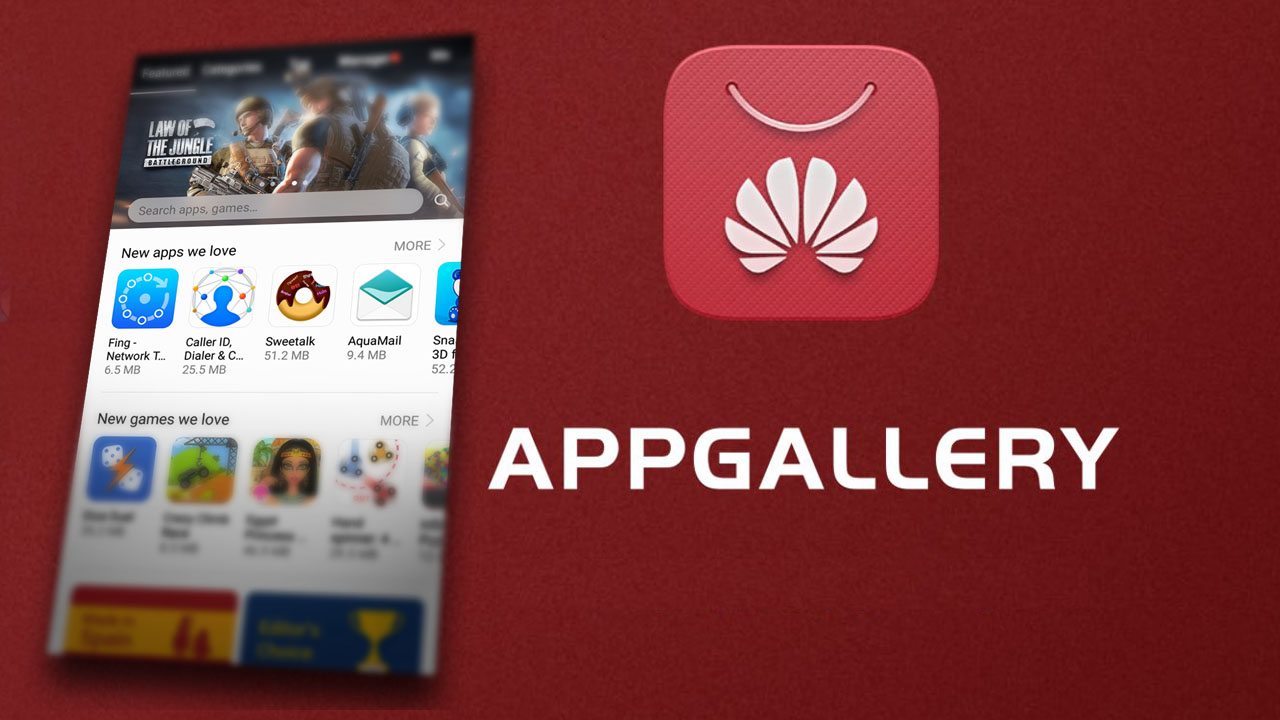

Huawei AppGallery suits users who want a straightforward way to find official apps for Huawei devices. It presents content in a clear layout so you can browse, install, and manage apps without extra steps. As you sign in, the experience aligns with your preferences, and common setup needs are addressed during onboarding. It is free to use, with privacy commitments and user agreements clearly disclosed. For users seeking direct installation outside device defaults, Huawei AppGallery APK is often requested for convenience.
Easy discovery with clear sections
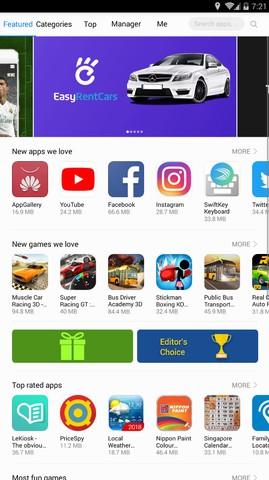
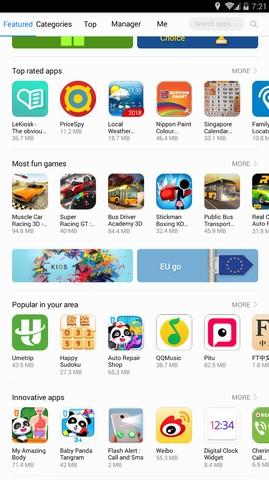
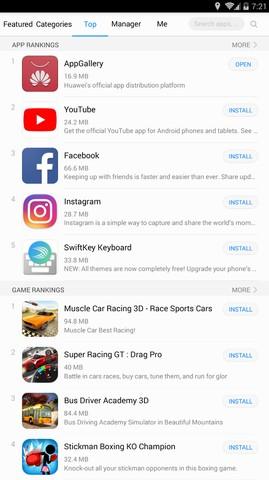
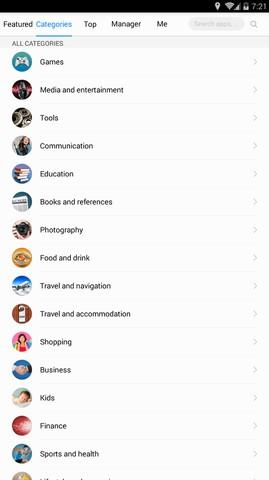
Huawei AppGallery organizes browsing with Featured, Categories, and Top sections. You can move through these areas to find new apps and games without confusion. As you switch sections, the interface keeps navigation simple and consistent.
Catalog across 18 categories
The catalog spans 18 categories and highlights curated content. This breadth helps you locate tools, entertainment, and daily-use apps in one place. When you explore, the structured grouping makes it easier to narrow down choices and compare options.
Free to use with many free apps
Huawei AppGallery is free to access, and most apps are free to download and use. This lowers the barrier for new users who want to try essential apps first. As you install, there is no extra cost for browsing or updating apps.
Privacy and transparency
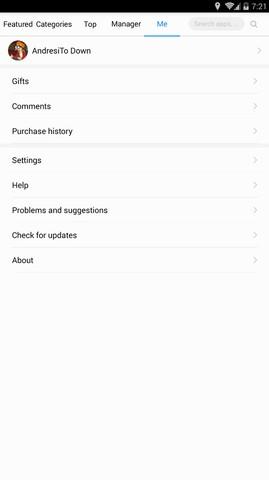
Huawei AppGallery places privacy and data handling in clear view. The AppGallery User Agreement and Privacy Statement are accessible from the official site and within the app settings. This transparency helps you understand how data is processed before you continue.
HUAWEI ID and HMS Core integration
Huawei AppGallery supports sign-in with HUAWEI ID for personalized services. When certain functions require HMS Core, you receive guidance to install it. This keeps account access and app functionality aligned with device services.
Official download path
You can install Huawei AppGallery from the official page for supported devices. The recommended link is appgallery.huawei.com/app/C27162, which provides a direct route for safe installation. Using the official source reduces setup issues and ensures the correct package.
Account and region settings affect what you see in Huawei AppGallery. After sign-in, your chosen country or region shapes the available catalog due to licensing and local availability. If you change region later, the app list may update to reflect that new choice.
For users comparing install paths, the official AppGallery page is the primary location for the installer and related guidance. The User Agreement and Privacy Statement are linked from the official site and the app’s settings, so you can review terms before using the service.
To begin, open the app and follow the on-screen prompts. If you prefer a direct package, download Huawei AppGallery from the official link and install it on your device.
Huawei AppGallery provides a straightforward way to find, install, and update apps on Huawei devices. For users who want the official path, use the link above to access Huawei AppGallery latest version.
Official resources for Huawei AppGallery:
Latest Version
16.2.1.300Uploaded by
Huawei
Requires Android
Android 5.0+
Category
Free Tools AppReport
Flag as inappropriateLast updated on May 8, 2026
Minor bug fixes and improvements. Install or update to the newest version to check it out!

APKPure - A multi-platform app store primarily focused on Android, providing extensive app-related content. Discover the app you want easier, faster, and safer, with quick and efficient downloads and installations.