

HttpCanary helps developers and testers see how apps communicate over the network without root access. It captures requests and responses from installed apps so you can review what is sent and received in real time. Because it routes traffic through a local VPN, it works on phones, tablets, and emulators with a simple start and stop flow. Download HttpCanary APK latest version on APKPure and start capturing traffic with simple controls and clear, multi format views.
No root capture with a local VPN
HttpCanary starts and stops traffic capture with one tap using a local VPN. You can run it on phones, tablets, or Android emulators without modifying the system. This approach avoids rooting while still giving you access to app traffic for inspection and testing.
Broad protocol coverage in one place
HttpCanary supports HTTP 1.0 to 2.0, HTTPS with TLS or SSL, WebSocket, TCP, and UDP. You can observe mixed protocol scenarios without switching tools, which helps when an app uses APIs, sockets, and media streams together. All captured sessions appear in a single timeline for consistent review.
Rewrite, inject, and block for testing
HttpCanary lets you modify or simulate network behavior to explore edge cases. You can rewrite headers and bodies, change status codes, inject content, or block specific hosts during API testing. This helps you reproduce failures or validate client handling without changing the app build.
Deep viewers and media previews
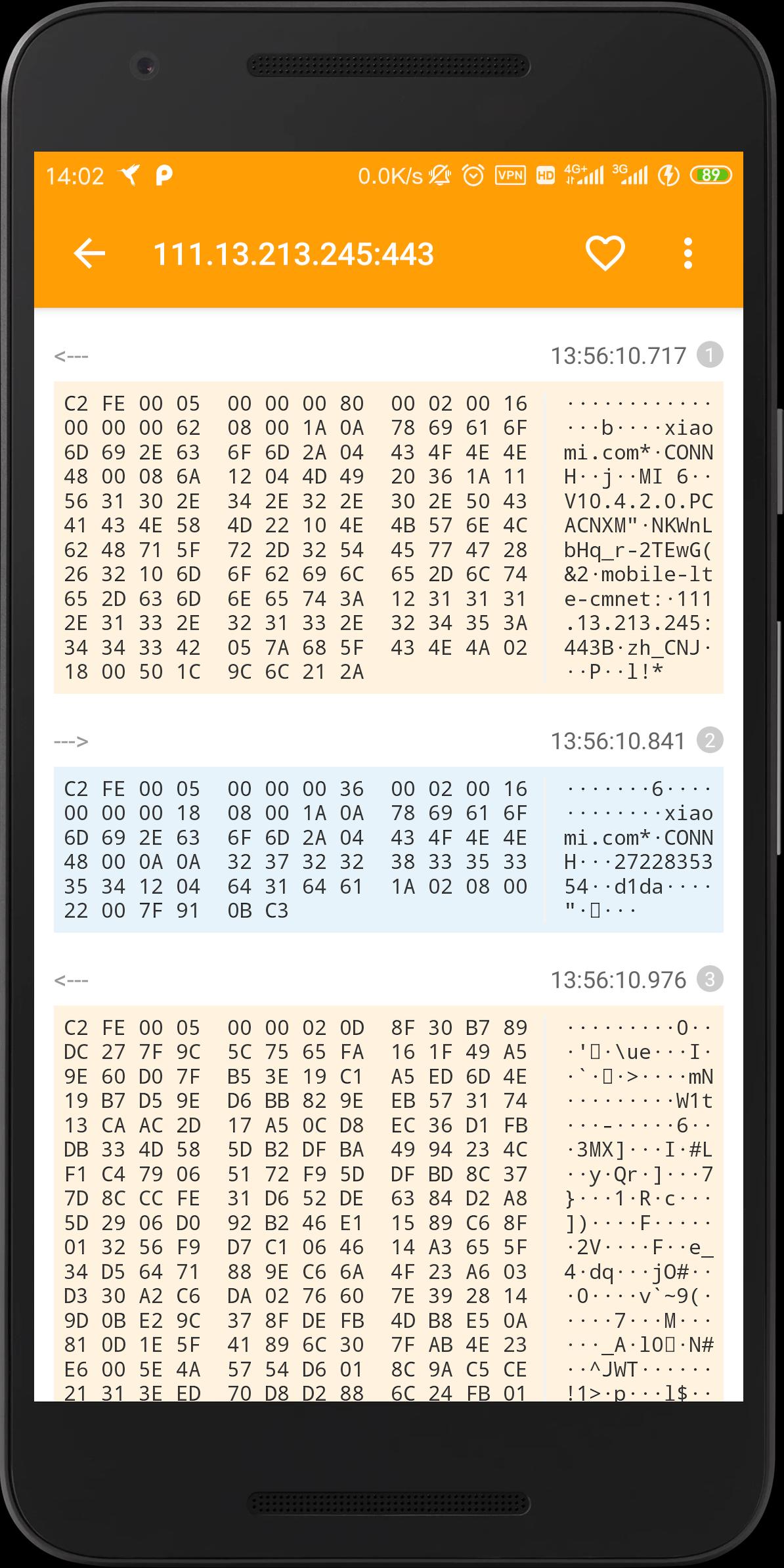
HttpCanary includes multi format viewers to read raw data, text, hex, headers, JSON, URLs, and cookies. When a response is an image or audio file, you can preview common formats such as PNG, GIF, JPG, WEBP, BMP, AAC, WAV, MP3, OGG, and MPEG. You can move between these views to verify parsing and content quickly.
Filters, search, and plugins for focus
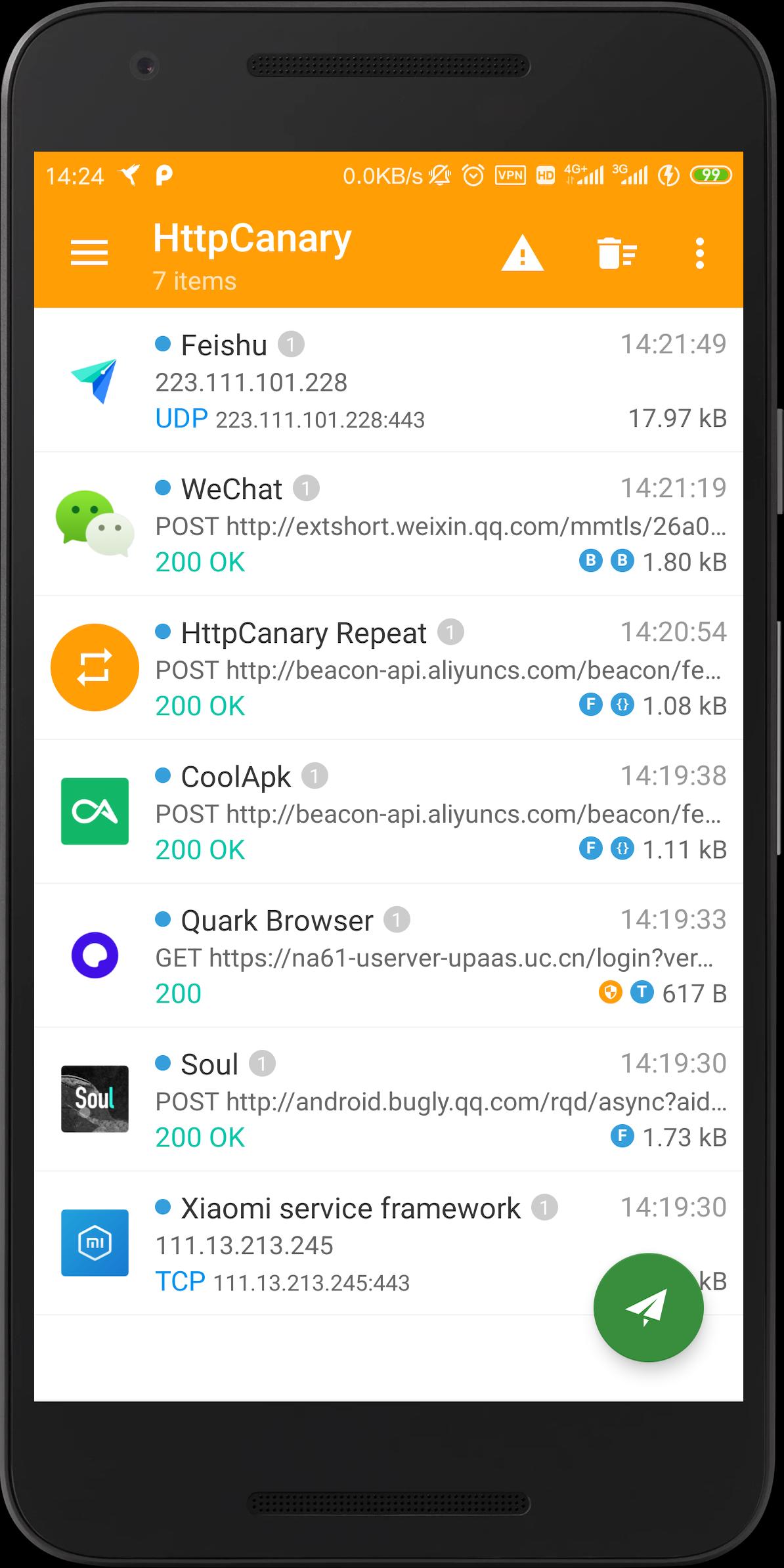
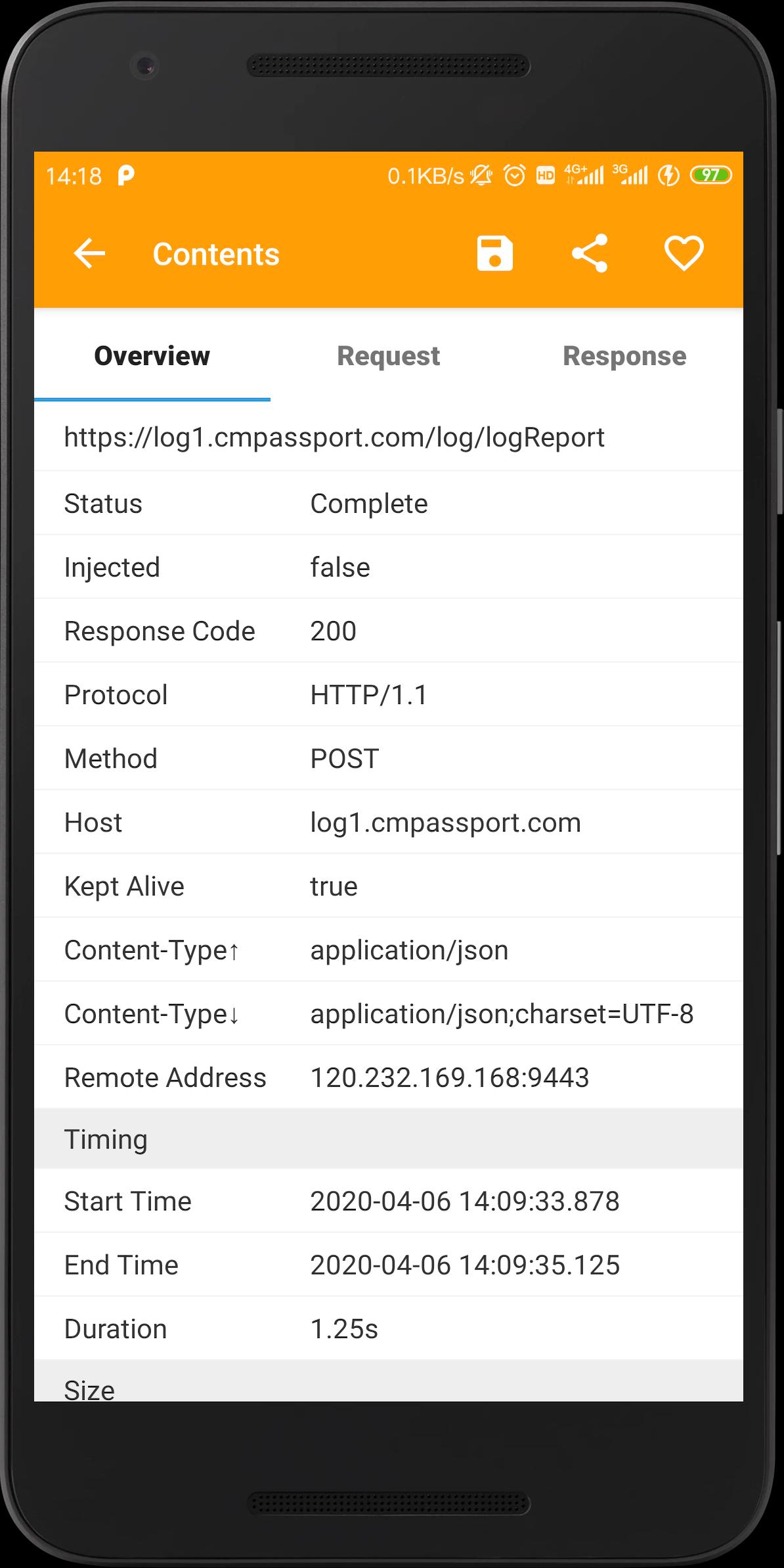
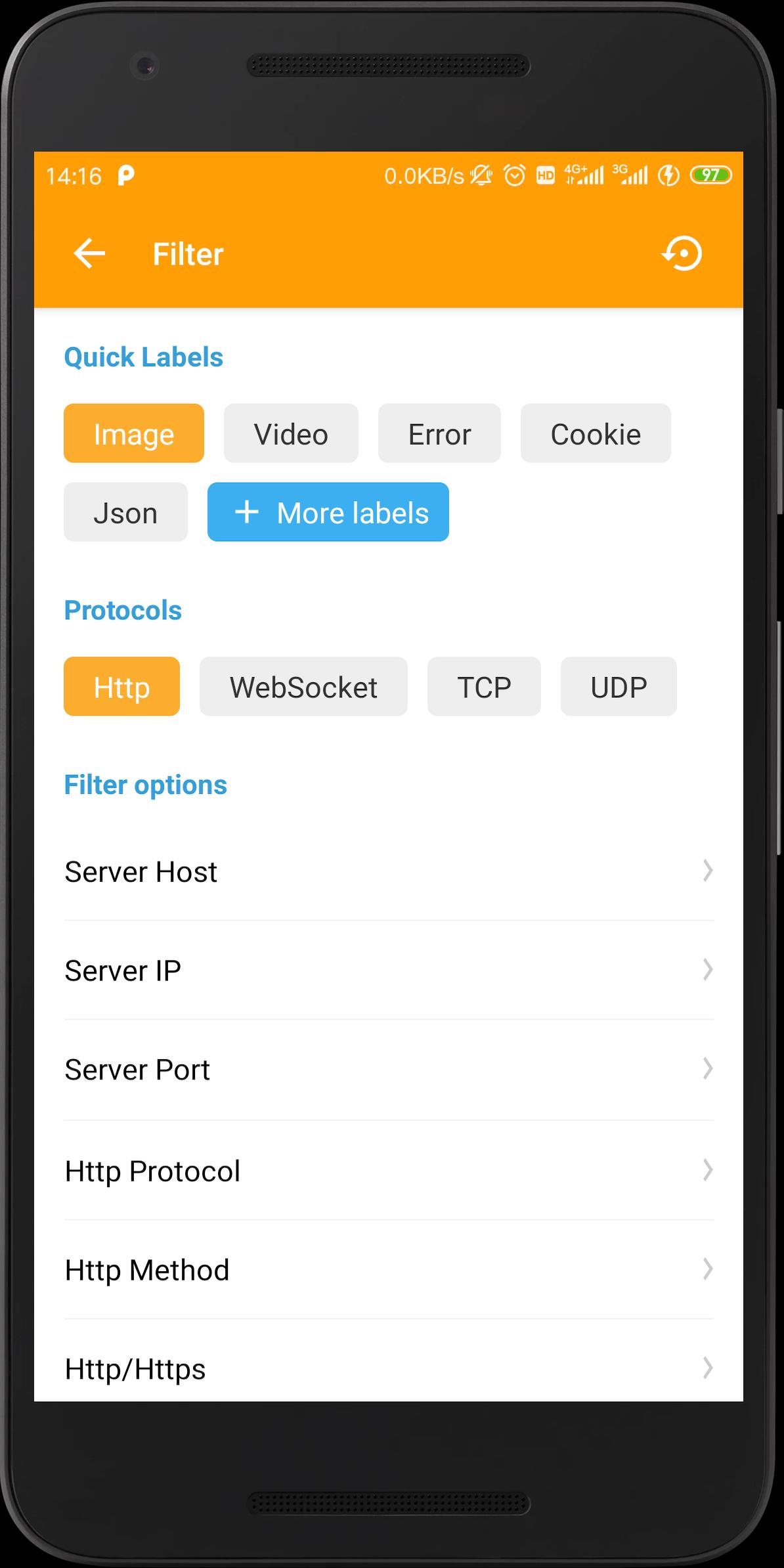
HttpCanary provides filters by app, host, protocol, method, IP, port, and keyword to narrow your scope. Session overviews show URL, method, status, host or IP and port, timing, sizes, and content type so you can triage at a glance. Built in plugins, including HostBlock, Mime Type Block, Downloaders, and Overview Statistics, extend the workflow for advanced cases. The core code is available on GitHub, and there are plans for an extension SDK to support more integrations.
To inspect HTTPS traffic, export and install the HttpCanary certificate authority file from the app settings. The file is named HttpCanary.pem and must be installed on the device so the system trusts the generated certificates. After installation, enable HTTPS capture inside the app. On newer Android versions, some apps may not trust user installed CAs or may use certificate pinning, which prevents decryption. In those cases, testing may be limited, and the successor Reqable can be considered for broader workflows. For device specific steps, check community guides for Android 11 and later.
The steps below outline a basic workflow to start capturing, filter sessions, and test behavior. This process helps you confirm requests and responses during development or QA. If you need installation files, you can get the HttpCanary latest version from this page.
Open HttpCanary and tap Start. When prompted, allow the VPN connection so the app can capture traffic.
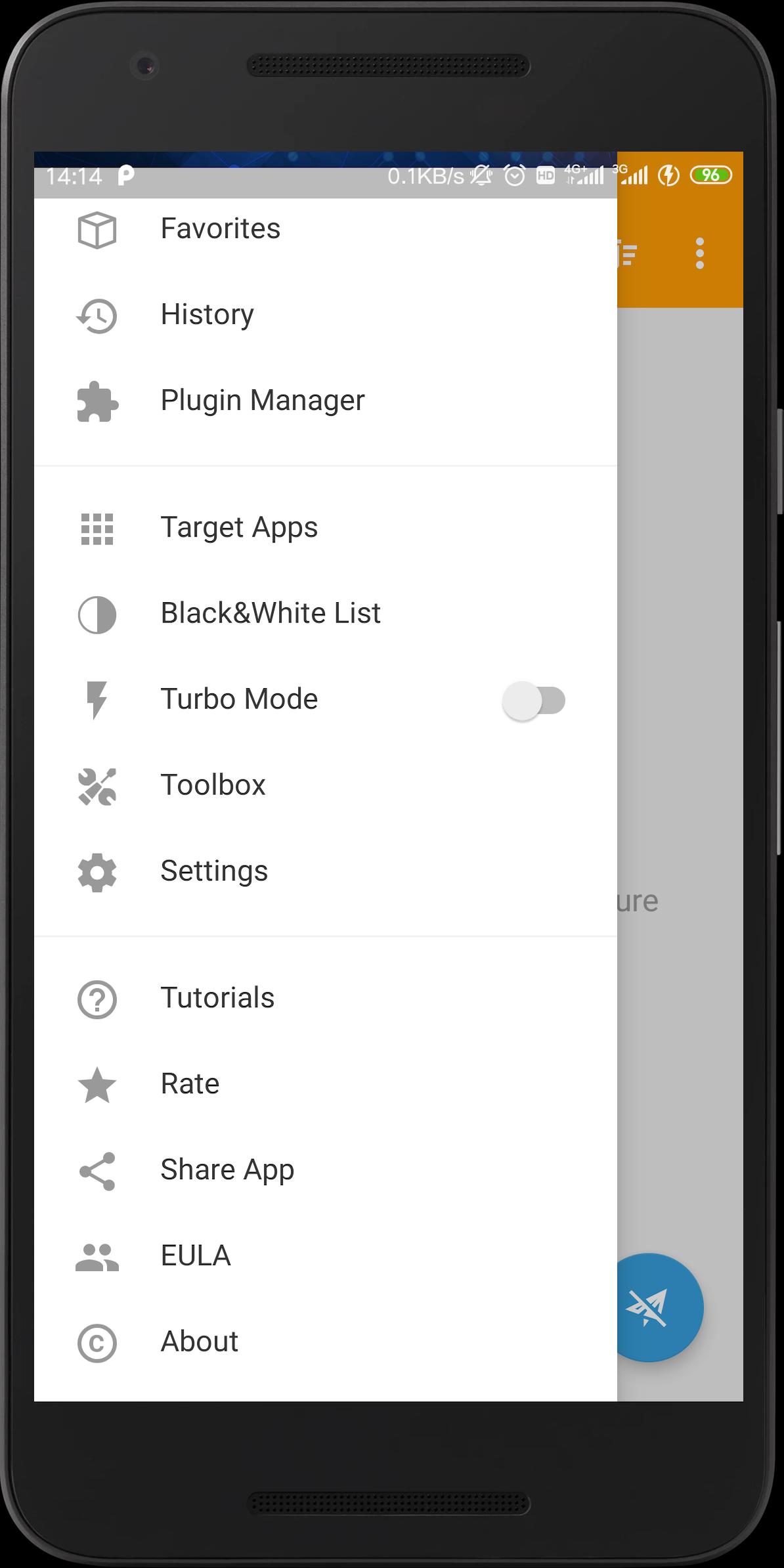
If you need HTTPS decryption, go to Settings and export the CA certificate named HttpCanary.pem. Install it on the device, then return to settings and enable HTTPS capture.
Select target apps or leave capture global, then use the app you want to test. HttpCanary begins listing sessions as requests are made.
Switch back to HttpCanary to inspect a session. Use filters by app, host, protocol, method, or keyword to focus on what matters.
To simulate conditions, add a rewrite, inject, or block rule. Test the app behavior, then disable rules and tap Stop when finished.
HttpCanary provides no root capture, protocol coverage, and practical tools for request or response testing in one workspace. It suits quick inspections and controlled simulations during development and QA. Download HttpCanary APK latest version on APKPure and set up HTTPS capture.
Latest Version
3.3.5Uploaded by
Nount Merung
Requires Android
Android 5.0+
Category
Free Tools AppContent Rating
Everyone
Report
Flag as inappropriateLast updated on May 17, 2020
- Remove ads.
- Search function is open to all users.
- Fixed some minor bugs.




APKPure - A multi-platform app store primarily focused on Android, providing extensive app-related content. Discover the app you want easier, faster, and safer, with quick and efficient downloads and installations.