Polybuzz: Character AI Creation System Guide

2026-08-04
Master Polybuzz's character creation system to craft vivid, personalized AI characters, customize unique behaviors, and maximize every feature for immersive AI chats.
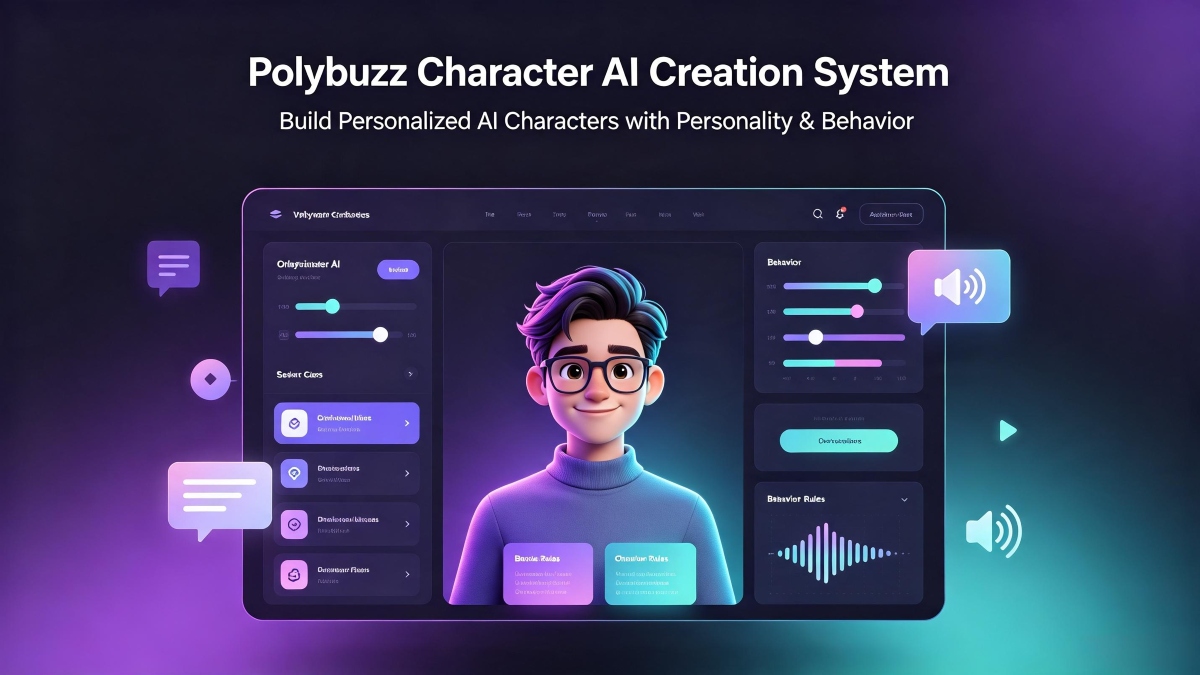
The Polybuzz character AI Creation System is what turns a chatbot into a personality. When you create a character, you're not programming responses. You're writing a personality blueprint that the AI uses to generate in-character replies. The better the blueprint, the more convincing the character. Here's how the Polybuzz character AI works under the hood and how to build characters that hold up.

PolyBuzz is a character chat app that lets you roleplay and build ongoing stories with memory.
How the Polybuzz Character AI Creation System Works
Every character on Polybuzz runs on the same underlying AI model. There's no separate model for combat-oriented characters, romantic personalities, or comic relief sidekicks. The model is general-purpose conversational AI. What makes characters different is the personality definition.
When you start a conversation with a character, the AI receives your message along with the character's personality definition as a system prompt. It generates a response that both makes sense given what you said and stays consistent with the defined personality. This is the same fundamental approach used by Character AI and most AI chat platforms.
The personality definition doesn't get reloaded with every message. It's injected at the start of the conversation and remains part of the context window. As the conversation grows longer, the definition occupies a shrinking percentage of the total context. This is why characters tend to drift after 15 to 25 messages. The accumulated conversation history gradually dilutes the personality instructions.
How To
How to Chat on PolybuzzDiscover how to begin chats with AI characters, navigate the UI, utilize voice tools, and craft prompts to receive higher-quality AI responses.
Learn MoreWriting Effective Character Definitions
The personality description field is where your Polybuzz AI character lives or dies. Here's a framework for writing descriptions that produce consistent, engaging characters.
- Start with identity, not adjectives. "He's sarcastic and smart" tells the AI to generate responses that a human would describe as sarcastic and smart. The AI's attempt at "sarcastic" might not match what you mean by sarcastic. Instead, define identity through behavior: "He answers questions with questions. When someone asks how he is, he lists three things that went wrong today. He never says 'I'm fine.'" That's sarcastic behavior, not the word "sarcastic."
- Define what the character knows and doesn't know. A medieval knight shouldn't understand smartphones. A coffee shop barista shouldn't give medical advice. Explicitly listing knowledge boundaries prevents the AI from defaulting to being helpful about everything. "She knows coffee, books, and local gossip. She doesn't know anything about technology, sports, or politics. When asked about things outside her knowledge, she says she hasn't been paying attention to that."
- Specify speech patterns. How a character talks is as important as what they say. "He speaks in fragments. Never uses contractions. Refers to himself in third person when frustrated. Ends statements with 'you see' when explaining something." Without speech pattern specification, every character defaults to the model's standard conversational prose, which makes them all sound like the same person.
- Set emotional range. Define how the character expresses emotions. "She gets quieter when angry, not louder. Her sentences get shorter. She stops using the other person's name." Without this, the AI defaults to the most common emotional expression pattern for each emotion, which may not fit your character.
- Include conversational boundaries. Tell the AI what the character won't do. "He never flirts. He never discusses his family. He changes the subject when asked personal questions." Without boundaries, characters become too accommodating. They'll go along with whatever conversational direction you take, which breaks character.
How To
How to Delete My Polybuzz AccountThis guide explains how to permanently delete your Polybuzz profile, personal data and conversation history, featuring simple step-by-step instructions you can follow.
Learn MoreCommon Character Problems and Fixes
- Character becomes too agreeable. After a few messages, the character starts agreeing with everything you say and loses its edge. Fix: Add a personality rule like "She disagrees with at least one thing in every conversation. She finds polite ways to push back on assumptions."
- Character breaks the fourth wall. The AI starts acknowledging that it's an AI or referring to the conversation as a roleplay. Fix: Add "She never acknowledges that she is an AI or a character in an app. She speaks as if the conversation is real."
- Character can't stay on topic. The AI drifts into tangents unrelated to the character's core identity. Fix: Add "When the conversation wanders, she brings it back to [character's primary interest/concern]. If someone changes the subject, she finds a way to connect it back."
- Responses are too short or too long. Fix: Specify response length. "She responds in one or two sentences unless asked a direct question that requires explanation. Her longest responses are four sentences."
Character Visibility and Community
Public characters appear in the feed and search results. Anyone can find and chat with them. The interaction metrics on your public characters - views, conversation starts, average conversation length - tell you how well your character definition is working. High interaction counts with short conversations mean people are curious but not engaged. High counts with long conversations mean your character is doing its job.
- If you're building characters for your own use, set them to private. No one else can see or interact with them.
- If you're building characters as creative projects to share, test them thoroughly before making them public. Have several full conversations covering different topics, emotional tones, and challenges. Fix the personality definition based on what breaks. A character that holds up across diverse conversations is ready for the public feed.
PolyBuzz is a character chat app that lets you roleplay and build ongoing stories with memory.
- How to Download Monthly Entertainment APK Latest Version 1.0.364 for Android 2026
- How to Download Yubo: Make friends & chat now APK Latest Version 4.296.0 for Android 2026
- Is Janitor AI Down? How to Check and Fix Connection Issues
 NEWS
NEWS REVIEWS
 HOWTO
HOWTO How To
 How To
 How To