


Polybuzz Online: Web Access

2026-08-04
Explore Polybuzz web access functionality, what the browser build supports and lacks, and how it stacks up against the Polybuzz mobile app.
Polybuzz is primarily a mobile app. The experience is designed for your phone, and that's where the development effort goes. A web version exists, but it comes with significant caveats. Here's how to access Polybuzz online, what the web version can do, and when you should just use the mobile app instead.

PolyBuzz is a character chat app that lets you roleplay and build ongoing stories with memory.
How to Access Polybuzz Online
The Polybuzz web version is accessible through a browser. Navigate to the official Polybuzz website and sign in with your existing account credentials. If you don't have an account yet, you can create one through the web interface.
The web version isn't available at all times or in all regions. The company has been known to take the web interface offline for maintenance or restrict access during server load spikes. If you can't reach the web version, it's probably not a problem on your end. Try again later, or use the mobile app.
Your account syncs between the web version and the mobile app. Characters you create on mobile appear on the web version, and conversations started in the browser continue on your phone. The sync isn't always instant. There can be a delay of a few minutes before changes propagate between platforms.

What the Polybuzz Web Version Can Do
The web version covers the basics:
- Text-based chatting. You can browse characters, start conversations, and send messages from your browser. The chat interface is similar to the mobile version, though the layout is adapted for wider screens.
- Character browsing. The character feed and search function work on the web version. You can scroll through available characters, filter by category, and search by name or keyword.
- Basic character creation. You can create characters through the web interface. The creation form has the same fields as the mobile app. You can write descriptions, upload avatars, and set visibility options.
- Account management. You can update your account settings, manage your subscription, and adjust preferences from the web version.
What Polybuzz Online Can't Do
The web version's limitations are significant:
- No voice features. This is the biggest gap. Voice playback, which is Polybuzz's primary differentiator from competitors, doesn't work on the web version. You can read character responses but not hear them spoken aloud. If voice is why you use Polybuzz, the web version is not a viable alternative to the mobile app.
- No custom voice creation. Even if you have a Pro subscription, the web version doesn't include the voice customization tools.
- Limited performance. The web version is slower than the mobile app. Response generation takes longer, the interface is less responsive, and page transitions feel clunky. This isn't a connectivity issue. The web version simply isn't optimized the way the mobile app is.
- No offline features. The mobile app caches some data locally for faster loading. The web version reloads everything from the server with every page visit.
- Inconsistent availability. As mentioned, the web version goes offline periodically. The mobile app is the stable, always-available product.
News
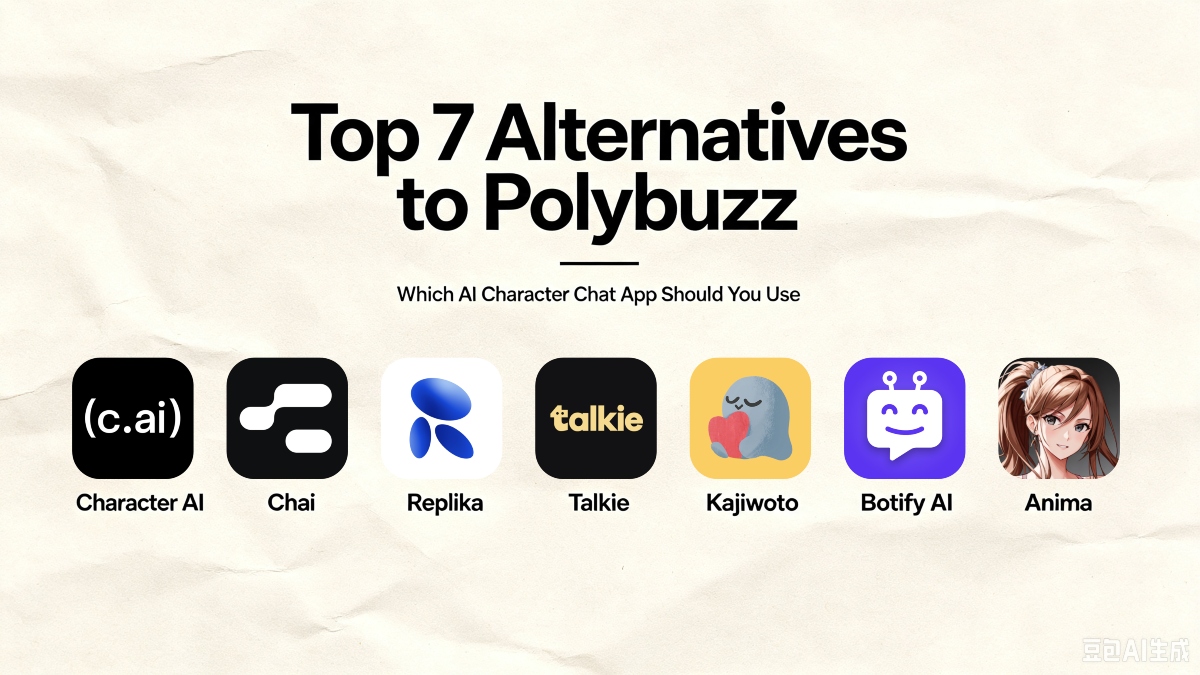
Top 7 Alternatives to Polybuzz (2026)Explore the best rival AI companion chat apps, with detailed comparisons of voice tools, customization, and content flexibility for every user.
Learn MorePolybuzz Web vs Mobile App
If you have access to an Android phone, use the mobile app. It's the intended experience, and it's better in every dimension that matters for this kind of app. The web version is a fallback for when you're at a desktop and don't have your phone handy.
The only advantage the web version has is keyboard typing speed for long messages. If you're crafting detailed character descriptions or writing lengthy roleplay responses, a physical keyboard beats a phone screen. Copy your finished text and paste it into the app, or do the heavy drafting on the web version and switch to mobile for actual conversations.
Using Polybuzz on PC
Since Polybuzz doesn't have a dedicated desktop app, your options for PC use are:
- The web version. As described above. Works for text chatting, doesn't work for voice.
- Android emulators. You can run the Polybuzz APK on your PC using an Android emulator like BlueStacks or LDPlayer. This gives you the full mobile app experience on a desktop, including voice features. The setup takes a few minutes. Install the emulator, download the Polybuzz APK from APKPure, install it in the emulator, and sign in with your account. Performance depends on your PC's specs, but most modern computers handle Android emulation fine for lightweight apps like Polybuzz.
Using an emulator is the only way to get the complete Polybuzz experience on a PC. The web version is the quick option for text-only use.
Downloading Polybuzz
For the full Polybuzz experience, download the app on Android from APKPure. The mobile app has everything: character chat, voice playback, creation tools, and a polished interface. The web version is a supplement, not a replacement.
PolyBuzz is a character chat app that lets you roleplay and build ongoing stories with memory.
- How to Download Manus AI APK Latest Version 26.18.0 for Android 2026
- How to Download Pikabox: Cloud Space & Live TV APK Latest Version 5.7 for Android 2026
- How to Download VPN.lat: Unlimited VPN Proxy APK Latest Version 3.9.61 for Android 2026
 NEWS
NEWS REVIEWS
 HOWTO
HOWTO








