How to Play Brawl Stars on PC

2025-07-24
Open Brawl Stars in an Android emulator, like GameLoop or Bluestacks, for PC gaming.
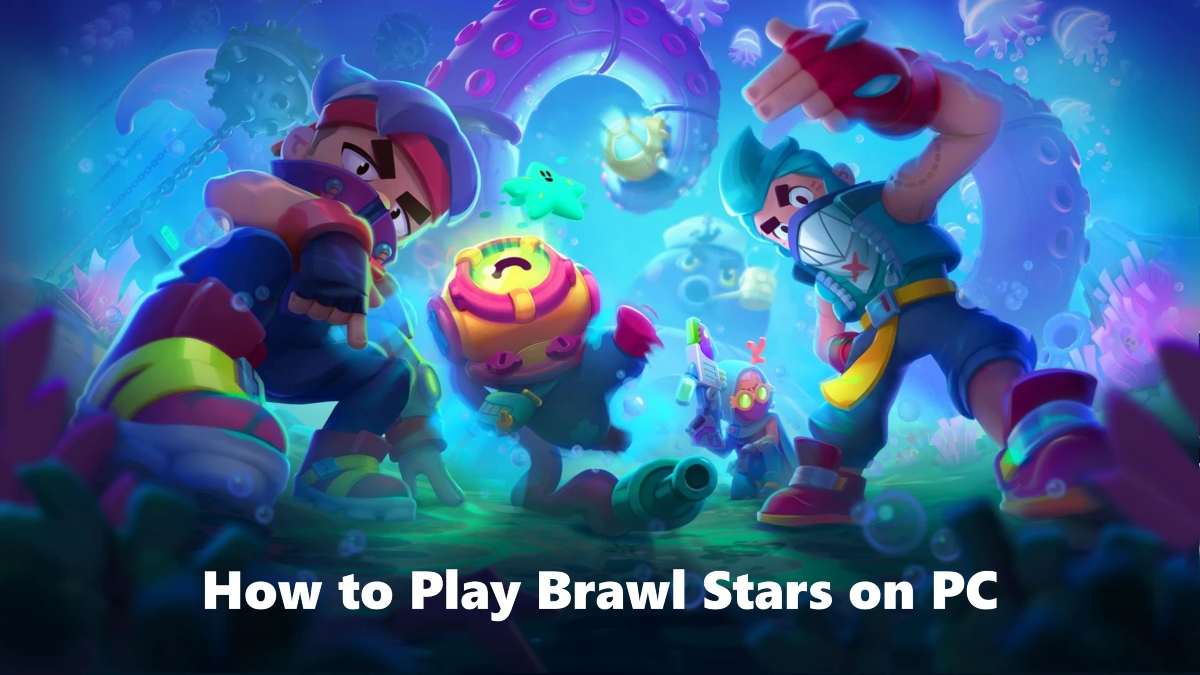
Brawl Stars is a popular mobile game originally developed for iOS and Android devices, but you can also enjoy it on your PC by using an Android emulator. Since there is no official PC version, an emulator simulates the Android environment, allowing you to run Brawl Stars on Windows or Mac computers with ease.
Step 1: Download the Brawl Stars APK
You can download the Brawl Stars APK file from reliable sources such as APKPure or directly from the Google Play Store inside an emulator. Downloading from Google Play is safer and recommended when using an emulator, as it guarantees you the latest official version.

Brawl Stars is a mobile multiplayer action game that combines quick 3v3 battles and a battle royale mode with collectible heroes and skills.
Step 2: Open Brawl Stars in an Android Emulator
To play on PC, you need an Android emulator, which acts like a virtual Android device on your computer. Popular and trusted emulators include:
- GameLoop: Designed for gamers, GameLoop offers good performance and is easy to use for Brawl Stars.
- Bluestacks: One of the best-known and most stable emulators, it supports Windows and Mac and offers customizable keyboard and mouse controls.
Download and install the emulator of your choice from its official website. After installation, open the emulator and sign in with your Google account to access the Google Play Store.
Step 3: Configure Controls and Optimize Settings
Emulators like Bluestacks and GameLoop allow you to customize controls to use your keyboard and mouse for better precision compared to touch controls. Adjust graphics settings within the emulator based on your PC’s specifications to ensure smooth gameplay, such as setting frame rates and resolution.
Step 4: Start Playing Brawl Stars on Your PC
After installation and setup, launch Brawl Stars from the emulator’s home screen. You will now be able to play Brawl Stars with keyboard and mouse controls on a larger screen, enjoying improved visibility and performance compared to mobile devices.
Additional Notes and Safety
- Playing Brawl Stars through emulators like Bluestacks or GameLoop is safe and legal if you use official game versions and avoid pirated files.
- Bluestacks supports both Windows and macOS, but make sure your system meets the emulator’s minimum requirements for smooth gameplay.
- Beware of web-based claims and illegal downloads promising to run Brawl Stars without emulator setup. These are often unsafe or non-functional.
- A stable internet connection is essential, as Brawl Stars is an online multiplayer game.
By following these steps, you can easily play Brawl Stars on your PC with enhanced controls, better performance, and comfortable gameplay on a bigger screen. Whether using GameLoop, Bluestacks, or another reliable emulator, you get a seamless mobile gaming experience right on your desktop.
 NEWS
NEWS REVIEWS
 HOWTO
HOWTO