How to Fix GCash Android Login Problem

2025-12-03
Some Android users may experience issues while logging into the GCash App due to a recent Google update. Read on to check out some quick troubleshooting tips for GCash login.
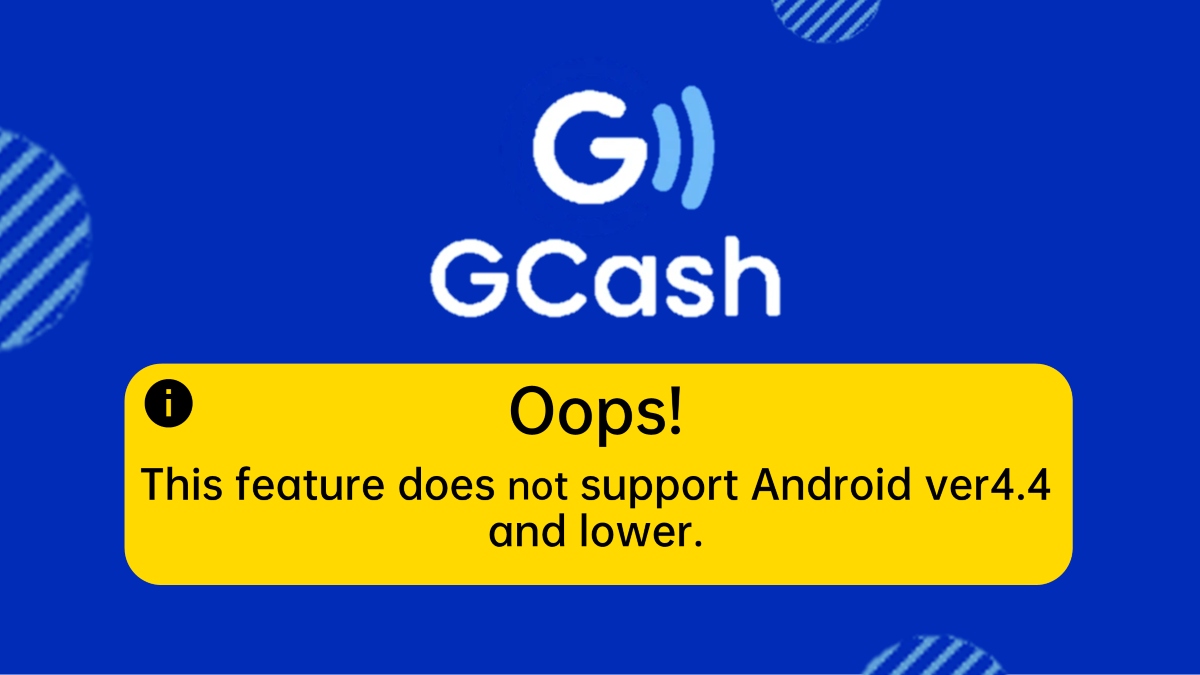


GCash Android login problems usually come from an outdated Android version, an outdated GCash app, or app/data glitches that stop the app from opening or signing in properly. The steps below walk through how to fix “This feature does not support Android ver4.4 and lower” and other common login issues on Android.
Check if your Android is too old
Many recent GCash versions no longer work on Android 4.4 (KitKat) and lower, which triggers the error “This feature does not support Android ver4.4 and lower.” If your phone is permanently stuck on Android 4.4 or below, the current GCash app will not run properly no matter what you do.
- Open Settings → About phone / System → Software update or System update and check your Android version and available updates.
- If an update to a higher version is offered, install it, restart the phone, then try GCash again.
- If there is no newer update and your device is stuck on 4.4 or lower, GCash’s latest app will not support that phone and you will need a newer device (or a different phone) to use the app.
Basic fixes before deep troubleshooting
If your Android version is supported (above 4.4), do these quick checks first because they often fix simple login failures or a GCash app that won’t open.
- Restart your phone, wait a minute, then relaunch the GCash app to clear temporary glitches.
- Make sure your internet connection is stable (switch between mobile data and Wi‑Fi to test).
- Confirm date and time are correct or set to automatic, since wrong time can block logins for security reasons.
Update or reinstall the GCash app
An outdated or corrupted app build can cause login errors, blank screens, or “GCash app not opening.” Updating or reinstalling refreshes the app files.
- Open Google Play Store → search “GCash” and tap it.
- If you see Update, install the latest version; if you only see Open, the app is up to date.
- If problems continue, uninstall GCash, restart your phone, then install GCash again from the Play Store and try logging in with your registered mobile number.
Clear GCash cache and data
Corrupted cached files can also cause “app not opening,” freezes, or persistent login errors even on supported Android versions. Clearing cache and, if needed, app data often fixes this.
- Go to Settings → Apps / App management → find and tap GCash.
- Tap Storage / Storage usage, then tap Clear cache to remove temporary files.
- If the issue remains, go back to the same screen and tap Clear data or Clear storage, then confirm.
- Reopen GCash and log in again with your mobile number; be ready to receive OTP and re‑allow app permissions.
When to contact GCash support
If your Android version is supported, the app is updated, cache/data are cleared, and the phone has been restarted but you still cannot log in, the problem may be with your specific account or with GCash’s system. You should:
- Try again later to rule out temporary system issues.
- If the error persists, go to the official GCash Help Center in a browser and look for the “I can’t log in or access my GCash account” section to check any listed advisories and contact options.
- Prepare your registered mobile number, screenshots of the error message, phone model, and Android version so support can investigate faster.
 NEWS
NEWS REVIEWS
 HOWTO
HOWTO How To
 How To
 How To