How to Download TiviMate IPTV Player Mod v3.9.9 on Android
2024-07-26
To get TiviMate IPTV Player premium features for free, a modified version helps. Learn how to download and install TiviMate IPTV Player Mod v3.9.9 safely.
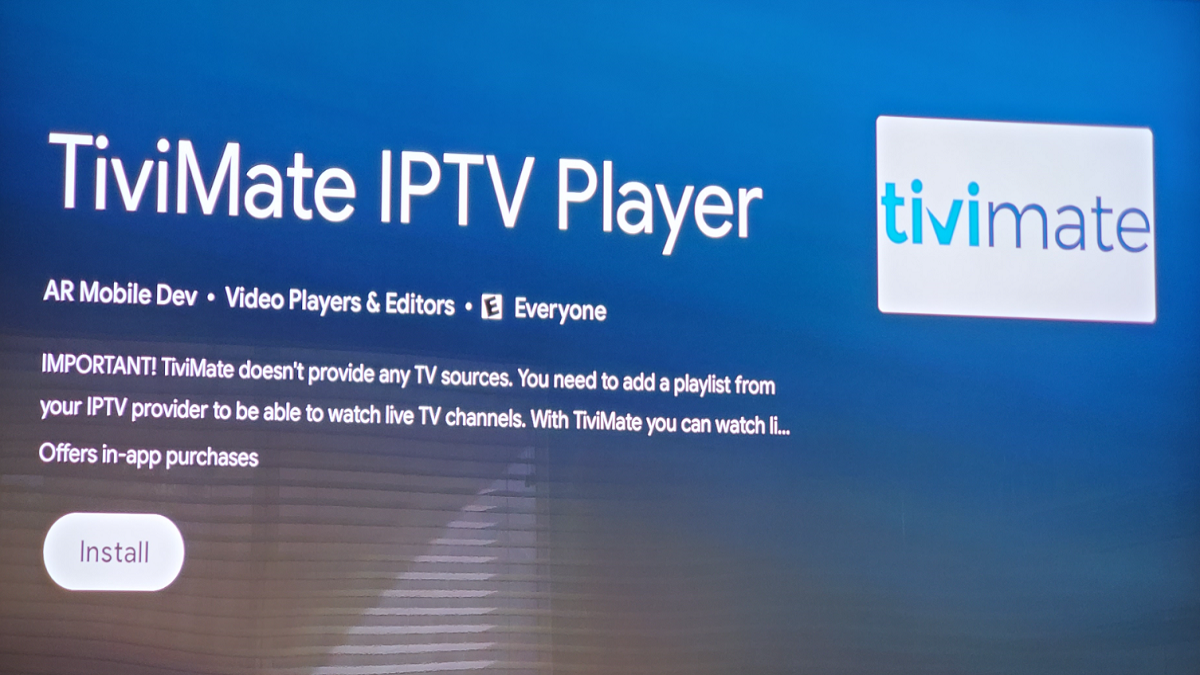
TiviMate IPTV Player is a popular app for Android devices that allows users to enjoy IPTV services conveniently. The mod version 3.9.9 offers additional premium features for free. In this article, you will learn how to download and install this version safely.
TiviMate IPTV Player Mod v3.9.9 offers the following advantages
- Modern user interface for large screens
- Support for multiple playlists
- Planned TV Guide update
- Favorite channels
- Catch-up function
- Search function
- All premium features are unlocked
- No advertising
- Regular updates
How to Download TiviMate IPTV Player Mod v3.9.9 on Android
1. Find a reliable source
Visit trusted websites or follow the Telegram channel AppHunter to find the mod version. Make sure the APK file is safe and virus-free.
2. Download TiviMate IPTV Player Mod APK file
Click on the download link provided and save the APK file to your Android device.

3. Allow installation from unknown sources
Go to Settings > Security and enable "Install from unknown sources".
4. Install TiviMate IPTV Player Mod APK file
Open the file manager, locate the downloaded APK file and tap on it to start the installation. Follow the on-screen instructions.
Important information on using modified apps
It is important to note that using these modified versions violates the terms of use of the TiviMate IPTV Player and may pose security risks. In addition, its legality is questionable in many countries. It is recommended to always use the official application.
If you decide to use mods, follow our instructions to safely download and install them on your Android device. Enjoy the app, but be aware of the potential consequences and try to use the mods responsibly.
 NEWS
NEWS REVIEWS
 HOWTO
HOWTO