How to Download TikTok Shop Seller Center APK Latest Version 10.7.0 for Android 2026
2026-05-13
Read through this guide to learn how to download and install TikTok Shop Seller Center apk latest version 10.7.0 on mobile in 2026. Follow the step-by-step tutorial to download TikTok Shop Seller Center apk for Android.
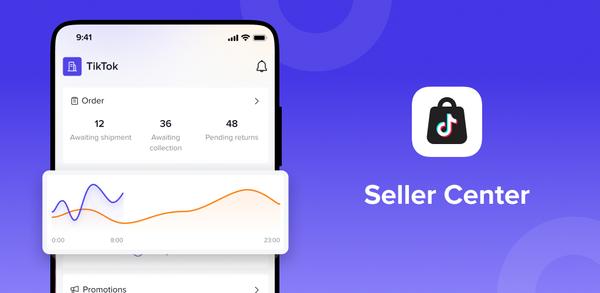
About TikTok Shop Seller Center
The TikTok Shop Seller Center App allows sellers to manage their TikTok Shop through their mobile phones. It offers various features such as seller registration, product management, order management, return and refund management, customer service, and data analysis.

TikTok Shop Seller Center is a commerce management app that helps merchants run TikTok Shop end to end.
How to download TikTok Shop Seller Center on Mobile
To install TikTok Shop Seller Center on your mobile device:
Step 1: Search for TikTok Shop Seller Center on APKPure.com.
Step 2: Press the Download APK button to begin downloading it to your phone.
Step 3: Once the download is completed, start installing TikTok Shop Seller Center on your phone.
Step 4: Once the installation is finished, launch TikTok Shop Seller Center and start playing!
What's New in the Latest Version 10.7.0
Last updated on May 13, 2026
We're frequently updating the app in order to give you the best experience. Turn on auto updates to ensure you have the latest version.
This update includes:
- Bug fixes and minor improvements
If you're looking for more great mobile games, then APKPure is the perfect place to find them! Our editors have carefully selected the following three articles to give you a taste of what's on offer:
- How to Download Trendyol - Online Alışveriş APK Latest Version 8.1.2.1229 for Android 2026
- How to Download Betway APK Latest Version 1.1.5 for Android 2026
- How to Download Pepi City: Hospital Life APK Latest Version 3.14.0 for Android 2026
 NEWS
NEWS REVIEWS
 HOWTO
HOWTO