


How to download Poppy Playtime Chapter 1 1.0.18 Mod APK for Android

2026-04-24
Read this guide to learn how to download and install Poppy Playtime Chapter 1 mod apk 1.0.18 on your mobile phone in 2025. Follow the step-by-step tutorial to download the latest version of Poppy Playtime Chapter 1 mod apk for Android.
About Poppy Playtime Chapter 1
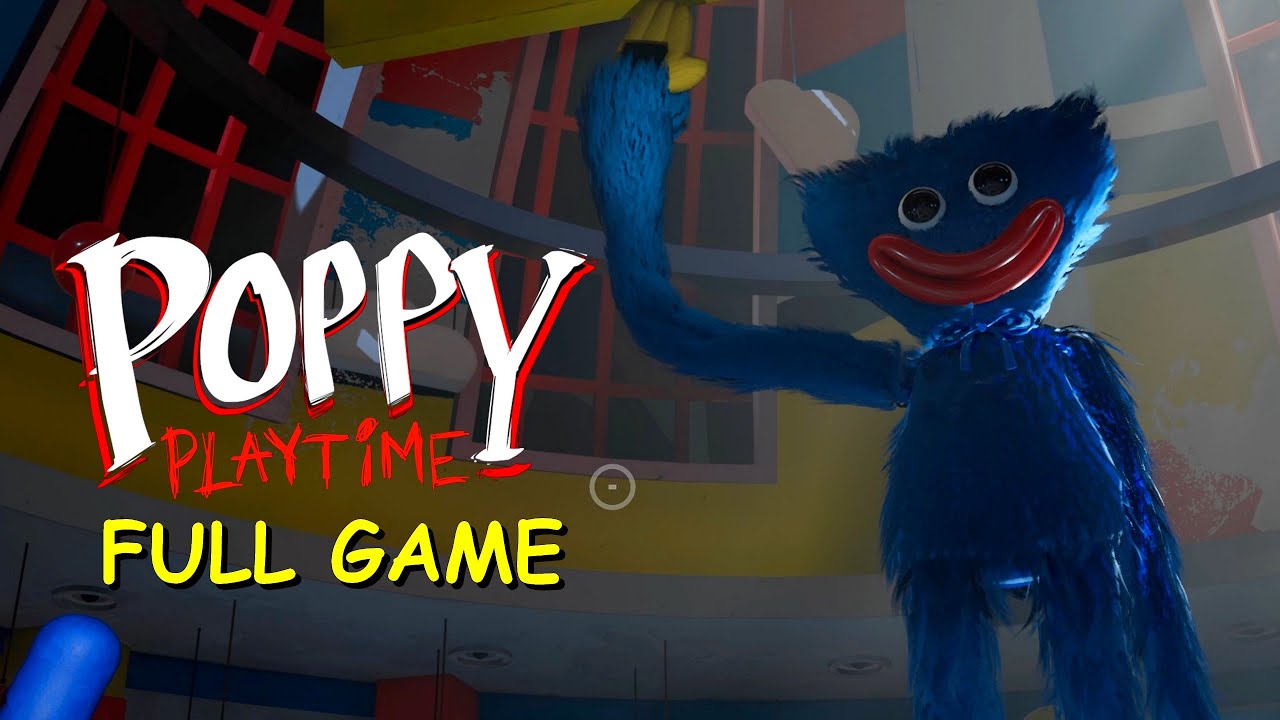
Poppy Playtime Chapter 1 is an intriguing horror puzzle game developed by MOB Entertainment. In this first chapter, players take on the role of a former Playtime Co. employee who returns to an abandoned toy factory after receiving a mysterious message. The eerie atmosphere intensifies when he discovers the staff has disappeared. Equipped with a device called the GrabPack, the protagonist must solve puzzles and escape Huggy Wuggy, a terrifying creature lurking in the darkness. As you progress, disturbing secrets about the factory and its animatronic toys are revealed, creating an immersive and terrifying experience.
- Mod : Unlocked, full game

Poppy Playtime Chapter 1 is a first person horror puzzle game about escaping an abandoned toy factory.

How to download Poppy Playtime Chapter 1 mod apk on Android
Downloading and installing Poppy Playtime Chapter 1 mod apk on Android might seem like a difficult task, but by following these step-by-step instructions, you'll be able to easily install the game on your device.
Step 1: Find a reliable source.
First, you need to find a reliable website to download the Poppy Playtime Chapter 1 mod apk. It is recommended to use sites like upload.app , known for their security. Make sure the site has positive reviews and is free of malware.
Step 2: Download the APK file.
- Visit the Poppy Playtime Chapter 1 mod apk download site .
- Click the "Download" button and wait for the file to download to your device.

Step 3: Allow installation from unknown sources.
Before installation, you must allow the installation of applications from unknown sources:
- Access your device's Settings.
- Look for the Security or Privacy section.
- Enable the "Unknown sources" option.
This will allow your device to install apps not downloaded from Google Play.
Step 4: Install the APK file.
- Open the file manager on your device and locate the downloaded APK file.
- Click on the file to begin the installation.
- Follow the on-screen instructions to complete the installation. You may need to grant the application some permissions.
Step 5: Start the game
After successful installation, you will find the Poppy Playtime Chapter 1 icon on your device's home screen. Click it to launch the game and enjoy all its modified features.
Downloading and installing the Poppy Playtime Chapter 1 mod apk on Android is a simple process if you follow the steps provided. This modified version of the game offers many benefits that greatly improve the gaming experience. Now you're ready to dive into the world of Poppy Playtime Chapter 1 and experience all its exciting features!
Poppy Playtime Chapter 1 is a first person horror puzzle game about escaping an abandoned toy factory.
 NEWS
NEWS REVIEWS
 HOWTO
HOWTO









