


How to Download Oops AppLock - Invisible Lock APK Latest Version 3.4.6 for Android 2026
2026-04-27
Read through this guide to learn how to download and install Oops AppLock - Invisible Lock apk latest version 3.4.6 on mobile in 2026. Follow the step-by-step tutorial to download Oops AppLock - Invisible Lock apk for Android.
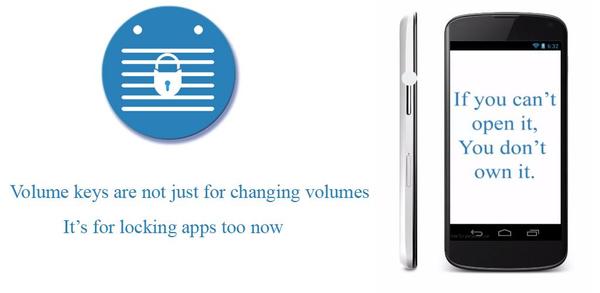
About Oops! AppLock
Oops Applock is a unique and effective app locker that uses volume key patterns as passwords, making it invisible to others. It offers different styles for lock screens and can fool friends with custom backgrounds. The app has been highly rated by Addictive Tips, Lifehacker, Android Authority, and users on the XDA Developers forum. It also has a detailed how-to guide on Wonder How To website.

Invisible app locker - unlock with secret volume patterns & hidden buttons
How to download Oops! AppLock for Android
Ready to download and play Oops! AppLock on your mobile device? Follow these simple steps:
Step 1: Visit APKPure.com and search for Oops! AppLock.
Step 2: Press the Download APK button to begin downloading it onto your mobile device.
Step 3: Once Oops! AppLock has finished downloading, begin installing it on your phone.
Step 4: After the installation is finished, open it and start playing Oops! AppLock.
What's New in the Latest Version 3.4.6
Last updated on Apr 27, 2026
- Fixed rare crash when starting the app lock service in the background
- Improved memory usage — reduces crashes on devices with less RAM
- Stability fixes for the lock screen
If you're looking for popular mobile games to download, look no further than APKPure! Our editors have carefully selected the following three articles for you to read:
- How to Download Tor Browser APK Latest Version for Android 2026
- How to Download e Portal APK Latest Version 4.2.1 for Android 2026
- How to Download GlobeOne: Get More from Globe APK Latest Version 1.17.5 for Android 2026
 NEWS
NEWS REVIEWS
 HOWTO
HOWTO TOPICS
 PUBG M
 Roblox Codes









